
Introduction
The Chargeworx Kids Digital Watch is designed for children, offering a clear digital time display and integrated Apple Find My tracking capabilities. This manual provides instructions for setting up, operating, maintaining, and troubleshooting your watch to ensure optimal performance and user experience.
Product Features
- Digital Time Display: Easy-to-read digital display for time and date.
- Apple Find My Integration: Utilizes the Apple Find My network for location tracking via an iPhone.
- Water-Resistant Design: Built to withstand splashes and everyday exposure to water.
- Functions: Includes stopwatch and alarm features.
- User-Friendly Buttons: Designed for simple navigation and operation by children.
- Comfortable Silicone Band: Soft, adjustable, and durable for extended wear.
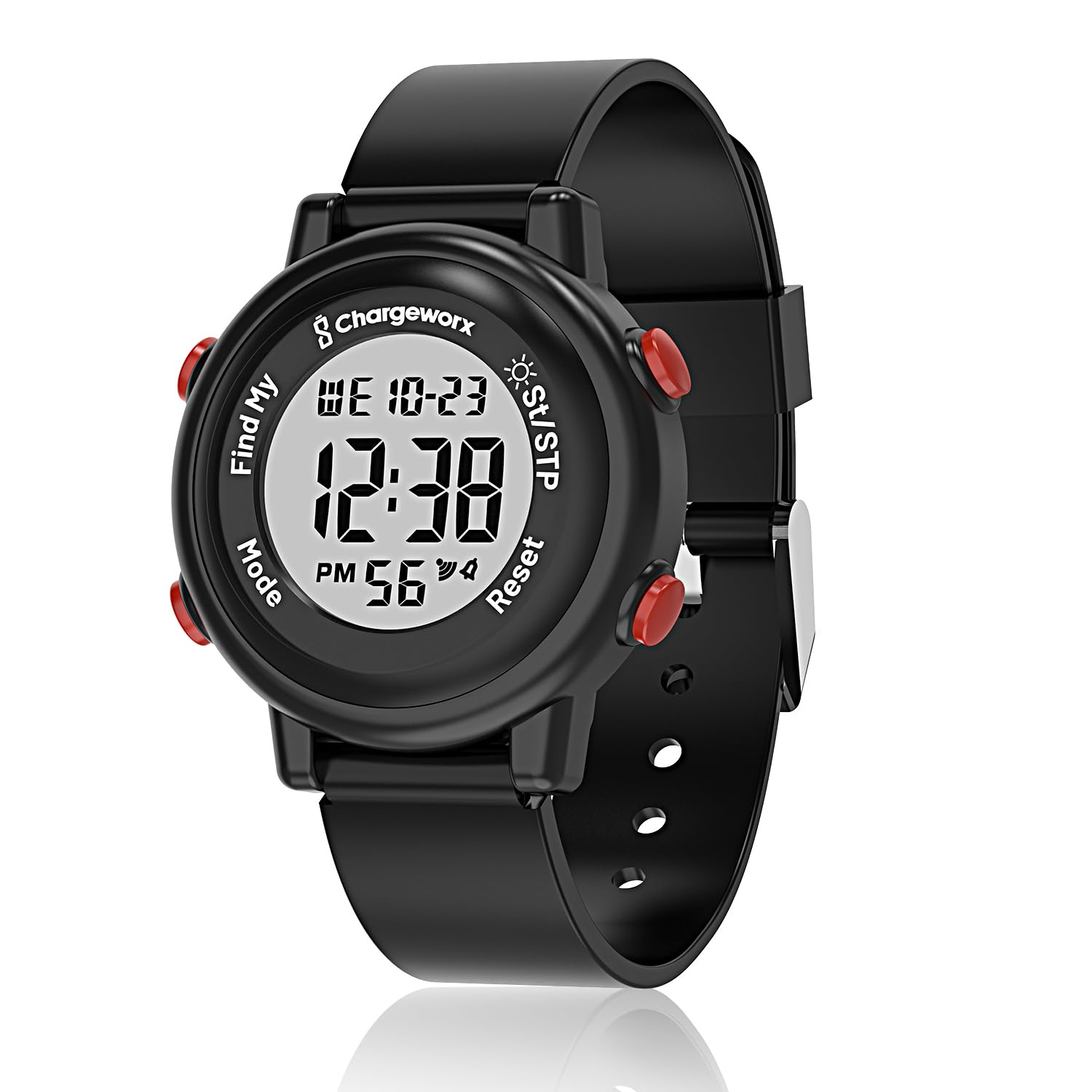
Chargeworx Kids Digital Watch, black color, displaying time 12:38.
Watch Components

Diagram of the Chargeworx Kids Digital Watch highlighting its components: comfortable-fit strap, Find My button, Mode button, St/STP (Stopwatch/Start-Stop) button, Reset button, and bright digital display.
- Display: Shows time, date, and other function readouts.
- Mode Button: Used to cycle through different watch modes (Time, Stopwatch, Alarm).
- Find My Button: Activates the Apple Find My tracking feature.
- St/STP Button: Starts and stops the stopwatch, or adjusts settings in other modes.
- Reset Button: Resets the stopwatch or confirms settings.
Setup
1. Setting Time and Date
- Press the Mode button repeatedly until the time display flashes or enters setting mode.
- Use the St/STP button to adjust the hour, minute, day, or month.
- Press the Reset button to confirm each setting and move to the next.
- Once all settings are adjusted, press the Mode button to exit setting mode.
2. Connecting to Apple Find My
The Chargeworx Kids Digital Watch integrates with the Apple Find My network. To enable tracking:
- Ensure your iPhone is running the latest iOS version and has the Find My app installed.
- Open the Find My app on your iPhone.
- Follow the on-screen instructions in the Find My app to add a new item. The watch should be discoverable when the Find My button on the watch is pressed and held for a few seconds.
- Once added, the watch's location can be viewed within the Find My app.
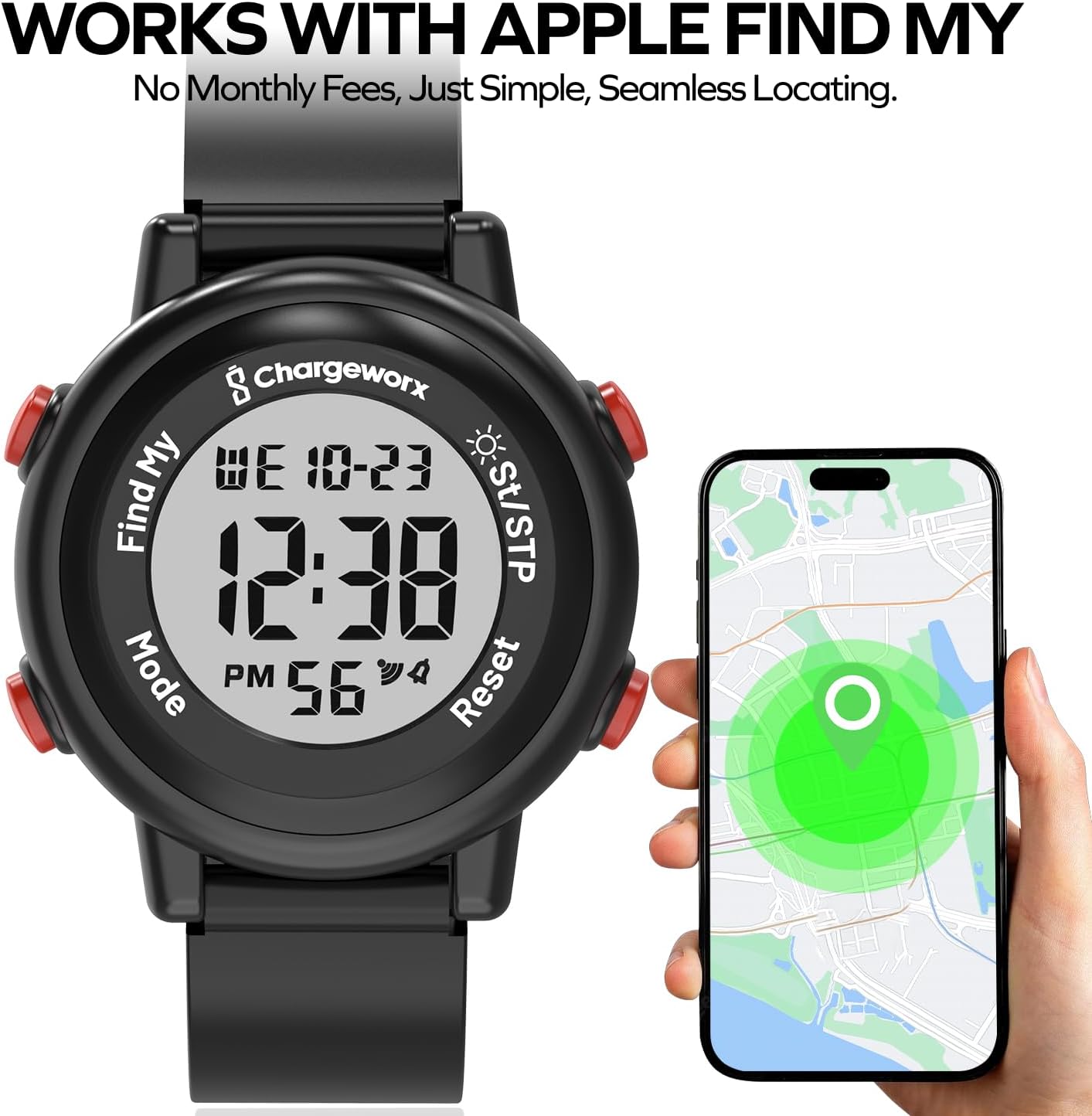
The watch's location can be viewed on an iPhone using the Apple Find My app.
Operating Instructions
1. Viewing Time and Date
- The watch defaults to displaying the current time.
- Press the Mode button once to cycle to the date display, then again to return to time.
2. Using the Stopwatch
- Press the Mode button repeatedly until the stopwatch display appears (usually '00:00:00').
- Press the St/STP button to start the stopwatch.
- Press the St/STP button again to pause the stopwatch.
- Press the Reset button to clear the stopwatch to zero.
- Press the Mode button to exit stopwatch mode.
3. Setting and Using the Alarm
- Press the Mode button repeatedly until the alarm setting display appears.
- Use the St/STP button to adjust the alarm hour and minute.
- Press the Reset button to confirm each setting.
- To activate/deactivate the alarm, press the St/STP button while in alarm mode. An alarm icon will appear/disappear on the display.
- Press the Mode button to exit alarm mode.
4. Using the Find My Feature
Once connected to the Apple Find My network (as described in the Setup section):
- To update the watch's location or make it discoverable, press the dedicated Find My button on the watch.
- Open the Find My app on your paired iPhone to view the watch's current location on a map.
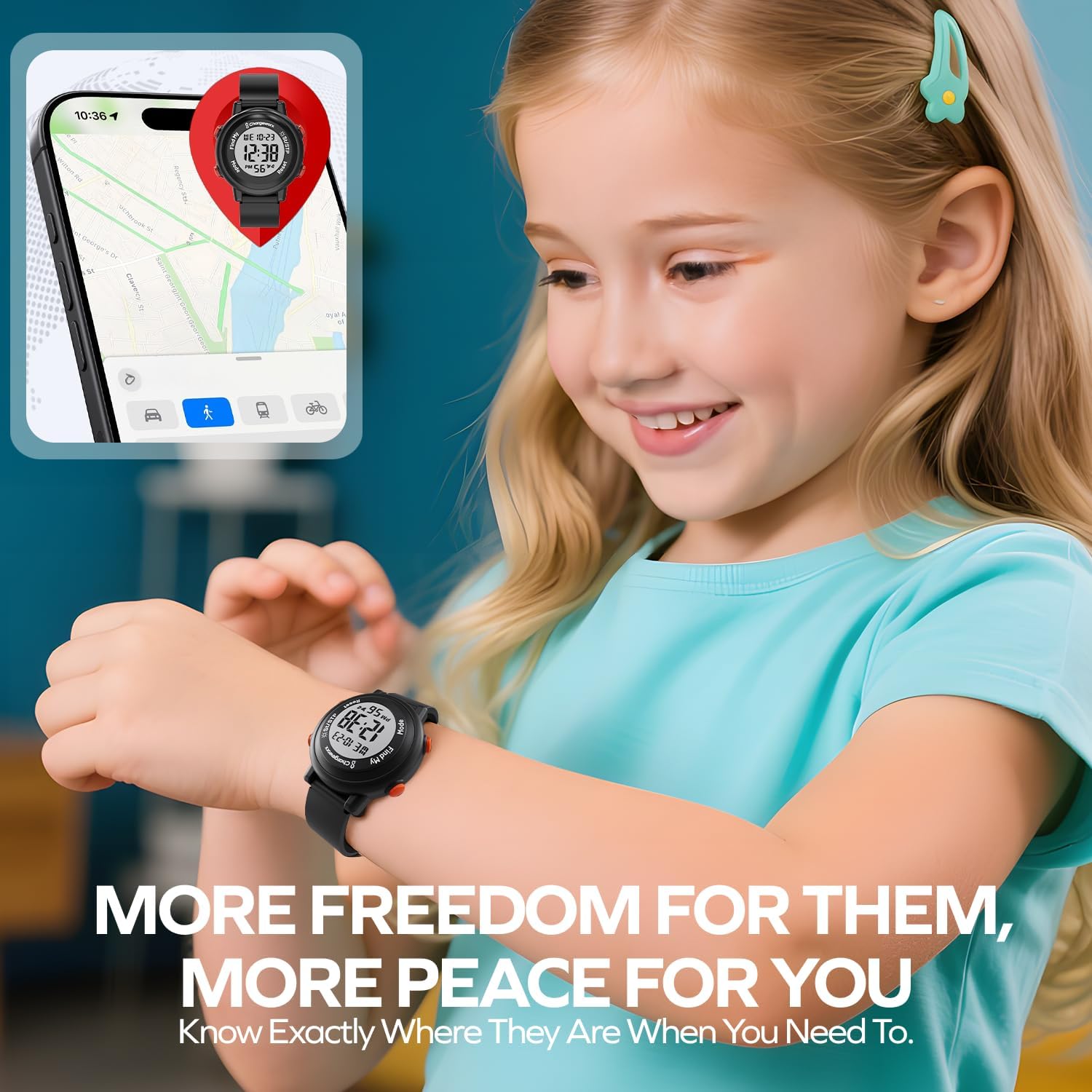
The Find My feature allows you to locate the watch using your iPhone.
Maintenance
1. Cleaning
Wipe the watch and band with a soft, damp cloth. Avoid using harsh chemicals or abrasive cleaners, which can damage the watch's finish or seals.
2. Water Resistance
The watch is designed to be water-resistant, suitable for splashes, rain, and brief immersion. It is not recommended for swimming, diving, or prolonged exposure to water pressure. Do not press buttons while the watch is wet.

The watch is water-resistant, suitable for everyday splashes.
3. Battery Information
The watch uses 1 Nonstandard Battery (included). Battery replacement should ideally be performed by a qualified technician to maintain water resistance and ensure proper function. Attempting to replace the battery yourself may void the warranty or damage the watch.
Troubleshooting
- Watch not keeping accurate time: Ensure the time and date are set correctly. If the issue persists after resetting the time, the battery may be low or require professional inspection.
- Find My feature not working: Verify that the watch is properly paired with your iPhone and that your iPhone has an active internet connection. Ensure the Find My app is updated. Check if the watch's Find My button was pressed to update its location.
- Display is blank or dim: The battery may be depleted. Replace the battery as per the maintenance section or seek professional assistance.
- Buttons are unresponsive: Ensure the watch is not wet. If the issue continues, a reset may be required (if available, consult manufacturer support) or seek professional repair.
Specifications
| Brand | CHARGEWORX |
| Model Number | 643620045398 |
| ASIN | B0FY83ZRN8 |
| Battery Type | 1 Nonstandard Battery (included) |
| Water Resistance | Splash-proof (not for swimming/diving) |
| First Available | October 29, 2025 |
Safety Information
- This watch contains small parts and a battery. Keep out of reach of very young children to prevent choking hazards.
- Do not attempt to open the watch casing, as this may damage the device and compromise water resistance.
- Avoid exposing the watch to extreme temperatures or direct sunlight for prolonged periods.
- If skin irritation occurs, discontinue use and consult a doctor.
Warranty and Support
For warranty information, please refer to the documentation provided with your purchase or contact the retailer where the product was acquired. For technical support or further assistance, please visit the official CHARGEWORX website or contact their customer service department.