
1. Product Overview
The OPPO Find X9 5G 2025 (CPH2797) is a high-performance smartphone designed for exceptional clarity and responsiveness. It features a 120Hz Pro XDR screen, ensuring smooth and vibrant visuals in various lighting conditions. This manual provides essential information for setting up, operating, maintaining, and troubleshooting your device.
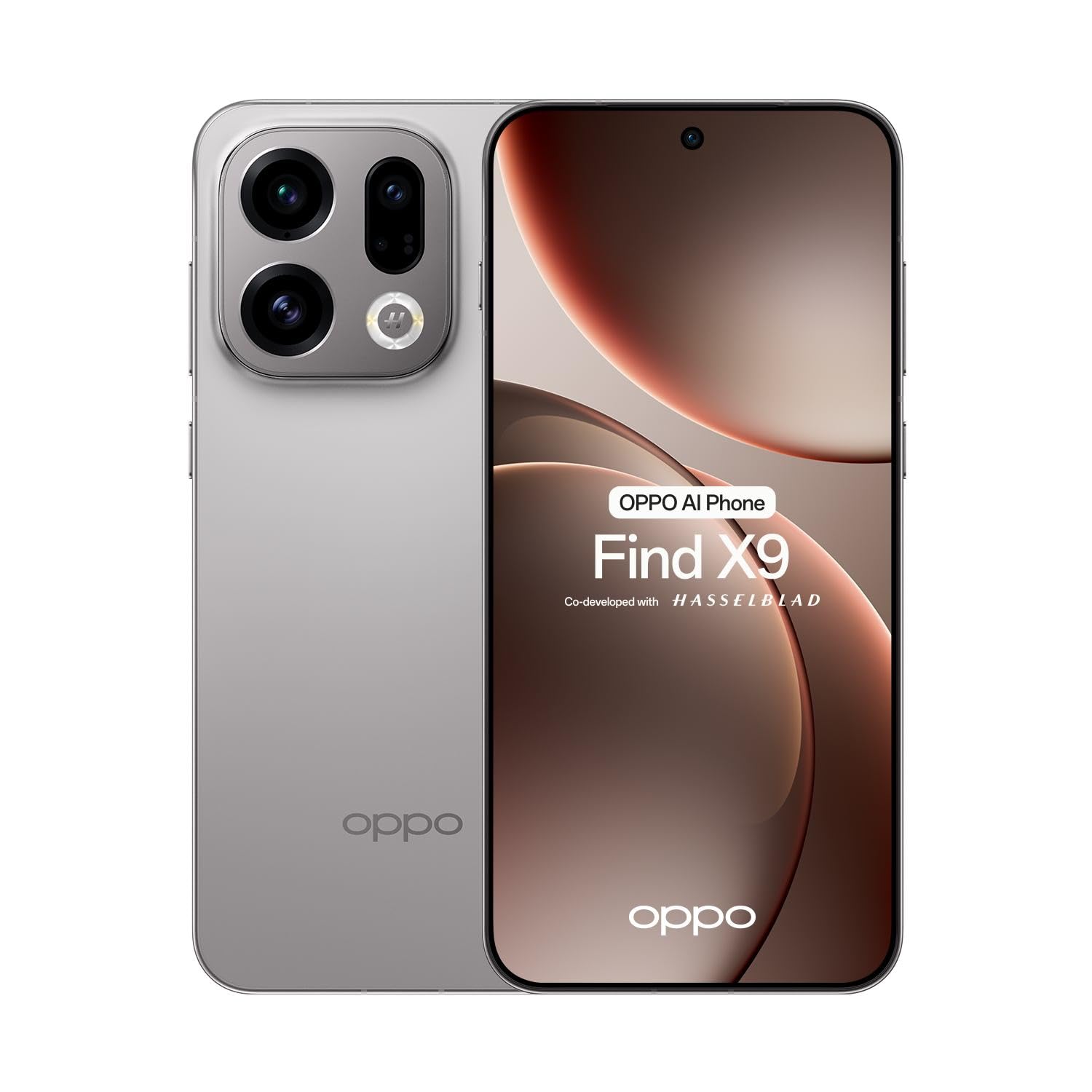
Figure 1.1: Front view of the OPPO Find X9 5G 2025 smartphone.
2. Setup
2.1 Unboxing and Initial Inspection
Carefully remove all items from the packaging. Verify that all components are present:
- OPPO Find X9 5G 2025 Smartphone
- USB Type-C Cable
- Power Adapter
- SIM Ejector Tool
- Quick Start Guide
- Safety Information
Inspect the device for any visible damage. If any damage is found, contact your retailer immediately.
2.2 SIM Card Installation
The OPPO Find X9 5G 2025 supports dual SIM cards.
- Locate the SIM card tray on the side of the device.
- Insert the SIM ejector tool into the small hole next to the tray and press firmly until the tray pops out.
- Place your Nano-SIM cards into the designated slots on the tray, ensuring the gold contacts face downwards.
- Carefully reinsert the SIM card tray into the device.
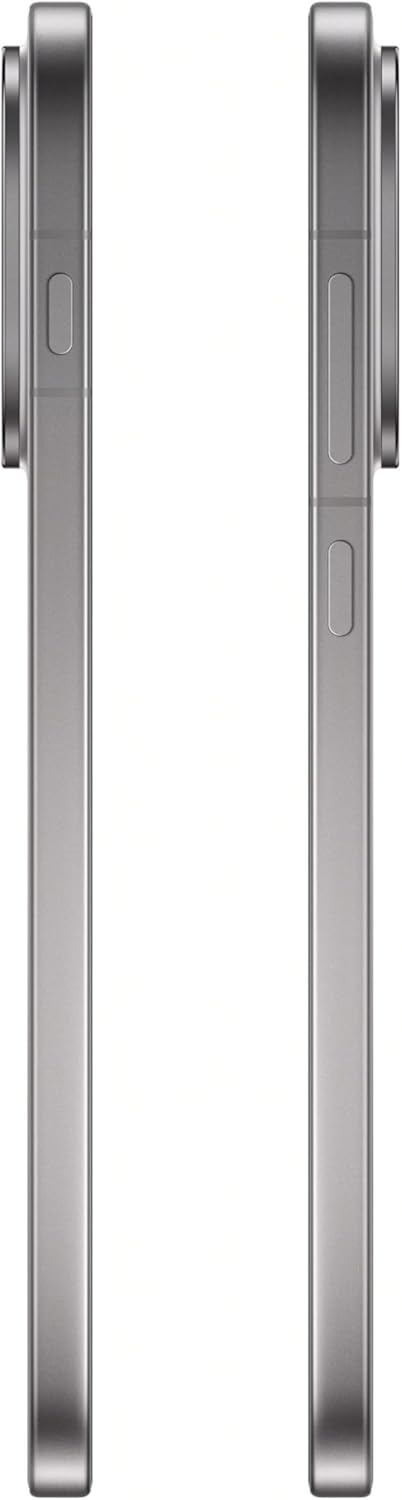
Figure 2.1: Side view of the OPPO Find X9 5G 2025, showing the SIM card tray location.
2.3 Initial Power On and Basic Configuration
- Press and hold the Power button (located on the right side) until the OPPO logo appears.
- Follow the on-screen prompts to select your language, region, and connect to a Wi-Fi network.
- Sign in with your Google account or create a new one to access Google services and the Play Store.
- Set up your preferred screen lock method (PIN, pattern, password, fingerprint, or face unlock).
3. Operating Your Device
3.1 Navigation
- Home Screen: Swipe left or right to navigate between home screens.
- App Drawer: Swipe up from the bottom of the screen to access all installed applications.
- Notification Panel: Swipe down from the top of the screen to view notifications and quick settings.
- Recent Apps: Swipe up and hold from the bottom of the screen (if using gesture navigation) or tap the square button (if using 3-button navigation) to see recently used applications.
3.2 Calls and Messaging
- Making a Call: Open the Phone app, enter the number, and tap the call icon.
- Sending a Message: Open the Messages app, tap 'Start chat', enter the recipient, and type your message.
3.3 Camera Usage
The OPPO Find X9 5G 2025 features a versatile camera system.
- Open the Camera app.
- Select your desired mode (Photo, Video, Portrait, Night, etc.) by swiping across the bottom of the viewfinder.
- Tap the shutter button to take a photo or start/stop recording a video.
- Use the zoom controls on the screen to adjust magnification.
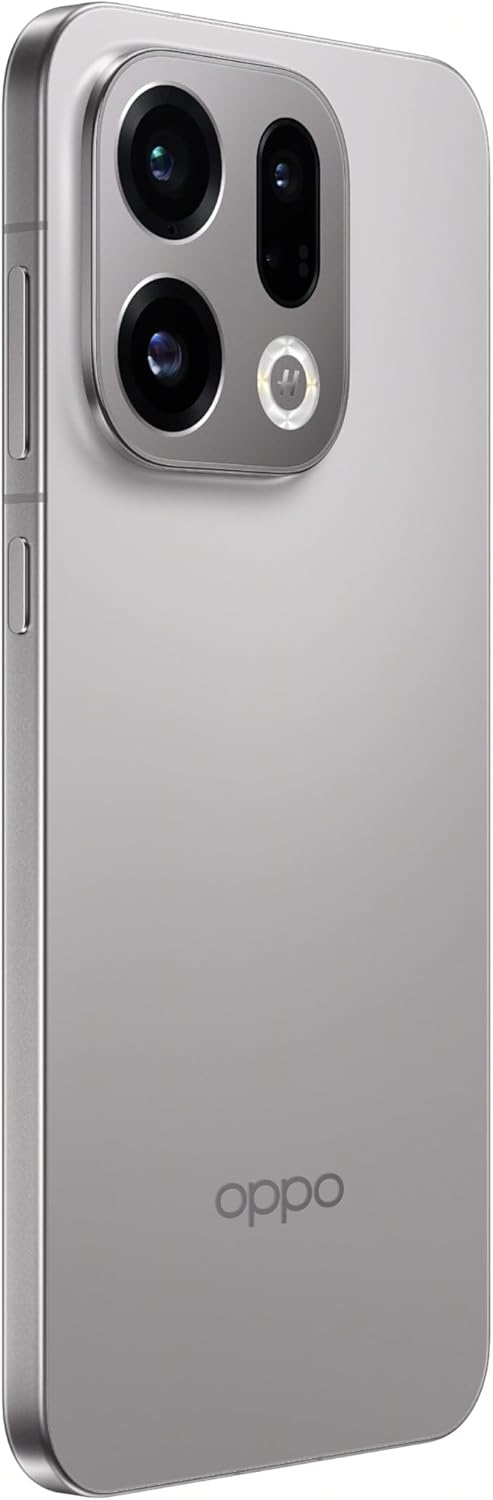
Figure 3.1: Rear camera system of the OPPO Find X9 5G 2025.
3.4 Connectivity
- Wi-Fi: Go to Settings > Wi-Fi to connect to available networks.
- Bluetooth: Go to Settings > Bluetooth to pair with other Bluetooth devices.
- NFC: Enable NFC in Settings for contactless payments and data transfer.
- USB Type-C: Use the USB Type-C port for charging and data transfer.

Figure 3.2: Bottom view of the OPPO Find X9 5G 2025, showing the USB Type-C port and speaker grille.
4. Maintenance
4.1 Cleaning Your Device
- Use a soft, lint-free cloth to wipe the screen and back panel.
- Avoid using harsh chemicals, abrasive materials, or aerosol sprays.
- For stubborn smudges, slightly dampen the cloth with water or a screen cleaner designed for electronics.
4.2 Software Updates
Regularly check for and install software updates to ensure optimal performance, security, and access to new features.
- Go to Settings > About device > ColorOS version.
- Tap 'Check for updates' and follow the on-screen instructions.
4.3 Battery Care
- Avoid exposing the device to extreme temperatures.
- Do not let the battery completely drain frequently.
- Use the original charger and cable for optimal charging.
4.4 Storage Management
To maintain device performance, regularly manage your storage:
- Delete unnecessary files, photos, and videos.
- Uninstall unused applications.
- Clear cache data for apps in Settings > Apps > [App Name] > Storage usage.
5. Troubleshooting
This section addresses common issues you might encounter with your OPPO Find X9 5G 2025.
| Problem | Solution |
|---|---|
| Device not powering on | Ensure the battery is charged. Connect the device to its charger for at least 15 minutes, then try powering it on again. If it still doesn't turn on, perform a force restart by holding the Power button and Volume Up button simultaneously for about 10-15 seconds. |
| Screen unresponsive | Perform a force restart. If the issue persists, try booting into Safe Mode to check if a third-party app is causing the problem. |
| Connectivity issues (Wi-Fi/Bluetooth) | Toggle Wi-Fi/Bluetooth off and on. Restart your device. For Wi-Fi, restart your router. For Bluetooth, unpair and re-pair the device. |
| Apps crashing or freezing | Clear the cache and data for the problematic app (Settings > Apps > [App Name] > Storage usage). Update the app to the latest version. If the issue continues, uninstall and reinstall the app. |
| Battery drains quickly | Check battery usage in Settings > Battery to identify power-hungry apps. Reduce screen brightness, disable unnecessary features like GPS or always-on display, and close background apps. |
6. Technical Specifications
Below are the detailed technical specifications for the OPPO Find X9 5G 2025 (CPH2797).
| Feature | Specification |
|---|---|
| Brand | OPPO |
| Model Name | Find X9 |
| Model Number | CPH2797 |
| Operating System | Android 16 (ColorOS 16.0) |
| Screen Size | 6.55 inches AMOLED (flexible) |
| Display Resolution | FHD+ 2760 x 1256 pixels, 1.07 billion colors |
| Refresh Rate | 120Hz |
| Display Protection | Corning Gorilla Glass 7i |
| Processor | MediaTek Dimensity 9500 (8-core) |
| RAM | 12GB LPDDR5X |
| Internal Storage | 512GB UFS 4.1 |
| Rear Camera | 50MP + 50MP + 50MP + 2MP |
| Front Camera | 32MP |
| Cellular Technology | 5G |
| SIM Card Slots | Dual SIM |
| Wireless Connectivity | Bluetooth 6.0, Wi-Fi, NFC |
| Connector Type | USB Type-C |
| Color | Titanium Gray |
7. Warranty and Support
Your OPPO Find X9 5G 2025 (CPH2797) is covered by a limited warranty. Please refer to the warranty card included in your product packaging for detailed terms and conditions, including the warranty period and coverage.
For technical support, service, or further inquiries, please visit the official OPPO website or contact their customer service. Contact information can typically be found on the OPPO website or in the documentation provided with your device.
Please retain your proof of purchase for warranty claims.


