
1. Introduction
This manual provides detailed instructions for the setup, operation, and maintenance of your REEDTOCK AI Smart Glasses M02. These advanced eyewear pieces integrate an 8MP camera for 4K photos and 1080P HD videos, Bluetooth connectivity for open-ear audio, and real-time translation capabilities. Please read this manual thoroughly to ensure optimal performance and longevity of your device.
2. What's in the Box
- Smart Glasses
- Charging Cable
- User Manual
- Cleaning Cloth
3. Product Overview
Familiarize yourself with the key components and features of your REEDTOCK AI Smart Glasses.
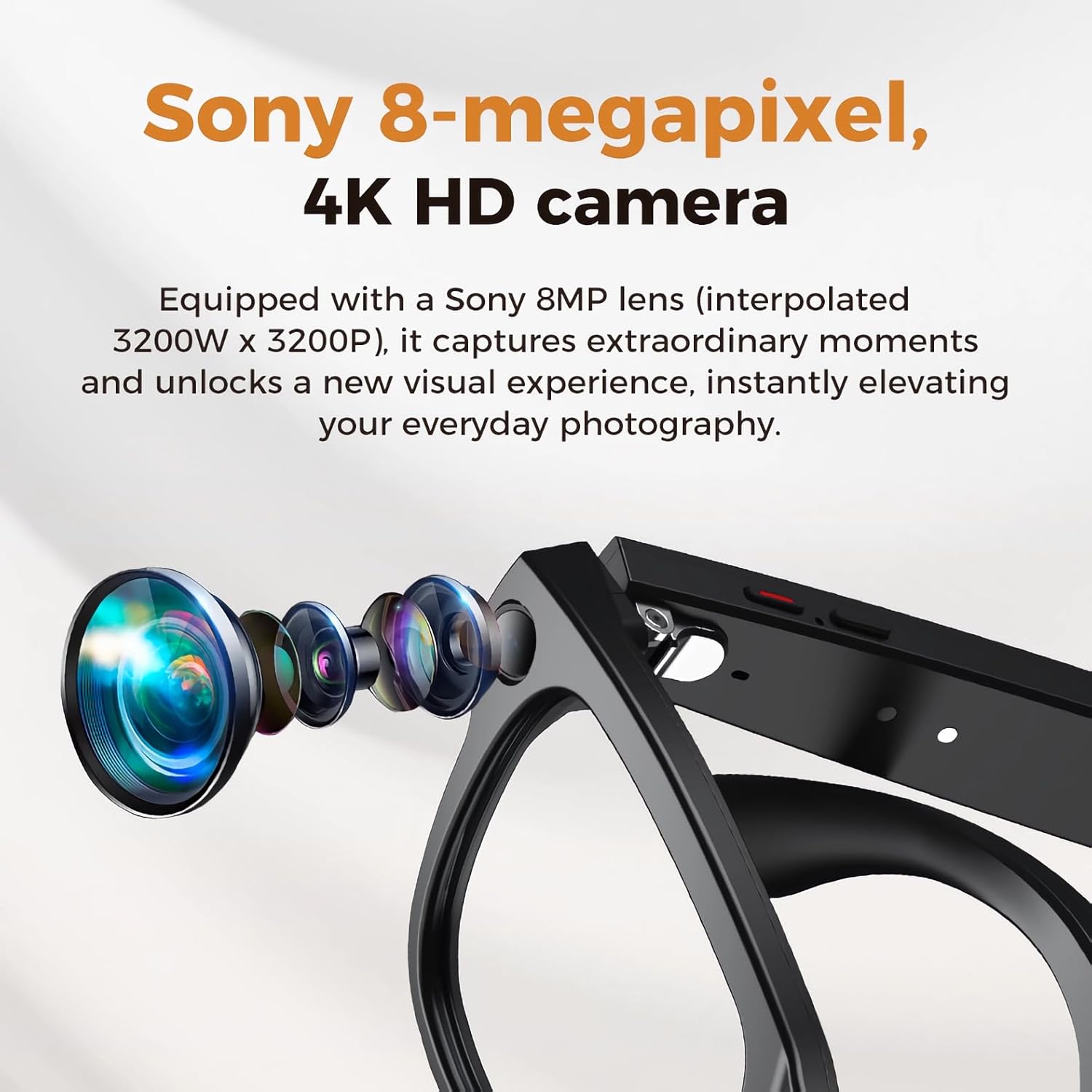
Figure 3.1: Integrated 8MP 4K Camera Lens. The glasses are equipped with an 8MP camera capable of capturing 4K photos and 1080P HD videos.

Figure 3.2: AI Voice Assistant. The glasses feature an AI voice assistant, activated by "HeyCyan", for hands-free information and conversational answers.

Figure 3.3: Portable Charging Case. The 3600mAh charging case provides up to 10 full recharges for the glasses, offering 10 hours of music playback from a single charge.

Figure 3.4: Open Ear Audio. Enjoy immersive music and clear calls while maintaining environmental awareness through the open-ear audio technology.
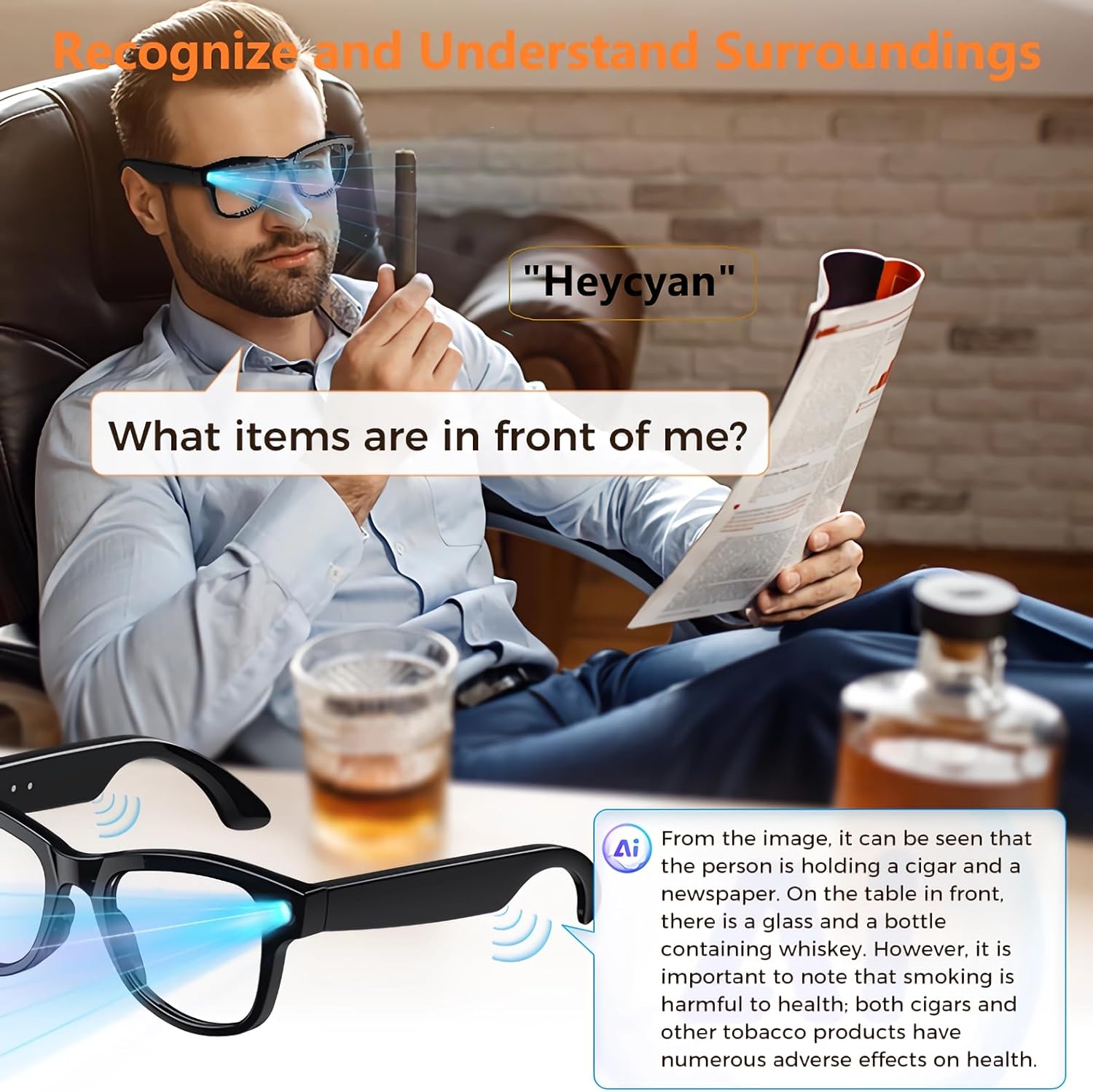
Figure 3.5: Smart Image Recognition. The glasses can recognize and describe surroundings, providing detailed information about objects in view.

Figure 3.6: Instant Translation. The smart glasses offer real-time language translation for both simultaneous and conversational scenarios, breaking down communication barriers.

Figure 3.7: Product Dimensions. This image illustrates the physical dimensions of the smart glasses and their accompanying charging case.
4. Setup
4.1. Charging the Smart Glasses
- Connect the provided USB-C charging cable to the charging port located on the temple of the smart glasses.
- Plug the other end of the cable into a compatible USB power adapter (not included) or a computer's USB port.
- The indicator light on the glasses will show charging status. A full charge typically takes approximately 1.5 hours.
- The 3600mAh charging case can recharge the glasses up to 10 times. Place the glasses in the case to charge them on the go.
4.2. App Installation and Bluetooth Pairing
- Download the official REEDTOCK app from your smartphone's app store (compatible with Android and iOS).
- Ensure your smart glasses are charged and powered on.
- Enable Bluetooth on your smartphone.
- Open the REEDTOCK app and follow the on-screen instructions to pair your smart glasses. The app will guide you through the connection process.
- Once paired, the app will display the connection status and allow access to all smart features.
5. Operating Instructions
5.1. Power On/Off
- To power on: Press and hold the power button (located on the temple) until the indicator light illuminates.
- To power off: Press and hold the power button until the indicator light turns off.
5.2. Camera Operation (Photos & Videos)
The smart glasses feature an 8MP 4K camera for photos and 1080P HD video recording.
- Taking a Photo: Briefly press the camera button once. A light will flash to indicate a photo has been taken.
- Recording Video: Press the camera button twice quickly to start video recording. Press twice again to stop recording.
- All captured photos and videos are stored internally and can be uploaded to your smartphone via the REEDTOCK app.
5.3. Open Ear Audio
The open-ear audio system allows you to listen to music and take calls while remaining aware of your surroundings.
- Playing Music: Connect your glasses via Bluetooth to your smartphone and play audio through your preferred streaming service.
- Answering/Ending Calls: Tap the touch-sensitive area on the temple once to answer an incoming call or end an active call.
- Adjusting Volume: Use the touch-sensitive area on the temple to adjust the volume. Swipe forward to increase, swipe backward to decrease.
5.4. AI Voice Assistant & Translation
Access intelligent features through voice commands and real-time translation.
- Activating Voice Assistant: Say "HeyCyan" to activate the AI voice assistant. You can then ask questions or issue commands.
- Real-Time Translation: Utilize the REEDTOCK app to enable real-time translation. The glasses will process spoken language and provide translations through the open-ear audio.
- Smart Image Recognition: Through the app, you can use the camera to capture an image, and the AI will describe the objects and context in front of you.
Note: No official seller videos were available for embedding in this manual.
6. Maintenance
- Cleaning: Use the provided cleaning cloth to gently wipe the lenses and frame. Avoid harsh chemicals or abrasive materials.
- Storage: When not in use, store the smart glasses in their charging case to protect them from dust, scratches, and impact.
- Battery Care: To prolong battery life, avoid fully discharging the battery frequently. Charge regularly, especially if storing for extended periods.
7. Troubleshooting
- Glasses not powering on: Ensure the glasses are fully charged. Connect them to the charging cable and allow some time before attempting to power on again.
- Unable to pair via Bluetooth: Make sure Bluetooth is enabled on your smartphone and the glasses are in pairing mode. Restart both devices and try again. Ensure the REEDTOCK app is updated to the latest version.
- Poor audio quality: Check the volume settings on both the glasses and your smartphone. Ensure there are no obstructions to the open-ear speakers.
- App not recognizing glasses: Close and reopen the app. Ensure the glasses are powered on and within Bluetooth range. Re-pair the devices if necessary.
- Camera not recording/taking photos: Check the device's internal storage via the app to ensure there is sufficient space. Ensure the camera lens is clean.
8. Specifications
| Feature | Specification |
|---|---|
| Item Model Number | M02 With Charging Case |
| Camera | 8MP 4K (Photos), 1080P HD (Video Recording) |
| Audio | Open Ear Audio |
| Connectivity | Bluetooth |
| Battery Capacity (Glasses) | 270 Milliamp Hours |
| Battery Capacity (Charging Case) | 3600mAh |
| Memory Storage Capacity | 32 GB |
| RAM Memory Installed Size | 4 GB |
| Item Weight | 44.2 Grams (1.56 ounces) |
| Package Dimensions | 7.24 x 3.46 x 3.07 inches |
| Special Features | Camera, Music Player, Video Recording, Voice Assistant, Real-Time Translation |
| Lenses | Adaptive Light-Sensitive (Clear to Grey Transitions) |
9. Warranty and Support
For warranty information, technical support, or service inquiries, please refer to the contact details provided with your product packaging or visit the official REEDTOCK website. Keep your proof of purchase for warranty claims.