
1. Introduction
Thank you for choosing the MFVLP D16 Smart Watch. This manual provides essential information for setting up, operating, and maintaining your device. Please read it carefully to ensure proper use and to fully utilize all features.

Image: The MFVLP D16 Smart Watch, showcasing its display and design.
2. What's in the Box
Upon opening your MFVLP D16 Smart Watch package, you should find the following items:
- Smart Watch * 1
- Watch Band * 1
- Charging Cable * 1
- User Manual * 1
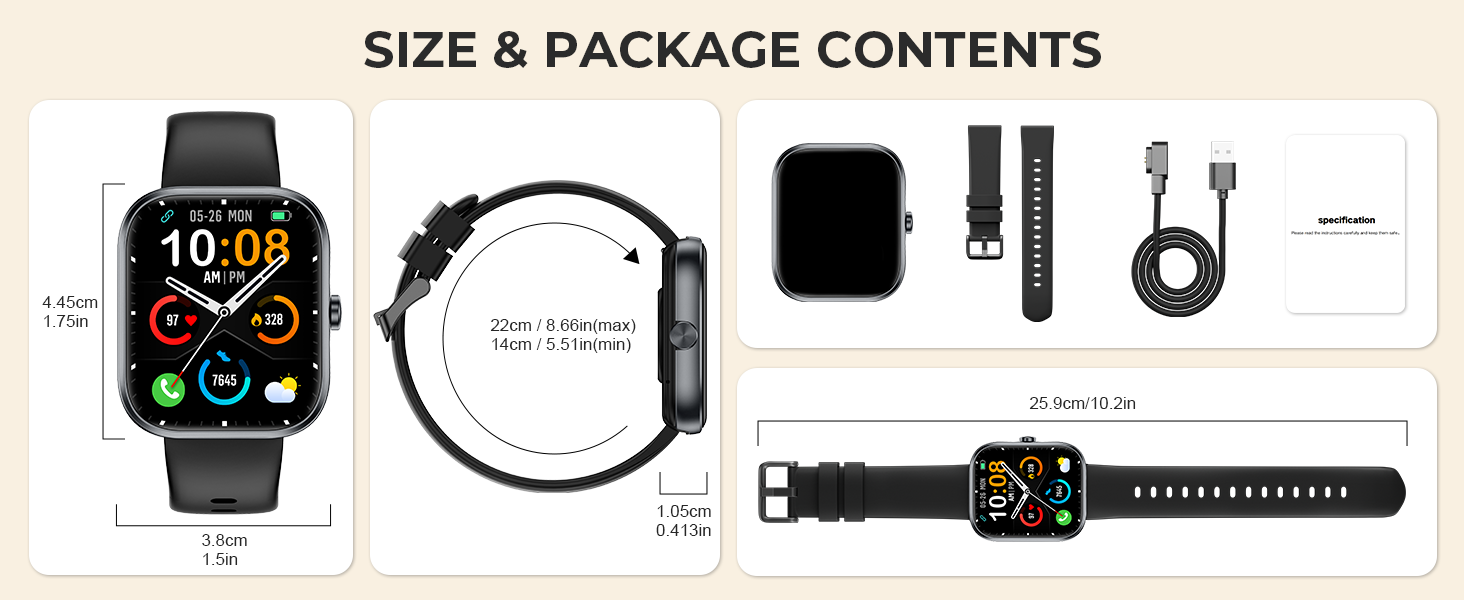
Image: A visual representation of the MFVLP D16 Smart Watch and its included accessories.
3. Setup
3.1 Charging the Smart Watch
Before first use, fully charge your smart watch. Connect the magnetic charging cable to the charging points on the back of the watch and plug the USB end into a power adapter (not included) or a computer's USB port. A full charge typically takes approximately 2 hours.
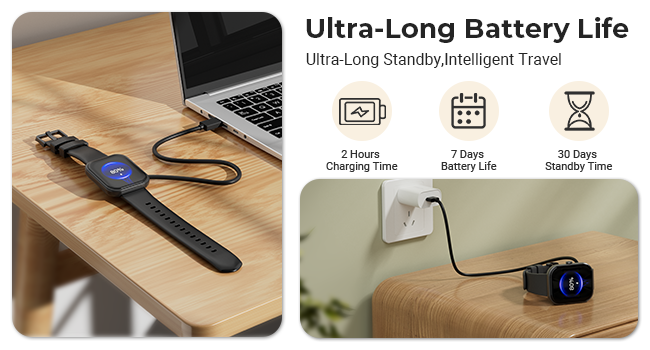
Image: The MFVLP D16 Smart Watch undergoing magnetic charging.
3.2 Pairing with Your Smartphone
To unlock the full functionality of your D16 Smart Watch, pair it with your smartphone using the GloryFit application.
- Download the App: Search for and download the "GloryFit" app from the Apple App Store (for iOS) or Google Play Store (for Android).
- Register/Log In: Open the GloryFit app and follow the on-screen instructions to register a new account or log in if you already have one.
- Enable Bluetooth: Ensure Bluetooth is enabled on your smartphone.
- Add Device: In the GloryFit app, navigate to the device section and select "Add Device" or "Bind Device." The app will search for nearby devices.
- Select Your Watch: Choose "D16" from the list of found devices. Confirm the pairing request on both your phone and the watch if prompted.
- Sync Data: Once paired, the watch will sync data with the app. You can then customize settings, watch faces, and view health data.
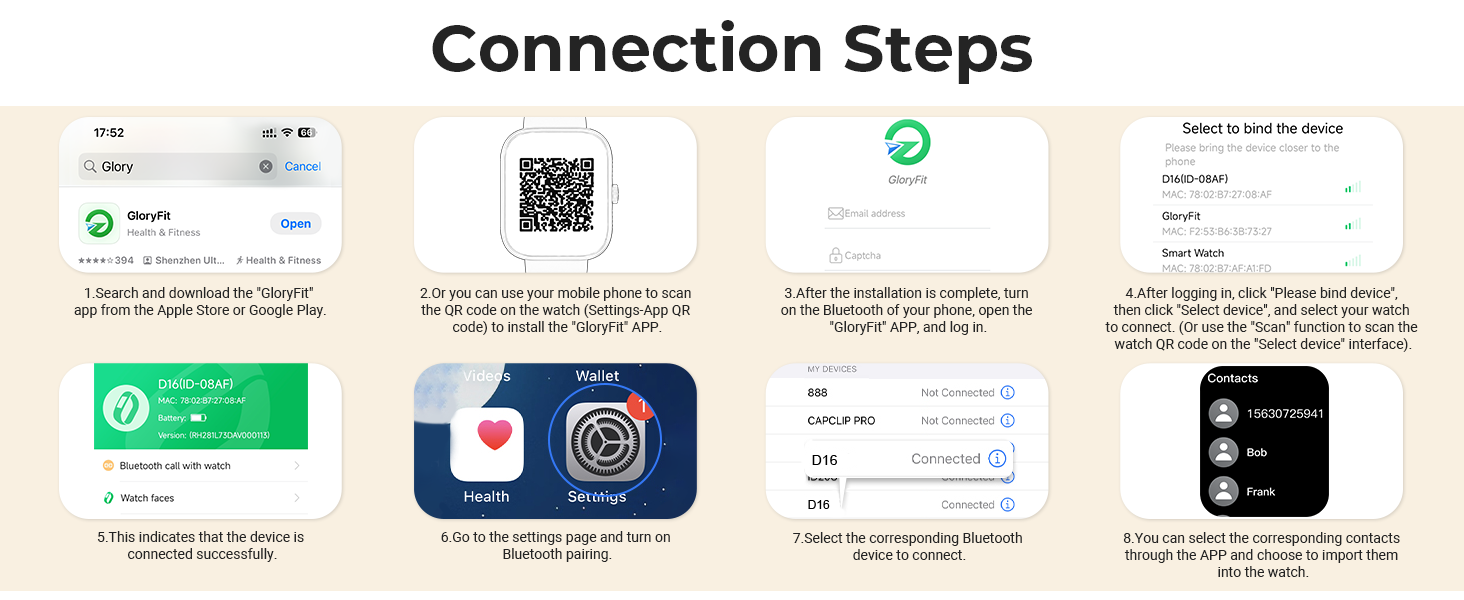
Image: Visual instructions for connecting the smart watch to the GloryFit application.
4. Operating the Smart Watch
4.1 Basic Navigation
- Touch Screen: The 1.83-inch HD full touch screen allows for intuitive interaction.
- Swipe Up/Down: Scroll through menus and notifications.
- Swipe Left/Right: Access quick functions or different data screens.
- Tap: Select an item or confirm an action.
- Side Button: Typically used to return to the home screen or power on/off the device.
4.2 Bluetooth Calls and Smart Notifications
The D16 Smart Watch supports Bluetooth 5.3 for stable call and notification management.
- Making/Receiving Calls: Once paired, you can make and receive calls directly from your watch using the built-in HD speakers and microphone. Access contacts, dial pad, or call history from the watch interface.
- Notifications: Receive alerts for calls, SMS messages, and notifications from social platforms (WhatsApp, Facebook, Instagram, Twitter, etc.) directly on your wrist. Ensure app notifications are enabled in the GloryFit app settings.

Image: The smart watch interface showing options for contacts, dialpad, and call history, alongside message notifications.
4.3 Customizing the Watch Dial
Personalize your watch face to match your style.
- Online Dials: Through the GloryFit application, you can choose from over 100 online watch dials.
- Custom Wallpapers: Upload your favorite photos via the app to set them as your watch's wallpaper.
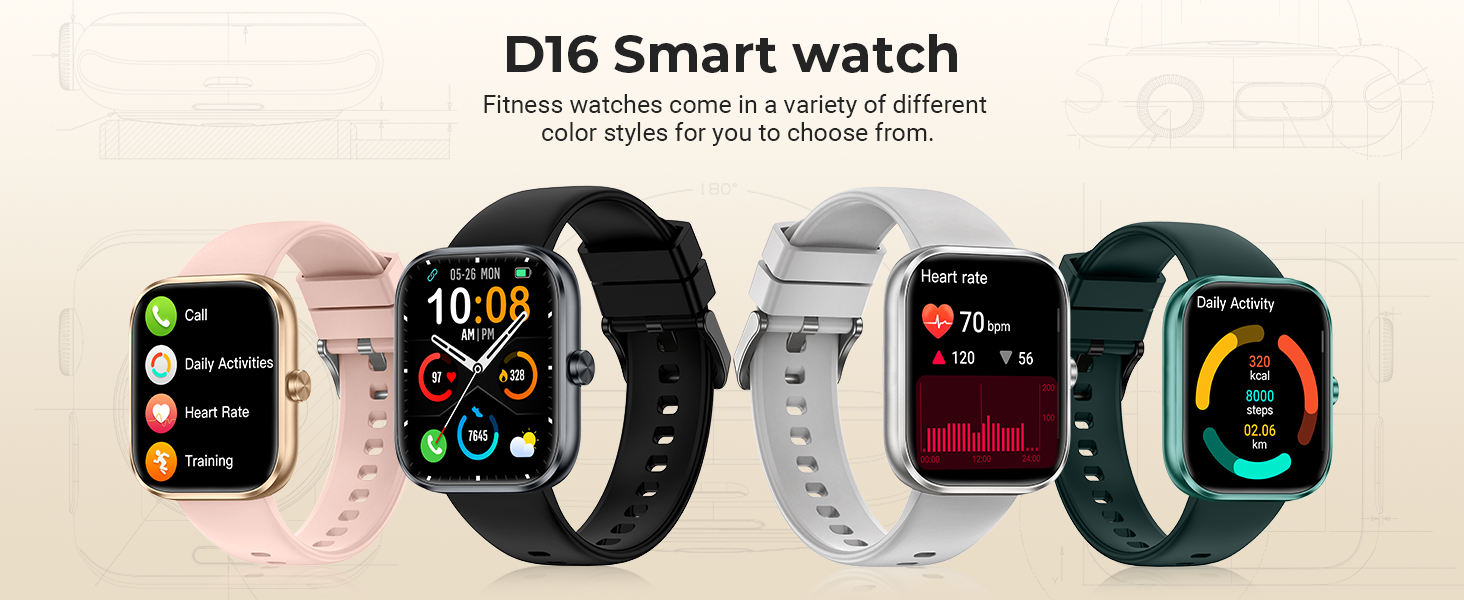
Image: A selection of customizable watch faces available for the D16 Smart Watch.
5. Health Monitoring
The D16 Smart Watch is equipped with high-performance sensors for continuous health tracking.
- Heart Rate Monitoring: Continuously monitors your heart rate throughout the day. View real-time data on the watch or detailed trends in the GloryFit app.
- Blood Oxygen (SpO2) Monitoring: Measures your blood oxygen saturation levels. This data can be viewed on the watch and in the app.
- Sleep Monitoring: Automatically tracks your sleep patterns, including deep sleep, light sleep, and wake times. Provides a comprehensive analysis of your sleep quality in the app.
- Menstrual Cycle Tracking: For female users, the watch offers a menstrual cycle tracking function to help monitor and predict cycles.
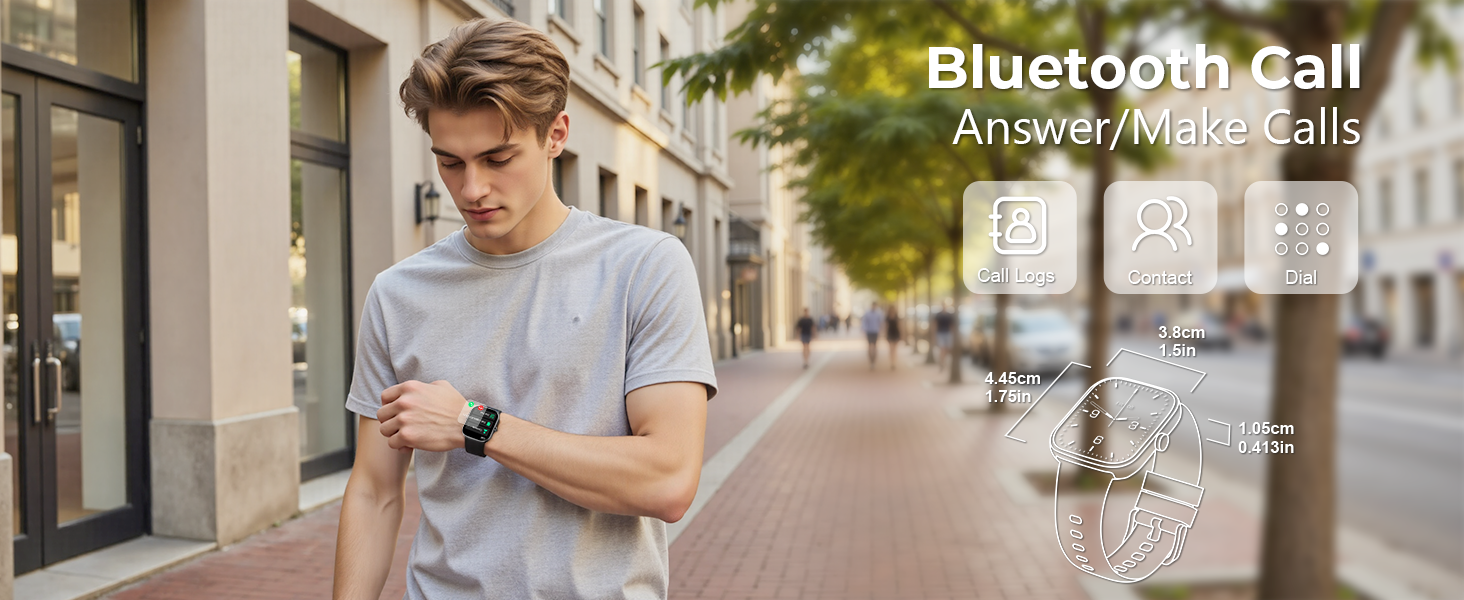
Image: The smart watch screen showing heart rate, blood oxygen, and sleep monitoring data.
6. Sports Modes & Activity Tracking
The D16 Smart Watch supports over 110 sports modes to track your physical activity.
- 110+ Sports Modes: Select from a wide range of activities such as cycling, rock climbing, tennis, skiing, running, and more. The watch records real-time data specific to your chosen sport.
- All-Day Activity Monitoring: Automatically tracks daily metrics including steps taken, distance covered, and calories burned. This data helps you monitor your progress towards fitness goals.
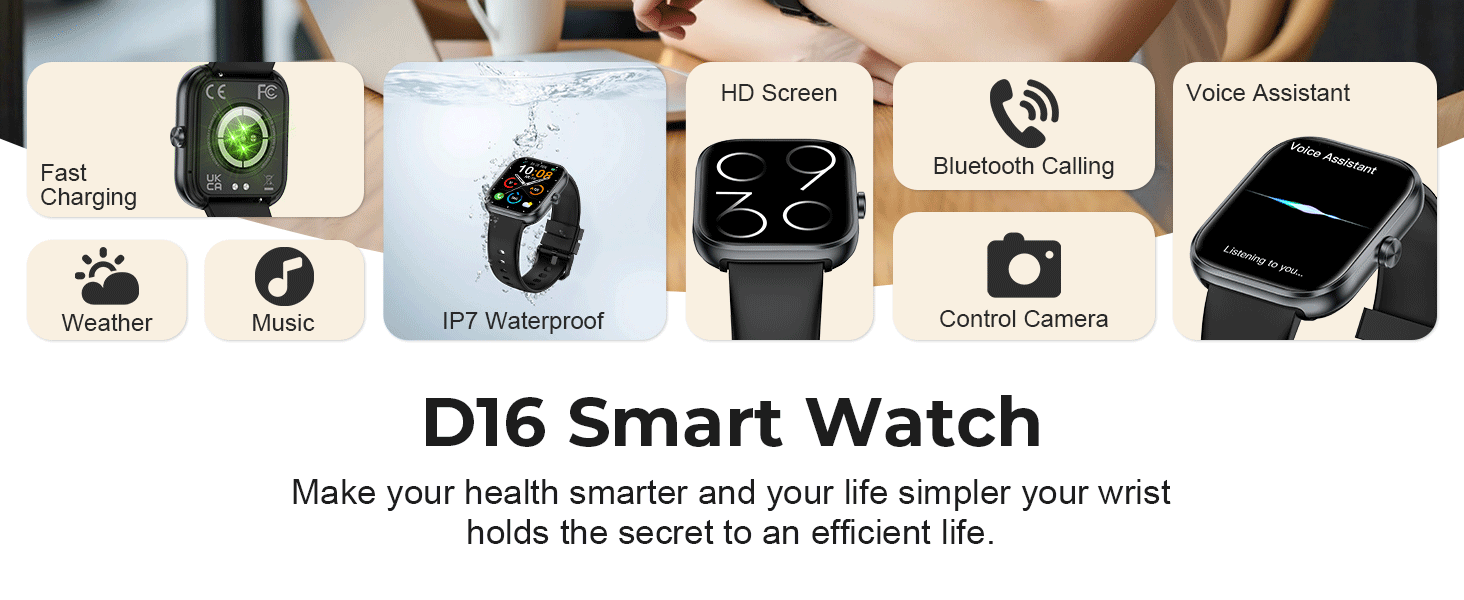
Image: Icons representing various sports modes and a visual of the watch displaying activity data.
7. Other Features
The MFVLP D16 Smart Watch includes several additional practical functions:
- Music Control: Control music playback on your smartphone directly from your watch.
- Camera Remote Control: Use your watch as a remote shutter for your phone's camera.
- Sedentary Reminder: Receive alerts to move if you've been inactive for too long.
- Alarm Clock: Set alarms directly on your watch.
- Calculator: A basic calculator function is available.
- Flashlight: Use the watch screen as a small flashlight.
- Voice Assistant: Access your phone's voice assistant through the watch.
- Find Phone: Locate your paired smartphone by triggering an alert sound.
- Weather: View current weather conditions and forecasts.
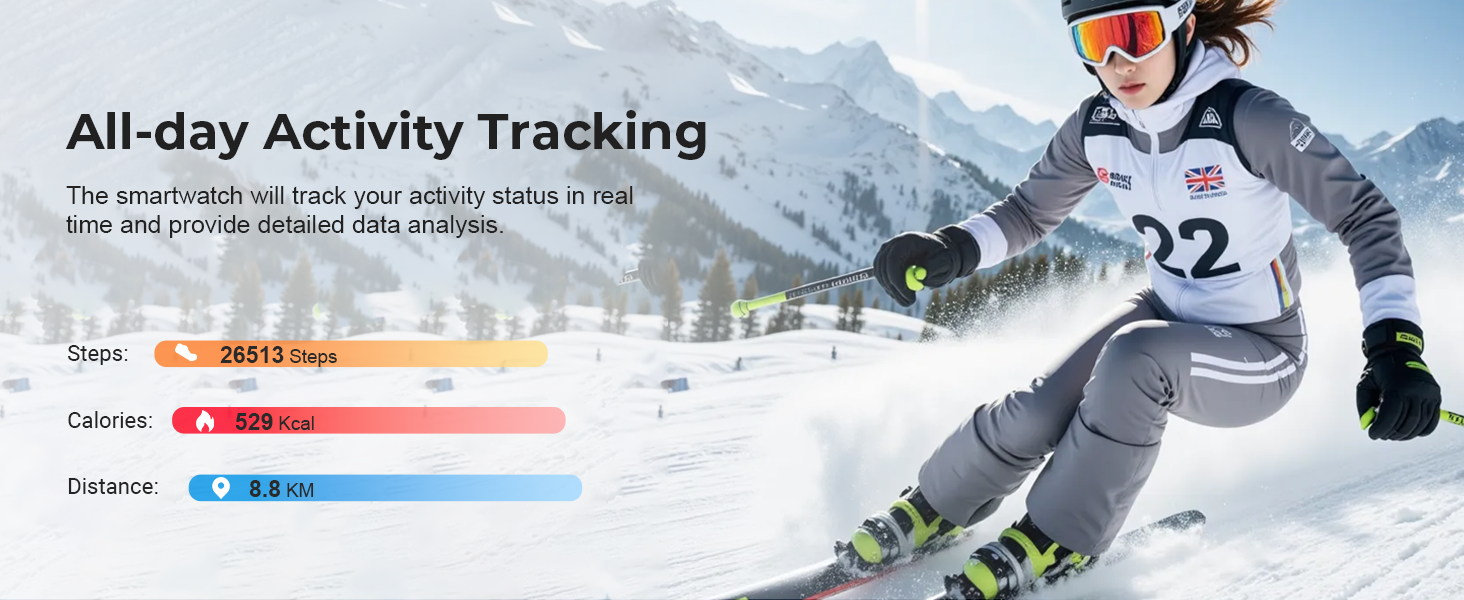
Image: The smart watch interface showing icons for various functions such as music, calculator, and remote camera.
8. Water Resistance
The D16 Smart Watch has an IP68 waterproof rating, meaning it is resistant to dust and can withstand immersion in water up to 1.5 meters for 30 minutes.
- It is suitable for daily use such as washing hands, sweating during exercise, and exposure to rain.
- Important Note: It is not recommended for use in hot water, saunas, or seawater, as steam and corrosive liquids can damage the device.
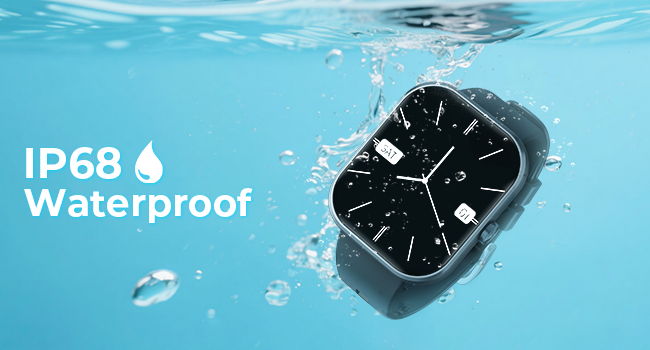
Image: The smart watch shown underwater, illustrating its water resistance.
9. Battery Life & Charging
The D16 Smart Watch is equipped with a 300mAh battery, offering extended usage times.
- Charging Time: Approximately 2 hours for a full charge using the magnetic charging cable.
- Typical Usage: 5-7 days on a single charge, depending on feature usage.
- Standby Mode: Up to 30 days.
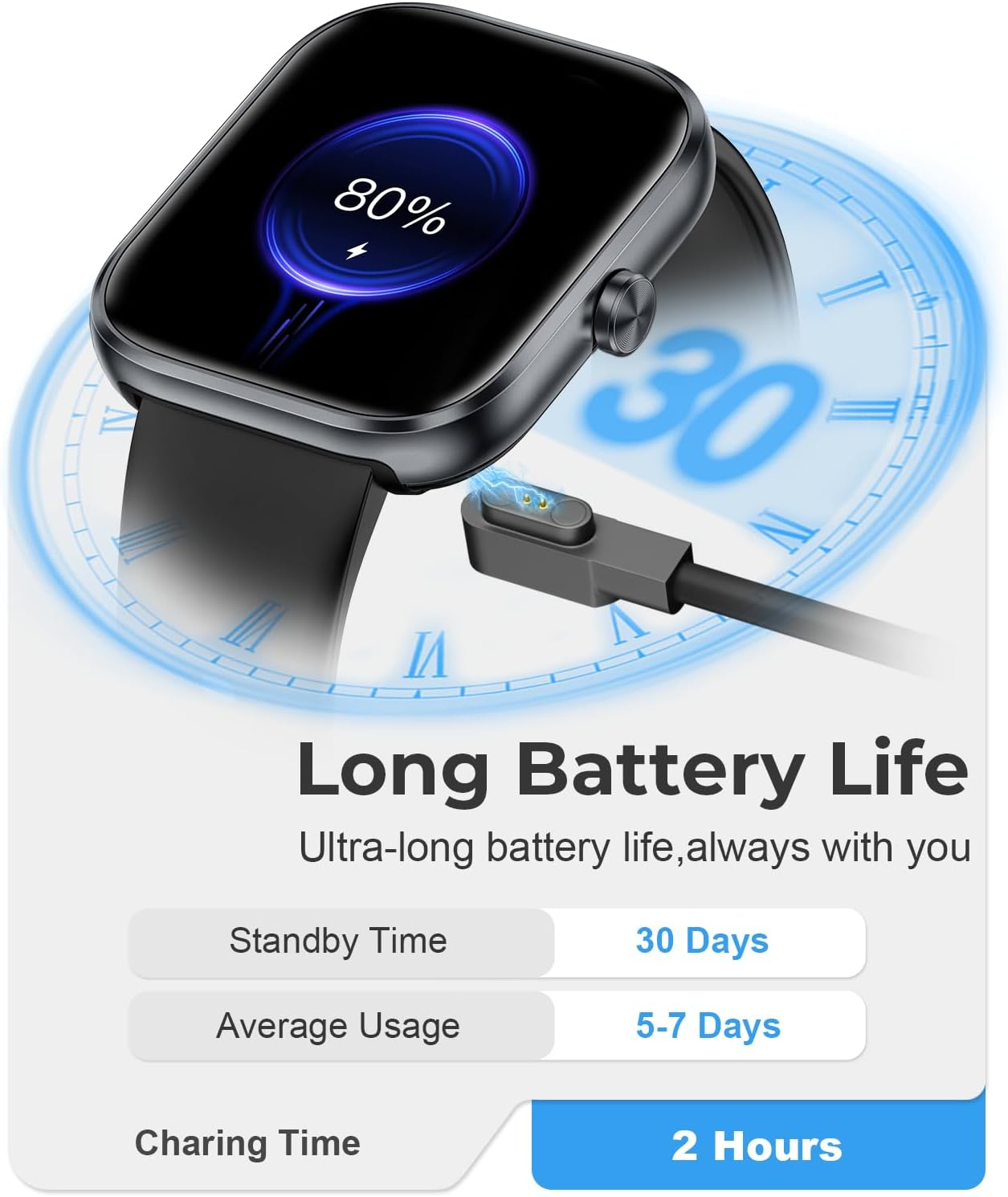
Image: The smart watch screen showing battery life statistics.
10. Specifications
| Feature | Specification |
|---|---|
| Model Number | D16 |
| Screen Size | 1.83 Inches TFT-LCD HD |
| Screen Resolution | 240*284 |
| Bluetooth Version | 5.3 |
| Battery Capacity | 300mAh |
| Charging Time | Approx. 2 hours |
| Typical Usage Time | 5-7 days |
| Standby Time | Up to 30 days |
| Waterproof Rating | IP68 |
| Operating System | watchOS 1 (compatible with iOS/Android) |
| Item Weight | 40 Grams (1.41 ounces) |
| Memory Storage Capacity | 128 MB |
| RAM Memory Installed Size | 640 KB |
| GPS | No GPS |
11. Troubleshooting
If you encounter issues with your MFVLP D16 Smart Watch, refer to the following common solutions:
- Watch not turning on: Ensure the watch is fully charged. Connect it to the charging cable and allow it to charge for at least 30 minutes before attempting to power it on again.
- Unable to pair with phone:
- Ensure Bluetooth is enabled on your phone and the watch is within range.
- Restart both your phone and the watch.
- Check if the GloryFit app is updated to the latest version.
- Forget the device in your phone's Bluetooth settings and try pairing again through the GloryFit app.
- Notifications not appearing:
- Verify that app notifications are enabled in the GloryFit app settings for the specific applications.
- Ensure your phone's notification settings allow the GloryFit app to display alerts.
- Check if the watch is properly connected via Bluetooth.
- Inaccurate health data:
- Ensure the watch is worn snugly on your wrist, not too tight or too loose.
- Clean the sensor on the back of the watch regularly.
- Avoid excessive movement during measurements for more accurate readings.
- Short battery life:
- Reduce screen brightness.
- Limit the frequency of continuous heart rate monitoring or other intensive features.
- Turn off unnecessary notifications.
12. Official Product Video
Video: An introduction to the multifunctional features of the MFVLP D16 Smart Watch, demonstrating its various capabilities.
13. Warranty and Support
Your MFVLP D16 Smart Watch comes with a standard manufacturer's warranty. Please refer to the warranty card included in your package for specific terms and conditions.
For further assistance, technical support, or warranty claims, please contact MFVLP customer service through the contact information provided on our official website or within the GloryFit application.
Manufacturer: MFVLP


