
1. Product Overview
The ACEBELL WiFi 1080P Video Doorbell Camera with Monitor is a wireless intercom system designed to enhance your home security. It features a 7-inch touchscreen display, 1080P video resolution, motion detection, and two-way audio communication. The system operates wirelessly, offering flexible installation and remote control via a smartphone application.
2. Package Contents
Please verify that all items listed below are included in your package:
- Doorbell Camera
- 7-inch Monitor
- Charging Cable
- Adapter
- 32GB Memory Card
3. Setup and Installation
3.1 Doorbell Camera Installation
The ACEBELL video doorbell system is designed for wireless installation, requiring no cables, wiring, or drilling. The system uses a private protocol for signal transmission, allowing it to function with or without WiFi. It offers enhanced penetration performance, capable of passing through approximately two walls. However, actual signal performance may vary based on the environment.
Important Note: Do not install the doorbell camera on a metal door, as metal can significantly interfere with wireless signals.
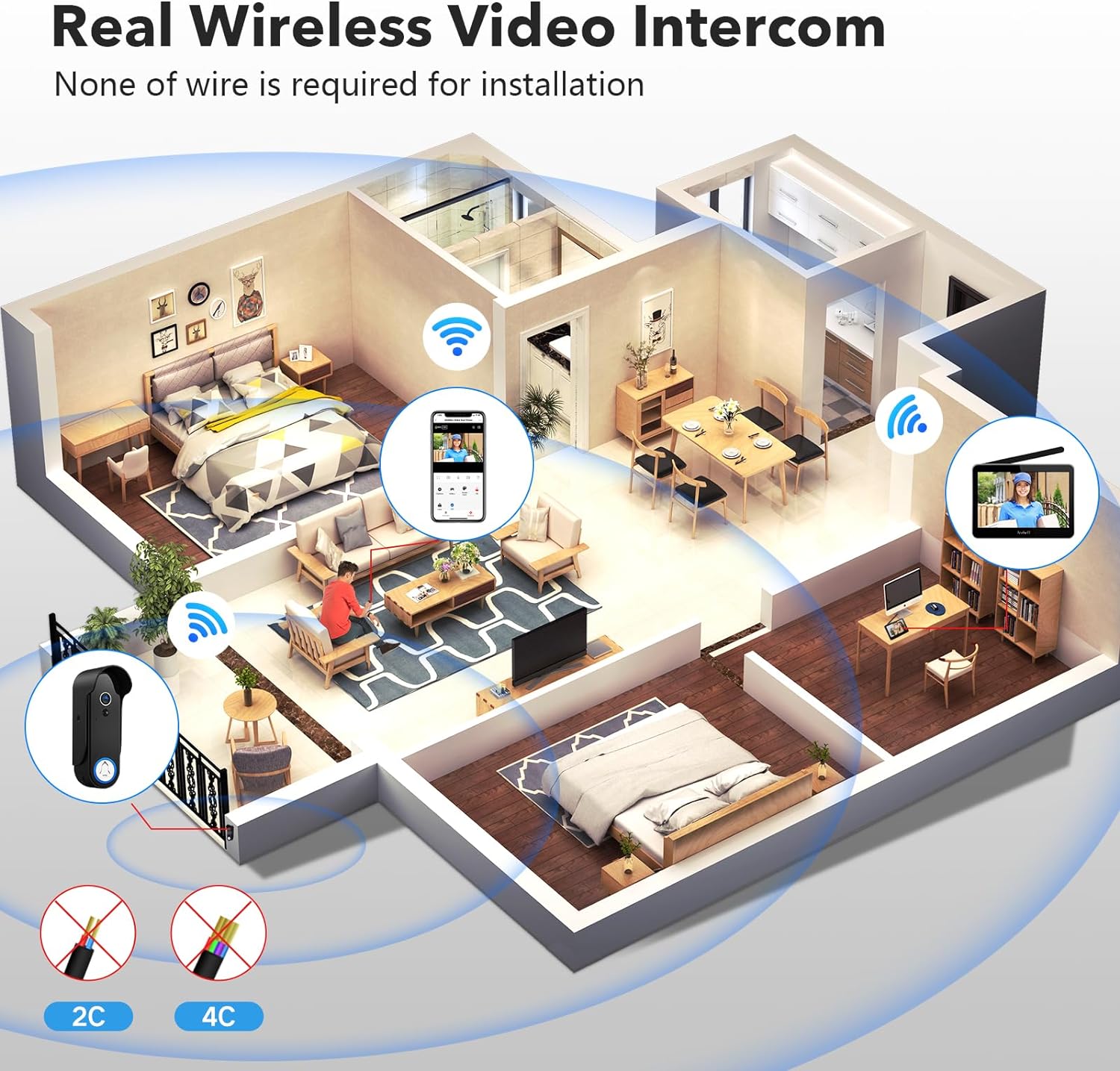
Figure 3.1: Illustration of the wireless intercom system setup, showing the doorbell camera and monitor communicating wirelessly within a home environment. No wiring is required for installation.

Figure 3.2: The doorbell system offers a wireless range of up to 100 meters in open areas. Signal strength decreases when passing through walls, with an approximate range of 40m through one wall, 20m through two walls, and 10m through three walls.
3.2 Monitor Setup
The 7-inch touchscreen monitor is pre-paired with the doorbell camera. Simply power on the monitor using the provided adapter. Ensure both the doorbell and monitor are within the effective wireless range for optimal performance.
4. Operating Instructions
4.1 APP Remote Control
Download the "TuyaSmart" application from Google Play or the App Store to control your doorbell system remotely. The app allows you to view live video, communicate with visitors, and remotely unlock your door (if connected to a compatible smart lock system).
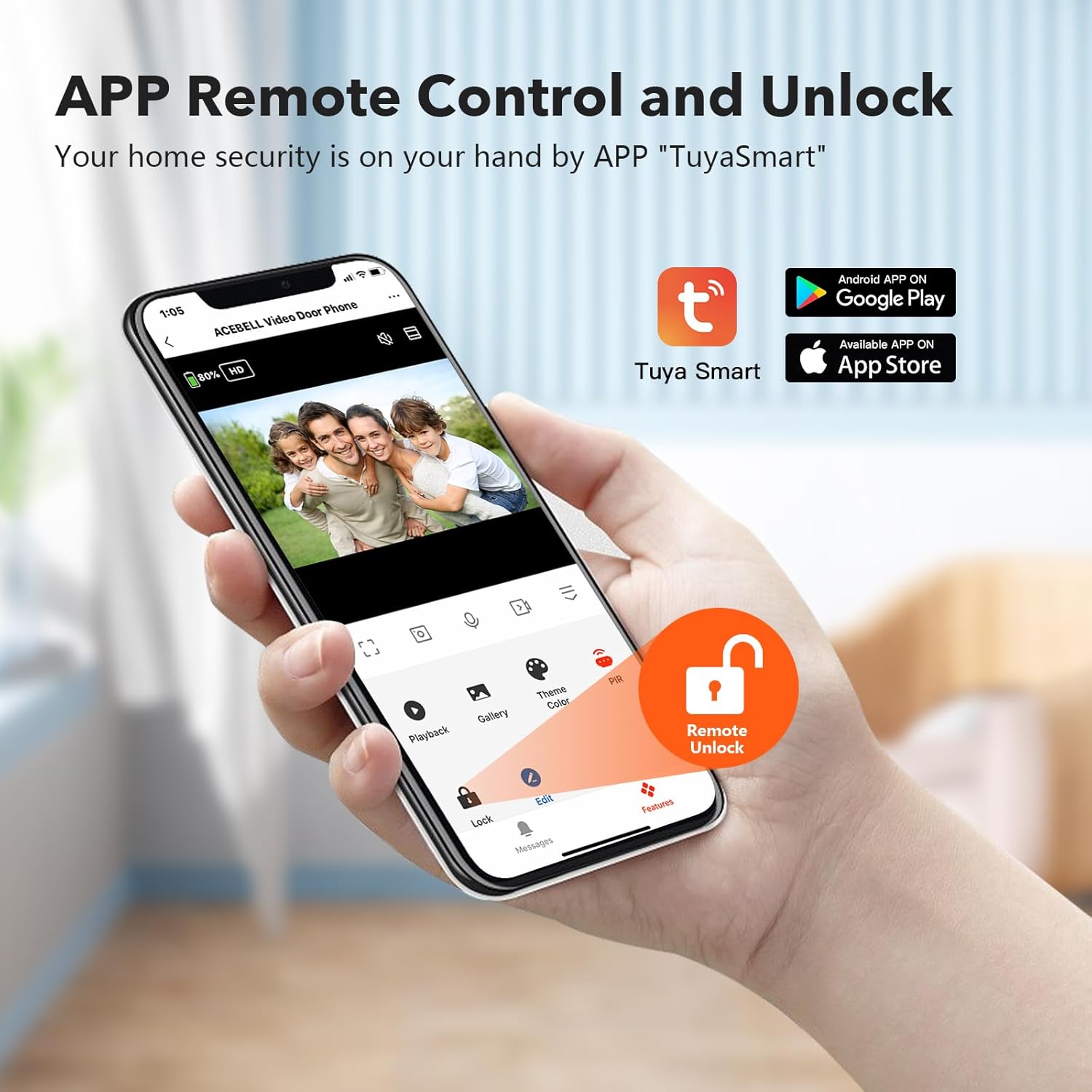
Figure 4.1: The TuyaSmart app provides remote control and monitoring capabilities, including live video feed, playback of recorded events, and remote unlocking functionality.
4.2 Two-Way Audio
The system supports two-way audio, enabling you to speak with visitors at your door. You can communicate through the 7-inch monitor or via the smartphone application. When a visitor presses the doorbell, you will receive a notification on both the monitor and your smartphone, allowing you to answer the call and engage in conversation.
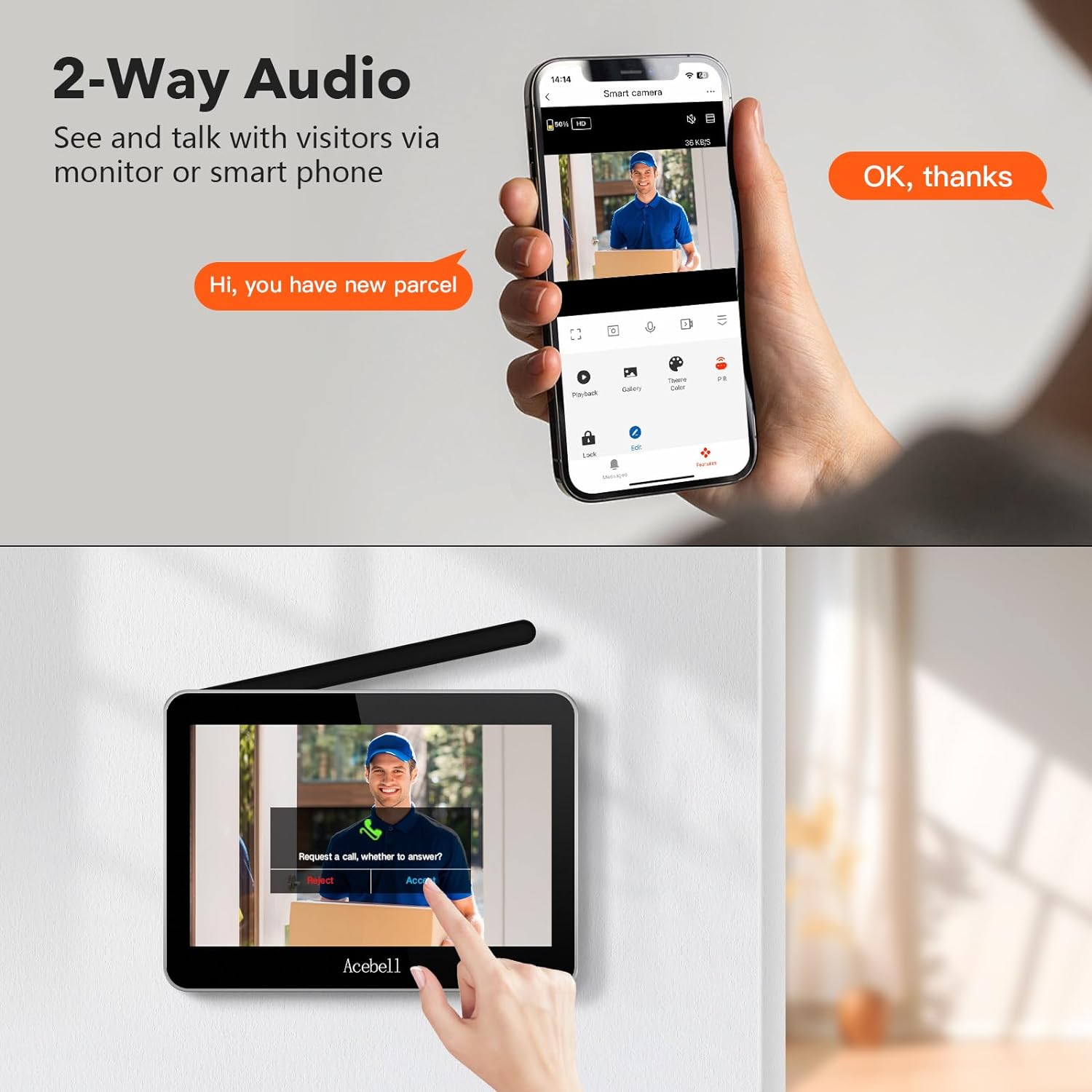
Figure 4.2: Two-way audio allows seamless communication with visitors using either the indoor monitor or your connected smartphone.
4.3 Smart PIR Motion Detection
The doorbell camera is equipped with Smart PIR (Passive Infrared) motion detection. When motion is detected, an alert will be pushed to both the monitor and your smartphone, notifying you of activity at your door. This feature helps monitor your property for suspicious activity.

Figure 4.3: Smart PIR motion detection triggers alerts to your monitor and smartphone upon detecting movement, enhancing security.
4.4 Video Recording and Storage
The system includes a 32GB TF card for local storage of video recordings. This allows you to review past events without the need for a subscription service. Motion-triggered recordings and doorbell rings are saved directly to the memory card.
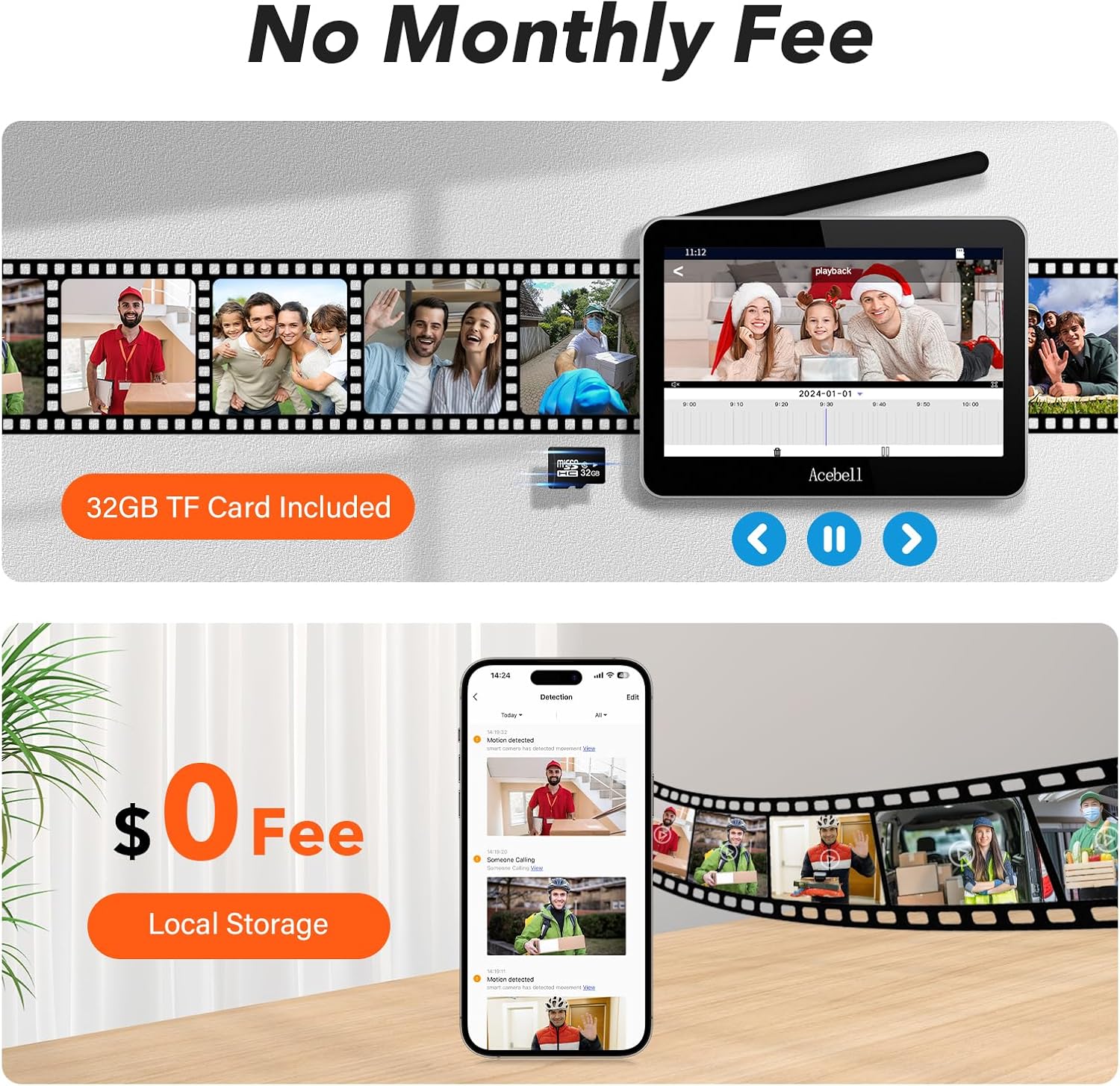
Figure 4.4: The system supports local storage on the included 32GB TF card, eliminating monthly fees for video recording and playback.
4.5 HD 1080P & Night Vision
The doorbell camera provides clear 1080P high-definition video, ensuring detailed images both day and night. Equipped with infrared LED lights, it automatically switches to night vision mode in low-light conditions, maintaining visibility around the clock.

Figure 4.5: The doorbell camera delivers 1080P HD video quality and features automatic night vision for clear imaging in all lighting conditions.
4.6 160° Wide Angle Camera
The camera features a 160-degree wide-angle lens, providing a broad field of view to capture more of your doorstep area. This helps in identifying visitors and monitoring packages effectively.

Figure 4.6: The 160° wide-angle camera provides an expansive view of your entrance.
5. Care and Maintenance
- Cleaning: Use a soft, dry cloth to clean the camera lens and monitor screen. Avoid abrasive cleaners or solvents.
- Battery Care: The doorbell camera uses a lithium-ion battery. Ensure it is charged regularly to maintain optimal performance. Avoid exposing the device to extreme temperatures.
- Environmental Protection: The doorbell camera has an IP55 rating, indicating protection against dust and low-pressure water jets. While it is weather-resistant, avoid submerging it in water or exposing it to heavy, direct water spray.
6. Troubleshooting
- No Signal/Poor Connection:
- Ensure the doorbell camera is not installed on a metal door, as metal can severely interfere with wireless signals.
- Check the distance between the doorbell and the monitor. While the system has a good range, thick walls or multiple obstructions can reduce signal strength.
- Restart both the doorbell camera and the monitor.
- App Connection Issues:
- Verify your smartphone is connected to a stable WiFi network.
- Ensure the TuyaSmart app is updated to the latest version.
- Check if the doorbell camera is connected to your home WiFi network (if using WiFi mode).
- Motion Detection Not Working:
- Check the motion detection settings in the monitor or app to ensure it is enabled and sensitivity is adjusted correctly.
- Ensure the camera lens is clean and unobstructed.
- No Audio/Poor Audio Quality:
- Ensure the microphone and speaker on both the doorbell and monitor/smartphone are not blocked.
- Check volume settings on the monitor and smartphone.
7. Technical Specifications
| Feature | Specification |
|---|---|
| Brand | ACEBELL |
| Model Number | B0FXRBK668 |
| Communication Protocol | Wi-Fi |
| Color | Black |
| Effective Video Resolution | 1080P |
| Effective Still Resolution | 2 Megapixels |
| International Protection Rating (IP) | IP55 |
| Number of Infrared LED Lights | 4 |
| Installed Flash Memory Size | 32 GB |
| Batteries Required | Yes (1 Lithium Ion battery included) |
| Product Dimensions (LxWxH) | 18 x 13 x 2 cm |
| Item Weight | 1.21 kg |
| Included Components | Charging Cable, adapter, doorbell camera, memory card, monitor |
8. Warranty and Support
For warranty information and technical support, please refer to the documentation provided with your purchase or contact ACEBELL customer service directly. Keep your purchase receipt for warranty claims.