
BHNYBWUL S47
BHNYBWUL S47 Wireless Earbuds User Manual
Model: S47
1. Introduction
Welcome to the BHNYBWUL S47 Wireless Earbuds user manual. This guide provides comprehensive instructions to help you get the most out of your new earbuds. Please read this manual carefully before use and retain it for future reference.

Image: BHNYBWUL S47 Wireless Earbuds in their charging case, displaying battery levels.
2. What's in the Box
Upon unboxing your BHNYBWUL S47 Wireless Earbuds, you should find the following items:
- BHNYBWUL S47 Wireless Earbuds (Left and Right)
- Charging Case with LED Display
- USB-C Charging Cable
- User Manual
Video: A user unboxes the S47 Wireless Earbuds, showcasing the earbuds, charging case, and included accessories.
3. Product Overview
The BHNYBWUL S47 Wireless Earbuds are designed for comfort and high-quality audio. Key features include:
- Bluetooth 5.3: Ensures stable and efficient wireless connectivity.
- 13mm Dynamic Drivers: Delivers deep bass and clear stereo sound.
- ENC Noise Cancellation: Enhances call clarity by reducing background noise.
- LED Digital Display: Shows real-time battery levels for both earbuds and the charging case.
- IPX7 Waterproof: Provides protection against sweat and water splashes, suitable for workouts.
- Touch Controls: Intuitive touch sensors for managing music, calls, and voice assistant.

Image: Close-up of the charging case's LED digital display, indicating battery levels for the case and individual earbuds.
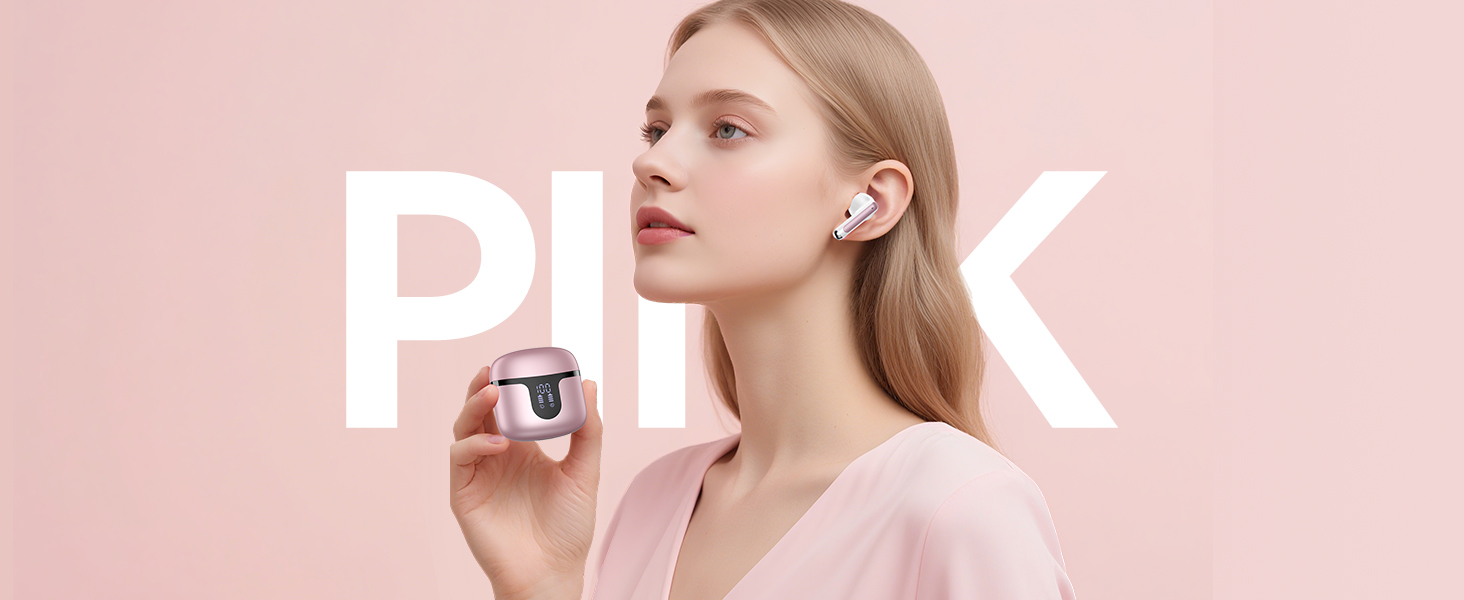
Image: Diagram illustrating the 14.2mm speaker driver for immersive stereo sound.
4. Setup
4.1 Initial Pairing
- Charge Earbuds: Ensure both earbuds and the charging case are fully charged before first use. Refer to the 'Charging' section for details.
- Activate Earbuds: Open the charging case. The earbuds will automatically power on and enter pairing mode. The LED indicators on the earbuds will flash.
- Enable Bluetooth: On your device (smartphone, tablet, computer), go to Bluetooth settings and enable Bluetooth.
- Select Device: Look for "S47" in the list of available Bluetooth devices and select it to connect.
- Confirmation: Once connected, you will hear an audio prompt, and the earbud LED indicators will turn off or show a steady light.
The earbuds support dual-channel configuration, allowing them to function as a pair for stereo sound or individually, connecting to separate devices.
Video: Demonstration of the S47 Wireless Earbuds, including pairing with a smartphone.
4.2 Reconnecting
Once paired, the earbuds will automatically reconnect to the last paired device when taken out of the charging case and Bluetooth is enabled on your device.
5. Operating Instructions
The S47 Wireless Earbuds feature intuitive touch controls on each earbud. The touch-sensitive area is typically located on the outer surface of the earbud stem.
Image: Visual guide to the touch control functions on the earbuds.
5.1 Music Playback
- Play/Pause: Single tap on either earbud.
- Next Track: Double tap on the right earbud.
- Previous Track: Double tap on the left earbud.
- Volume Up: Triple tap on the right earbud.
- Volume Down: Triple tap on the left earbud.
5.2 Call Management
- Answer/End Call: Single tap on either earbud.
- Reject Call: Press and hold on either earbud for 2 seconds.
5.3 Voice Assistant
- Activate Voice Assistant: Press and hold on either earbud for 3 seconds.

Image: Users demonstrating the effectiveness of ENC Noise Cancellation in various environments.
6. Charging
The BHNYBWUL S47 Wireless Earbuds offer extended playtime with their charging case.
6.1 Charging the Earbuds
- Place the earbuds into the charging case. They will automatically begin charging.
- The LED display on the case will show the individual battery levels of the left and right earbuds.
- A full charge for the earbuds takes approximately 1.5 hours.
6.2 Charging the Case
- Connect the provided USB-C charging cable to the charging port on the case and to a power source.
- The LED display will show the charging case's battery percentage, indicating charging progress.
- The charging case provides an additional 5 full charges for the earbuds, extending total playtime up to 50 hours.
Video: A demonstration of the S47 Wireless Earbuds charging process and LED display functionality.
7. Maintenance
Proper maintenance ensures the longevity and optimal performance of your earbuds.
- Cleaning: Regularly clean the earbuds and charging contacts with a soft, dry, lint-free cloth. Avoid using harsh chemicals or abrasive materials.
- Storage: When not in use, store the earbuds in their charging case to protect them from dust and damage.
- Water Resistance: The earbuds are IPX7 waterproof, meaning they can withstand sweat and splashes. However, they are not designed for swimming or prolonged submersion. Ensure they are dry before placing them back in the charging case to prevent damage.
- Temperature: Avoid exposing the earbuds to extreme temperatures (hot or cold) as this can affect battery life and performance.
8. Troubleshooting
If you encounter any issues with your BHNYBWUL S47 Wireless Earbuds, refer to the following common solutions:
| Problem | Possible Solution |
|---|---|
| Earbuds not pairing | Ensure earbuds are charged. Turn off and on your device's Bluetooth. Place earbuds back in case, close, then reopen to re-enter pairing mode. |
| Only one earbud working | Ensure both earbuds are charged. Place both earbuds back in the case, close, then reopen. Check device Bluetooth settings to ensure both are connected or reset pairing. |
| Low volume or poor sound quality | Adjust volume on both earbuds and your connected device. Ensure earbuds are clean and properly seated in your ears. |
| Earbuds not charging | Check if the charging cable is securely connected. Ensure the charging case has power. Clean the charging contacts on both earbuds and the case. |
| Touch controls unresponsive | Ensure your fingers are clean and dry. Try restarting the earbuds by placing them in the case and taking them out again. |
If the issue persists, please contact customer support for further assistance.
9. Specifications
| Feature | Detail |
|---|---|
| Model Name | S47 |
| Brand | BHNYBWUL |
| Connectivity Technology | Wireless (Bluetooth 5.3) |
| Bluetooth Range | 15 Meters |
| Audio Driver Type | Dynamic Driver (13mm) |
| Battery Life (Earbuds) | 8-10 hours (single charge) |
| Total Playtime (with Case) | Up to 50 hours |
| Charging Time (Earbuds) | Approx. 1.5 hours |
| Control Type | Touch Control |
| Noise Control | ENC Noise Cancellation |
| Water Resistance Level | IPX7 |
| Weight (Earbuds) | 3.7 grams (each) |
| Included Components | USB-C Cable |
| Compatible Devices | iOS, Android, most Bluetooth-enabled devices |
10. Warranty and Support
For warranty information or technical support, please refer to the product packaging or contact BHNYBWUL customer service. Keep your purchase receipt as proof of purchase.
Ask a question about this manual
Ask about setup, troubleshooting, compatibility, parts, safety, or missing instructions. Manuals+ will review the question and use this page’s manual context to help answer it.