
GYMAX Luxury Running Machine
GYMAX Luxury Running Machine Walking Pad User Manual
Model: Luxury Running Machine (B096LX1GZR)
1. Introduction
Thank you for choosing the GYMAX Luxury Running Machine Walking Pad. This 2-in-1 folding treadmill is designed for both walking and running, featuring a 4.75HP motor, LED touch screen, app control, built-in speaker, and a convenient handle. Its compact and portable design makes it suitable for home or small office spaces. This manual provides essential information for safe and effective use of your new treadmill.
2. Important Safety Information
Please read all instructions carefully before using the GYMAX Walking Pad. Retain this manual for future reference.
- Always place the treadmill on a flat, stable surface.
- Keep children and pets away from the treadmill during operation.
- Wear appropriate athletic footwear while using the treadmill.
- Ensure the safety key is properly attached to your clothing before starting. In case of emergency, pulling the safety key will immediately stop the treadmill.
- Do not use the treadmill on carpet to prevent motor overheating.
- The maximum user weight for this treadmill is 265 pounds.
- Disconnect the power cord when not in use or before cleaning/maintenance.
3. Package Contents
Verify that all components are present in the package:
- GYMAX Luxury Running Machine Walking Pad
- Power Cord
- Remote Control
- Safety Key
- User Manual (this document)
4. Setup and Assembly
The GYMAX Walking Pad arrives approximately 90% assembled. Follow these steps for final setup:
- Unfolding the Treadmill: With the side folding handle, you can easily raise the riser in seconds.
- Installing Handrails: The left and right handrails can be securely installed using the provided screws. Ensure they are tightened for a stable running experience.
- Placement: Position the treadmill on a hard, level surface. Avoid placing it on carpets to prevent overheating.
- Power Connection: Plug the power cord into a suitable electrical outlet.


5. Operating Instructions
Your GYMAX Walking Pad offers versatile operation modes and control options.
5.1 Power On/Off and Safety Key
- To power on, ensure the treadmill is plugged in and the main power switch (if present) is on.
- Attach the red safety key to the designated area on the console. The treadmill will not operate without the safety key in place.
- To stop the treadmill immediately, pull the safety key.
5.2 Modes of Operation
The treadmill supports two primary modes:
- Walking Mode: Speed range from 0.6 to 3 mph. Ideal for light exercise or under-desk use.
- Running Mode: Speed range from 0.6 to 10.5 mph. Suitable for more intense cardio workouts.
5.3 LED Touch Screen and Display
The integrated LED touch screen provides real-time feedback on your workout:
- Metrics Displayed: Speed, Time, Distance, Calories Burned, and Pulse.
- Pause Function: Press the pause key to temporarily stop your workout while retaining all sports data.

5.4 Remote Control
The included remote control allows for convenient adjustment of speed and mode.
- Speed Adjustment: Use the speed buttons to increase or decrease your pace.
- HRC Function: The remote may include a Heart Rate Control (HRC) function to automatically adjust speed based on your heart rate.
- Quick Speed Switch: A dedicated button allows for rapid changes in speed.

5.5 App Control and Bluetooth Connectivity
Enhance your workout experience by connecting your treadmill to the GYMAX App via Bluetooth.
- Connect to App: Pair your device with the GYMAX App via Bluetooth.
- App Functions: Control treadmill settings, set sports goals, track detailed exercise data, access professional courses, and share your progress with the community.
- Built-in Speaker: Enjoy audio through the built-in Bluetooth speaker.
- Device Holder: Use the integrated device holder to secure your phone or tablet.
- Unit Switching: Switch between miles and kilometers for speed and distance display within the app.

5.6 Operational Video
6. Maintenance
Regular maintenance ensures the longevity and optimal performance of your treadmill.
- Cleaning: Wipe down the treadmill with a damp cloth after each use to remove sweat and dust. Avoid abrasive cleaners.
- Belt Lubrication: Periodically lubricate the running belt according to the instructions provided with your lubricant (usually every few months depending on usage). This reduces friction and extends belt life.
- Belt Tension and Alignment: Check the running belt tension and alignment regularly. Adjust if the belt feels loose or is drifting to one side. Refer to specific instructions for adjustment screws.
- Motor Area: Keep the area around the motor clean and free of dust and debris to ensure proper ventilation and prevent overheating.
7. Troubleshooting
If you encounter issues with your GYMAX Walking Pad, refer to the following common problems and solutions:
| Problem | Possible Cause | Solution |
|---|---|---|
| Treadmill does not power on. | Power cord not connected, main switch off, safety key not in place. | Check power connection, ensure main switch is on, insert safety key. |
| Running belt stops unexpectedly. | Safety key dislodged, motor overload, power interruption. | Re-insert safety key. Reduce load if exceeding max weight. Check power supply. |
| Remote control not responding. | Low battery, remote not paired. | Replace remote control batteries. Refer to pairing instructions in the full manual. |
| Unusual noise during operation. | Loose components, belt misalignment, lack of lubrication. | Check for loose screws. Adjust belt alignment. Lubricate the running belt. |
| Error Code 'E07' displayed. | Safety key not detected. | Ensure the safety key is correctly placed on the console. |
8. Specifications
| Brand | GYMAX |
| Model Name | Luxury Running Machine |
| Product Dimensions (Unfolded) | 58"D x 31"W x 47"H |
| Folded Size | 61" x 31" x 6.5" |
| Item Weight | 106 Pounds |
| Maximum Weight Recommendation | 265 Pounds |
| Maximum Horsepower | 4.75 Horsepower |
| Minimum Speed | 0.6 Miles per Hour |
| Maximum Speed | 10.5 Miles per Hour |
| Deck Length | 49 Inches |
| Deck Width | 20 Inches |
| Material | Acrylonitrile Butadiene Styrene (ABS), Engineered Wood, Metal, Polyvinyl Chloride (PVC) |
| Frame Material | Alloy Steel |
| Display Type | LED |
| Power Source | Corded Electric |
| Connectivity Technology | Bluetooth |
| Control Program Name | Gymax |
| Metrics Measured | Calories Burned, Distance, Heart Rate |
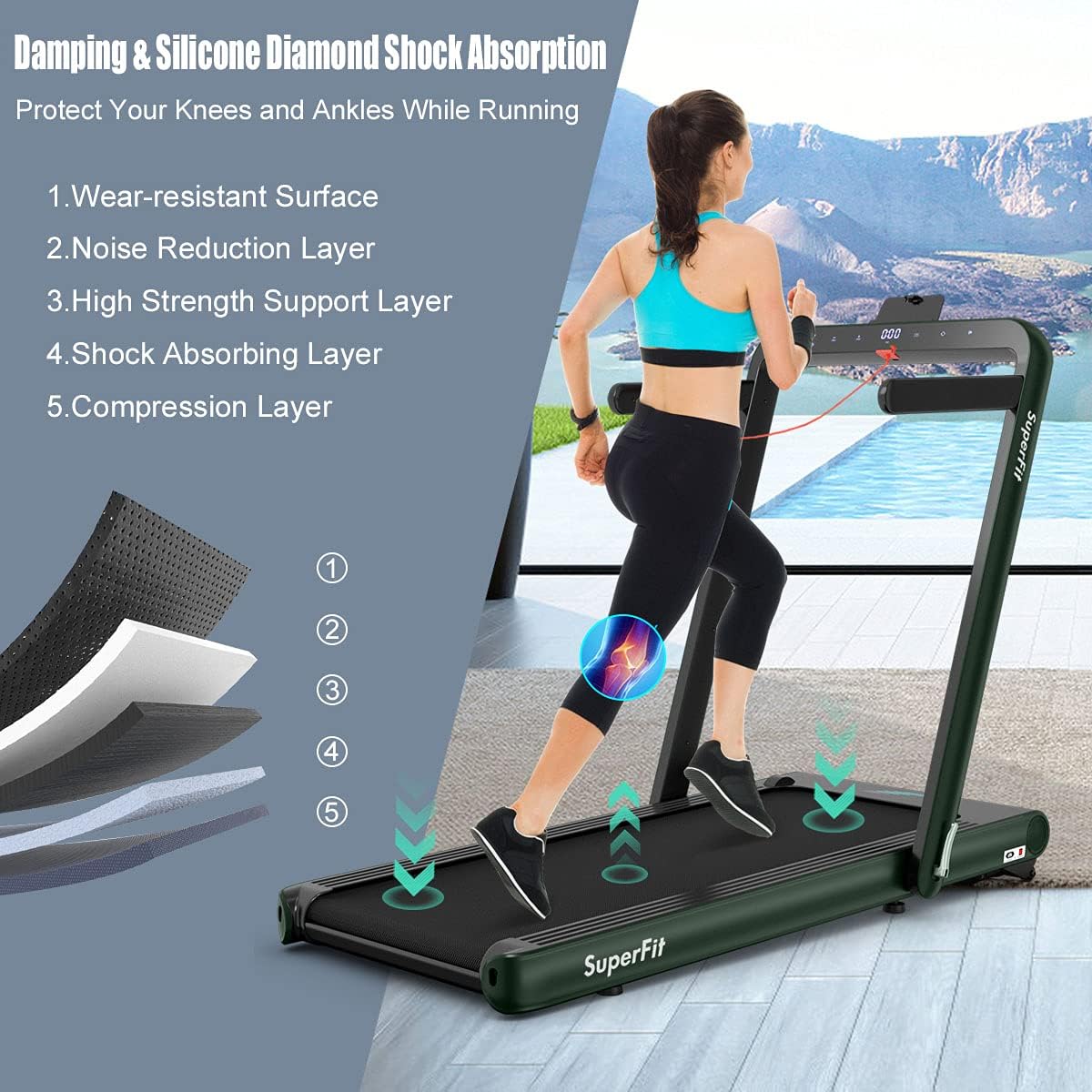
| Special Features | Foldable, Heavy Duty, Portable, Shock Absorbent, Touch Screen |
| Assembly Required | Yes |

9. Warranty Information
The GYMAX Luxury Running Machine Walking Pad comes with a 90-day warranty from the date of purchase. This warranty covers manufacturing defects under normal use. Please retain your proof of purchase for any warranty claims.
For detailed warranty terms and conditions, please refer to the documentation included with your product or contact customer support.
10. Customer Support
If you have any questions, require assistance, or need to report an issue with your GYMAX Walking Pad, please contact GYMAX customer service.
For more information and support, visit the official GYMAX store: GYMAX Store on Amazon
Ask a question about this manual
Ask about setup, troubleshooting, compatibility, parts, safety, or missing instructions. Manuals+ will review the question and use this page’s manual context to help answer it.