
1. Introduction
This manual provides detailed instructions for the proper use, installation, and maintenance of your Bulelink Zenith G10 Vacuum Cleaner Accessory Kit. Please read this manual thoroughly before using the accessories to ensure optimal performance and longevity.
2. Product Overview
The Bulelink Zenith G10 Accessory Kit is designed to enhance the cleaning capabilities of your Zenith G10 vacuum cleaner. The kit typically includes a variety of attachments for different cleaning tasks.
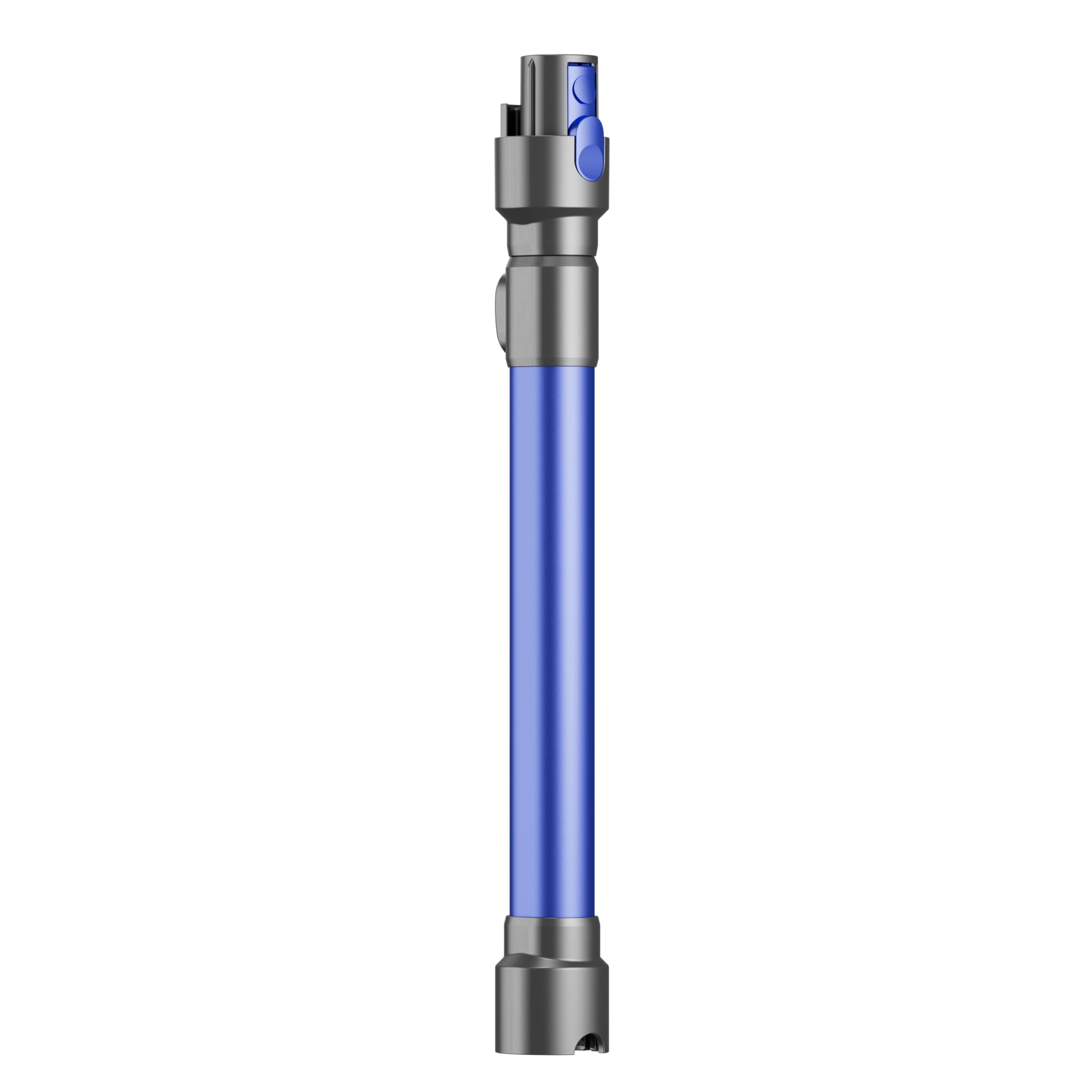
Figure 1: Overview of the Bulelink Zenith G10 Vacuum Cleaner Accessory Kit. This image displays the complete set of accessories included in the package, such as various brushes, nozzles, and filters, designed for comprehensive cleaning tasks.
Common components may include:
- HEPA Filter: For capturing fine dust particles and allergens.
- Side Brushes: For sweeping debris from edges and corners.
- Main Roller Brush: For deep cleaning carpets and hard floors.
- Crevice Tool: For reaching tight spaces.
- Dusting Brush: For delicate surfaces.
3. Setup and Installation
Before installing any accessory, ensure your Zenith G10 vacuum cleaner is turned off and unplugged from the power source.
- Replacing Filters:
- Locate the filter compartment on your vacuum cleaner (refer to your vacuum's main manual for exact location).
- Open the compartment and carefully remove the old filter.
- Insert the new HEPA filter, ensuring it is seated correctly. Close the compartment securely.
- Attaching Brushes and Nozzles:
- For side brushes, align the brush with the designated slots on the vacuum's underside and press firmly until it clicks into place.
- For the main roller brush, open the brush cover on the vacuum's underside, remove the old brush, and insert the new one. Ensure the ends align with the drive mechanism. Close the cover.
- For crevice tools or dusting brushes, attach them directly to the vacuum's hose or wand until secure.
4. Operating Instructions
Each accessory is designed for specific cleaning tasks. Select the appropriate accessory for the surface or area you intend to clean.
- HEPA Filter: Operates continuously with the vacuum to purify exhaust air. No specific user action required during operation other than regular replacement.
- Side Brushes: Ideal for cleaning along walls, in corners, and around furniture legs. Allow the vacuum to maneuver naturally.
- Main Roller Brush: Use for general floor cleaning. It agitates carpets to lift dirt and sweeps hard floors effectively.
- Crevice Tool: Attach to the vacuum hose for cleaning narrow gaps, edges, and hard-to-reach areas like between sofa cushions or car seats.
- Dusting Brush: Use for delicate surfaces such as bookshelves, blinds, or electronics. The soft bristles prevent scratching.
5. Maintenance
Regular maintenance of your accessories ensures optimal performance and extends their lifespan.
- HEPA Filter:
- Check the filter every 1-2 months, or more frequently with heavy use.
- Tap the filter gently over a trash can to remove loose dust.
- If washable, rinse under cool running water until water runs clear. Allow to air dry completely for at least 24 hours before reinstallation. Do not use a dryer or heat.
- Replace the filter every 3-6 months, or when suction power noticeably decreases.
- Brushes (Side and Main Roller):
- Regularly inspect brushes for tangled hair, threads, or debris.
- Use scissors or a brush cleaning tool to carefully cut and remove any tangled material.
- Wipe brushes with a damp cloth if necessary. Ensure they are dry before reinstallation.
- Other Tools (Crevice, Dusting Brush):
- Wipe clean with a damp cloth.
- Remove any trapped debris from nozzles.
6. Troubleshooting
If you encounter issues with your Bulelink Zenith G10 accessories, refer to the following common solutions:
| Problem | Possible Cause | Solution |
|---|---|---|
| Reduced Suction Power | Clogged filter or brush. | Clean or replace the HEPA filter. Remove any blockages from brushes or nozzles. |
| Brushes Not Rotating | Hair or debris tangled in the brush. | Turn off and unplug the vacuum. Carefully remove tangled material from the brush. |
| Accessories Not Fitting Securely | Incorrect accessory for the vacuum model or improper installation. | Ensure you are using accessories designed for the Zenith G10. Re-check installation steps in Section 3. |
7. Specifications
| Feature | Detail |
|---|---|
| Brand | Bulelink |
| Model Number | RIV001 |
| Color | Blue |
| Package Dimensions | 46.1 x 32.29 x 5.7 cm |
| Product Weight | 350 g |
| ASIN | B0FXHGL8GF |
8. Warranty and Support
For warranty information or technical support, please refer to the documentation provided with your original purchase or contact Bulelink customer service directly. Keep your proof of purchase for warranty claims.
For further assistance, visit the official Bulelink website or contact their support team.