
1. Overview
The Baseus Magsafe Battery Pack (Model: E0027U) is a high-capacity 20,000mAh wireless portable charger designed for efficient and convenient power delivery. It supports PD 20W USB-C fast charging and is compatible with iPhone 12 series and newer, offering both wireless and wired charging options.
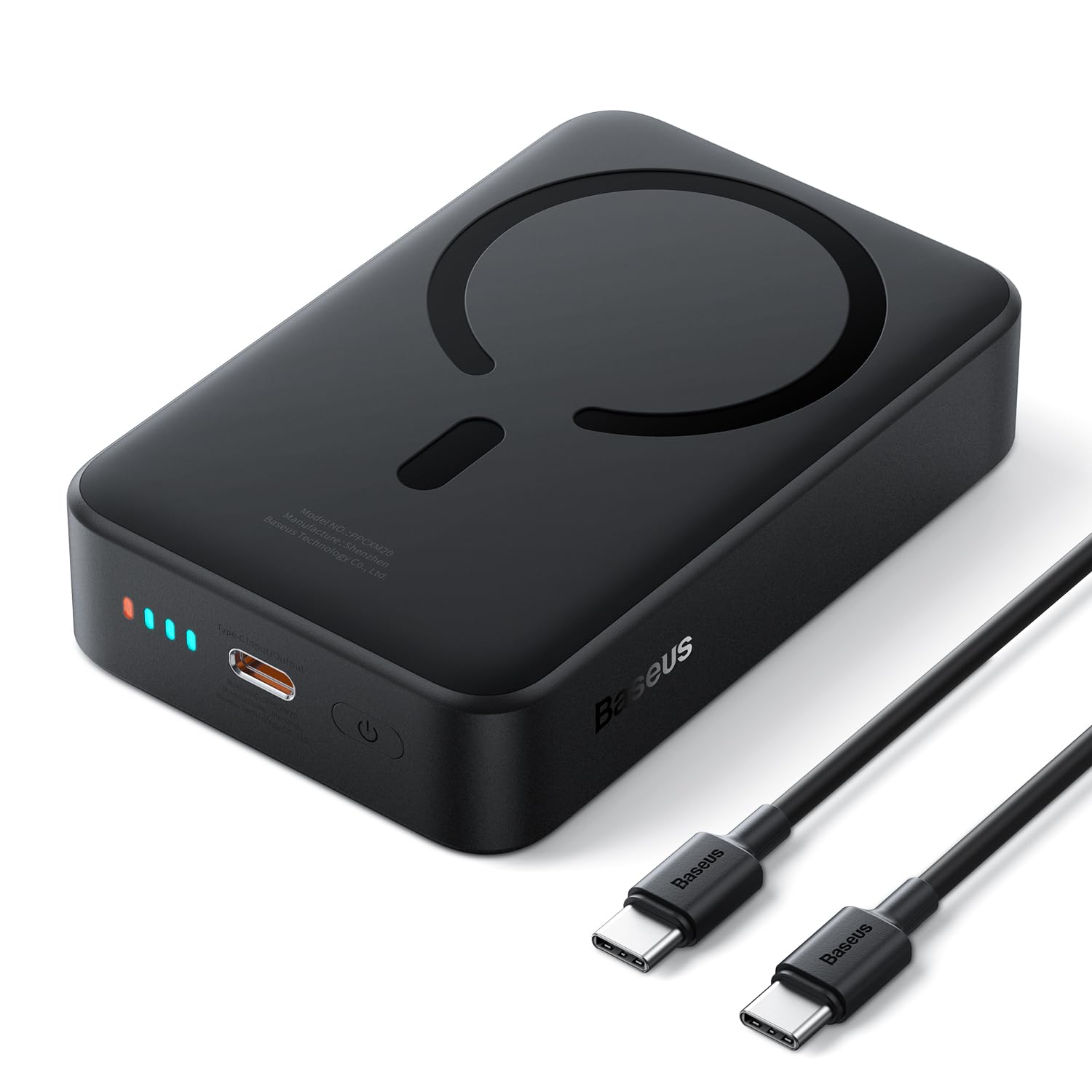
Image: The Baseus Magsafe Battery Pack E0027U in black, showcasing its compact design.
2. Product Features
- Massive 20,000mAh Capacity: Provides extended power, capable of charging an iPhone 17 Pro up to 4 times or AirPods Pro up to 23 times.
- PD 20W Fast Charging: Delivers rapid power, recharging an iPhone 17 Pro from 0% to 55% in approximately 30 minutes via wired connection.
- Strong Magnetic Attachment: Features built-in MagSafe for automatic and secure attachment, enabling hands-free use during wireless charging.
- Universal Compatibility: Supports 7.5W wireless MagSafe charging and 20W wired charging via USB-C. The upgraded USB-C port also supports 20W input and 18W output with pass-through charging.
- 10-Layer Safety Protection: Engineered with high-grade materials and a smart PCB offering multiple safeguards against overcharge, over-discharge, short-circuit, and overheating.
- Slim & Compact Design: Measuring 4.4 x 2.7 x 1.2 inches and weighing 14.1 ounces, it is designed for portability.
- LED Indicator Lights: Provides visual cues for battery level and charging status.
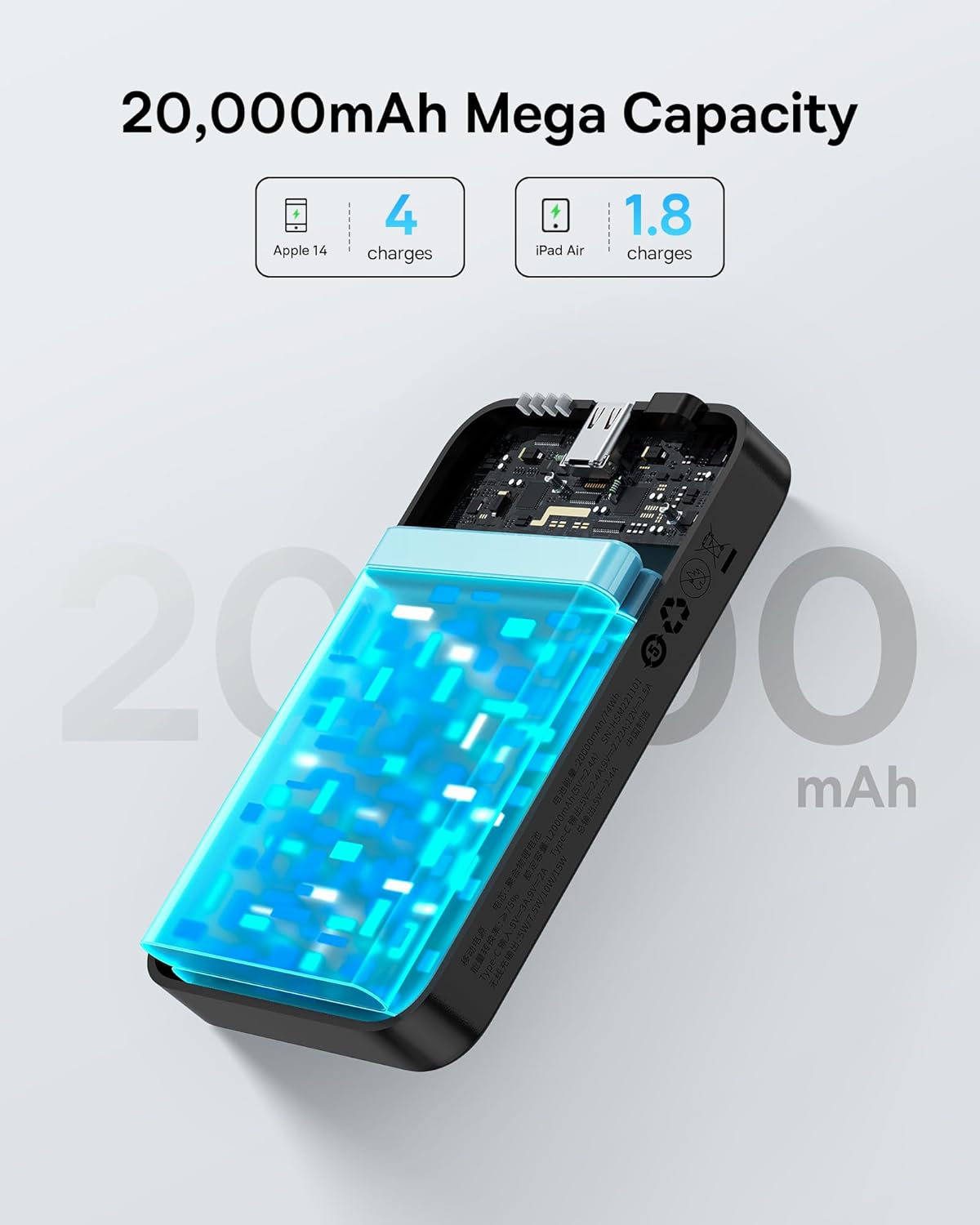
Image: An internal view of the power bank highlighting its 20,000mAh capacity, capable of multiple charges for devices like iPhones and iPads.
3. Setup
3.1 Charging the Power Bank
- Connect the included USB-C cable to the USB-C input/output port on the power bank.
- Plug the other end of the USB-C cable into a compatible power adapter (not included) with a 20W PD output for optimal charging speed.
- The LED indicator lights will illuminate to show the charging progress. All lights solid indicate a full charge.
3.2 Initial Use
It is recommended to fully charge the power bank before its first use to ensure optimal performance and battery longevity.
4. Operating Instructions
4.1 Wireless (MagSafe) Charging
- Ensure your device is MagSafe compatible (iPhone 12 series or newer).
- Align the back of your iPhone with the magnetic charging area on the power bank. The magnets will snap into place, and charging will begin automatically.
- The power bank delivers up to 7.5W wireless charging.

Image: A hand demonstrating how the MagSafe power bank snaps securely onto the back of an iPhone, initiating wireless charging.
4.2 Wired (USB-C) Charging
- Connect your device to the USB-C output port on the power bank using a compatible USB-C cable.
- The power bank supports PD 20W fast charging via the USB-C port.
4.3 Charging Multiple Devices
The power bank supports charging two devices simultaneously: one wirelessly via MagSafe (7.5W) and another via the USB-C port (up to 20W). The total output when charging both wirelessly and wired is 12W (Max).

Image: The power bank simultaneously charging an iPhone wirelessly via MagSafe and another smartphone via a USB-C cable, illustrating its dual-charging capability.
4.4 Pass-Through Charging
The power bank supports pass-through charging, allowing you to charge your phone while the power bank itself is being recharged. Connect the power bank to a power source and then connect your phone to the power bank.
5. Maintenance
- Keep the power bank away from extreme temperatures, direct sunlight, and liquids.
- Clean the device with a soft, dry cloth. Avoid using harsh chemicals or abrasive materials.
- Store the power bank in a cool, dry place when not in use.
- To prolong battery life, fully charge and discharge the power bank at least once every three months.
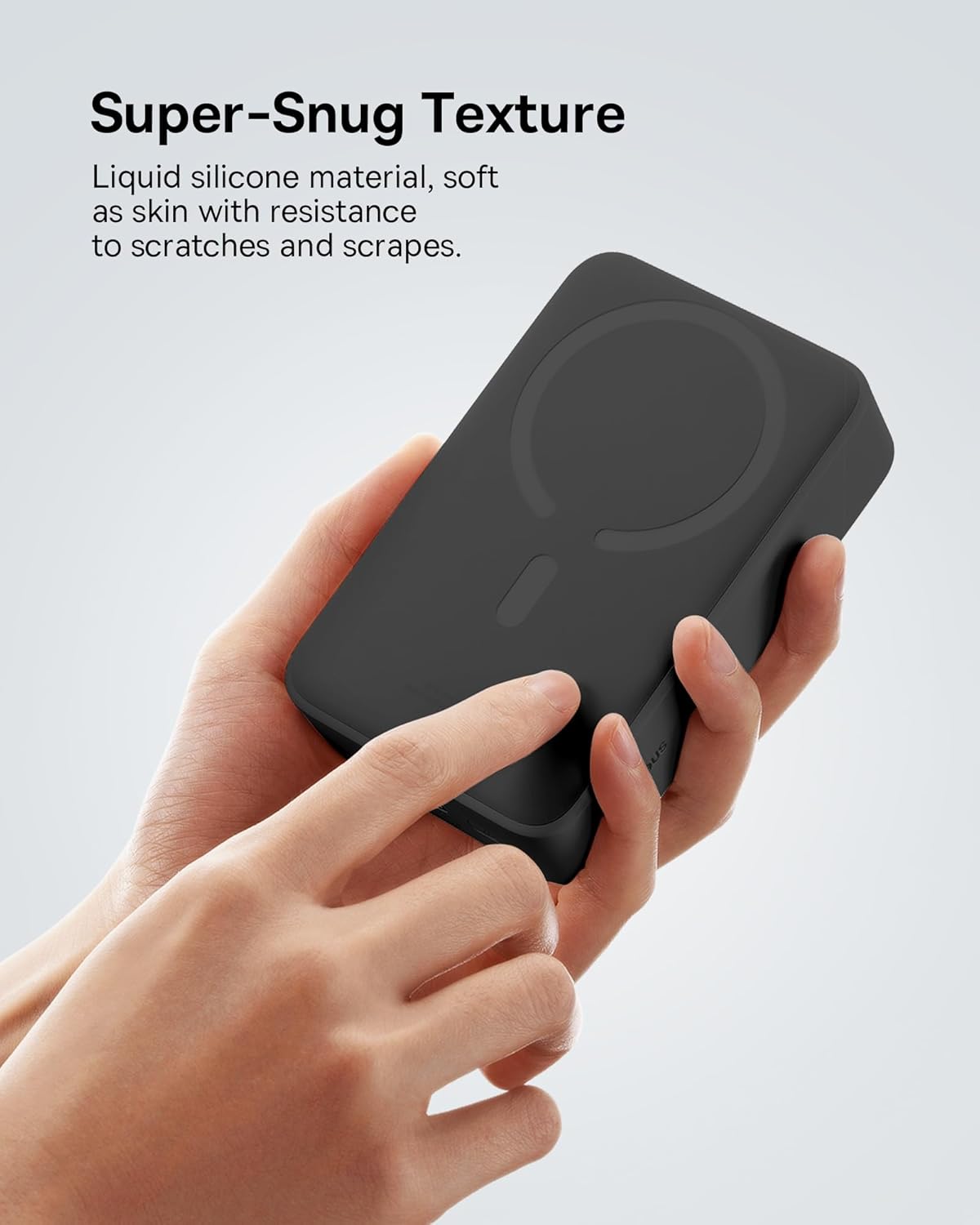
Image: A close-up of the power bank's exterior, highlighting its liquid silicone material and snug texture, which is resistant to scratches and scrapes.
6. Troubleshooting
- Device not charging wirelessly: Ensure your phone is MagSafe compatible and properly aligned with the magnetic charging area. Remove any thick cases that might interfere with wireless charging.
- Slow charging: Verify that your charging cable and wall adapter (for recharging the power bank) support fast charging (PD 20W for optimal speed). Ensure the power bank itself has sufficient charge.
- Power bank not turning on: Press the power button to check the battery level indicators. If no lights appear, recharge the power bank.
- Overheating: Discontinue use if the power bank becomes excessively hot. Ensure proper ventilation and avoid charging in direct sunlight or confined spaces.
7. Specifications
| Model Number | E0027U |
| Battery Capacity | 20000 Milliamp Hours |
| Product Dimensions | 4.4 x 2.7 x 1.2 inches |
| Item Weight | 14.1 ounces |
| Wireless Charging Output | 7.5W (MagSafe) |
| USB-C Output | PD 20W |
| USB-C Input | PD 20W |
| Pass-Through Output | 18W |
| Special Features | Fast Charging, LED Indicator Lights, Wireless Charging |
| Color | Black |
8. Safety Information
The Baseus Magsafe Battery Pack is equipped with 10-layer safety protection to ensure safe operation:
- Overcharge Protection
- Over-discharge Protection
- Short-circuit Protection
- Overheating Protection
- Overvoltage Protection
- Overpower Protection
- Restoration Protection
- Electromagnetic Field Protection
- Overcurrent Protection
- Foreign Object Detection
Always use the device according to these instructions to prevent damage or injury. Do not disassemble, crush, or expose to fire or water.

Image: A diagram illustrating the 10 built-in circuit safety protections of the power bank, ensuring secure charging.
This power bank is allowed and safe to board with on any plane.
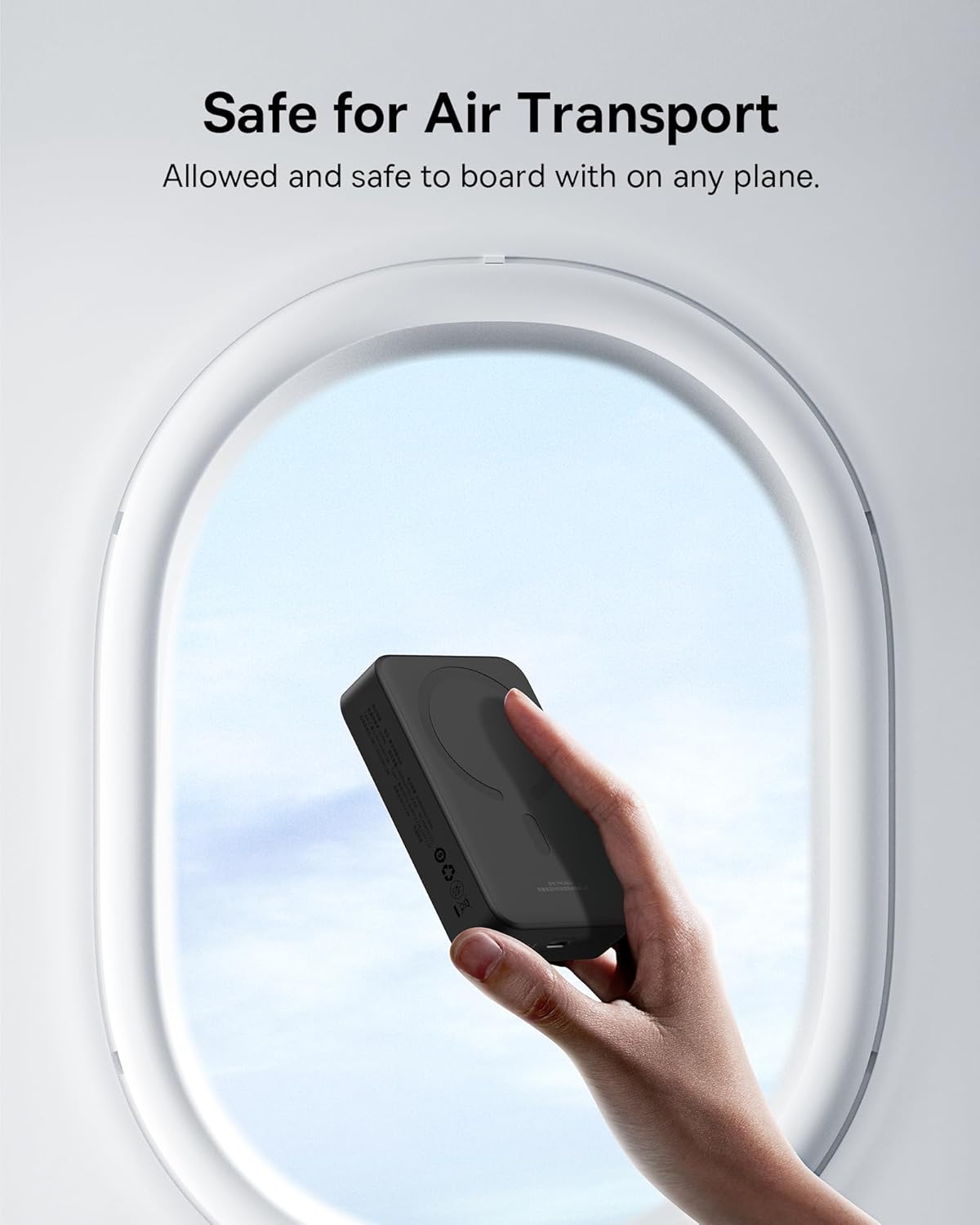
Image: The power bank being held up to an airplane window, indicating its safety for air transport.
9. Warranty & Support
For warranty information and customer support, please refer to the official Baseus website or contact their customer service directly. Keep your purchase receipt for warranty claims.