
1. Introduction
Thank you for choosing the Brookstone King Electric Heated Comfort Plush Herringbone Blanket. This blanket is designed to provide customizable warmth and luxurious comfort. Please read this manual thoroughly before use to ensure safe and optimal operation.
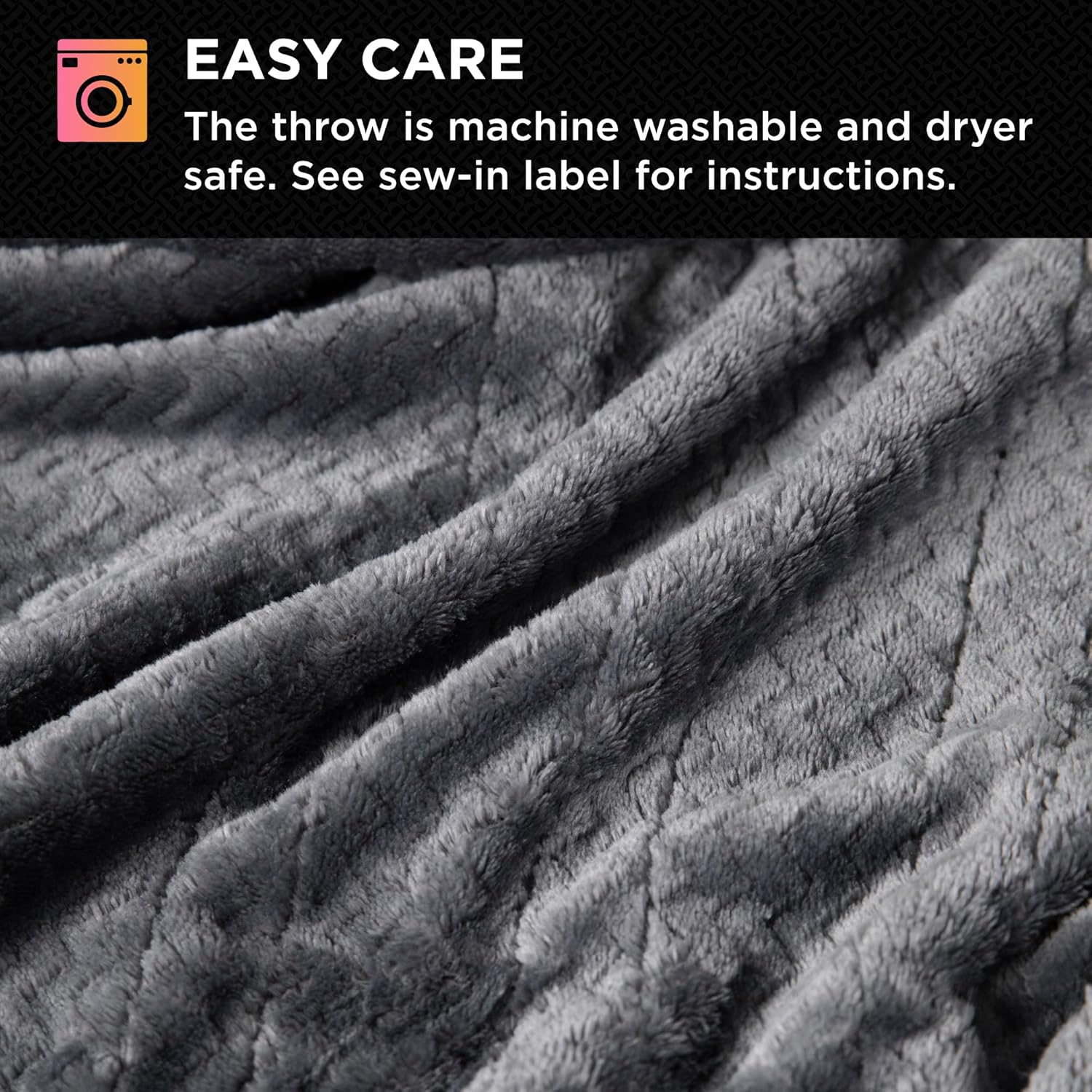
Image: Detailed view of the blanket's soft, plush texture.
2. Important Safety Instructions
WARNING: To reduce the risk of burns, electric shock, fire, or injury to persons, this product must be used in accordance with the following instructions:
- Do not use with infants, children, invalids, or persons insensitive to heat.
- Do not use on areas of the body that are swollen, inflamed, or have open wounds.
- Do not use with a damaged cord or plug. If the cord or plug is damaged, contact customer service.
- Do not use this product with a generator, power inverter, or converter.
- Do not use with other heating devices.
- Do not use if wet.
- Do not use pins or other metallic objects with this blanket. They may damage electrical wiring.
- Always unplug the blanket when not in use.
- This product is ETL-certified, ensuring it meets safety standards.
3. Setup
- Ensure the blanket is spread flat on your bed, with no folds or creases.
- Locate the connection ports on the blanket. For King size blankets, there are two ports, one on each side.
- Connect the controller(s) to the blanket by firmly pushing the connector into the port until it clicks securely into place.
- Plug the power cord(s) from the controller(s) into a standard 120V AC electrical outlet.

Image: The King-sized heated blanket on a bed, showing the two controllers.
4. Operating Instructions
Powering On/Off
- Press the power button on the controller to turn the blanket on or off.
Adjusting Heat Settings
- The blanket features 10 customizable heat settings.
- Use the '+' and '-' buttons next to 'HEAT' on the controller to increase or decrease the warmth level.
- Each controller operates independently, allowing two users to set their preferred temperatures.
Setting the Timer
- The blanket includes a convenient adjustable timer with a 12-hour auto shut-off feature.
- Use the '+' and '-' buttons next to 'TIMER' to set the desired operating duration.
- The blanket will automatically turn off after the set time, or after 12 hours if no specific time is selected, for safety and energy efficiency.

Image: Detailed view of the user-friendly controller.
5. Care and Maintenance
This electric heated blanket is designed for easy care. Always follow these instructions to maintain its quality and functionality.
Before Washing:
- Ensure the blanket is unplugged from the wall outlet.
- Detach all controllers and power cords from the blanket.
Washing Instructions:
- Machine wash on a gentle cycle with cold water.
- Use a mild detergent.
- Do not bleach.
Drying Instructions:
- Tumble dry on low heat.
- Ensure the blanket is completely dry before reconnecting the controllers or storing.
- Do not iron.
- Do not dry clean.

Image: Visual guide for easy care and washing.
6. Troubleshooting
- Blanket not heating: Ensure all connections are secure and the power cord is firmly plugged into a working outlet. Check if the controller is powered on and a heat setting is selected.
- Uneven heating: Ensure the blanket is spread flat and not bunched or folded, which can interfere with heat distribution.
- Controller display not working: Unplug the blanket from the wall outlet for a few minutes, then plug it back in. If the issue persists, contact customer support.
- Automatic shut-off before desired time: Verify the timer setting on the controller. The blanket has a maximum 12-hour auto shut-off for safety.
7. Specifications
| Feature | Detail |
|---|---|
| Brand | Brookstone |
| Model Number | B0FXCKHRLB |
| Size | King (U.S. Standard) |
| Product Dimensions | 100"L x 90"W |
| Material | 100% Polyester |
| Color | Charcoal |
| Heat Settings | 10 |
| Auto Shut-off | 12-hour adjustable timer |
| Special Feature | Customizable, Dryer Safe |
| Certifications | ETL-certified |
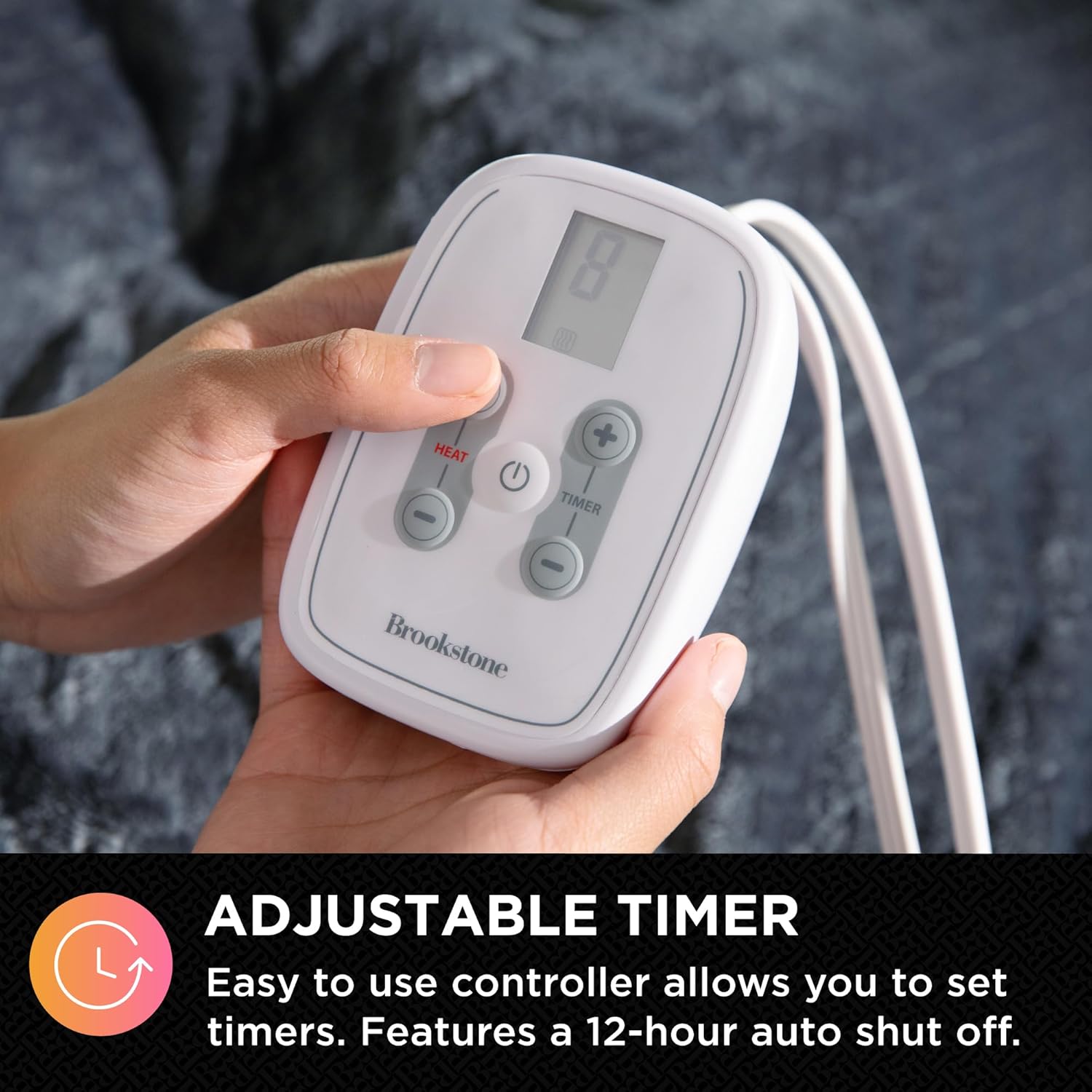
Image: King size blanket dimensions.
8. Warranty and Support
For warranty information or technical support, please refer to the product packaging or contact Brookstone customer service directly. Keep your purchase receipt for warranty claims.