
Introduction
This manual provides essential instructions for the safe and effective use of your Brookstone Electric Heated Comfort Plush Herringbone Blanket. This blanket features 10 customizable heat settings and an adjustable timer for personalized comfort. Its plush polyester velvet material offers a soft touch, and it is designed for easy care, being machine washable and dryer safe.

Image: Close-up of the super-soft velvety texture of the Brookstone heated blanket, highlighting its luxurious feel.
Important Safety Instructions
Please read all instructions carefully before using this electric blanket. Failure to follow these instructions may result in fire, electric shock, or injury.
- Do not use with an infant, child, incapacitated person, or anyone insensitive to heat.
- Do not use with or on an animal.
- Never use the blanket if it is wet.
- Do not use this blanket with a mechanical adjustable bed.
- Do not use pins or other metallic objects with this blanket. They may damage electrical wiring.
- Do not tuck in the controller or place it under the blanket.
- Do not dry clean this product. Dry cleaning solvents may damage the insulation of the heating element.
- Do not bleach or iron the blanket.
- Always unplug the blanket from the wall outlet when not in use.
- Inspect the blanket, cord, and controller regularly for any signs of wear or damage. If damaged, do not use.
Package Contents
Your Brookstone Electric Heated Comfort Plush Herringbone Blanket package includes:
- 1 x Brookstone Electric Heated Comfort Plush Herringbone Blanket (Twin size)
- 1 x Digital Controller with 10 Heat Settings and Adjustable Timer
Setup Instructions
- Unpack: Carefully remove the electric blanket and controller from the packaging.
- Positioning: Lay the blanket flat on your bed or desired surface, ensuring there are no folds, creases, or bunched areas. The connector should be positioned at the foot of the bed.
- Connect Controller: Locate the connector on the blanket. Firmly plug the controller cord into the blanket connector until it clicks securely into place. Ensure a tight connection.
- Power Connection: Plug the power cord from the controller into a standard 120V AC wall outlet. Ensure the outlet is easily accessible.
Operating Instructions
Your Brookstone electric blanket is designed for user-friendly operation with its intuitive digital controller.
- Power On/Off: Press the power button (usually a circle with a vertical line) on the controller to turn the blanket on or off. The digital display will illuminate when powered on.
- Adjust Heat Settings: Use the "HEAT" '+' and '-' buttons to cycle through the 10 available heat settings. Start with a lower setting and increase gradually to find your preferred warmth level.
- Set Timer: Use the "TIMER" '+' and '-' buttons to set the desired operating time. The blanket features a 12-hour auto shut-off for safety and energy efficiency. You can adjust the timer in increments.
- Pre-heating: For optimal comfort, it is recommended to turn on the blanket 15-30 minutes before use to allow it to pre-heat.

Image: Digital controller displaying 10 heat settings, indicating the range from warm to hot for customizable comfort.
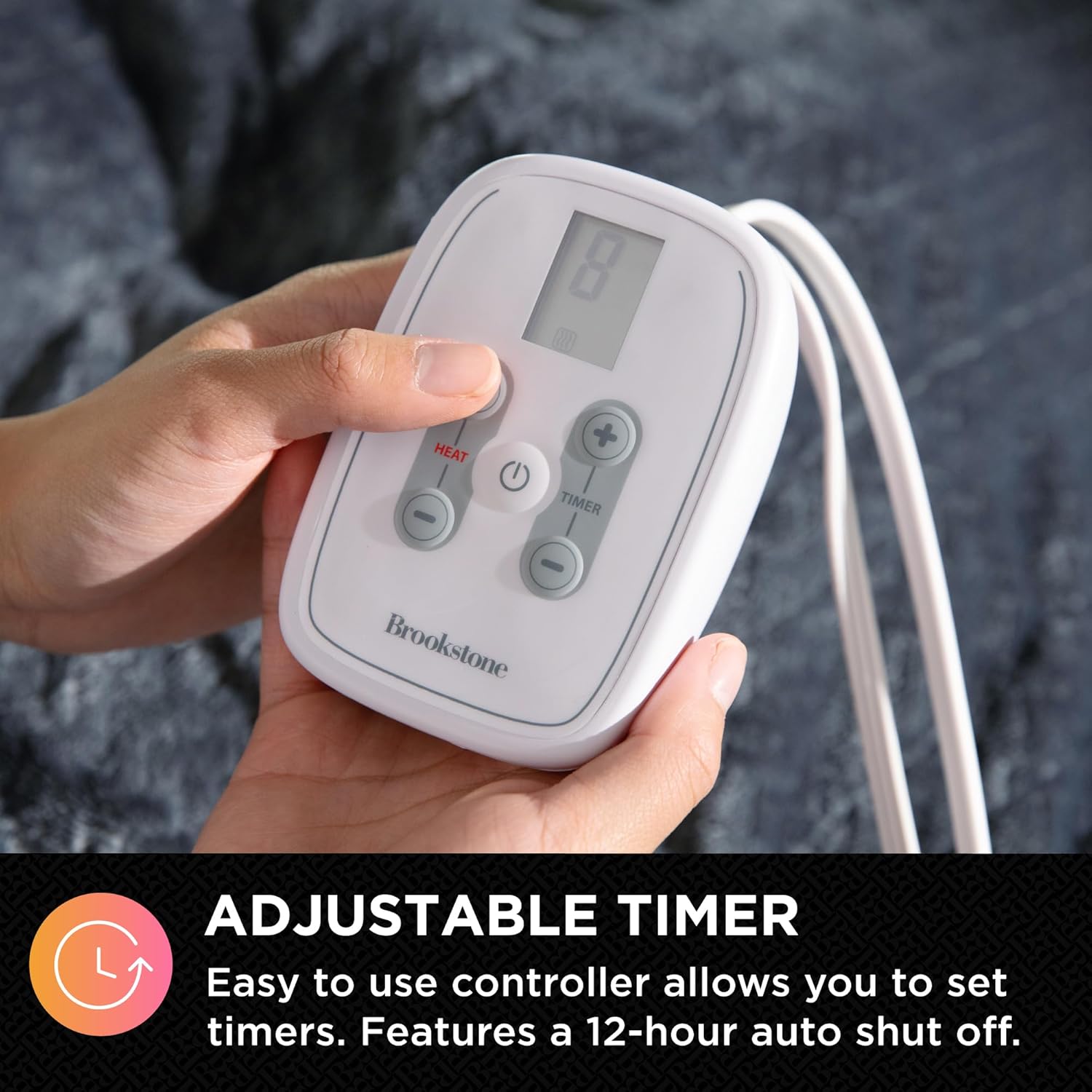
Image: Close-up of the adjustable timer buttons on the Brookstone blanket controller, showing the intuitive design for setting auto shut-off times.
Maintenance and Care
Proper care ensures the longevity and performance of your electric blanket. Always disconnect the power cord from the wall outlet and the controller from the blanket before cleaning.
- Washing: This blanket is machine washable. Use a gentle cycle with cold water. Do not use bleach.
- Drying: The blanket is dryer safe. Tumble dry on a low heat setting. Ensure the blanket is completely dry before reconnecting the controller or storing.
- Storage: When not in use, store the blanket in a cool, dry place. Avoid folding it tightly or placing heavy objects on it, which could damage the internal wiring.
- Spot Cleaning: For small spills, spot clean with a mild detergent and damp cloth.
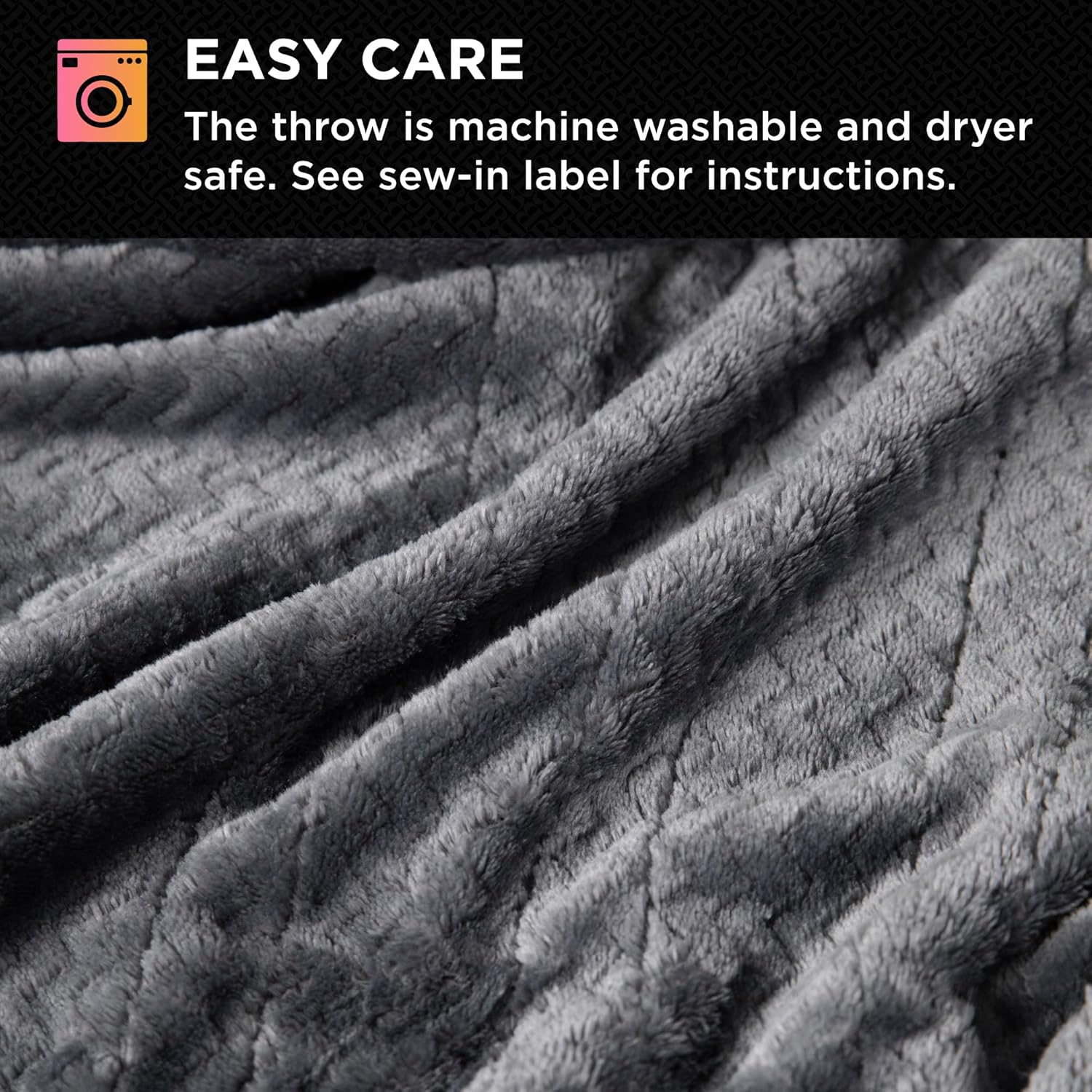
Image: Close-up of the blanket's fabric texture, accompanied by an "Easy Care" icon, indicating its machine washable and dryer-safe properties.
Troubleshooting
If your electric blanket is not functioning as expected, please refer to the following common issues and solutions:
| Problem | Possible Cause | Solution |
|---|---|---|
| Blanket not heating | Power cord or controller not securely connected. | Ensure all connections are firm. Unplug and re-plug the controller into the blanket and the power cord into the wall outlet. |
| Blanket not heating | Power outlet not functioning. | Test the outlet with another appliance. |
| Blanket turns off unexpectedly | Timer setting has expired. | Check the timer setting on the controller. Reset if necessary. |
| Blanket turns off unexpectedly | Overheating protection activated. | Unplug the blanket and allow it to cool for 30 minutes. Ensure the blanket is not folded or bunched. |
If the problem persists after trying these solutions, please contact customer support.
Specifications
- Brand: Brookstone
- Model: Electric Heated Comfort Plush Herringbone Blanket Twin
- Size: Twin (62" x 84")
- Fabric Type: 100% Polyester
- Heat Settings: 10 levels
- Timer: Adjustable, with 12-hour auto shut-off
- Power: 120V AC
- Care: Machine Washable, Dryer Safe
- Certifications: ETL-certified

Image: Diagram illustrating the dimensions of the Twin size blanket, measuring 62 inches in width and 84 inches in length.
Warranty and Support
For warranty information or technical support, please refer to the product packaging or contact Brookstone customer service directly. Keep your purchase receipt for warranty claims.
You can often find contact details on the official Brookstone website or through the retailer where the product was purchased.