
1. Introduction
Thank you for choosing the Forcemech Carbon F1 Electric Wheelchair. This manual provides essential information for the safe and effective operation, maintenance, and care of your new electric wheelchair. Please read this manual thoroughly before using the product and retain it for future reference. Proper understanding and adherence to these instructions will ensure optimal performance and longevity of your Carbon F1 wheelchair.
2. Product Overview
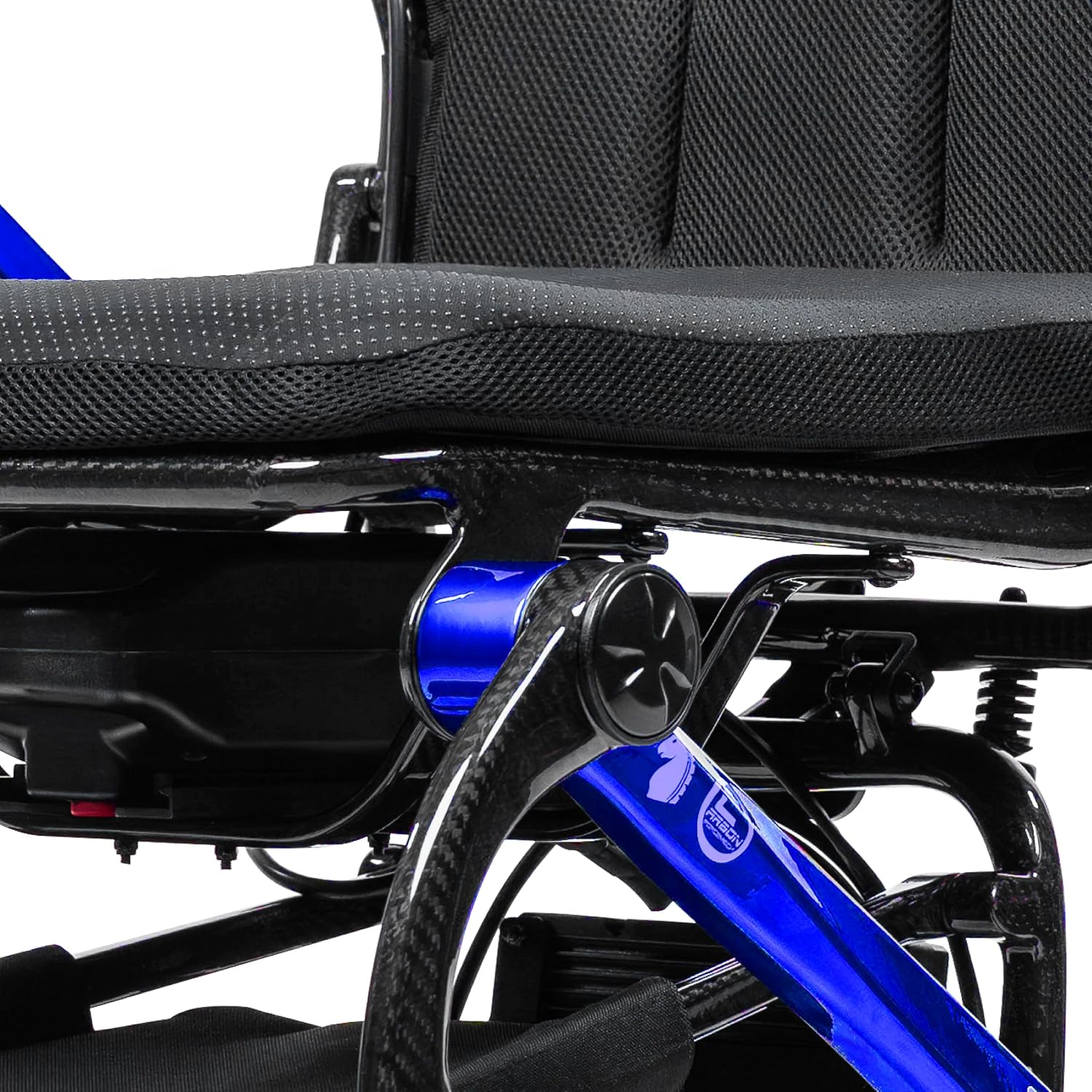
The Forcemech Carbon F1 is a lightweight, foldable electric wheelchair designed for adults, offering enhanced mobility and convenience. Constructed with a durable carbon fiber frame, it combines strength with portability, making it suitable for daily use and travel.
Key Features:
- Lightweight Carbon Fiber Frame: Weighs approximately 35 lbs (without battery), offering high strength and easy portability.
- Effortless Folding: Folds compactly in seconds for convenient storage and transport.
- Intuitive Control: Features a 360° joystick for smooth and precise maneuverability.
- Extended Range: Provides up to 10 miles on a single battery charge.
- Quiet Operation: Equipped with dual 200W brushless motors for smooth and silent performance.
- Safety Features: Includes electromagnetic braking and rear support wheels for stability on inclines.


Product Videos:
3. Setup
Upon receiving your Forcemech Carbon F1 Electric Wheelchair, follow these steps for initial setup:
- Unboxing: Carefully remove all components from the packaging. Inspect for any signs of damage during transit.
- Unfolding: Place the folded wheelchair on a flat, stable surface. Release any locking mechanisms and gently unfold the frame until it clicks into place. Ensure all parts are securely locked.
- Attach Joystick Controller: Connect the joystick controller to the designated port on the armrest. Ensure the connection is firm.
- Install Battery: Insert the battery pack into its compartment. Ensure it is properly seated and secured.
- Initial Charge: Before first use, fully charge the battery. Refer to the "Battery Information" section for charging instructions.
- Adjustments: Adjust the footrest and armrests to a comfortable position.
4. Operating Instructions
The Carbon F1 Electric Wheelchair is designed for intuitive control. Familiarize yourself with the joystick and control panel before operating.
4.1 Joystick Control
- Power On/Off: Press the power button on the joystick to turn the wheelchair on or off.
- Movement: Gently push the joystick in the desired direction (forward, backward, left, right) to move. The further you push, the faster the wheelchair will move.
- Turning: Push the joystick left or right for turns. The 24-inch turning radius allows for agile maneuvering in tight spaces.
- Braking: Release the joystick to engage the electromagnetic brakes, bringing the wheelchair to a smooth stop.
4.2 Speed Settings
Use the speed adjustment buttons on the joystick to select your desired speed level. Start with the lowest speed setting until you are comfortable with the wheelchair's response.
4.3 Manual Mode
To switch to manual push mode, disengage the motors using the levers located near the rear wheels. This allows a caregiver to push the wheelchair manually. Re-engage the motors for electric operation.
5. Battery Information
The Carbon F1 is equipped with an airline-approved battery, providing reliable power for extended use.
- Charging: Connect the charger to the charging port on the battery or joystick, then plug it into a standard electrical outlet. The LED indicator on the joystick will show charging status. Charge fully before first use and after each use.
- Battery Life: A fully charged battery provides up to 10 miles of travel, depending on terrain, user weight, and speed settings.
- Airline Approval: The battery is designed to be airline-approved for travel. Always check with your airline for their specific regulations regarding battery transport before flying.
- Smart Battery Management System: Features include 1-second auto sleep mode, deep discharge protection, on-board/off-board charging, and full-charge auto shut-off to prolong battery life.

6. Folding and Transport
The Carbon F1 is designed for easy folding and transport, making it ideal for travel and storage.
Folding Procedure:
- Ensure the wheelchair is powered off.
- Remove the battery if required for transport or storage.
- Lift the seat and follow the folding mechanism instructions (typically involves releasing a latch and pushing the backrest forward).
- Gently compress the wheelchair until it is fully folded and secured by its locking mechanism.


The wheelchair weighs 35 lbs (without battery), making it easy to lift into a car trunk or carry for transport. Its compact folded dimensions are ideal for air travel, cruises, and train trips.
7. Maintenance
Regular maintenance ensures the safe and efficient operation of your Forcemech Carbon F1 Electric Wheelchair.
- Cleaning: Wipe down the frame and seat with a damp cloth. Avoid using abrasive cleaners or excessive water.
- Tire Inspection: Regularly check tires for wear and tear. Ensure they are free from debris.
- Battery Care: Keep the battery charged, especially during periods of non-use. Store the battery in a cool, dry place.
- Connections: Periodically check all electrical connections and fasteners to ensure they are secure.
- Professional Service: For any complex repairs or issues, contact authorized Forcemech service personnel.
8. Troubleshooting
This section addresses common issues you might encounter with your Carbon F1 Electric Wheelchair.
| Problem | Possible Cause | Solution |
|---|---|---|
| Wheelchair does not power on | Battery not charged or improperly installed; Power button not pressed. | Ensure battery is fully charged and correctly seated. Press the power button firmly. |
| Wheelchair does not move | Joystick not engaged; Motors disengaged (manual mode); Obstruction. | Push joystick gently. Ensure motors are engaged. Check for obstructions around wheels. |
| Reduced range or power | Low battery charge; Worn battery. | Fully charge the battery. If issues persist, battery may need replacement. |
| Unusual noises during operation | Loose components; Debris in wheels/motors. | Inspect for loose parts and tighten if necessary. Clean wheels and motor areas. Contact support if noise persists. |
If you encounter an issue not listed here or if the suggested solutions do not resolve the problem, please contact Forcemech customer support.
9. Specifications
| Feature | Detail |
|---|---|
| Product Dimensions | 27"D x 24"W x 38"H |
| Item Weight | 35 Pounds (without battery) |
| Maximum Weight Recommendation | 300 Pounds |
| Frame Material | Carbon Fiber |
| Motors | Dual 200W Brushless Motors |
| Battery Range | Up to 10 Miles |
| Turn Radius | 24 Inches |
| Seat Width | 16.5 Inches |
| Seat Depth | 17 Inches |
| UPC | 850080696002 |
10. Warranty and Support
Warranty Information:
- Main Frame: 5-year limited warranty
- Motors: 2-year warranty
- Controller Unit, Joystick Controller, and Battery: 1-year warranty
For detailed warranty terms and conditions, please refer to the official Forcemech warranty documentation included with your product or visit the Forcemech website.
Customer Support:
For any questions, technical assistance, or warranty claims, please contact Forcemech customer support:
- Phone: 1-(877)-90-FORCE (1-877-903-6723)
- Email: support@forcemech.com
- Website: Visit the Forcemech Store on Amazon


