
Belaco BTCH-01B
Belaco 2000W Turbo Convector Heater
Model: BTCH-01B - Instruction Manual
1. Introduction
Thank you for purchasing the Belaco 2000W Turbo Convector Heater, Model BTCH-01B. This manual provides essential information for the safe and effective use, maintenance, and troubleshooting of your new heater. Please read all instructions carefully before operating the appliance and retain this manual for future reference.
2. Important Safety Instructions
WARNING: To reduce the risk of fire, electric shock, or injury to persons or property, always follow basic safety precautions when using electrical appliances.
- Always place the heater on a firm, level, and stable surface to prevent tipping.
- Keep the heater away from children and pets.
- Plug the heater directly into a wall outlet. Do not use extension cords or power strips, as they may overheat and cause a fire risk.
- Ensure the power source voltage, frequency, and rating match those indicated on the product's rating label.
- Do not cover the heater. Covering the heater can lead to overheating and poses a fire hazard. Ensure adequate clearance around the heater for proper airflow.
- Do not operate the heater near water or in damp locations.
- Unplug the heater when not in use or before cleaning.
- Do not insert any objects into the heater's openings.
- This appliance is for indoor use only.

Image: Safety warning regarding proper plug usage and not covering the heater. Always plug directly into a wall outlet and ensure the heater is not obstructed.
3. Product Overview
The Belaco Turbo Convector Heater is designed to provide efficient heating with multiple settings and safety features. Familiarize yourself with its components and controls.

Image: Front view of the Belaco Turbo Convector Heater highlighting its key features: thermostatic control, turbo fan mode, safety cut-off, 24-hour timer, 3 heat settings, and overheat protection.
Key Features:
- Thermostatic Control: For precise temperature management.
- Turbo Fan Mode: For rapid heat distribution.
- Safety Cut-off: Automatic shutdown in case of malfunction.
- 24-Hour Timer: Allows scheduled operation.
- 3 Heat Settings: Offers versatile heating options (750W, 1250W, 2000W).
- Overheat Protection: Automatically turns off if the unit gets too hot.
- Stable Stand: Ensures secure placement.
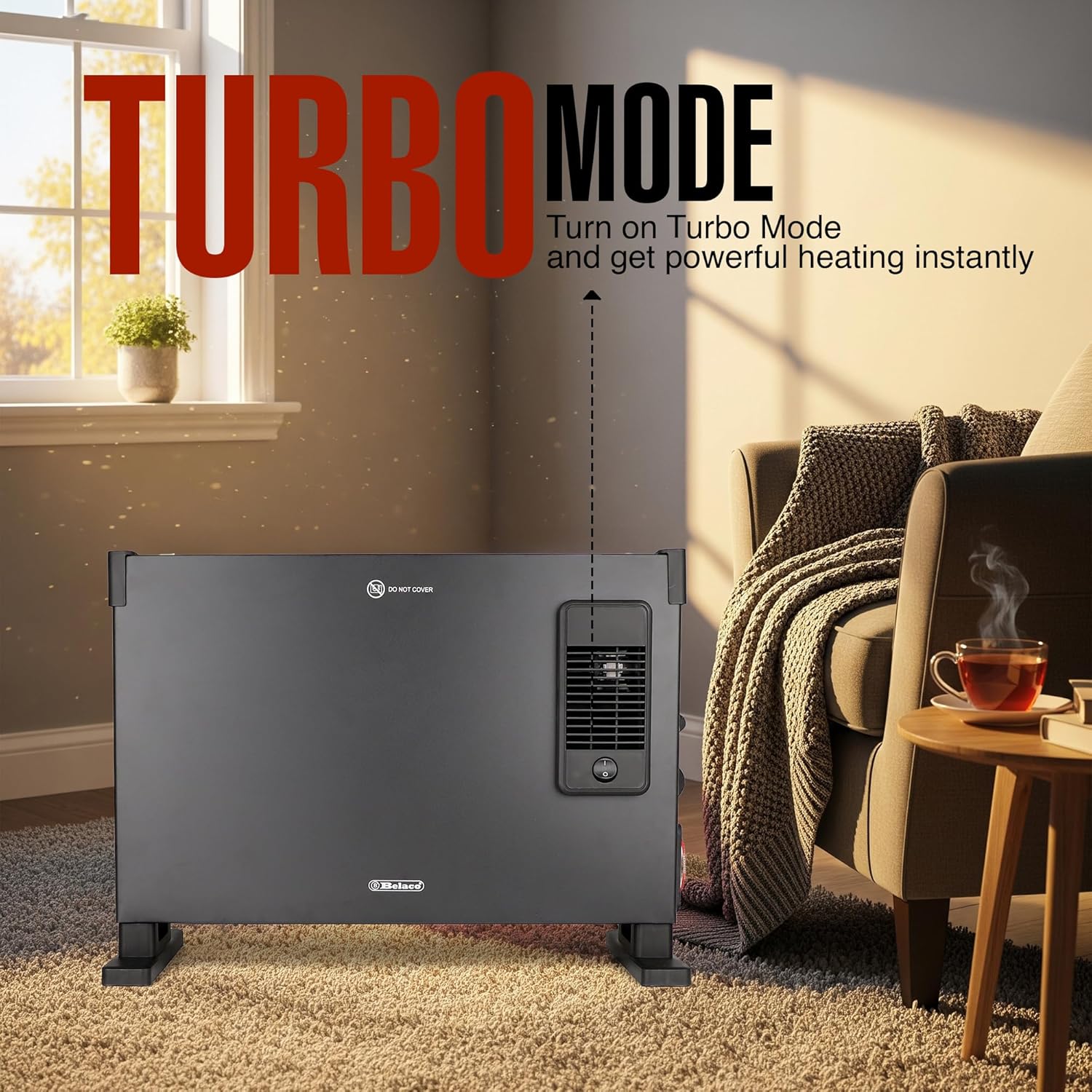
Image: The heater demonstrating its Turbo Mode feature, which provides instant powerful heating.
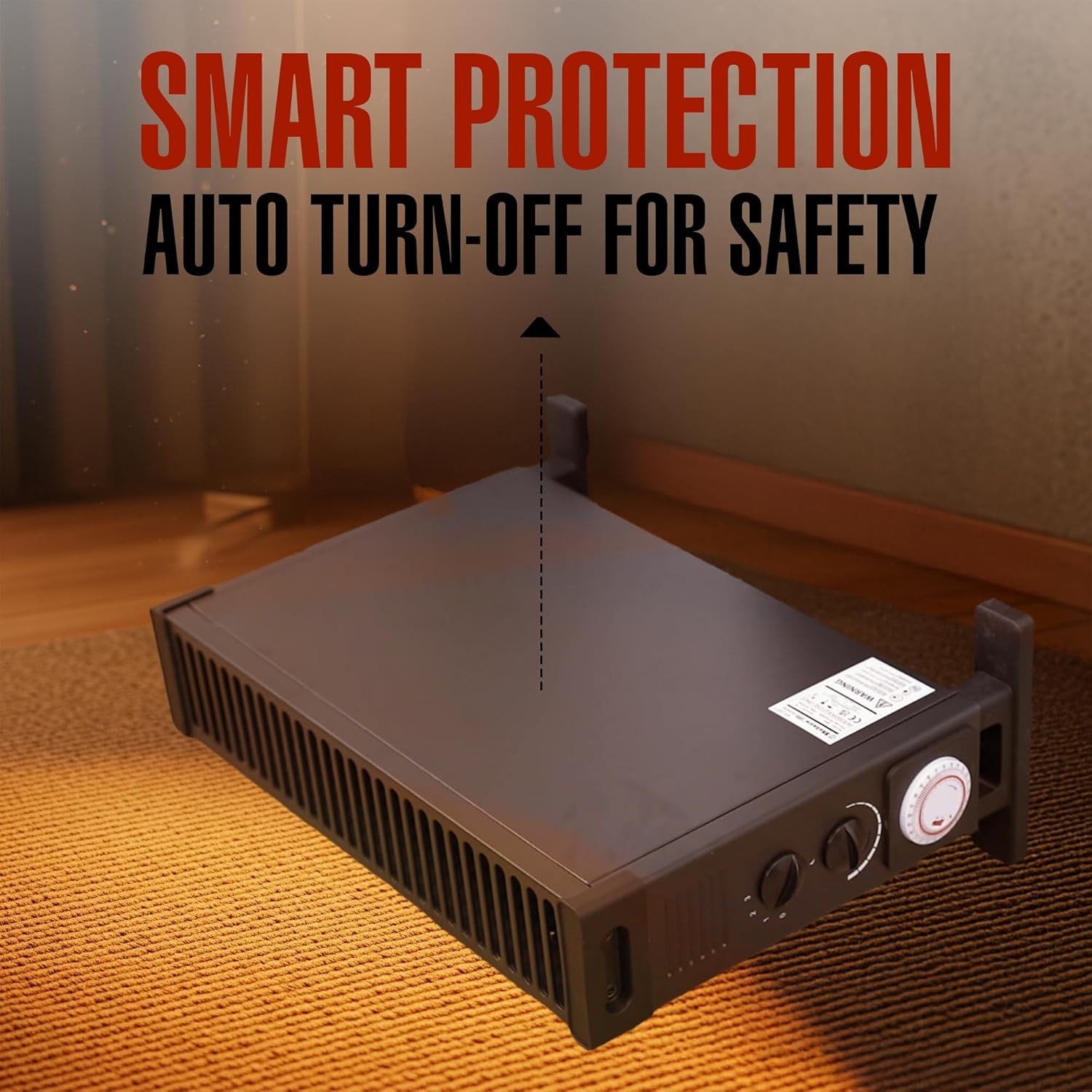
Image: The heater's stable base and smart protection feature, which includes an auto turn-off for safety.
4. Setup
Follow these steps to prepare your heater for first use:
- Unpack: Carefully remove the heater from its packaging. Retain packaging for storage or transport.
- Placement: Place the heater on a flat, stable, and heat-resistant surface. Ensure there is at least 30 cm (12 inches) of clear space around all sides of the heater for proper ventilation. Do not place it directly under a power outlet.
- Power Connection: Plug the power cord directly into a suitable 220-240V AC, 50Hz wall outlet. Ensure the outlet is in good condition and not overloaded.

Image: The heater positioned on its stable stand, illustrating proper placement on a flat surface.
5. Operating Instructions
Your Belaco heater offers various settings for customized comfort.
5.1 Power On/Off and Heat Settings
- Ensure the heater is plugged in.
- Turn the heat setting dial to select your desired power output:
- Setting 1: 750W (Low Heat)
- Setting 2: 1250W (Medium Heat)
- Setting 3: 2000W (High Heat)
- To turn off the heater, turn the heat setting dial to '0'.
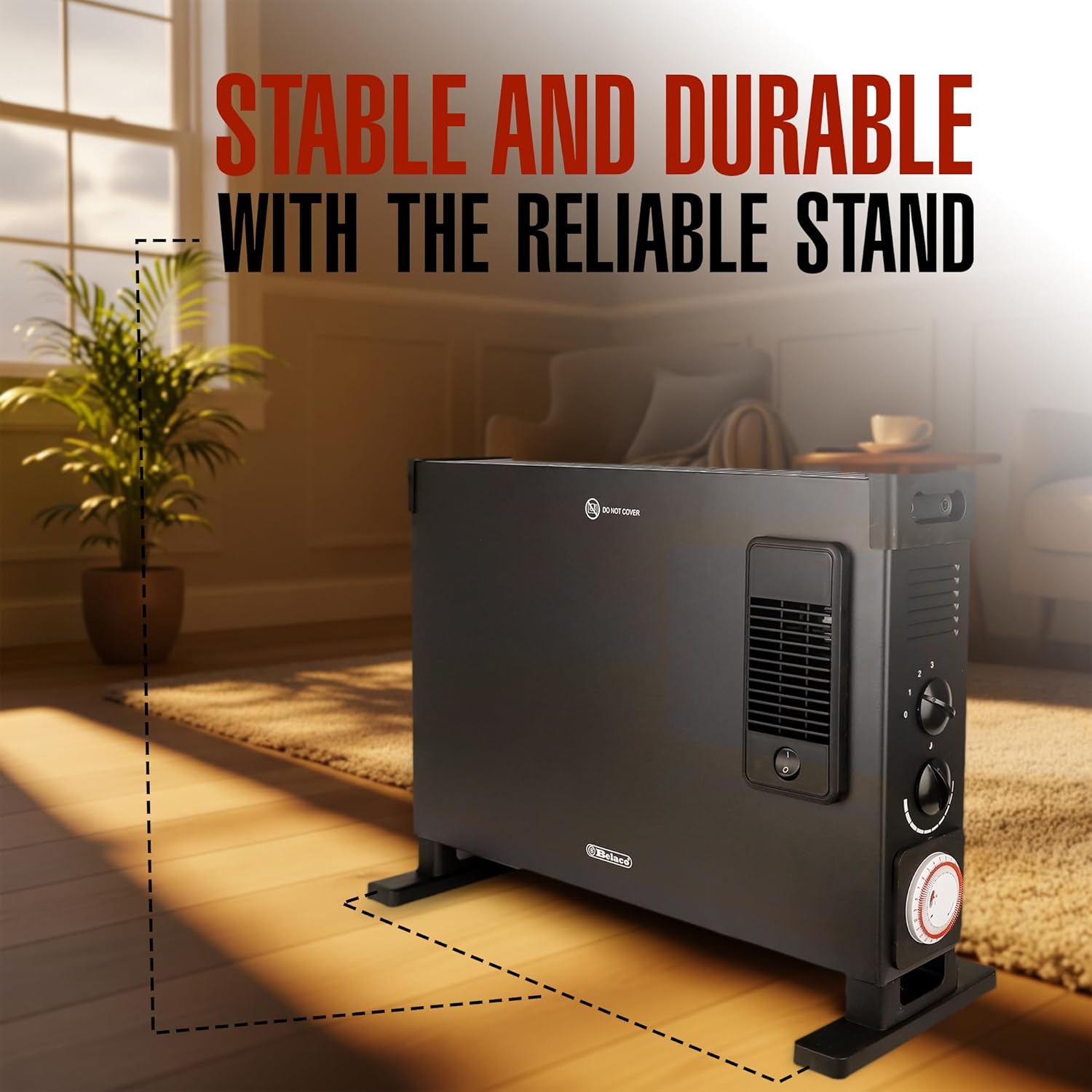
Image: The control panel displaying the three heat settings: 750W, 1250W, and 2000W.
5.2 Thermostat Control
The adjustable thermostat allows you to maintain a comfortable room temperature.
- Set the heat setting dial to your desired power (1, 2, or 3).
- Turn the thermostat dial clockwise to increase the desired temperature or counter-clockwise to decrease it.
- The heater will cycle on and off to maintain the set temperature.

Image: The adjustable thermostat dial, used for precise temperature control.
5.3 24-Hour Timer Function
The integrated timer allows you to program the heater to turn on or off automatically.
- The timer is a 24-hour mechanical timer. Each segment on the timer represents 15 minutes.
- To set the timer, push the segments inwards for the periods you want the heater to be ON. Push them outwards for the periods you want the heater to be OFF.
- Rotate the timer dial clockwise until the current time aligns with the arrow indicator.
- Ensure the heat setting and thermostat are set to your desired levels. The heater will now operate according to the programmed schedule.

Image: The 24-hour timer control, allowing users to schedule heating operation.
6. Maintenance
Regular cleaning and proper storage will ensure the longevity and efficient operation of your heater.
6.1 Cleaning
- Always unplug the heater and allow it to cool completely before cleaning.
- Wipe the exterior surfaces with a soft, damp cloth. Do not use abrasive cleaners or solvents.
- Use a vacuum cleaner with a brush attachment to remove dust from the air inlets and outlets.
- Ensure no water enters the interior of the heater.
6.2 Storage
If storing the heater for an extended period:
- Clean the heater thoroughly as described above.
- Store the heater in its original packaging, if possible, in a cool, dry place.
- Do not place heavy objects on top of the heater during storage.
7. Troubleshooting
If you encounter issues with your heater, refer to the following common problems and solutions:
| Problem | Possible Cause | Solution |
|---|---|---|
| Heater does not turn on. | No power, thermostat set too low, timer off. | Check power connection, increase thermostat setting, check timer settings. |
| Heater produces insufficient heat. | Low heat setting, thermostat set too low, room too large. | Increase heat setting, adjust thermostat, ensure heater is appropriate for room size. |
| Heater turns off unexpectedly. | Overheat protection activated, tip-over switch activated, timer expired. | Unplug, let cool, check for obstructions. Ensure heater is upright. Check timer settings. |
| Unusual smell or noise. | New unit smell, dust accumulation, internal issue. | Initial smell is normal. Clean heater. If persistent or loud, discontinue use and contact support. |
If the problem persists after attempting these solutions, please contact customer support.
8. Specifications
| Feature | Detail |
|---|---|
| Model Number | BTCH-01B |
| Power Output | 2000W (Max) |
| Heat Settings | 750W, 1250W, 2000W |
| Power Source | Corded Electric |
| Heating Method | Convection |
| Special Features | Thermostatic Control, Turbo Fan Mode, 24-Hour Timer, Overheat Protection, Safety Cut-off |
| Dimensions (L x W x H) | 53 cm x 20 cm x 38.5 cm |
| Item Weight | 2 kg |
| Installation Type | Floor Mount |
| Indoor/Outdoor Use | Indoor |
9. Warranty and Support
For warranty information or technical support, please refer to the warranty card included with your purchase or contact Belaco customer service through their official website or the retailer where the product was purchased. Please have your model number (BTCH-01B) and purchase date available when contacting support.
Ask a question about this manual
Ask about setup, troubleshooting, compatibility, parts, safety, or missing instructions. Manuals+ will review the question and use this page’s manual context to help answer it.