
1. Introduction
Thank you for purchasing the JolyWell Baby Night Light, model JW-CL004. This manual provides important information regarding the safe use, operation, and maintenance of your new night light. Please read these instructions thoroughly before use and retain them for future reference.
2. Safety Information
- This product is designed for indoor use only.
- Keep the device away from water and high humidity.
- Do not attempt to disassemble, repair, or modify the device. This will void the warranty and may cause damage or injury.
- Use only the provided charging cable or a certified equivalent.
- Keep out of reach of small children when not in use or during charging to prevent accidental damage or choking hazards from small parts.
- The night light is not waterproof. Avoid contact with liquids.
3. Package Contents
Please check the package for the following items:
- JolyWell Baby Night Light Unit (Model: JW-CL004)
- USB Charging Cable
- User Manual
4. Product Overview
The JolyWell Baby Night Light features a soft, egg-shaped design with intuitive touch controls for various lighting modes and brightness adjustments.
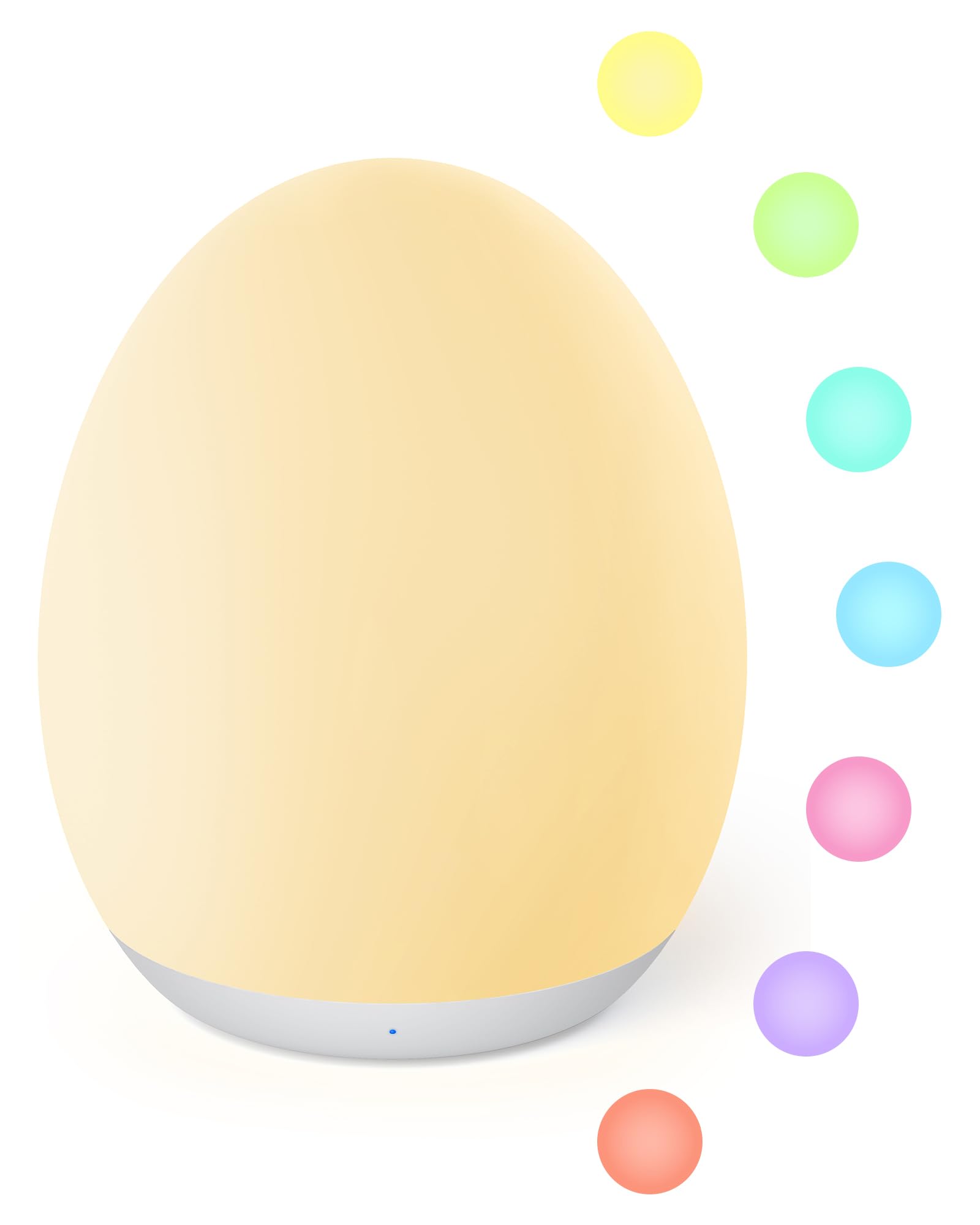
Figure 1: A general view of the JolyWell Baby Night Light, showcasing its compact, egg-shaped design and gentle illumination.
5. Setup
5.1 Initial Charging
Before first use, fully charge the night light. Connect the provided USB charging cable to the charging port on the bottom of the light and to a standard USB power adapter (not included). The LED indicator will show charging status.
- Charging: The LED indicator blinks red.
- Fully Charged: The LED indicator turns off.
5.2 Placement
Place the night light on a stable, flat surface in the desired location, such as a bedside table or nursery shelf. Ensure it is away from direct sunlight, heat sources, and moisture.
6. Operating Instructions
The JolyWell Baby Night Light features intuitive touch controls located on the top surface of the device.

Figure 2: A visual guide demonstrating the easy touch controls for the night light.
6.1 Power On/Off
- To Turn On/Off: Tap the top surface of the light twice.
6.2 Brightness Adjustment (Stepless Dimming)
- To Adjust Brightness: Long press the top surface of the light. The brightness will gradually increase or decrease. Release your finger when the desired brightness is reached.
6.3 Color Mode Selection
The night light offers an attractive LED color mode with 8 auto-cycling colors and the option to fix a single color.
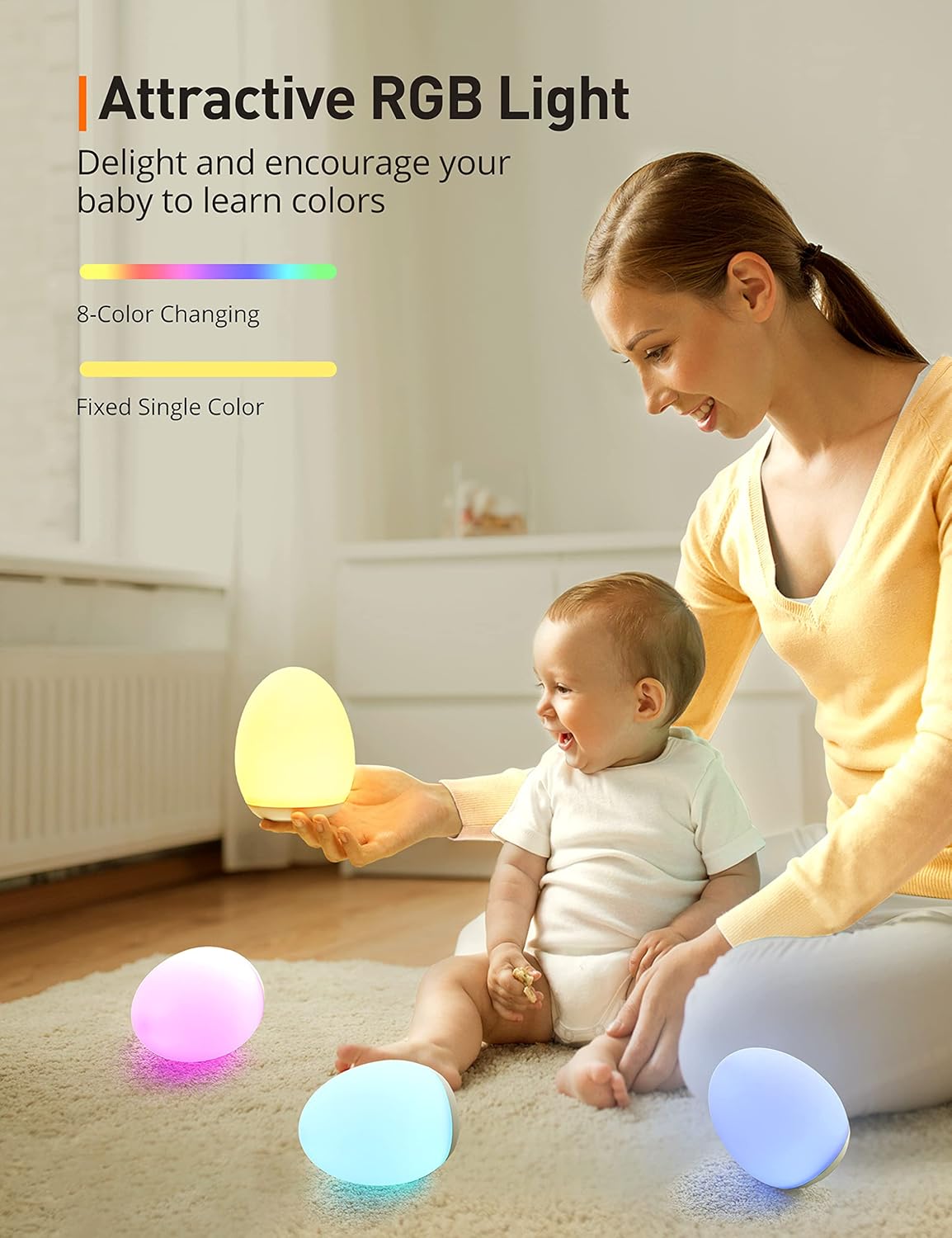
Figure 3: This image illustrates the "Attractive RGB Light" feature, showing a mother and baby with multiple JolyWell night lights glowing in different colors, highlighting the 8-color changing and fixed single color options.
- To Enter Color Mode: After turning on the light, tap the top surface once. The light will begin to auto-cycle through 8 velvety colors.
- To Fix a Color: While in color cycling mode, tap the top surface for 0.5 seconds when your desired color is displayed. The light will remain on that color.
- Memory Function: The light will remember your last color setting when turned off and on again.
6.4 Night Light Mode (for late night feeding and diaper changes)
- To Activate Night Light Mode: Hold the top surface for 1.5 seconds. This mode provides a gentle, low light suitable for minimal disturbance.
6.5 1-Hour Timer
The 1-hour timer function helps save energy by automatically turning off the light after one hour.
- To Activate Timer: Press the 1H timer button located on the bottom of the device. The LED indicator will turn green to confirm the timer is active.
- To Deactivate Timer: Press the 1H timer button again.
7. Maintenance
7.1 Cleaning
- Ensure the device is turned off and unplugged before cleaning.
- Wipe the surface with a soft, dry, or slightly damp cloth.
- Do not use abrasive cleaners, solvents, or harsh chemicals, as these may damage the finish.
7.2 Storage
- Store the night light in a cool, dry place when not in use for extended periods.
- Avoid storing in extreme temperatures or direct sunlight.
8. Troubleshooting
| Problem | Possible Cause | Solution |
|---|---|---|
| Light does not turn on. | Battery is depleted. | Charge the night light using the provided USB cable. |
| Light turns off unexpectedly. | Battery is low. | Recharge the night light. The LED indicator blinks red when battery is low. |
| Touch controls are unresponsive. | Temporary software glitch. | Try turning the light off and on again. Ensure your finger is making full contact with the touch surface. |
| Light does not change colors or dim. | Incorrect touch gesture. | Refer to Section 6. Operating Instructions for correct touch gestures. Ensure you are long pressing for dimming and tapping for color changes. |
| 1H Timer LED indicator is blinking on and off. | This is normal behavior in standby mode. | The LED indicator blinks to help locate the timer button in the dark. This is not an error. |
9. Specifications
| Feature | Detail |
|---|---|
| Model Number | JW-CL004 |
| Dimensions | 3.62"D x 3.62"W x 4.45"H |
| Weight | 0.55 Pounds (approx. 8.8 ounces) |
| Material | Polyvinyl Chloride (PVC) |
| Light Source | LED |
| Power Source | Battery Powered (Cordless) |
| Switch Type | Touch Control |
| Battery Life | Up to 100 hours (dimmest setting), 5 hours (brightest setting) |
| Special Features | 8-Color Changing, Stepless Dimming, 1-Hour Timer, Night Light Mode, Memory Function |
| Usage | Indoor, Tabletop |
| Waterproof | No |
10. Warranty and Support
JolyWell products are designed with quality and reliability in mind. For warranty information or technical support, please refer to the warranty card included with your purchase or contact JolyWell customer service through the retailer where the product was purchased. Please have your model number (JW-CL004) and purchase date ready when contacting support.
You can typically find contact information on the official JolyWell website or through your purchase platform.