
1. Introduction
Thank you for purchasing the T&G TG468 Portable Bluetooth Speaker. This manual provides essential information for setting up, operating, and maintaining your speaker. Please read it thoroughly before use to ensure optimal performance and longevity of your device.
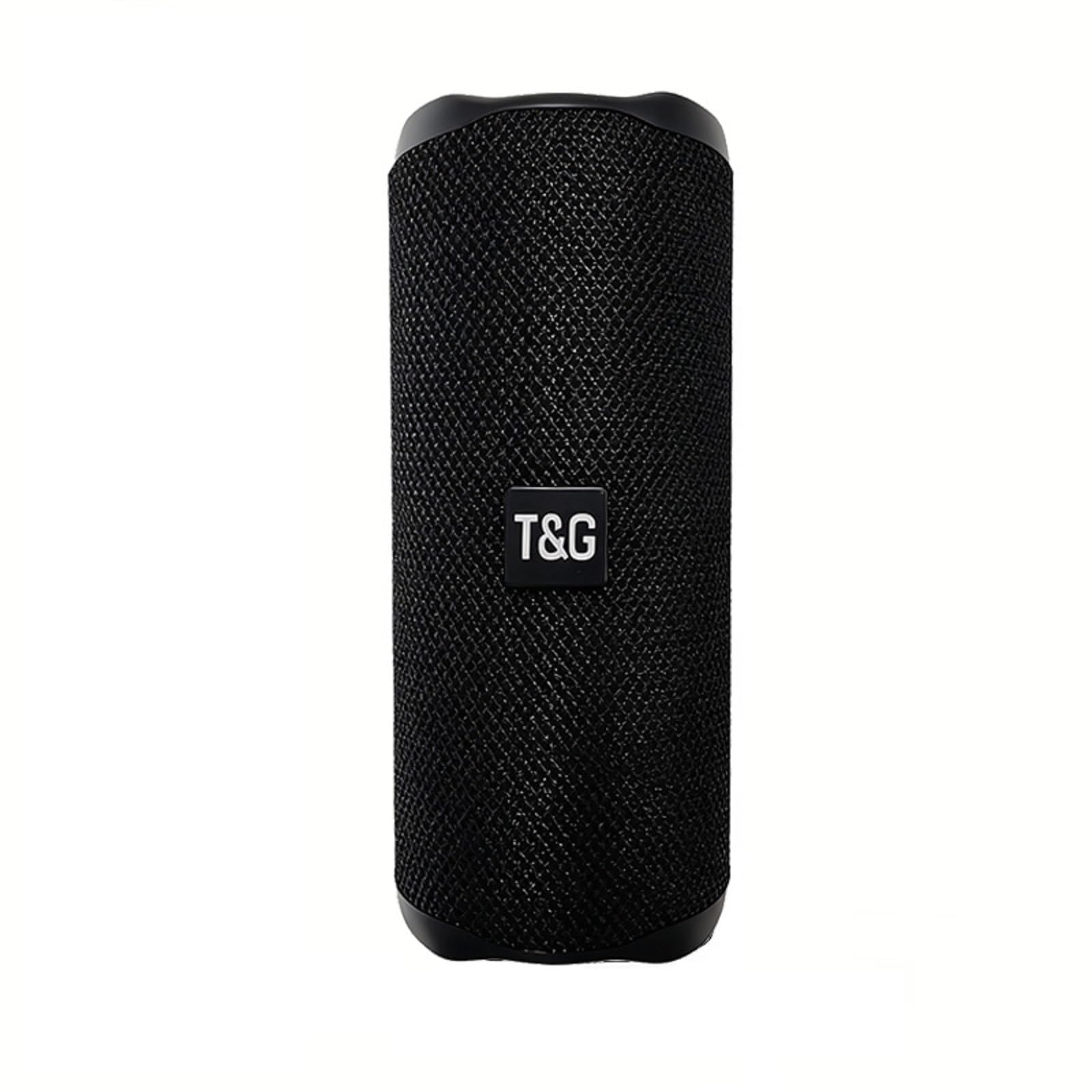
Figure 1: T&G TG468 Portable Bluetooth Speaker. This image shows the speaker's main design, highlighting its compact, cylindrical form factor and the T&G branding on the front mesh.
2. What's in the Box
Verify that all items are present in the package:
- T&G TG468 Portable Bluetooth Speaker
- USB-C Charging Cable
- Quick Start Guide
- Lanyard (attached to speaker)
3. Product Overview
3.1 Physical Features
The T&G TG468 speaker features a compact, cylindrical design with a durable fabric exterior. It is equipped with a convenient lanyard for portability.

Figure 2: Speaker Control Panel. This image displays the side panel of the speaker with clearly visible control buttons for power, volume up/next track, volume down/previous track, and mode selection.
3.2 Control Buttons and Ports
The speaker's controls and ports are designed for easy access and functionality:
- Power Button: Press and hold to power on/off. Short press to play/pause.
- '+' Button: Short press for Volume Up. Long press for Next Track.
- '-' Button: Short press for Volume Down. Long press for Previous Track.
- 'M' Button: Short press to switch between modes (Bluetooth, TF Card, USB, AUX, FM Radio).

Figure 3: Speaker Ports. This image shows the rubber flap covering the charging port (DC 5V), TF card slot, USB-A port, and AUX input, designed to protect them from water and dust.
- DC 5V Port (USB-C): For charging the speaker.
- TF Card Slot: Insert a TF (MicroSD) card for direct music playback.
- USB-A Port: Insert a USB flash drive for direct music playback.
- AUX Input: Connect external audio devices via a 3.5mm audio cable.
Video 1: Portable Speaker for Indoor & Outdoor Use. This video demonstrates the T&G TG468 speaker's versatility and suitability for various environments, showcasing its design and portability.
4. Setup
4.1 Charging the Speaker
- Connect the provided USB-C charging cable to the DC 5V port on the speaker.
- Connect the other end of the cable to a USB power adapter (5V/1A recommended) or a computer's USB port.
- The charging indicator light will illuminate during charging and turn off when fully charged.
- A full charge takes approximately 2-3 hours. The speaker provides up to 20 hours of playtime at 30% volume.
4.2 Powering On/Off
- To Power On: Press and hold the Power button for 2-3 seconds until you hear an audible prompt.
- To Power Off: Press and hold the Power button for 2-3 seconds until you hear an audible prompt.
5. Operating Instructions
5.1 Bluetooth Pairing
- Ensure the speaker is powered on and in Bluetooth mode (indicated by a flashing blue LED). If not, press the 'M' button to switch to Bluetooth mode.
- Enable Bluetooth on your device (smartphone, tablet, laptop).
- Search for 'TG468' in the list of available Bluetooth devices.
- Select 'TG468' to connect. Once connected, the LED indicator will stop flashing and remain solid blue, and you will hear a confirmation tone.
- The speaker will automatically reconnect to the last paired device when powered on, if the device's Bluetooth is active and within range.
5.2 True Wireless Stereo (TWS) Pairing
TWS allows you to pair two TG468 speakers together for a stereo sound experience.
- Ensure both TG468 speakers are powered on and in Bluetooth mode, but not connected to any device.
- On one of the speakers (this will be the primary speaker), double-press the 'M' button. The speaker will emit a pairing tone.
- The two speakers will automatically search for and pair with each other. Once paired, you will hear a confirmation tone, and the primary speaker's LED will flash, while the secondary speaker's LED will remain solid.
- Now, connect your device to the primary speaker ('TG468') via Bluetooth as described in Section 5.1.
- To disconnect TWS, double-press the 'M' button on either speaker.
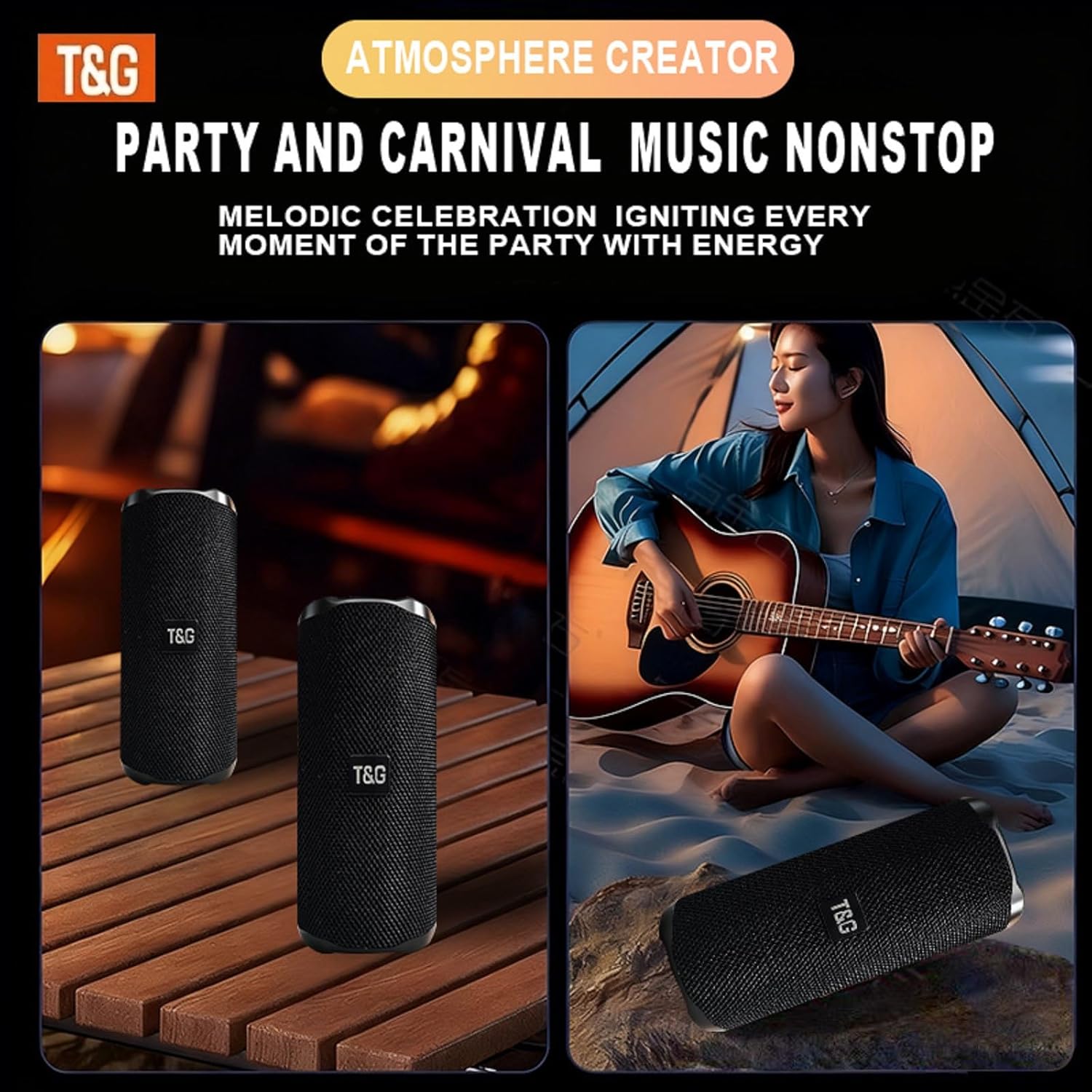
Figure 4: TWS Dual Pairing. This image illustrates two T&G TG468 speakers set up to function as a stereo pair, enhancing the audio experience.
5.3 Music Playback Controls
- Play/Pause: Short press the Power button.
- Volume Up: Short press the '+' button.
- Volume Down: Short press the '-' button.
- Next Track: Long press the '+' button.
- Previous Track: Long press the '-' button.
5.4 Hands-Free Calling
The speaker features a built-in microphone for hands-free calls when connected via Bluetooth.
- Answer Call: Short press the Power button.
- End Call: Short press the Power button during a call.
- Reject Call: Long press the Power button.

Figure 5: Hands-Free Calling. This image shows an individual making a phone call using the speaker's built-in microphone, demonstrating its hands-free functionality.
5.5 Other Playback Modes
Press the 'M' button to cycle through the following modes:
- TF Card Mode: Automatically plays music from an inserted TF (MicroSD) card.
- USB Mode: Automatically plays music from an inserted USB flash drive.
- AUX Mode: Connect an external audio device using a 3.5mm audio cable.
- FM Radio Mode: The speaker will automatically scan and save available FM stations. Use the '+' and '-' buttons to navigate stations.
6. Maintenance
6.1 Cleaning
- Wipe the speaker with a soft, damp cloth.
- Do not use abrasive cleaners, alcohol, or chemical solvents.
- Ensure all port covers are securely closed before cleaning or exposing to water.
6.2 Water Resistance (IPX4)
The T&G TG468 speaker is IPX4 rated, meaning it is resistant to splashing water from any direction. It is not designed to be submerged in water.
- Ensure the rubber flap covering the charging and input ports is securely closed to maintain water resistance.
- Do not expose the speaker to pressurized water streams or prolonged submersion.

Figure 6: IPX4 Water Resistance. This image shows the speaker being splashed with water, illustrating its ability to withstand light water exposure, such as rain or splashes.
6.3 Storage
- Store the speaker in a cool, dry place away from direct sunlight and extreme temperatures.
- If storing for an extended period, charge the battery to approximately 50% to preserve battery life.
7. Troubleshooting
| Problem | Possible Cause | Solution |
|---|---|---|
| Speaker does not power on | Low battery; Power button not held long enough | Charge the speaker; Press and hold the Power button for 2-3 seconds |
| Cannot pair via Bluetooth | Speaker not in pairing mode; Device Bluetooth off; Too far from device | Ensure speaker is flashing blue LED; Enable Bluetooth on your device; Move device closer to speaker (within 36ft) |
| No sound | Volume too low; Incorrect mode selected; Device not playing audio | Increase speaker and device volume; Press 'M' to select correct mode; Ensure audio is playing on your device |
| TWS pairing fails | Speakers already connected to a device; Speakers too far apart | Disconnect both speakers from any device; Ensure speakers are within close proximity for TWS pairing |
8. Specifications
| Feature | Detail |
|---|---|
| Model Number | TG468 |
| Brand | T&G |
| Speaker Output Power | 24 Watts RMS |
| Frequency Response | 60 Hz (Deep Bass) |
| Connectivity Technology | Bluetooth 5.3, USB, TF Card, AUX |
| Bluetooth Range | Up to 10 meters (36 feet) |
| Audio Output Mode | Surround (with TWS) |
| Battery Life | Up to 20 hours (at 30% volume) |
| Battery Capacity | 1200mAh |
| Charging Port | USB-C (DC 5V) |
| Water Resistance | IPX4 (Splash-proof) |
| Dimensions (D x W x H) | 3"D x 3"W x 7"H (approx.) |
| Material | Plastic, Fabric |
| Additional Features | Built-in Microphone, TWS Pairing, Bass Boost |
9. Safety Information
- Do not disassemble, repair, or modify the speaker. This may cause damage, electric shock, or fire.
- Keep the speaker away from extreme temperatures, direct sunlight, and heat sources.
- Do not expose the speaker to open flames.
- Avoid dropping or subjecting the speaker to strong impacts.
- Keep out of reach of children.
- Dispose of the speaker and its battery responsibly according to local regulations.
10. Warranty and Support
T&G offers a limited warranty for this product. For warranty claims, technical support, or further assistance, please refer to the contact information provided in your Quick Start Guide or visit the official T&G website.


