
1. Introduction
Welcome to the ANFIER A8 AI Translation Earbuds. This device is designed to facilitate real-time communication across language barriers, offering advanced AI-driven translation capabilities without the need for a separate application. This manual provides essential information for setting up, operating, and maintaining your device.
2. What's in the Box
- A8 Translator Earbuds
- Charging Cable
- User Manual
3. Setup
3.1. Charging the Device and Earbuds
Before first use, fully charge your ANFIER A8 device and earbuds. Connect the provided USB-C charging cable to the device's charging port and a compatible power source. The device features a 35-hour continuous interpreting battery life and 30 days of standby time, with a full charge taking approximately 1.5 hours.
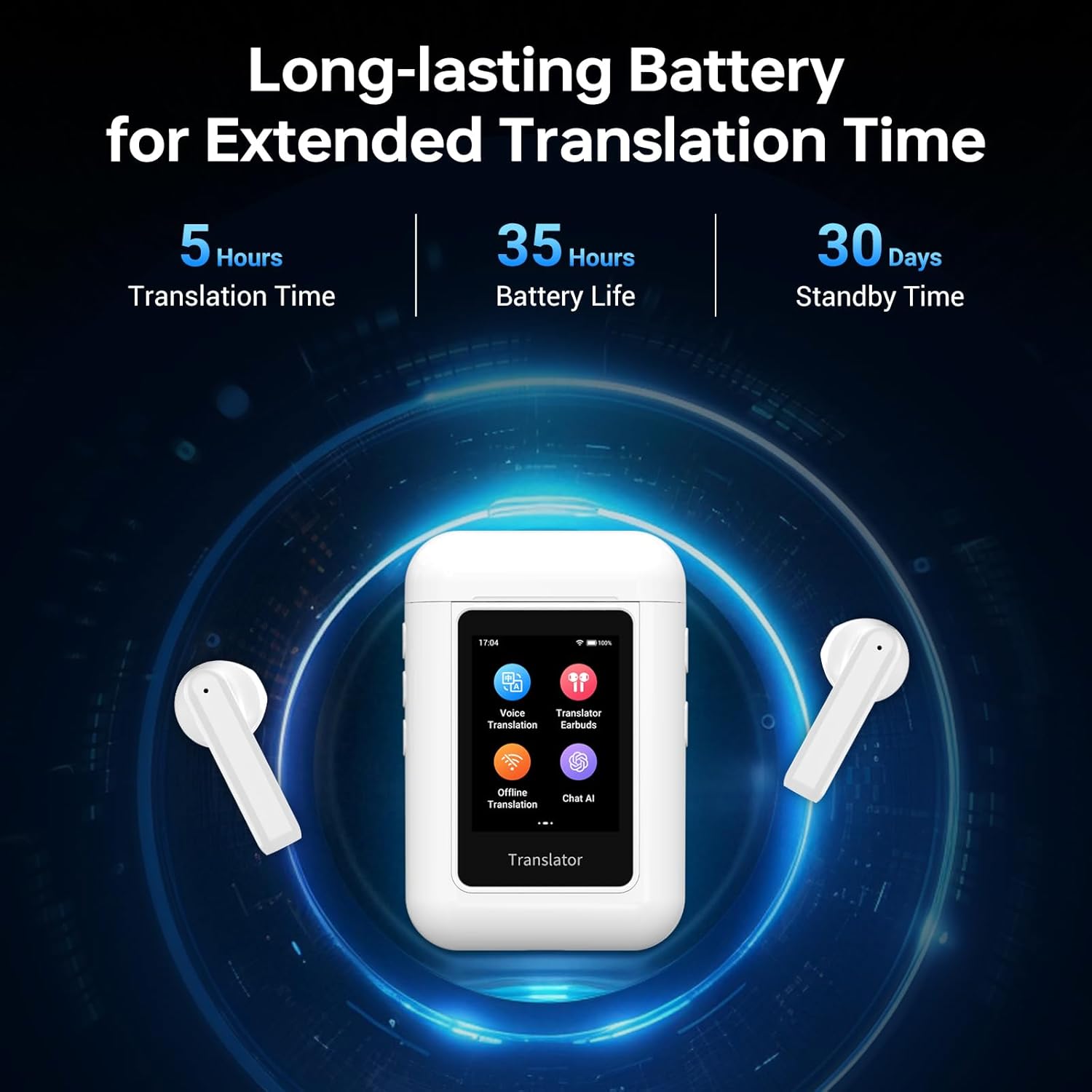
Image 1: ANFIER A8 device displaying battery life indicators.
3.2. Power On/Off
To power on the device, press and hold the power button located on the side. The 2-inch HD touchscreen will illuminate. To power off, navigate to the settings menu and select 'Power Off'.
3.3. Initial Setup and Navigation
Upon powering on, swipe up on the touchscreen to unlock the device. You can set your preferred time zone and connect to Wi-Fi or cellular data for online functionalities. The device's interface is intuitive, resembling a smartphone for ease of use.
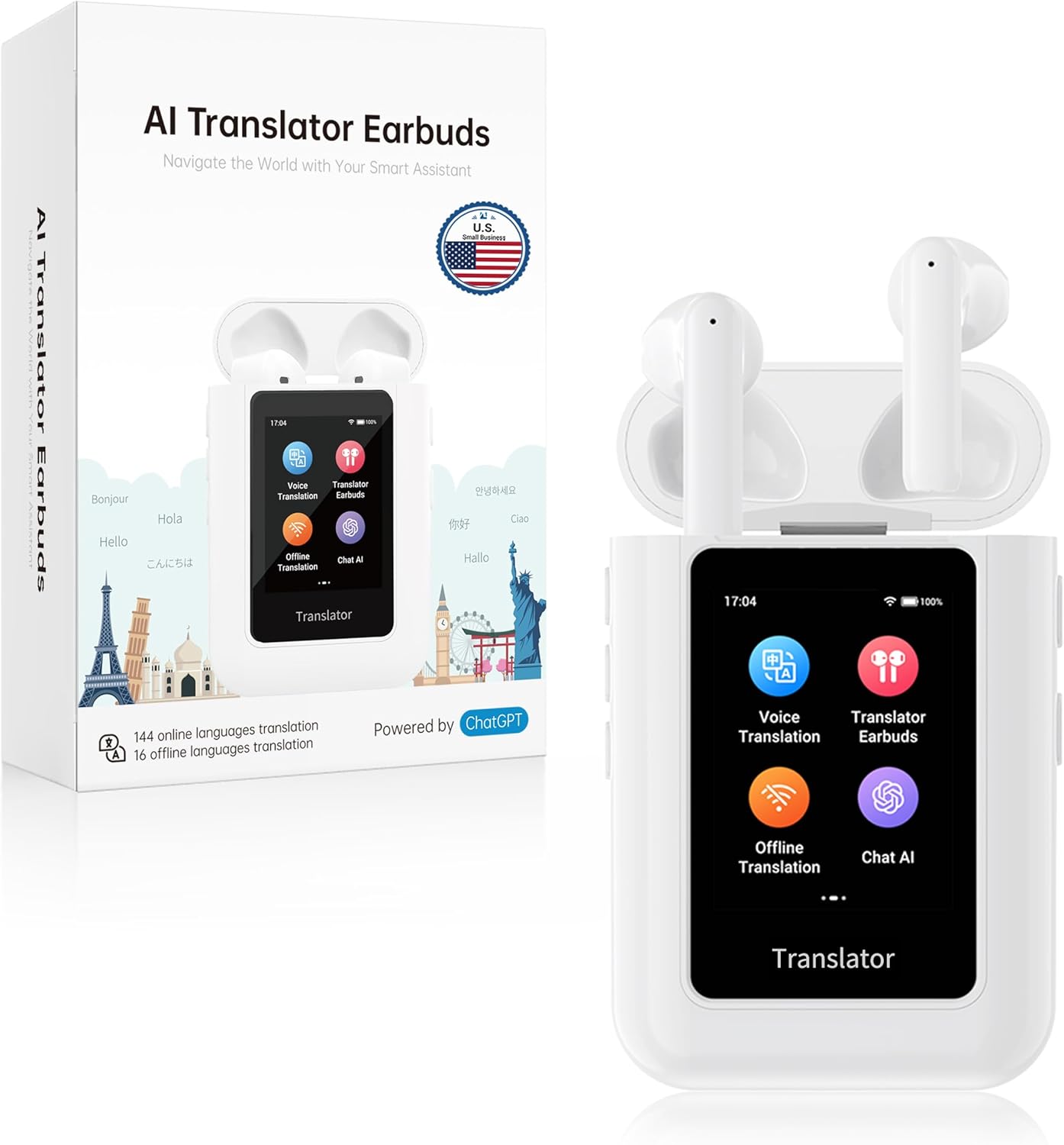
Image 2: ANFIER A8 device with earbuds in the charging case, showing the main menu.
3.4. Earbuds Connection
The earbuds automatically pair with the ANFIER A8 device when removed from the charging case. The device's screen will display the connection status and battery levels of the earbuds.
Video 1: Official product video demonstrating the ANFIER A8 AI Translator Earbuds in various travel scenarios. This video highlights the device's ease of use and portability for international communication.
4. Operating Modes
4.1. Voice Translation Mode
Select 'Voice Translation' from the main menu. Choose your source and target languages. Hold the designated button on the device and speak. The device will translate your speech and display the text on the screen, along with audio output through the built-in speaker.

Image 3: ANFIER A8 device displaying language selection for voice translation, highlighting its high accuracy and fast response time.
4.2. Translator Earbuds Mode (In-Ear Mode)
For discreet, one-on-one conversations, use the 'Translator Earbuds' mode. Each participant wears one earbud. Translations are delivered privately through the earbuds, allowing for natural dialogue flow. The device's screen will show the translated text.

Image 4: Two people using the ANFIER A8 earbuds for discreet, real-time translation during a conversation.
4.3. Speaker Mode
When interacting with a group or in situations where audio output is preferred, switch to 'Speaker Mode'. Translations will be broadcast through the device's built-in 2W speaker, ensuring clear communication for all present.

Image 5: The ANFIER A8 device in Speaker Mode, facilitating group communication with audible translations.
4.4. Offline Translation Mode
The ANFIER A8 supports offline translation for 16 key languages. Select 'Offline Translation' from the menu, choose your languages, and proceed with translation without an internet connection. This feature is ideal for travel in areas with limited connectivity.

Image 6: ANFIER A8 device showing supported offline languages, useful for travel without internet access.
4.5. Chat AI Mode
Engage with the integrated ChatGPT assistant by selecting 'Chat AI'. You can ask questions and receive instant multilingual responses, enhancing your learning and information retrieval experience.

Image 7: ANFIER A8 device in Chat AI mode, demonstrating its interactive capabilities with ChatGPT.
5. Language Support
The ANFIER A8 offers extensive language support to cater to diverse communication needs:
- Online Translation: Supports 74 languages and 70 accents.
- Offline Translation: Supports 16 key languages for use without internet.
- ChatGPT Integration: Supports 43 languages for AI-driven voice interaction.
6. Features and Technology
6.1. Qualcomm-Powered Speed & Accuracy
The ANFIER A8 is equipped with a high-performance Qualcomm quad-core chip, enabling translations with up to 98% accuracy in under 0.5 seconds. This ensures rapid and reliable communication.

Image 8: Visual representation of the Qualcomm quad-core processor, highlighting its role in fast and accurate translation.
6.2. ENC Noise Reduction
Advanced Environmental Noise Cancellation (ENC) technology is integrated to provide crystal-clear sound quality, even in noisy environments, further enhancing translation precision.
6.3. Battery Life
The device offers up to 35 hours of continuous interpreting or 30 days of standby on a single charge. A full recharge takes approximately 1.5 hours.
Image 9: ANFIER A8 device displaying battery life indicators, emphasizing its extended usage capabilities.
7. Maintenance
7.1. Cleaning
Gently wipe the device and earbuds with a soft, dry cloth. Avoid using harsh chemicals or abrasive materials that could damage the screen or casing.
7.2. Storage
Store the ANFIER A8 in a cool, dry place away from direct sunlight and extreme temperatures. Keep the earbuds in their charging case when not in use to protect them and ensure they remain charged.
8. Troubleshooting
8.1. Device Not Powering On
- Ensure the device is fully charged. Connect it to a power source and wait a few minutes before attempting to power on again.
8.2. Earbuds Not Pairing
- Ensure the earbuds are charged and placed correctly in the charging case. Close and reopen the case to re-initiate pairing.
8.3. Translation Inaccuracy or Delay
- For online translation, ensure a stable internet connection (Wi-Fi or cellular data).
- Speak clearly and at a moderate pace.
- Ensure the correct source and target languages are selected.
- In noisy environments, utilize the ENC feature for clearer audio input.
9. Specifications
- Model Number: ANFIER-A8
- Package Dimensions: 5.47 x 3.7 x 1.93 inches
- Item Weight: 8.8 ounces
- Batteries: 3 Lithium Ion batteries (included)
- Screen: 2-inch HD Touchscreen
- Processor: Qualcomm Quad-Core Chip
10. Warranty and Support
For warranty information, technical support, or any inquiries regarding your ANFIER A8 AI Translation Earbuds, please refer to the contact details provided in the included User Manual or visit the official ANFIER website.

