
Introduction
This manual provides essential information for the safe and efficient use of your LOSSIGY 36V 100Ah Lithium Golf Cart Battery. Please read these instructions carefully before installation and operation to ensure optimal performance and longevity of your battery.
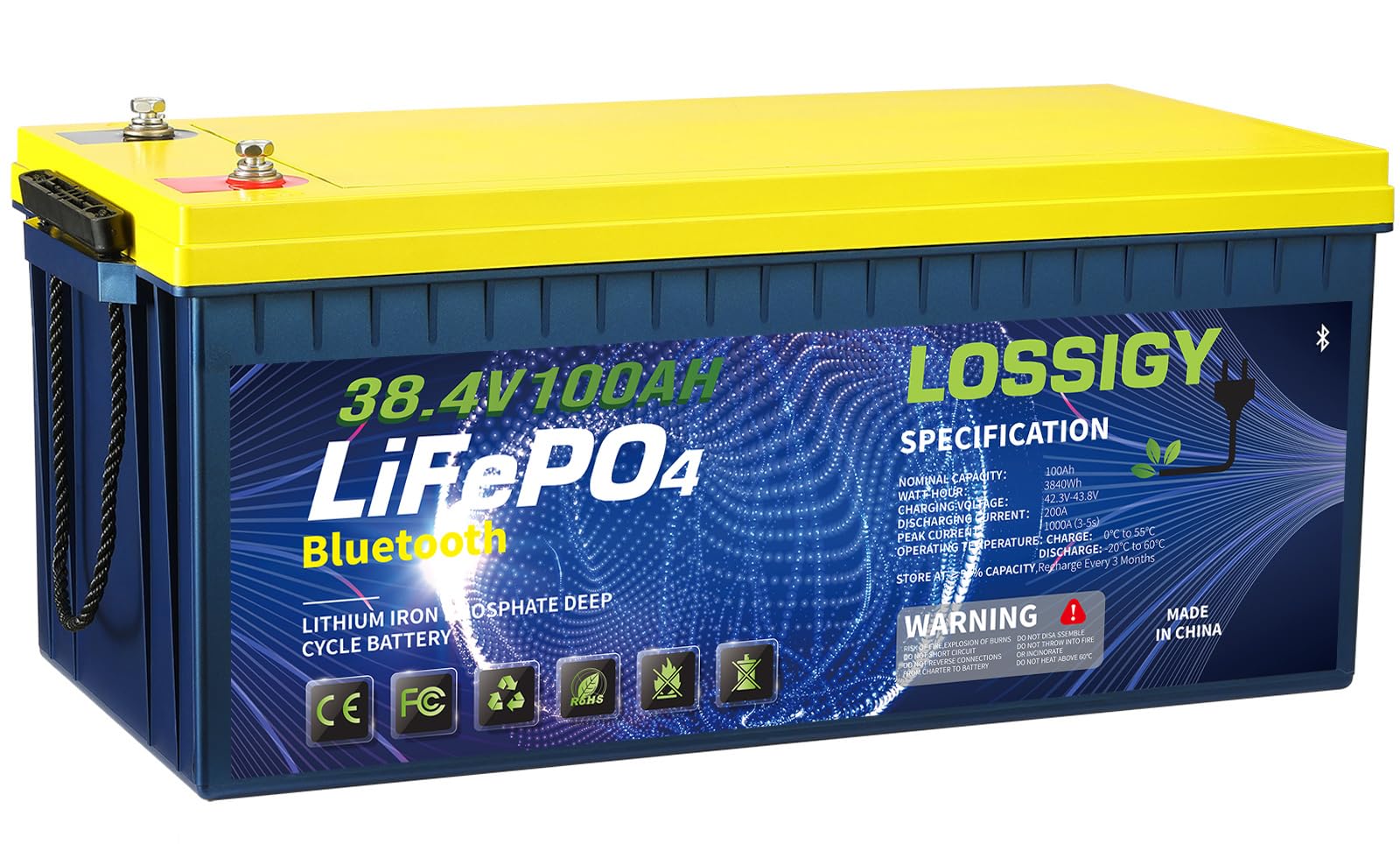
Figure 1: LOSSIGY 36V 100Ah Lithium Golf Cart Battery
Safety Information
- Always wear appropriate personal protective equipment (PPE) including safety glasses and gloves when handling batteries.
- Ensure the battery is installed in a well-ventilated area.
- Do not short-circuit the battery terminals.
- Avoid exposing the battery to extreme temperatures, direct sunlight, or water.
- Do not attempt to open, disassemble, or modify the battery.
- Use only the recommended charger for this battery.
- Keep out of reach of children and pets.
- In case of fire, use a Class D fire extinguisher. Water can exacerbate lithium battery fires.
Product Features
- Grade A Cells: Manufactured with high-quality auto-grade A cells for higher energy density and stable performance.
- Long Lifespan: Provides at least 4000 charge cycles, offering an estimated lifespan of 10 years.
- Integrated BMS: Built-in 200A Bluetooth Battery Management System (BMS) protects against high/low temperature, short circuit, over-current, and overload.
- High Peak Current: The BMS supports an astonishing peak current of 1000A (for 3-5 seconds), meeting the requirements of most golf cart controllers.
- Easy Installation: Designed for straightforward installation and lighter than traditional lead-acid batteries, making it ideal for 36V golf cart systems.
Product Specifications
| Parameter | Value |
|---|---|
| Total Capacity | 100Ah |
| Nominal Voltage | 38.4V |
| Charge Voltage Range | 42.6V - 43.8V |
| Full Charge Voltage Range | 40.2V - 41.4V |
| Recommended Charging Current | 20A |
| BMS | 200A |
| Peak Current | 1000A (3-5s) |
| Max Continuous Current | 100A |
| Max Continuous Load | 3840W |
| Waterproof Grade | IP65 |
| Operating Temperature (Storage) | 10°F - 122°F (-12°C - 50°C) |
| Operating Temperature (Charging) | 32°F - 113°F (0°C - 45°C) |
| Operating Temperature (Discharge) | -4°F - 140°F (-20°C - 60°C) |
| Product Size (L x W x H) | 20.47 x 10.59 x 8.66 inches |
| Terminals | Removable M8 stud terminal |
Setup and Installation
The LOSSIGY 36V Lithium Golf Cart Battery is designed for easy installation. Follow these steps to replace your old lead-acid batteries with the new lithium battery.
1. Preparation
- Ensure your golf cart is turned off and the key is removed.
- Disconnect all power sources and accessories.
- Wear safety glasses and gloves.
2. Removing Old Batteries
- Carefully disconnect the negative (-) terminals first, then the positive (+) terminals from your existing lead-acid batteries.
- Remove the old, heavy lead-acid batteries from the battery compartment.
- Clean the battery compartment thoroughly to remove any debris or corrosion.
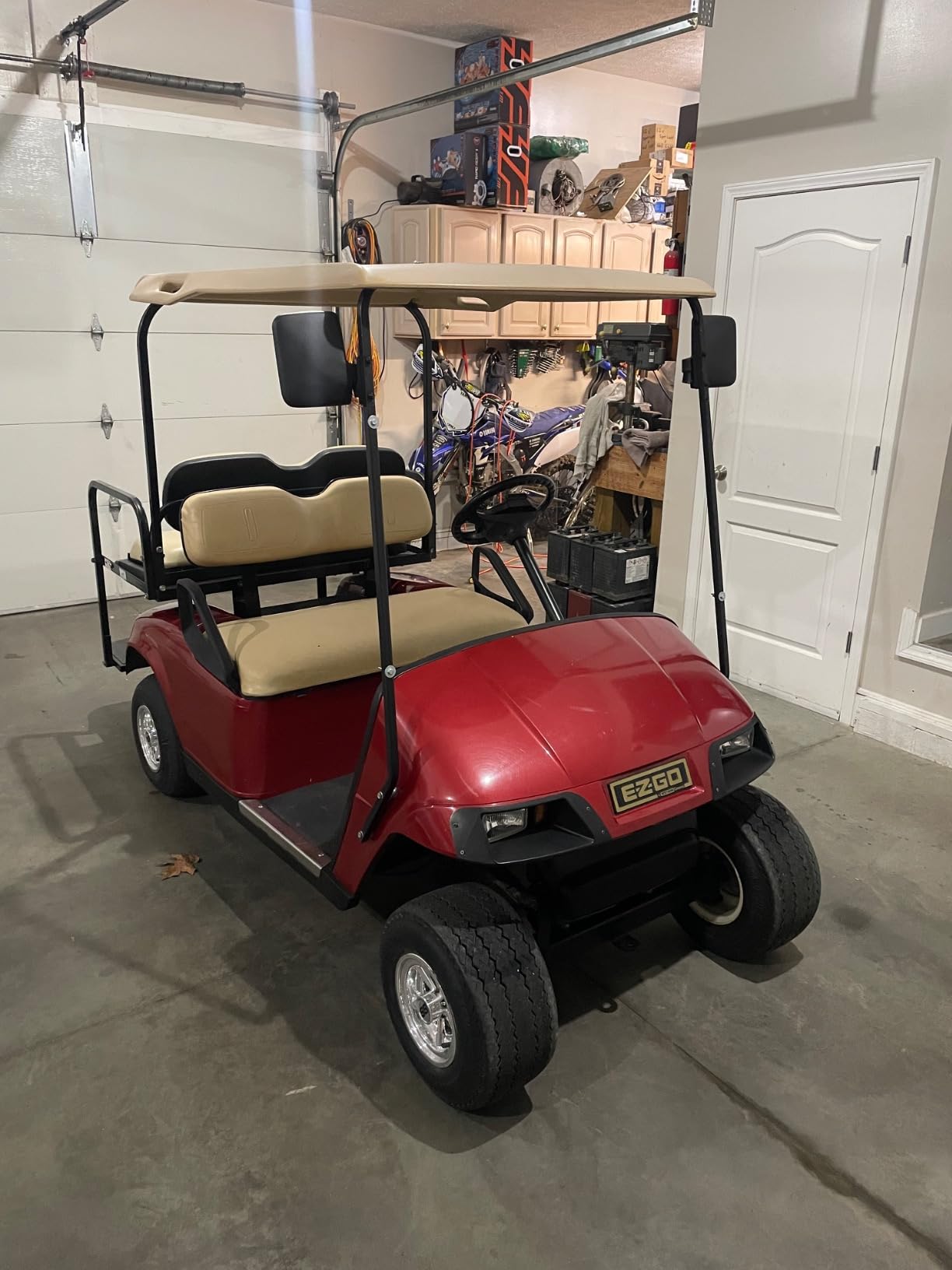
Figure 2: Example of removing old lead-acid batteries.
3. Installing the New Lithium Battery
- Place the LOSSIGY 36V Lithium Battery into the cleaned battery compartment. Its compact size and lighter weight simplify this step.
- Secure the battery using appropriate straps or mounting hardware to prevent movement during operation.
- Connect the positive (+) cable to the positive terminal of the lithium battery.
- Connect the negative (-) cable to the negative terminal of the lithium battery.
- Ensure all connections are tight and secure.
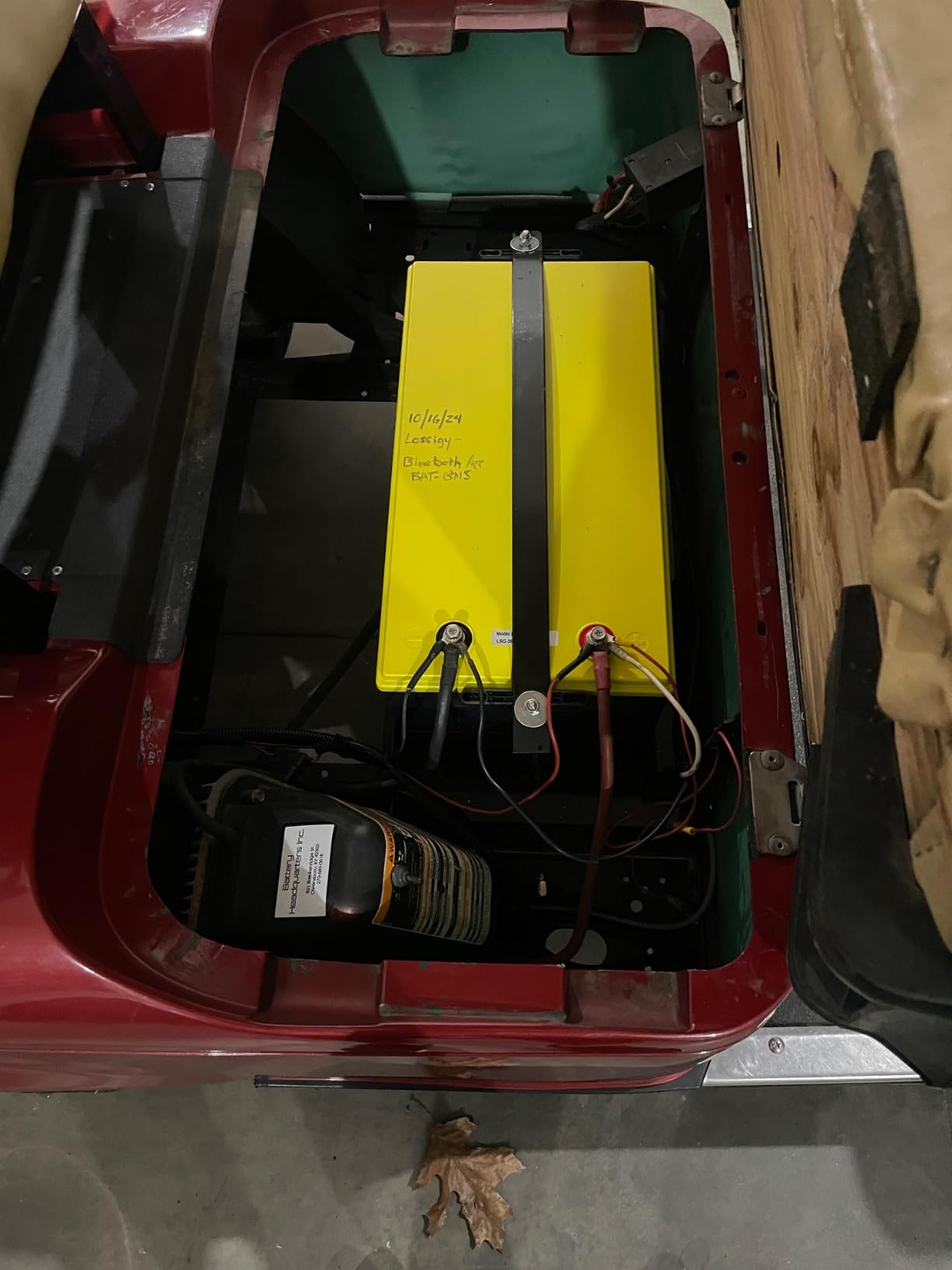
Figure 3: Example of installing the new lithium battery.
Operating Instructions
Your LOSSIGY lithium battery is designed for reliable performance. Once installed, operate your golf cart as usual. The integrated Bluetooth BMS allows for convenient monitoring of battery status via a mobile application.
Bluetooth Monitoring
- Download the official LOSSIGY BMS app from your smartphone's app store.
- Enable Bluetooth on your smartphone and open the app.
- The app will detect your battery. Follow the on-screen instructions to connect.
- Once connected, you can monitor real-time battery voltage, current, temperature, state of charge, and other vital parameters.
Charging
Use a compatible lithium battery charger designed for 36V LiFePO4 batteries. The recommended charging current is 20A, with a charge voltage range of 42.6V-43.8V.
- Connect the charger to the battery's charging port.
- Plug the charger into a standard AC power outlet.
- Monitor the charging process via the BMS app.
- Disconnect the charger once the battery is fully charged (Full Charge Voltage Range: 40.2V-41.4V).
- Charging time is significantly reduced compared to lead-acid batteries, typically taking only a few hours.
Maintenance
LOSSIGY lithium batteries require minimal maintenance compared to lead-acid batteries.
- Regular Inspection: Periodically check battery terminals for cleanliness and tightness. Ensure there are no loose connections.
- Cleaning: Keep the battery surface clean and dry. Use a soft, damp cloth to wipe away any dust or dirt. Do not use harsh chemicals.
- Storage: If storing the battery for an extended period, ensure it is charged to approximately 50% state of charge. Store in a cool, dry place within the recommended storage temperature range (10°F - 122°F).
- Avoid Deep Discharge: While the BMS protects against deep discharge, it is good practice to recharge the battery before it reaches extremely low levels to maximize lifespan.
Troubleshooting
If you encounter issues with your LOSSIGY battery, refer to the following common troubleshooting tips:
| Problem | Possible Cause | Solution |
|---|---|---|
| Battery not charging | Charger not connected properly, charger malfunction, battery BMS protection activated. | Check all connections. Ensure the charger is functioning. If BMS protection is active (check app), disconnect and reconnect the charger to reset. |
| Low power output | Low state of charge, loose connections, motor/controller issue. | Check battery charge level via app and recharge if necessary. Inspect all cable connections for tightness. Consult a golf cart technician if the issue persists. |
| Bluetooth connection issues | Bluetooth disabled on phone, app not updated, interference. | Ensure Bluetooth is enabled. Update the app to the latest version. Move closer to the battery to reduce interference. Restart phone and app. |
| Battery overheating | Overload, high ambient temperature, internal fault. | Immediately cease operation and allow the battery to cool down. Reduce load. If overheating persists, contact customer support. |
Warranty and Support
LOSSIGY is committed to providing excellent customer service. Your LOSSIGY battery comes with:
- 90 Days Worry-Free After-Sales Service: For any issues encountered within 90 days of purchase.
- 24-Hour Online Professional Technical Support: Dedicated support available to assist with any technical queries or problems.
For support, please refer to the contact information provided with your product packaging or visit the official LOSSIGY website.