
Introduction
Thank you for choosing the ZYHKON Z9 Pro Wireless Earbuds. This manual provides essential information for setting up, operating, and maintaining your earbuds. Please read it carefully to ensure optimal performance and longevity of your device.
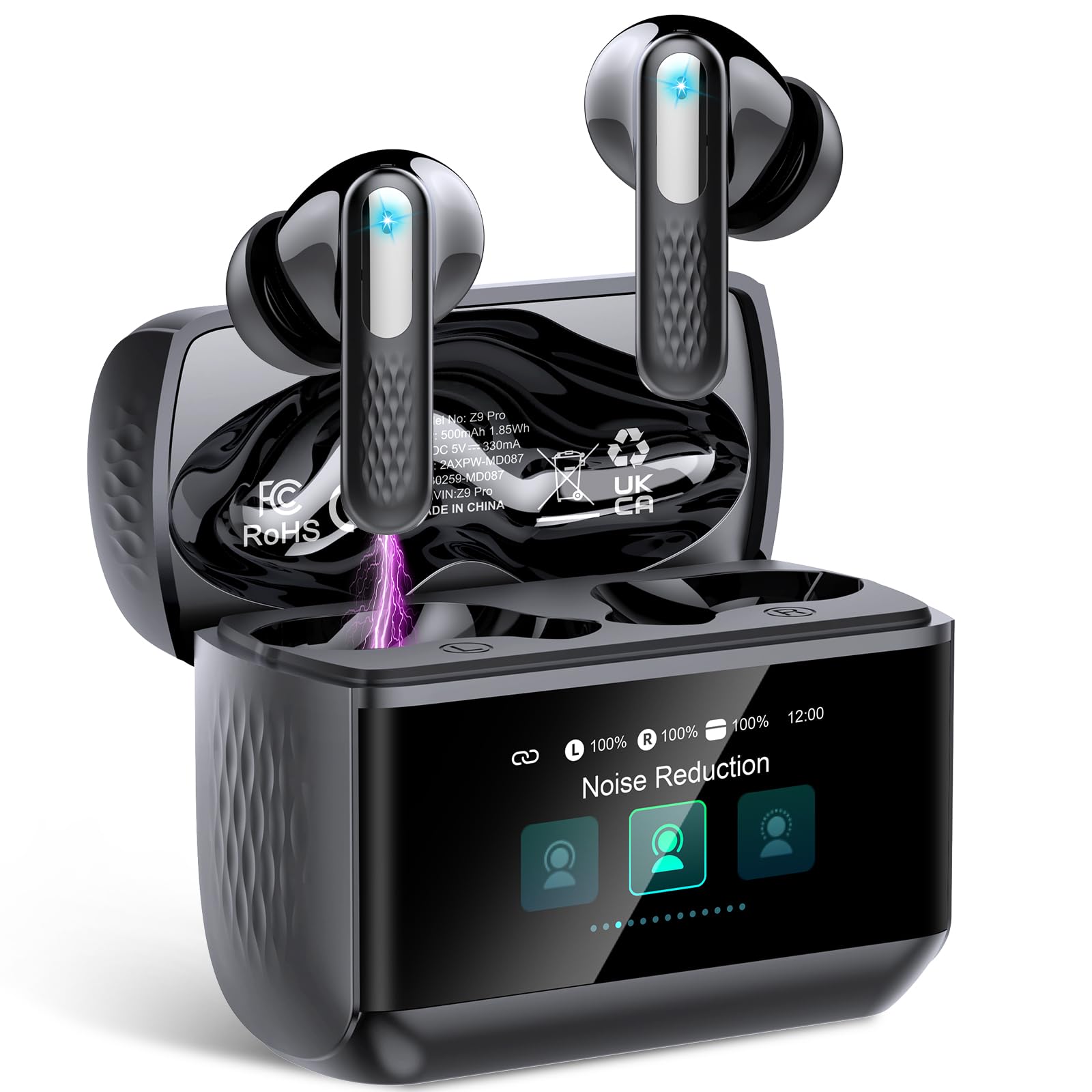
Image: ZYHKON Z9 Pro Wireless Earbuds and their smart charging case.
What's in the Box
- ZYHKON Z9 Pro Wireless Earbuds (Left and Right)
- Smart Touch Screen Charging Case
- USB-C Charging Cable
- User Manual
- Multiple sizes of ear tips (typically S, M, L)
Setup
1. Charging the Earbuds and Case
Before first use, fully charge the earbuds and the charging case. Connect the provided USB-C cable to the charging port on the case and to a power source. The LED screen on the case will indicate the charging status and battery levels.
- Charging Time: Approximately 1.5 hours for a full charge.
- Battery Life: 6-8 hours of listening per charge, up to 48 hours with the charging case.
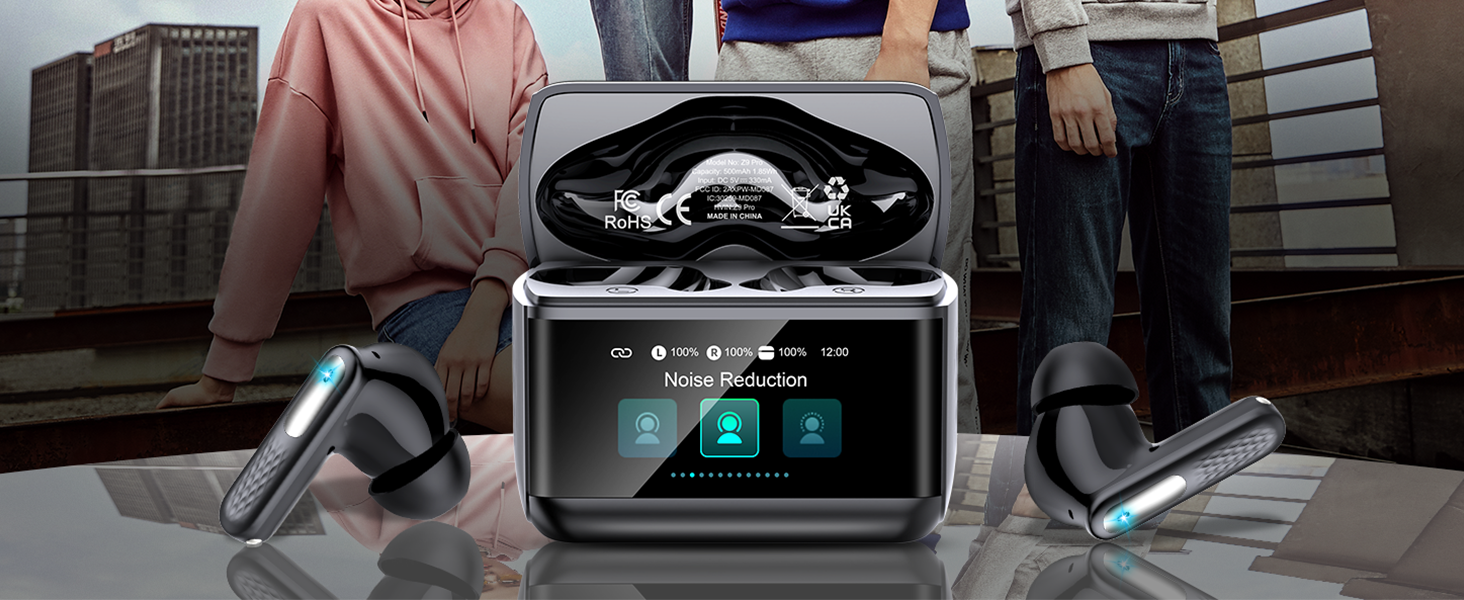
Image: The Z9 Pro charging case displaying individual earbud battery levels and the case battery level.
2. Pairing with Your Device
The ZYHKON Z9 Pro earbuds feature one-step automatic pairing using Bluetooth 5.4 technology.
- Ensure the earbuds are in the charging case and the case is sufficiently charged.
- Open the charging case. The earbuds will automatically enter pairing mode.
- On your device (smartphone, tablet, laptop), go to Bluetooth settings and enable Bluetooth.
- Search for available devices and select "Z9 Pro" from the list.
- Once connected, the earbuds will automatically connect to your last paired device when the case is opened.
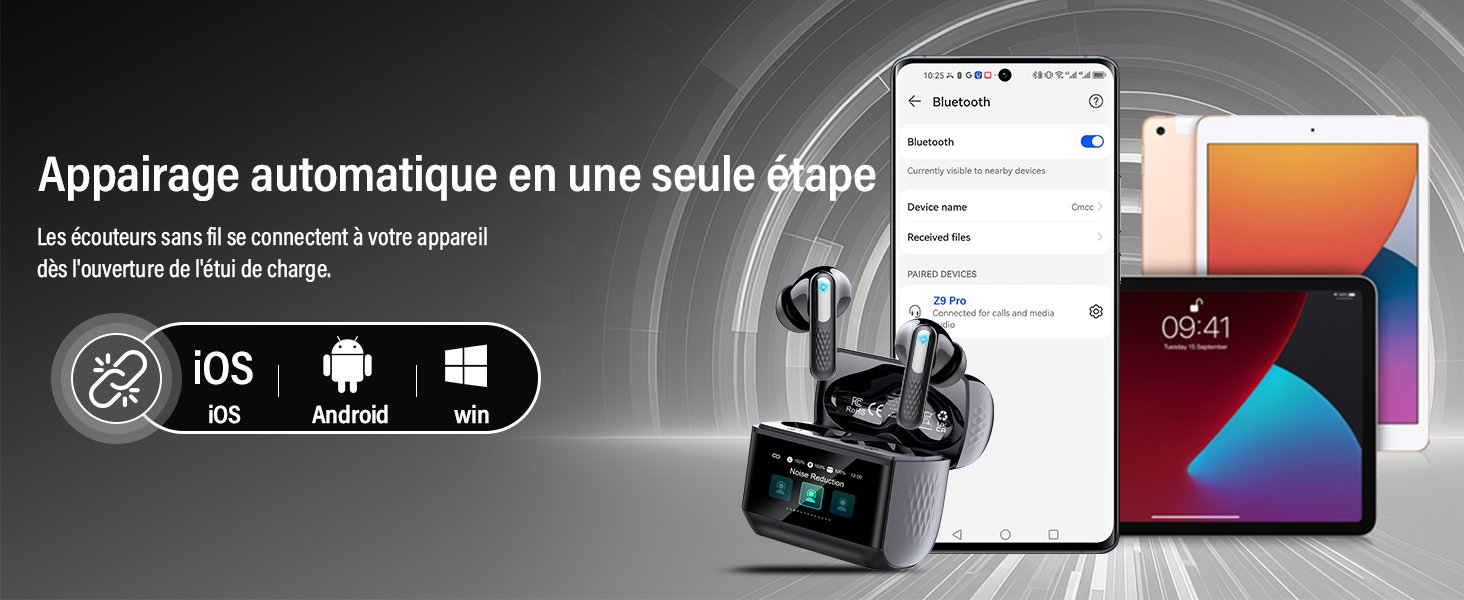
Image: Illustration of the Z9 Pro earbuds automatically pairing with various devices like phones and tablets.
Operating Instructions
Earbud Touch Controls
The earbuds feature touch-sensitive areas for controlling playback and calls:
- Play/Pause: Single tap on either earbud.
- Next Track: Double tap on the right earbud.
- Previous Track: Double tap on the left earbud.
- Answer/End Call: Single tap on either earbud.
- Reject Call: Long press on either earbud.
- Activate Voice Assistant: Triple tap on either earbud.
Smart Touch Screen Charging Case Functions
The charging case features a color LED touch screen for advanced controls:
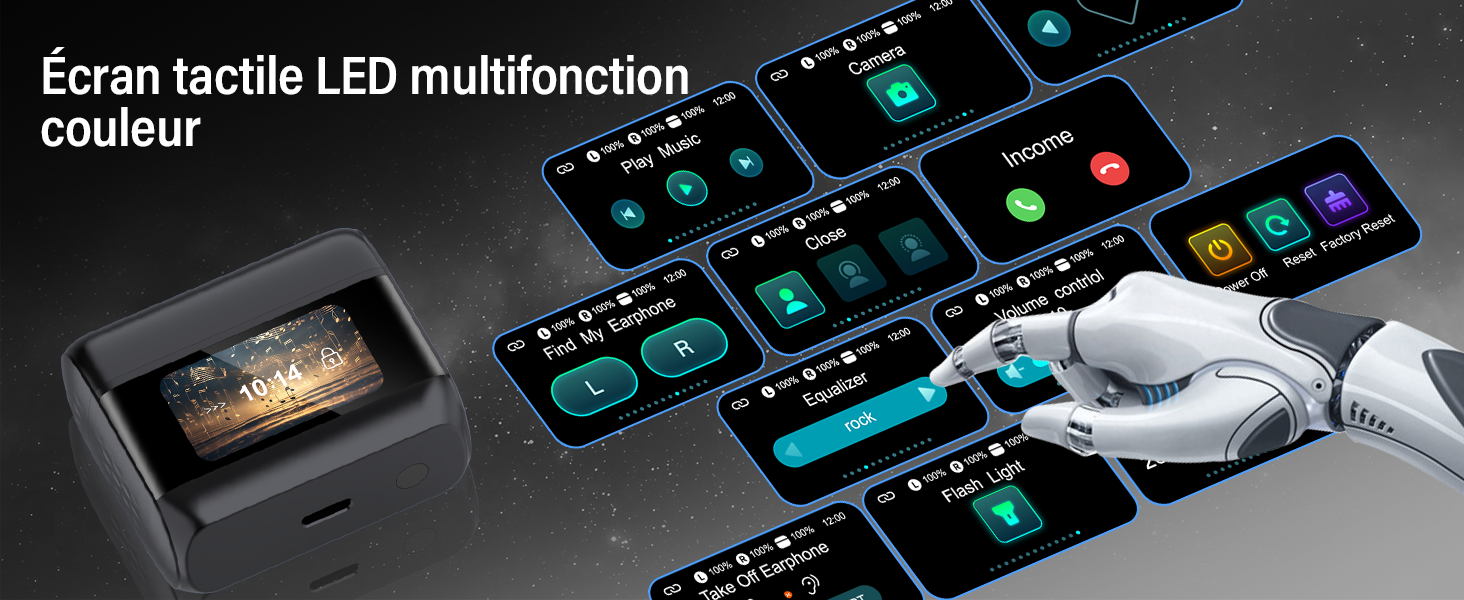
Image: Detailed view of the Z9 Pro charging case's multifunction color LED touch screen, showing various control icons.
- Noise Reduction (ANC) / Transparency Mode: Tap the corresponding icon to switch between Active Noise Cancellation (ANC), Transparency Mode, and Normal Mode.
- Equalizer (EQ) Modes: Select from five professional audio adjustment modes: Standard, Classic, Jazz, Rock, and Pop.
- Volume Control: Adjust playback volume directly from the screen.
- Find My Earbuds: Activate this function to locate misplaced earbuds.
- Screen Brightness: Adjust the display brightness.
- Remote Camera Control: Use the case to trigger your phone's camera shutter.
- Power Off/Factory Reset: Access system settings for power management or resetting the device.
Advanced Audio Features
- Active Noise Cancellation (ANC): Reduces external noise for an immersive listening experience.
- Environmental Noise Cancellation (ENC): Filters background noise during calls for clear conversations.
- Transparency Mode: Allows you to hear your surroundings while listening to audio, enhancing awareness.
Maintenance
Cleaning
Regularly clean your earbuds and charging case to maintain optimal performance and hygiene.
- Use a soft, dry, lint-free cloth to wipe the earbuds and case.
- Gently remove any earwax or debris from the earbud mesh using a small, soft brush or cotton swab.
- Avoid using abrasive materials, solvents, or harsh chemicals.
Battery Care
To prolong battery life:
- Avoid fully discharging the battery frequently.
- Store the earbuds and case in a cool, dry place when not in use.
- Charge the device regularly, even if not used for extended periods.
Water Resistance (IP7)
The Z9 Pro earbuds are rated IP7 waterproof, meaning they are protected against immersion in water up to 1 meter for 30 minutes. This makes them resistant to sweat and rain. However, they are not designed for swimming or prolonged water immersion. Ensure earbuds are dry before placing them back in the charging case to prevent damage.
Troubleshooting
| Problem | Solution |
|---|---|
| Earbuds not pairing |
|
| No sound or low volume |
|
| Charging case not charging |
|
| Touch controls unresponsive |
|
Specifications
- Model Name: Z9 Pro
- Brand: ZYHKON
- Connectivity: Wireless Bluetooth 5.4
- Ear Placement: In-ear
- Form Factor: In-ear
- Noise Cancellation: Advanced ANC (Active Noise Cancellation) & ENC (Environmental Noise Cancellation)
- Control Method: Touch (Earbuds) / Touch Screen (Case)
- Water Resistance: IP7 (Waterproof)
- Battery Type: Lithium-polymer
- Charging Time: Approximately 1.5 hours
- Battery Life: Up to 48 hours (with charging case)
- Compatible Devices: Phones, Tablets, Computers, Laptops, Smart Speakers
- Material: Plastic
Warranty and Support
Warranty Information
The ZYHKON Z9 Pro Wireless Earbuds come with a 2-year manufacturer's warranty from the date of purchase. This warranty covers manufacturing defects and material faults under normal use. It does not cover damage caused by misuse, accidents, unauthorized modifications, or normal wear and tear.
Please retain your proof of purchase for warranty claims.
Customer Support
For any questions, technical assistance, or warranty claims, please contact our customer support team. Refer to the contact information provided on the product packaging or our official website.