
1. Introduction
The Samvix Dynamite 2.0 is a portable MP3 player designed for audio playback and recording. It features 16GB of internal storage, expandable memory, Bluetooth 5.0 connectivity, and a durable metallic body. This manual provides instructions for setting up, operating, and maintaining your device.
2. Safety Information
- Do not expose the device to extreme temperatures, direct sunlight, or high humidity.
- Avoid dropping or subjecting the device to strong impacts.
- Do not attempt to disassemble or repair the device yourself. Contact qualified service personnel.
- Use only the specified charging cable and adapter.
- Keep the device away from water and other liquids.
3. Package Contents
Verify that all items are present in the package:
- Samvix Dynamite 2.0 MP3 Player
- USB Charging Cable
- User Manual (this document)
4. Device Overview
Familiarize yourself with the physical components of your Samvix Dynamite 2.0 MP3 player.
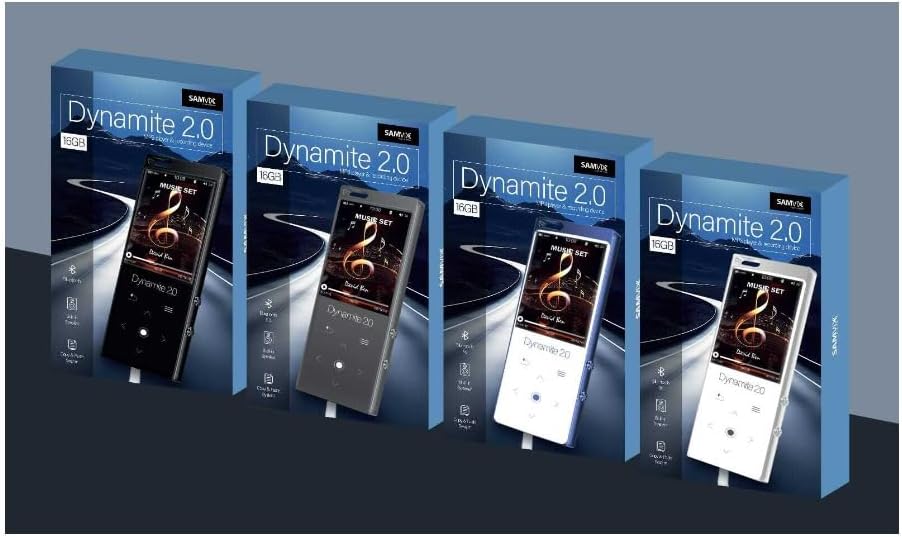
Figure 4.1: Front view of the Samvix Dynamite 2.0 MP3 Player, showing the screen and touch buttons.
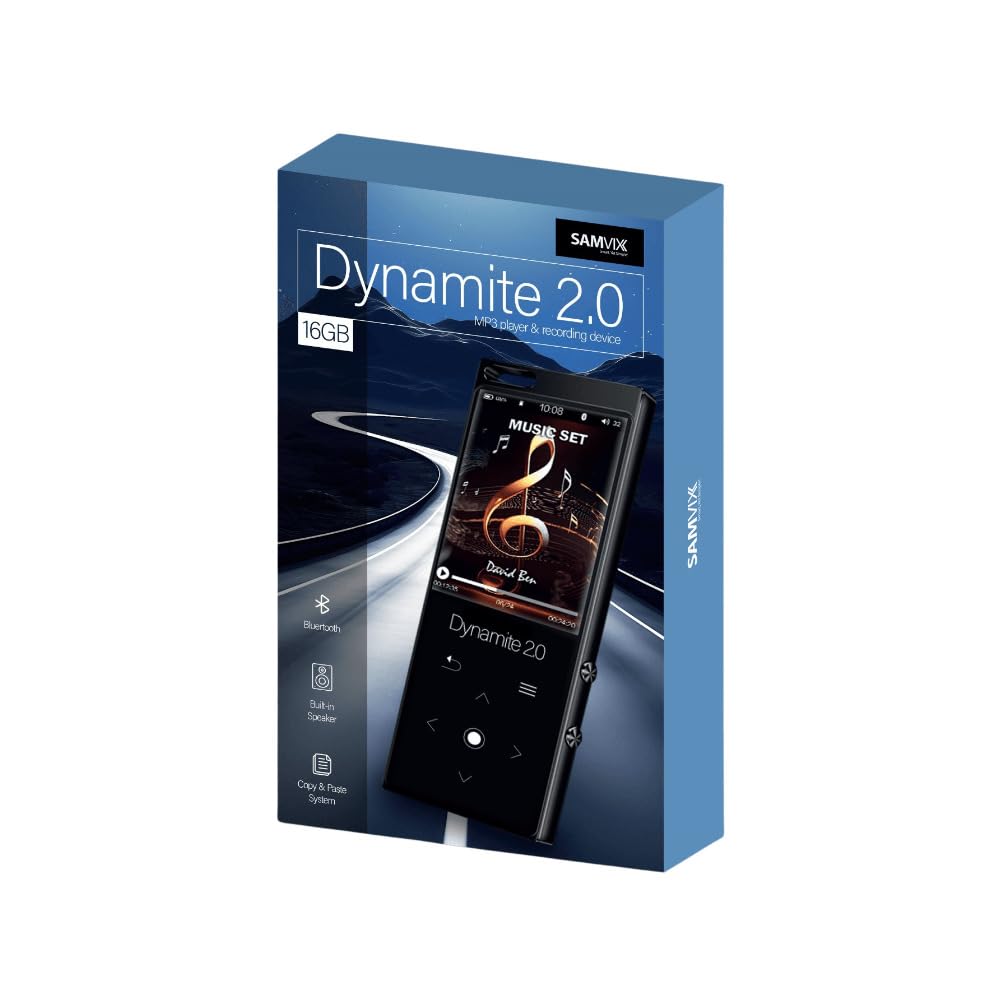
Figure 4.2: Angled view of the Samvix Dynamite 2.0 MP3 Player, highlighting its compact design.
Key components typically include:
- Display Screen: Colored screen for navigation and content display.
- Touch Buttons: Responsive controls for menu navigation, playback, and volume.
- Power Button: To turn the device on/off.
- USB Port: For charging and data transfer.
- Headphone Jack: For wired audio output.
- MicroSD Card Slot: For expandable storage.
- Built-in Speaker: For audio playback without headphones, with an on/off switch.
- Microphone: For internal recording.
5. Setup
5.1. Charging the Device
- Connect the USB charging cable to the device's USB port.
- Connect the other end of the USB cable to a compatible USB power adapter (not included) or a computer's USB port.
- The device will indicate charging status on the screen. Allow the device to fully charge before first use.
5.2. Powering On/Off
- To Power On: Press and hold the Power button until the screen lights up.
- To Power Off: Press and hold the Power button until the power-off prompt appears, then confirm.
5.3. Inserting a MicroSD Card (Optional)
The device supports MicroSD cards up to 128GB for expanded storage.
- Locate the MicroSD card slot on the device.
- Gently insert the MicroSD card into the slot with the gold contacts facing down until it clicks into place.
- To remove, gently push the card until it springs out.
6. Operating Instructions
6.1. Basic Navigation
Use the touch buttons to navigate through menus and select options. The central button typically acts as 'Enter' or 'Confirm', while surrounding buttons are for directional movement (up, down, left, right) or specific functions like 'Back' or 'Menu'.
6.2. Music Playback
- From the main menu, select "Music" or "Audio".
- Browse your music library by artist, album, genre, or folder.
- Select a song to begin playback.
- During playback, use the touch buttons to control volume, skip tracks, pause, or play.
6.3. Bluetooth Connection
Connect your Dynamite 2.0 to Bluetooth headphones or speakers.
- Ensure your Bluetooth accessory is in pairing mode.
- On the MP3 player, navigate to "Bluetooth" settings.
- Turn Bluetooth on and search for available devices.
- Select your accessory from the list to pair.
6.4. Recording Function
The device supports internal recording in two formats at four speeds.
- From the main menu, select "Recorder" or "Voice Record".
- Choose recording settings (format, quality) if available.
- Press the record button to start recording.
- Press the stop button to end recording. Recordings are saved automatically.
6.5. File Management
The device allows for easy file transfer and management.
- Connecting to a Computer: Connect the MP3 player to your computer using the USB cable. The device will appear as a removable disk.
- Copy and Paste: Drag and drop files between your computer and the MP3 player's internal storage or MicroSD card.
6.6. Time, Date, Calendar, Alarm, Stopwatch
Access these functions from the main menu to set the time, date, view the calendar, set alarms, or use the stopwatch.
7. Maintenance
- Cleaning: Use a soft, dry cloth to clean the device. Do not use liquid cleaners or aerosols.
- Storage: Store the device in a cool, dry place away from direct sunlight when not in use.
- Battery Care: To prolong battery life, avoid fully discharging the battery frequently. Charge the device regularly.
8. Troubleshooting
| Problem | Possible Solution |
|---|---|
| Device does not power on. | Ensure the device is fully charged. Connect to a power source and try again. |
| Cannot connect to Bluetooth device. | Ensure Bluetooth is enabled on both devices and they are in pairing mode. Move devices closer together. |
| No sound from headphones/speaker. | Check volume levels. Ensure headphones are properly connected or Bluetooth speaker is paired. Verify the built-in speaker switch is in the correct position if using the internal speaker. |
| Files not appearing on device. | Ensure files are in a supported format (MP3, AAC, FLAC, WAV, WMA, OGG). Reconnect to computer and verify transfer. Check if files are on internal memory or SD card. |
| Device freezes or is unresponsive. | Press and hold the Power button for approximately 10-15 seconds to force a restart. |
9. Specifications
| Feature | Detail |
|---|---|
| Model Name | Dynamite 2.0 |
| Internal Memory | 16 GB |
| Expandable Memory | MicroSD card up to 128 GB |
| Connectivity | Bluetooth 5.0 |
| Display Technology | LCD |
| Supported Audio Formats | MP3, AAC, FLAC, WAV, WMA, OGG |
| Product Dimensions | 10 x 8.4 x 6.6 inches |
| Item Weight | 15 ounces |
| Manufacturer | SAMVIX |
10. Warranty and Support
For warranty information and technical support, please refer to the documentation included with your purchase or visit the official SAMVIX website. Keep your proof of purchase for warranty claims.