
Introduction
This manual provides instructions for the safe and efficient use of your Brookstone Travel Mug Warmer and Wireless Phone Charging Station. This device is designed to keep your beverages warm while simultaneously providing wireless charging for compatible smartphones. Please read this manual thoroughly before operation and retain it for future reference.
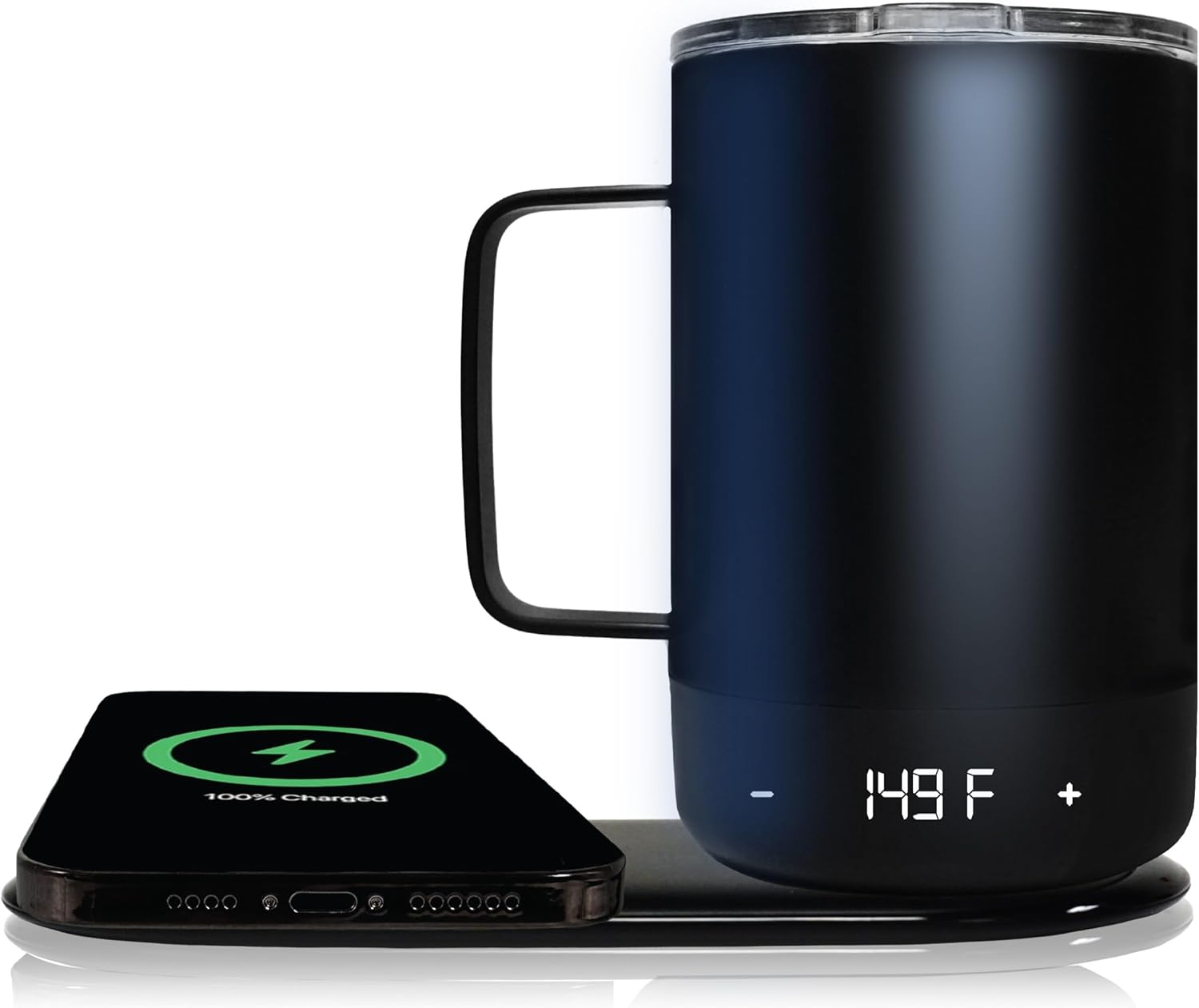
Image: The Brookstone Travel Mug Warmer and Wireless Phone Charging Station, showcasing the black travel mug on its warming coaster next to a smartphone actively charging on the integrated wireless pad. The mug's digital display shows '149 F'.
Key Features
- Dual Functionality: Combines beverage warming and 10W Qi wireless phone charging.
- Temperature Control: Digital touch display allows precise temperature adjustment for beverages.
- Portable Warmth: Built-in battery in the mug provides up to 6 hours of heat retention.
- Premium Construction: 11-ounce, double-wall insulated stainless steel mug.
- Smart Features: Easy-read temperature display and intuitive tap controls.
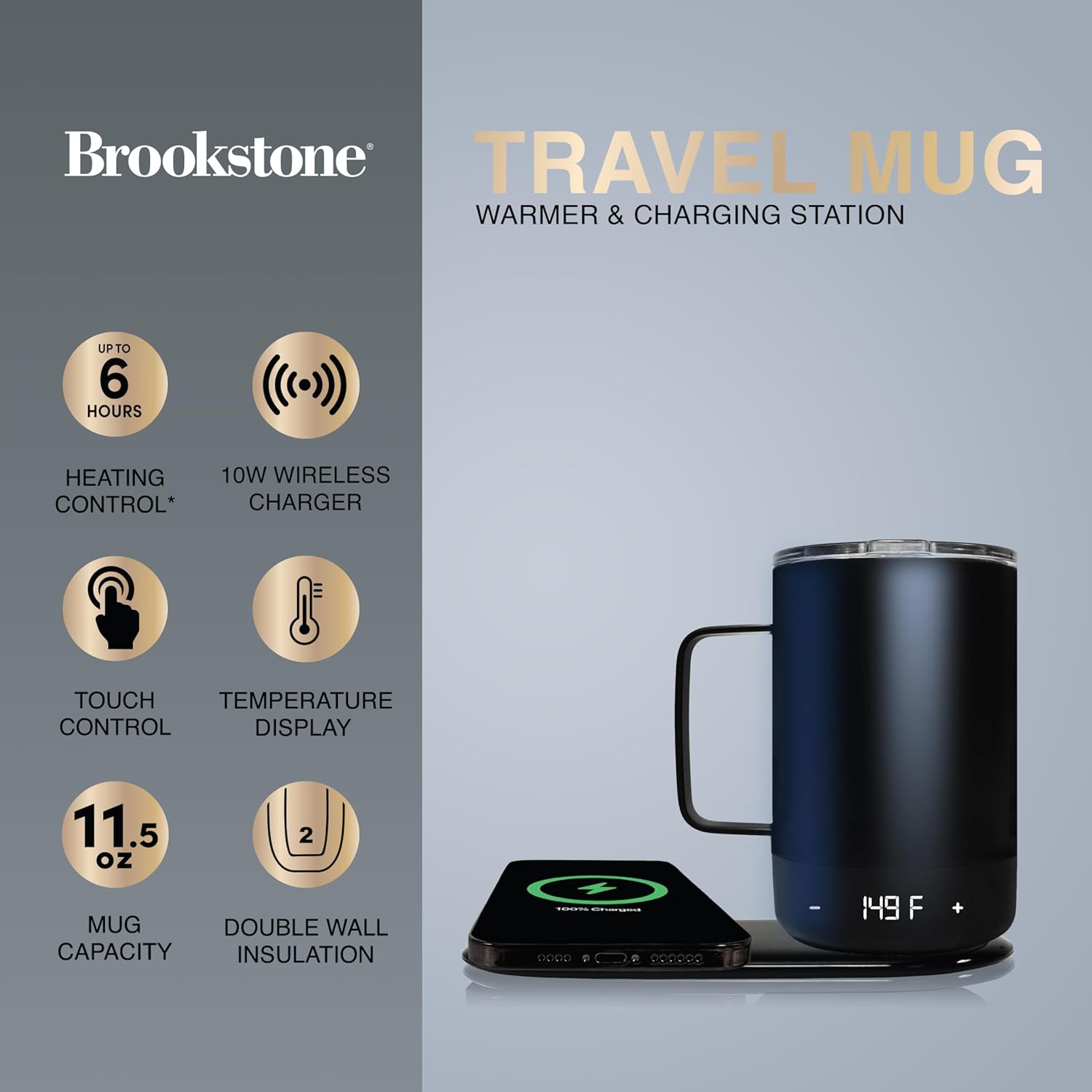
Image: An infographic highlighting the product's features, including 6 hours heating control, 10W wireless charger, touch control, temperature display, 11.5 oz mug capacity, and double wall insulation.
Package Contents
Please verify that all items are present in the package:
- Brookstone Travel Mug (11 oz, Black)
- Wireless Charging Coaster
- USB Charging Cable
- User Manual (this document)
Safety Information
To ensure safe operation and prevent damage, please observe the following safety precautions:
- Do not submerge the travel mug or charging coaster in water or other liquids.
- Keep the device away from children and pets.
- Use only the provided USB charging cable or a certified equivalent.
- Avoid extreme temperatures, direct sunlight, and high humidity.
- Do not attempt to disassemble or repair the device. Contact customer support for assistance.
- Ensure the charging port on the mug is dry before connecting the charging cable.
- Do not place metallic objects or cards with magnetic strips on the wireless charging pad.
Setup
- Unpack: Carefully remove all components from the packaging.
- Initial Charge (Coaster): Connect the USB charging cable to the wireless charging coaster and plug the other end into a compatible USB power adapter (not included). The coaster's indicator lights will show charging status.
- Initial Charge (Mug): The travel mug has a built-in battery. For optimal performance, fully charge the mug before first use. This can be done by placing it on the powered charging coaster or by connecting the USB cable directly to the mug's charging port. The mug's display will indicate charging status.
- Placement: Place the charging coaster on a stable, flat surface, away from heat sources and liquids.
Operating Instructions
A. Beverage Warming
- Fill the Mug: Pour your desired hot beverage into the travel mug. The mug has an 11-ounce capacity.
- Place on Coaster: For continuous warming and charging, place the mug onto the center of the powered wireless charging coaster. The mug's display will illuminate.
- Adjust Temperature: Use the '+' and '-' touch controls on the mug's base to set your desired temperature. The digital display will show the current temperature. The maximum temperature setting is 149°F (65°C).
- Portable Warming: When removed from the coaster, the mug's built-in battery will maintain the set temperature for up to 6 hours, depending on the initial beverage temperature and ambient conditions.
- Lid Usage: For best heat retention and to prevent spills, always use the provided lid when warming or transporting your beverage.
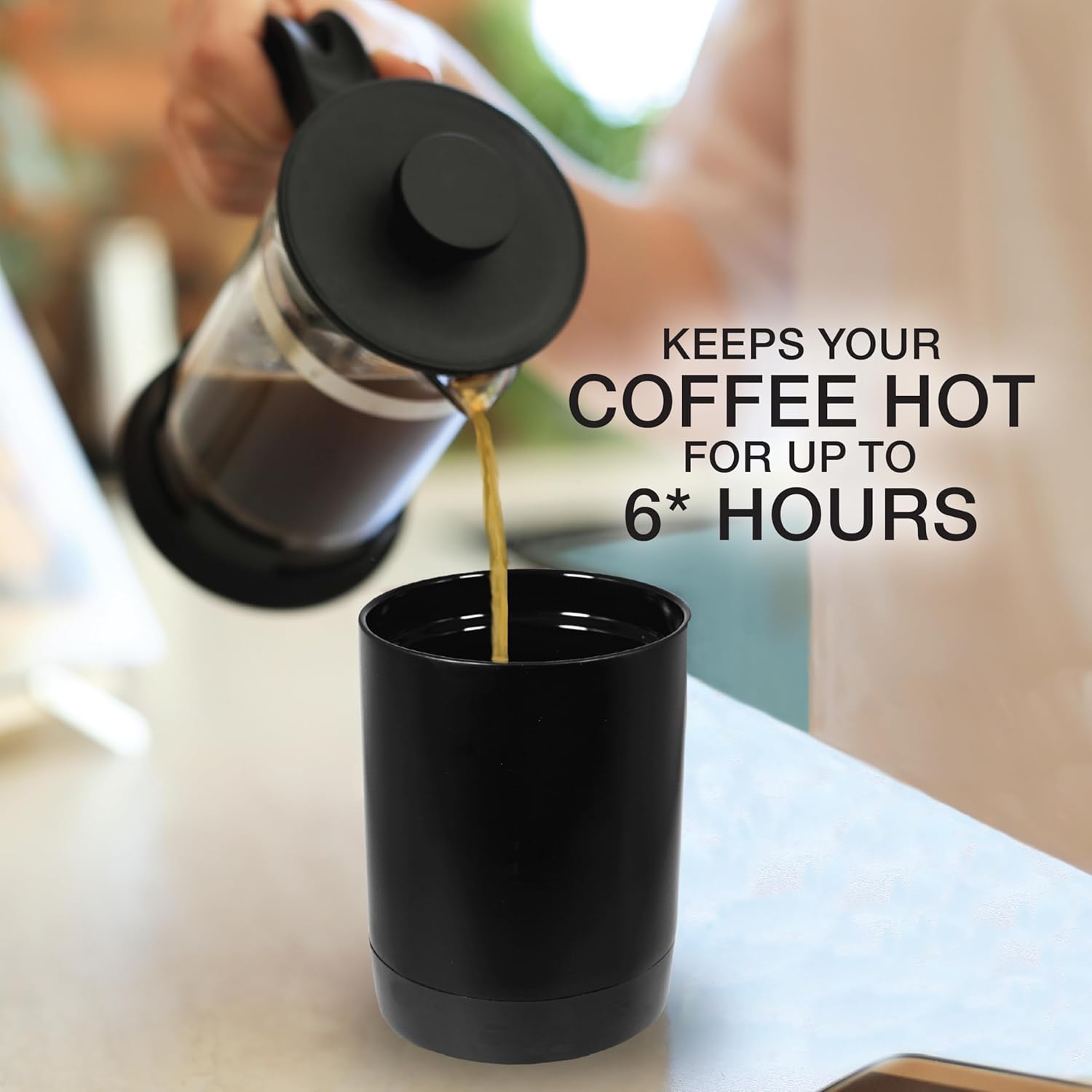
Image: A French press pouring coffee into the black Brookstone Travel Mug, illustrating its use for keeping beverages hot. Text on the image states "Keeps your coffee hot for up to 6* hours".
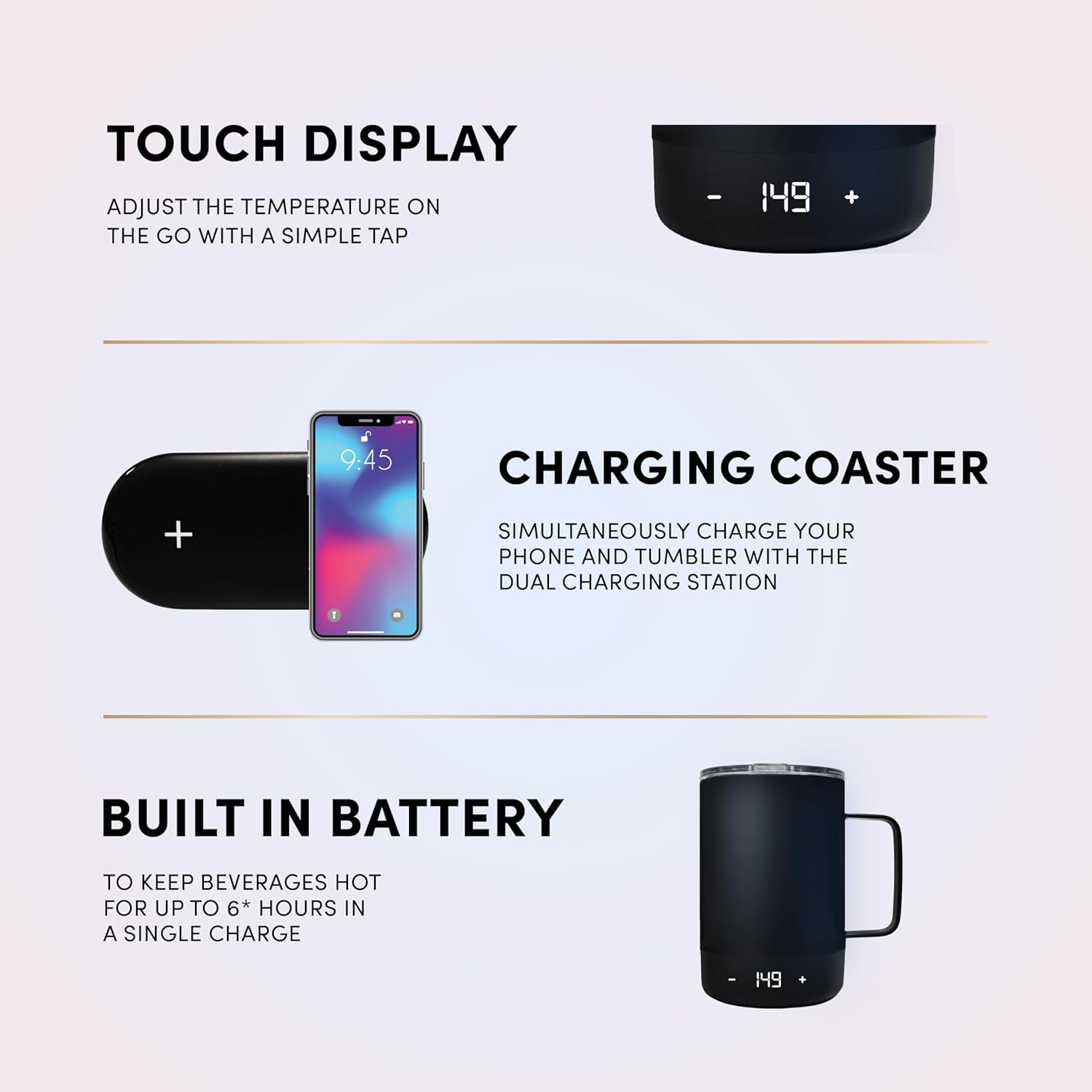
Image: A visual breakdown of the product's interactive elements, showing the mug's touch display for temperature adjustment, the charging coaster for simultaneous phone and mug charging, and the built-in battery for portable warmth.
B. Wireless Phone Charging
- Power the Coaster: Ensure the wireless charging coaster is connected to a power source via the USB cable.
- Place Smartphone: Place your Qi-enabled smartphone onto the designated wireless charging area of the coaster.
- Verify Charging: Your phone's screen should indicate that it is charging. The coaster provides up to 10W wireless charging output.

Image: The Brookstone Travel Mug and Charging Station positioned on a wooden surface, with text overlays emphasizing its capabilities for both hot and cold beverages, double-walled insulation, and integrated wireless charging.
Maintenance and Cleaning
- Travel Mug: Hand wash the mug with warm, soapy water. Do not submerge the mug in water, especially the base where the electronics and charging port are located. Ensure the charging port is completely dry before charging.
- Lid: The lid can be washed with warm, soapy water. For thorough cleaning, carefully slide open the slider mechanism to clean underneath. Avoid excessive force to prevent damage.
- Charging Coaster: Wipe the coaster with a soft, damp cloth. Do not use abrasive cleaners or submerge it in water.
- Storage: Store the device in a cool, dry place when not in use.
Troubleshooting
| Problem | Possible Cause | Solution |
|---|---|---|
| Mug not heating or charging. | Mug not properly placed on coaster; coaster not powered; mug battery depleted; charging port wet/corroded. | Ensure mug is centered on the coaster. Verify coaster is plugged in. Charge mug fully. Ensure mug's charging port is dry and clean. |
| Phone not charging wirelessly. | Phone not Qi-compatible; phone not centered; foreign objects on pad; coaster not powered. | Confirm phone supports Qi wireless charging. Reposition phone on the charging pad. Remove any metallic objects or thick cases. Ensure coaster is powered. |
| Mug turns on/off randomly. | Accidental touch of controls; mug not stable on coaster. | Be mindful of accidental touches to the mug's base controls. Ensure the mug is placed securely and stably on the coaster or a flat surface. |
| Lid is difficult to clean. | Residue trapped under slider. | Carefully slide open the lid's slider and rinse thoroughly with warm, soapy water. Use a small brush if necessary. Avoid disassembling the slider mechanism. |
Specifications
- Model: AZ-BS-TRMG-BLK
- Capacity: 11 ounces (325 ml)
- Material: Double-Wall Stainless Steel
- Color: Black
- Mug Voltage: 3.7 Volts
- Coaster Wattage: 10 watts
- Maximum Temperature: 149°F (65°C)
- Dimensions: 4.5"L x 3.5"W x 5.25"H (Mug)
- Battery: Product Specific (included)
- Wireless Charging Output: Up to 10W
- UPC: 840388338476
Warranty and Support
Brookstone products are designed for quality and reliability. For warranty information, technical support, or customer service inquiries, please visit the official Brookstone website or contact their customer support department. Please have your model number (AZ-BS-TRMG-BLK) and proof of purchase available when contacting support.
For more information, you may visit the Brookstone Store on Amazon.