
Introduction
This manual provides comprehensive instructions for the installation, operation, and maintenance of your MOVHEIYL RCB05A Gas Fireplace Remote Control and Receiver Kit. This kit is designed to provide convenient on/off control and thermostat functionality for gas fireplaces equipped with millivolt safety pilot valves or electronic spark ignition systems. Please read this manual thoroughly before use to ensure proper function and safety.
Safety Information
- Ensure all wiring is performed by a qualified technician and complies with local codes.
- Always turn off the gas supply to the fireplace before installing or servicing the receiver.
- Do not expose the remote control or receiver to water or excessive moisture.
- Keep batteries out of reach of children. Dispose of used batteries properly.
- The remote control includes a child safety lockout feature. Utilize this feature to prevent unauthorized operation.
Package Contents
The MOVHEIYL RCB05A kit includes the following components:
- 1 x Thermostat Remote Control
- 1 x Receiver Unit
- Note: Batteries are not included. Two AAA batteries are required for the remote control.
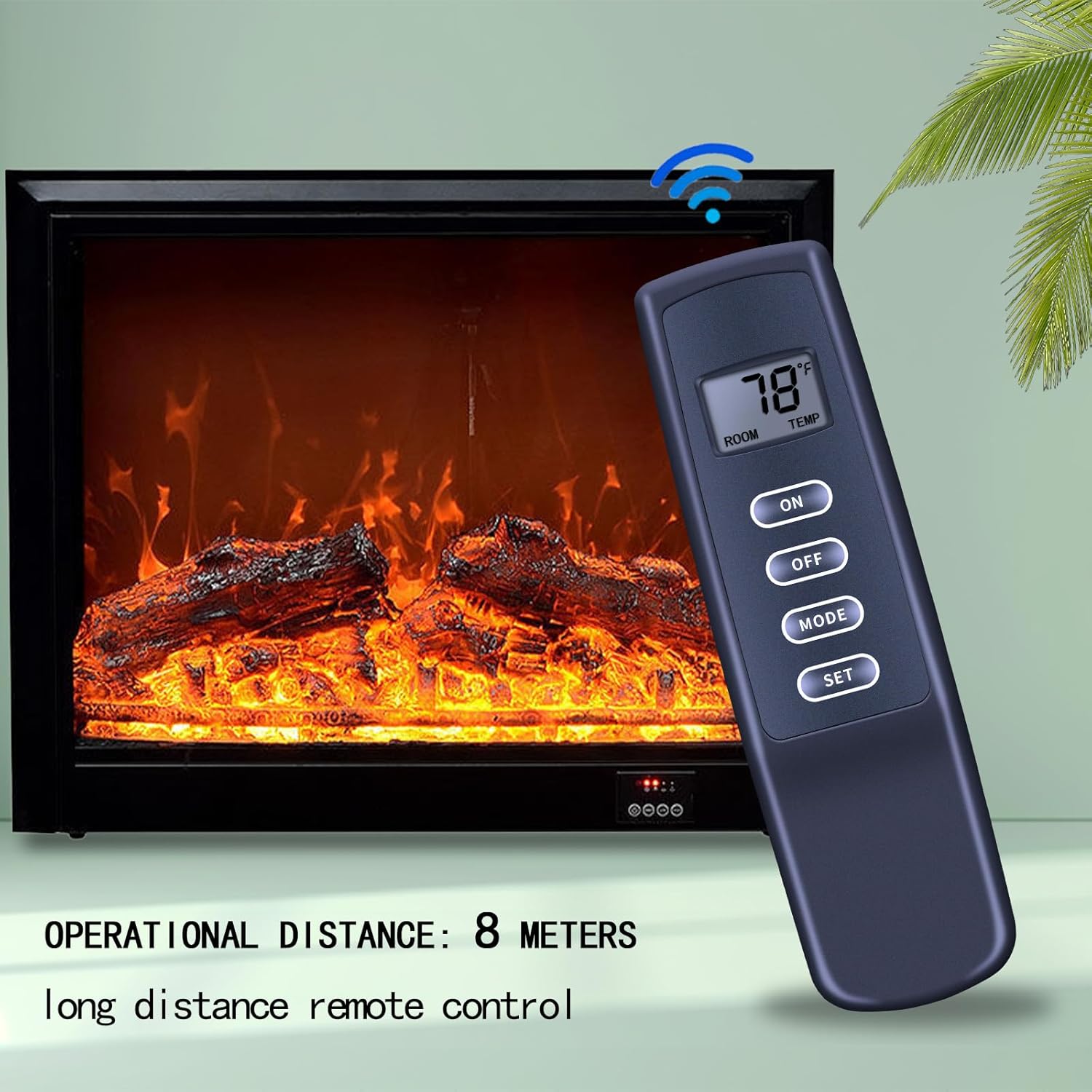
Image: The MOVHEIYL RCB05A remote control and receiver kit, showing both components. The remote features a digital display and several buttons, while the receiver is a compact black box.
Specifications
| Feature | Detail |
|---|---|
| Brand | MOVHEIYL |
| Model | RCB05A |
| Compatible Devices | Gas Fireplaces (Millivolt Safety Pilot Valves or Electronic Spark Ignition Systems) |
| Control Type | On/Off, Thermostat |
| Wireless Range | Up to 20 feet (approximately 8 meters) |
| Remote Power | 2 x AAA Batteries (not included) |
| Special Features | Ergonomic design, Child Safety Lockout |
Setup
1. Remote Control Battery Installation
- Locate the battery compartment on the back of the remote control.
- Slide open the battery cover.
- Insert two (2) AAA batteries, ensuring correct polarity (+/-).
- Close the battery cover securely.

Image: The back of the remote control with the battery compartment open, showing the insertion of two AAA batteries. Text indicates that batteries are not included.
2. Receiver Unit Wiring
The receiver unit connects to your fireplace's millivolt gas valve system. Refer to your fireplace's manual for specific wiring diagrams. Generally, the receiver wires connect to the TH and TH/TP terminals on the gas valve. Ensure the gas supply is off before proceeding.
- Turn off the gas supply to your fireplace.
- Access the millivolt gas valve or electronic spark ignition system.
- Connect the two wires from the receiver unit to the appropriate terminals (typically TH and TH/TP) on the gas valve. Polarity usually does not matter for millivolt systems.
- Secure the receiver unit in a safe location, away from direct heat and moisture, but within range of the remote control.
- Restore the gas supply to your fireplace.
3. Pairing (If Necessary)
The remote control and receiver are often pre-paired from the factory. If they do not communicate, follow these steps to pair them:
- Ensure batteries are installed in the remote control and the receiver is powered.
- On the receiver unit, locate the "LEARN" button (or similar pairing button).
- Press and hold the "LEARN" button on the receiver until you hear a beep or see an indicator light flash.
- Within 10 seconds, press the "ON" button on the remote control.
- The receiver should beep or flash again, indicating successful pairing.
- Test the remote control by pressing "ON" and "OFF".
Operating Instructions
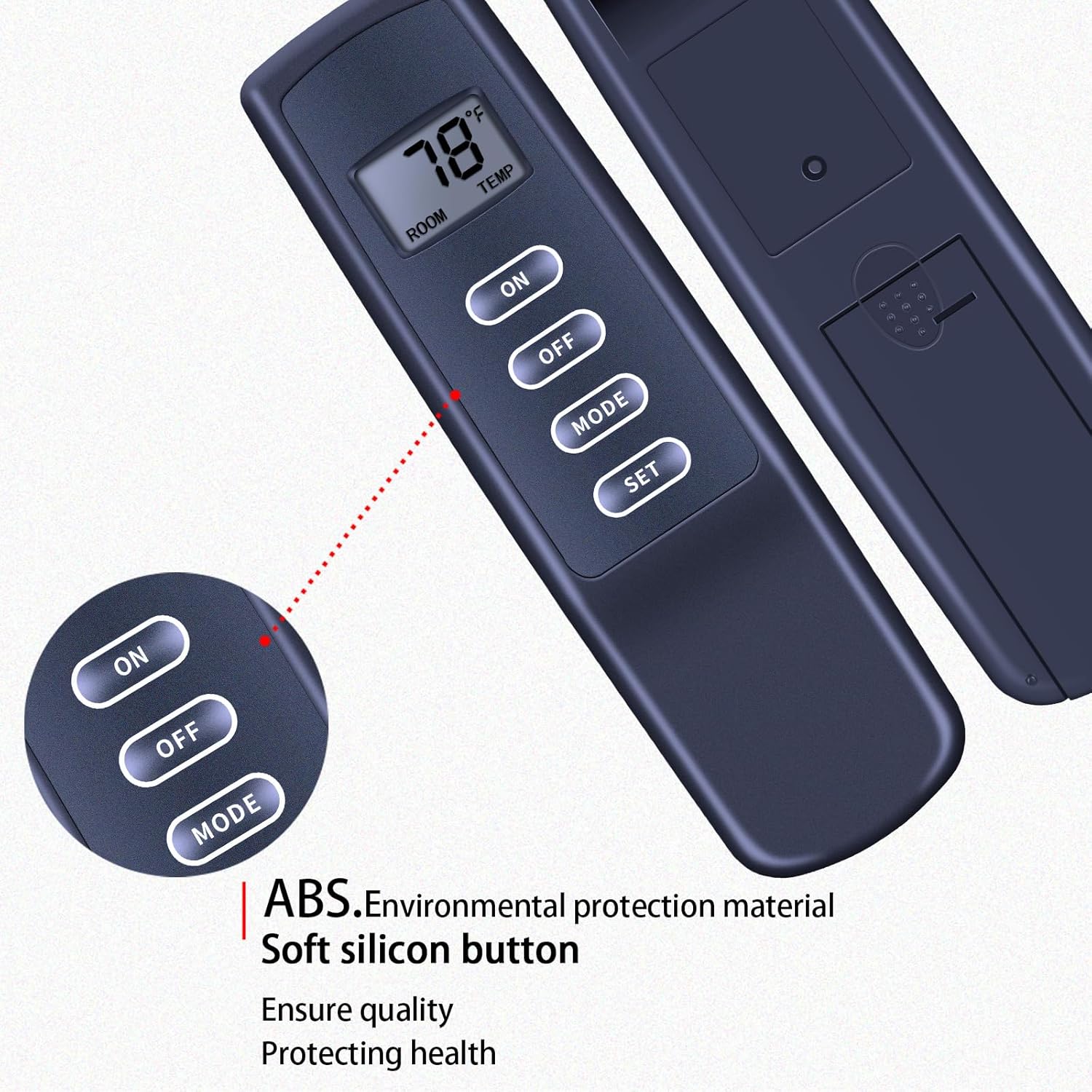
Image: A close-up view of the remote control, highlighting the digital display showing room temperature and target temperature, along with the 'ON', 'OFF', 'MODE', and 'SET' buttons.
Remote Control Functions
- ON Button: Turns the fireplace on.
- OFF Button: Turns the fireplace off.
- MODE Button: Toggles between manual ON/OFF mode and thermostat mode.
- SET Button: Used to adjust the target temperature in thermostat mode.
1. Manual ON/OFF Operation
- Press the MODE button until the display indicates manual operation (e.g., no thermostat icon).
- Press the ON button to turn the fireplace on.
- Press the OFF button to turn the fireplace off.
2. Thermostat Operation
- Press the MODE button until the display shows the thermostat icon and both room temperature and target temperature.
- The remote will display the current room temperature.
- To adjust the target temperature, press the SET button. The target temperature will flash.
- Use the ON button to increase the target temperature and the OFF button to decrease it.
- Press SET again to confirm the new target temperature, or wait a few seconds for it to set automatically.
- The fireplace will automatically turn on when the room temperature falls below the target temperature and turn off when it rises above it.
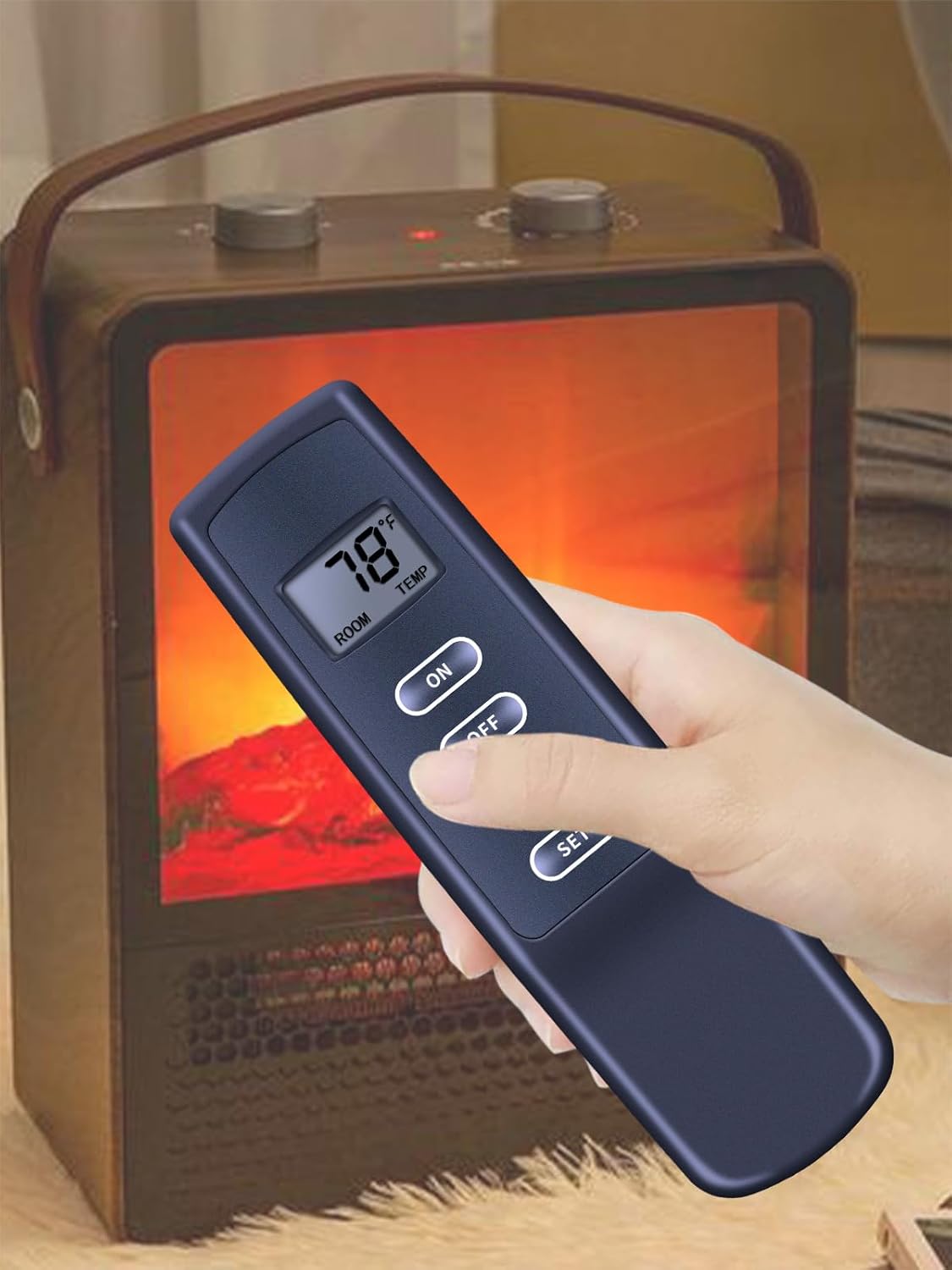
Image: A hand holding the remote control, demonstrating its use in front of a gas fireplace. The remote's display shows a temperature setting of 78 degrees Fahrenheit.
3. Child Safety Lockout
To activate the child safety lockout, press and hold the ON and OFF buttons simultaneously for approximately 5 seconds until a lock icon appears on the display. To deactivate, repeat the process.
Maintenance
- Battery Replacement: Replace the AAA batteries in the remote control annually or when the display becomes dim.
- Cleaning: Wipe the remote control and receiver with a soft, dry cloth. Do not use abrasive cleaners or immerse in water.
Troubleshooting
| Problem | Possible Cause | Solution |
|---|---|---|
| Fireplace does not respond to remote. | Dead batteries in remote. Receiver not powered. Remote and receiver not paired. Receiver wiring issue. | Replace remote batteries. Check receiver power connection. Perform pairing procedure. Verify receiver wiring to gas valve. |
| Remote display is dim or blank. | Low or dead batteries. | Replace remote batteries. |
| Fireplace turns on/off unexpectedly in thermostat mode. | Target temperature set too close to room temperature. Drafts affecting remote's temperature sensor. | Adjust target temperature to a more distinct value. Relocate remote away from drafts or direct heat sources. |
| Child lockout feature is active. | Lockout feature accidentally engaged. | Press and hold ON and OFF buttons simultaneously for 5 seconds to deactivate. |
Customer Support
If you encounter any issues or have questions regarding your MOVHEIYL RCB05A Gas Fireplace Remote Control and Receiver Kit, please do not hesitate to contact us. We are committed to assisting you with any concerns.
Contact information is typically provided by your retailer or on the product packaging.