Introduction
This manual provides instructions for the assembly, operation, and maintenance of your VECELO Bar Stools (Model T4-C18-BLK-C). Please read this manual thoroughly before assembly and use to ensure proper function and safety.
Safety Information
- Maximum Weight Capacity: Each stool supports a maximum weight of 330 lbs (150 kg). Do not exceed this limit.
- Ensure all screws and bolts are tightened securely before use. Periodically check and re-tighten as necessary.
- Do not stand on the stool.
- Keep children away from the assembly area. Small parts may pose a choking hazard.
- Use the stool on a flat, stable surface.
Package Contents
Verify that all components are present before beginning assembly.
- 2 x Bar Stools (disassembled)
- 1 x Accessory Kit (hardware)
- 1 x Instruction Manual (this document)
If any parts are missing or damaged, please contact customer support.
Setup and Assembly
Assembly is required. Follow these steps carefully. It is recommended to assemble on a soft, clean surface to prevent scratches.
- Unpack Components: Carefully remove all parts from the packaging and lay them out. Identify each component using the parts list provided in the accessory kit.
- Attach Seat to Base: Follow the specific instructions in your accessory kit to securely attach the seat top to the hydraulic cylinder and base. Ensure all screws are finger-tightened first, then fully tightened.
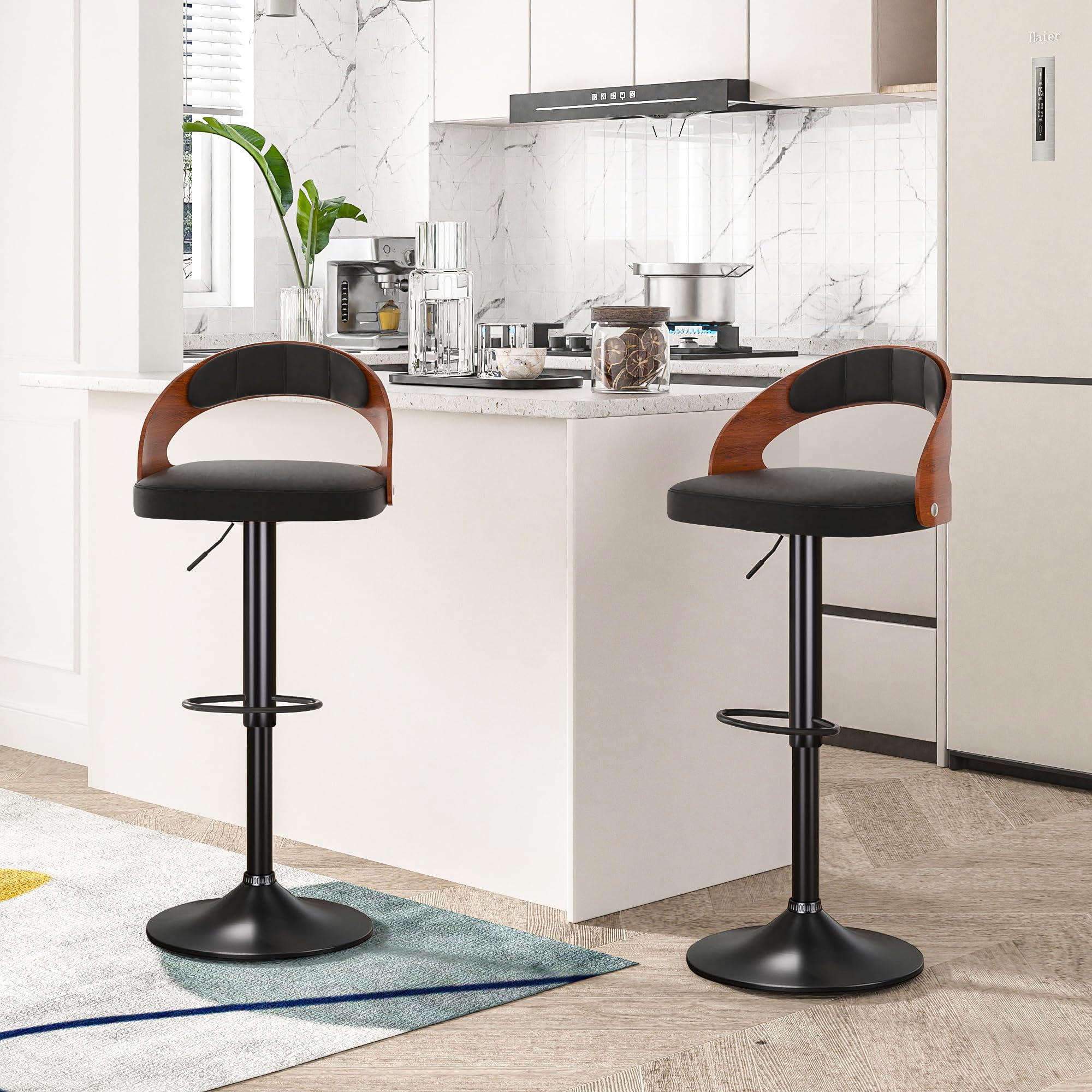
Image: Overall dimensions and load capacity of the VECELO bar stool.
- Install Footrest: Secure the footrest ring to the central pole as indicated in the assembly diagram.
- Final Tightening: Once all parts are assembled, ensure all connections are firm and secure. Do not overtighten.

Image: Details of the safety backrest, lifting handle for height adjustment, and the protective rubber ring on the base.
Operating Instructions
Your VECELO Bar Stools are designed for ease of use and comfort.
- Adjusting Height: To adjust the seat height, locate the lifting handle under the seat.
- To raise the seat: While standing, pull the handle upwards. The seat will rise automatically. Release the handle at the desired height.
- To lower the seat: While seated, pull the handle upwards. The seat will lower. Release the handle at the desired height.

Image: Illustration of the 7.87-inch height adjustment range and 360-degree swivel capability.
- Swivel Function: The seat features a 360-degree swivel mechanism, allowing for full rotation.
Maintenance
Proper care will extend the life and appearance of your bar stools.
- Cleaning: Wipe surfaces with a damp cloth. For the PU leather, use a mild soap solution if necessary, then wipe dry. Avoid harsh chemicals or abrasive cleaners.
- Inspection: Periodically check all bolts and screws to ensure they remain tight. Re-tighten if any looseness is detected.
- Floor Protection: The base includes a non-slip rubber ring to protect floors from scratches. Ensure this ring is intact and properly positioned.
Troubleshooting
If you encounter any issues, refer to the following common solutions:
- Stool is wobbly:
- Check all assembly screws and bolts. Tighten any loose connections.
- Ensure the stool is on a flat, even surface.
- Height adjustment not working:
- Ensure the lifting handle is fully engaged when attempting to adjust.
- Check for any obstructions around the hydraulic cylinder.
- Squeaking noises:
- Lubricate moving parts of the swivel mechanism or hydraulic cylinder with a silicone-based lubricant if necessary.
- Ensure all bolts are tightened correctly.
Specifications
| Feature | Detail |
|---|---|
| Model Number | T4-C18-BLK-C |
| Overall Dimensions | 17.7"D x 17.5"W x 32.7"-40.8"H |
| Adjustable Height Range | 24.6" to 32.7" (seat height) |
| Seat Dimensions | 17.1"W x 16.5"D |
| Base Diameter | 16.1" |
| Weight Capacity | 330 lbs (150 kg) |
| Item Weight (each) | 30.8 lbs |
| Materials | PU Leather, Bentwood, Metal Frame (Cast Iron) |
| Color | Black |
| Assembly Required | Yes |
Warranty and Support
VECELO provides support for its products. If you encounter any problems with the products you received, require free replacement parts, or need assistance with assembly or operation, please contact VECELO customer service.
Refer to your purchase documentation or the VECELO official website for specific warranty terms and contact information.
For general inquiries, you may visit the VECELO Store on Amazon.


