
1. Introduction
The DEEPOWER G Lighted Nocks are designed to enhance visibility of arrow flight and impact location during archery, particularly in low-light conditions. These nocks feature an integrated LED light and an easy-to-use on/off switch, providing extended illumination for tracking shots. They are compatible with a range of arrow shaft inner diameters through the use of included bushings.
2. Setup and Installation
Proper installation is crucial for the performance and longevity of your DEEPOWER G Lighted Nocks. Follow these steps carefully:
- Identify Arrow Inner Diameter: Determine the inner diameter of your arrow shafts. The DEEPOWER G Lighted Nocks are designed for arrows with a .165 inch inner diameter.
- Select Correct Bushing: For arrows with larger inner diameters, select the appropriate bushing from the included set. Bushings are provided for .204 inch, .233 inch, .244 inch, and .246 inch arrow shafts. The correct bushing ensures a snug fit for the nock within your arrow shaft.
- Insert Bushing (if applicable): If your arrow shaft requires a bushing, gently press the selected bushing into the arrow shaft until it is fully seated. Ensure it is flush with the end of the shaft.
- Insert Lighted Nock: With or without a bushing, carefully insert the DEEPOWER G Lighted Nock into the arrow shaft (or bushing). Apply firm, even pressure until the nock is fully seated. The nock should fit securely without excessive force or looseness.
- Verify Fit: Once installed, gently twist and pull the nock to ensure it is firmly in place. A loose nock can affect arrow flight and may lead to loss or damage.

Image: DEEPOWER G Lighted Nock shown with compatible bushings for different arrow inner diameters (.204", .233", .244", .246").
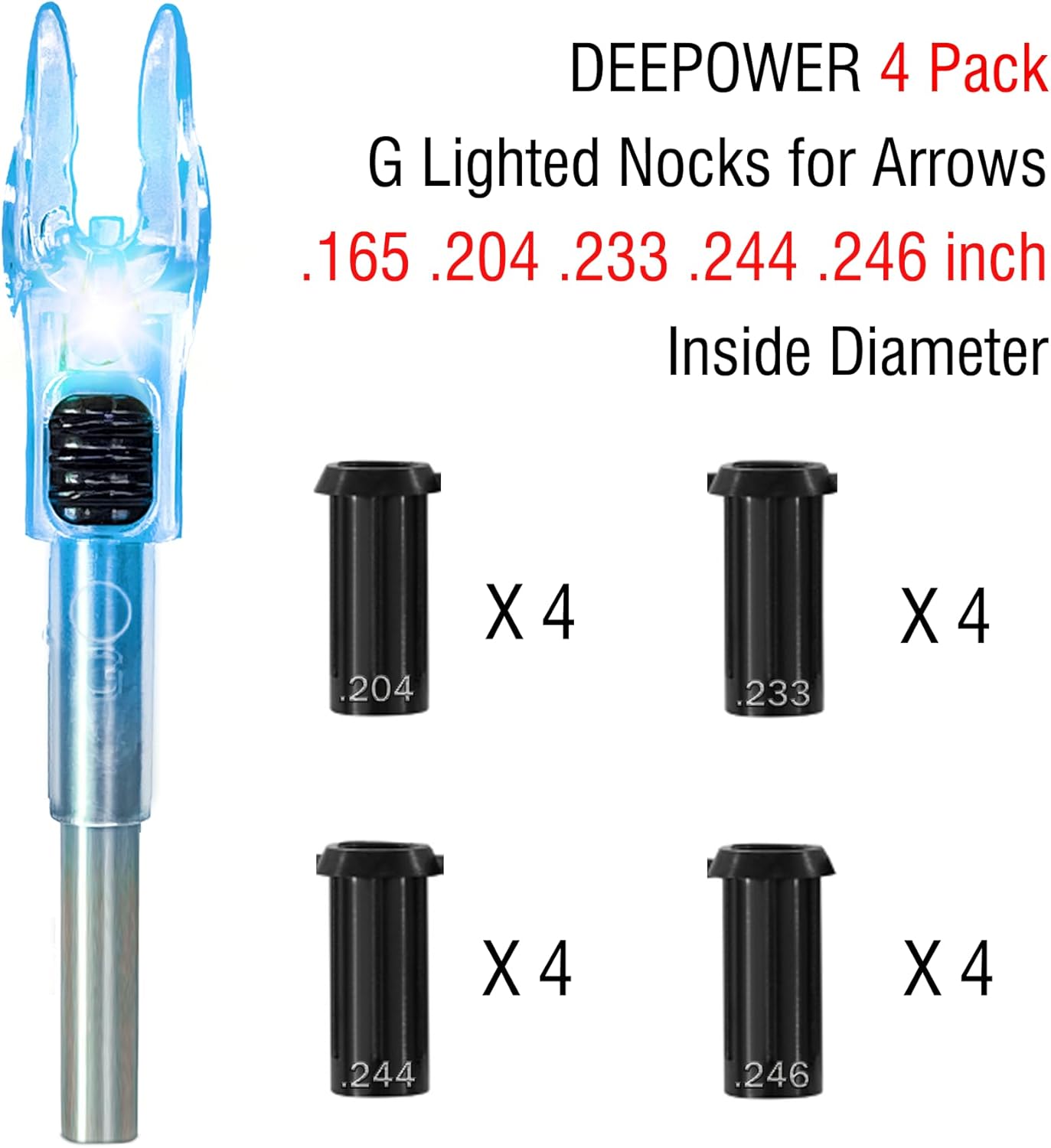
Image: Illustration of a DEEPOWER G Lighted Nock installed on an arrow, demonstrating the use of bushings for proper fit.
3. Operating Instructions
The DEEPOWER G Lighted Nocks feature a simple push-button switch for activation and deactivation.
- Activation: To turn on the LED light, locate the small switch on the side of the nock. Gently press the switch. The LED will illuminate brightly.
- Deactivation: To turn off the LED light, press the switch again. The light will extinguish. No tools or magnets are required for this operation.
- Battery Life: Each lighted nock provides over 48 hours of bright illumination. After this period, the light will remain dimly lit for an additional 24 hours, aiding in recovery.
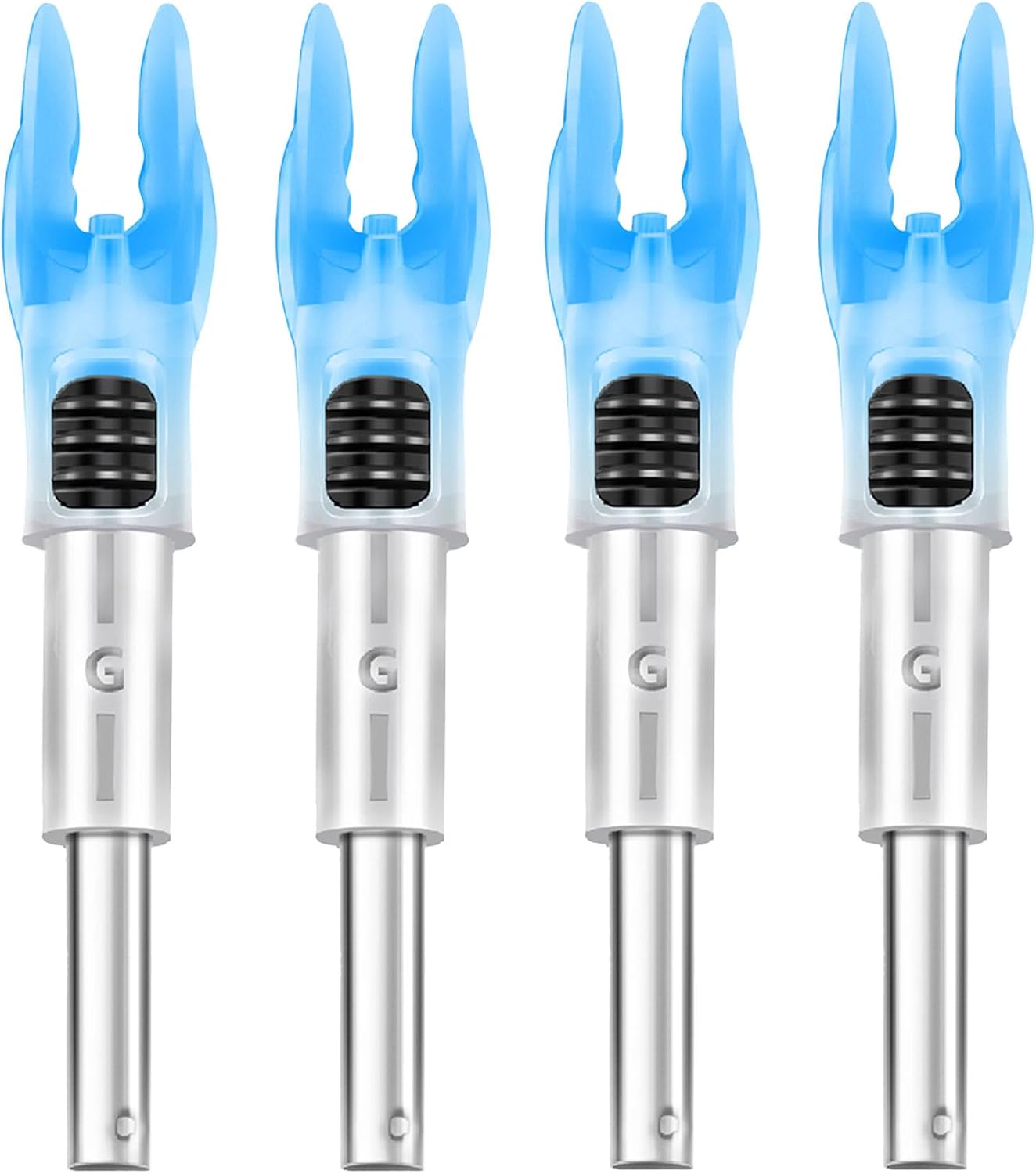
Image: Four DEEPOWER G Lighted Nocks, demonstrating their illuminated state and design.
4. Maintenance
To ensure optimal performance and extend the lifespan of your DEEPOWER G Lighted Nocks, follow these maintenance guidelines:
- Cleaning: After use, especially in dirty or wet conditions, gently wipe the nocks with a clean, dry cloth to remove any debris or moisture. Avoid using harsh chemicals or abrasive materials.
- Storage: Store the lighted nocks in a cool, dry place away from direct sunlight and extreme temperatures. Keeping them in their original packaging or a protective case is recommended.
- Inspection: Before each use, inspect the nocks for any signs of damage, such as cracks, loose components, or a malfunctioning switch. Do not use damaged nocks.
- Battery: The lithium batteries within the nocks are designed for long life and are not user-replaceable. When the light no longer illuminates, the nock should be replaced. Dispose of depleted nocks according to local regulations for electronic waste.
5. Troubleshooting
If you encounter issues with your DEEPOWER G Lighted Nocks, refer to the following troubleshooting tips:
- Light Not Activating:
- Ensure the switch is fully pressed. Sometimes a partial press may not activate the light.
- Check if the nock is fully seated in the arrow shaft. Impact can sometimes cause the nock to shift, affecting the internal contact.
- The battery may be depleted. If the nock has been used for an extended period (over 48 hours bright, plus 24 hours dim), it may require replacement.
- Light is Dim or Flickering:
- This typically indicates a low battery. The nock is nearing the end of its operational life and should be replaced soon.
- Nock Feels Loose in Arrow Shaft:
- Verify that the correct bushing for your arrow's inner diameter has been used.
- Ensure the bushing and nock are fully seated within the arrow shaft.
- If the nock or bushing appears damaged, replace it to prevent further issues during use.
- Switch is Difficult to Operate or Falls Out:
- While the switch is designed for ease of use, excessive force can damage it. Operate the switch gently.
- If the switch is damaged or falls out, the nock is defective and should be replaced.
6. Specifications
| Feature | Detail |
|---|---|
| Model Name | G Lighted Nocks |
| Compatibility | .165" inner diameter arrows (with bushings for .204", .233", .244", .246" inner diameter arrows) |
| Nock Weight | 15.8 ± 0.2 grains |
| Bushing Weight | 1.5 – 3.6 grains (depending on size) |
| Material | Plastic |
| Battery Life (Bright) | 48+ hours |
| Battery Life (Dim) | Additional 24 hours |
| Item Package Dimensions | 6.14 x 5.83 x 0.4 inches |
| Package Weight | 25 Grams |
| Number of Items | 4 (for this specific variant) |
7. Warranty and Support
Warranty: DEEPOWER G Lighted Nocks come with a 1-month warranty from the date of purchase, covering manufacturing defects. This warranty does not cover damage resulting from misuse, improper installation, or normal wear and tear.
Customer Support: For any questions, concerns, or warranty claims, please refer to the retailer where you purchased the product or visit the official DEEPOWER website for contact information. Please have your proof of purchase and product details ready when contacting support.