
Introduction
The Romicta AK50 Digital Audio Amplifier is designed to enhance your home audio experience. This 2-channel amplifier delivers 400W+400W peak power and 50W+50W rated power, supporting both 4-16 inch passive speakers and active subwoofers. It features advanced Bluetooth 5.0 connectivity, FM radio, and multiple input options including USB, SD card, and microphone inputs with echo control. Its compact design makes it suitable for various settings such as home karaoke, home theaters, HiFi sound systems, and small event setups.
What's in the Box
- 1x AK50 Amplifier
- 1x Remote Control
- 1x FM Antenna
- 1x Power Supply
- 1x Instruction Manual
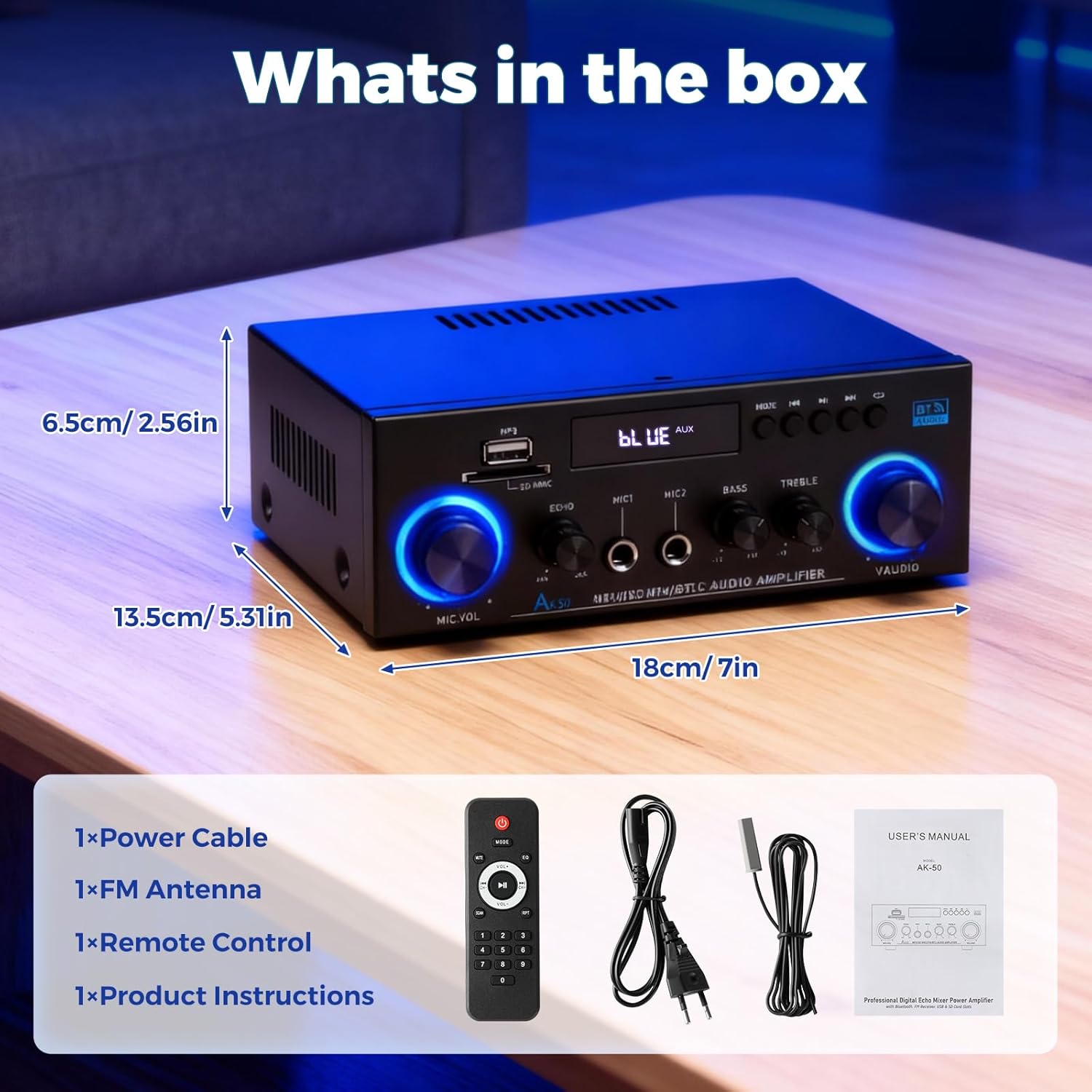
Image: The Romicta AK50 amplifier and its included accessories: remote control, FM antenna, power cable, and user manual.
Product Overview
Front Panel
The front panel provides access to various controls and input ports for convenient operation.

Image: Front view of the AK50 amplifier, highlighting the microphone volume, echo, microphone inputs (MIC1, MIC2), bass, treble, and master volume knobs, along with USB/SD card slots and mode buttons.
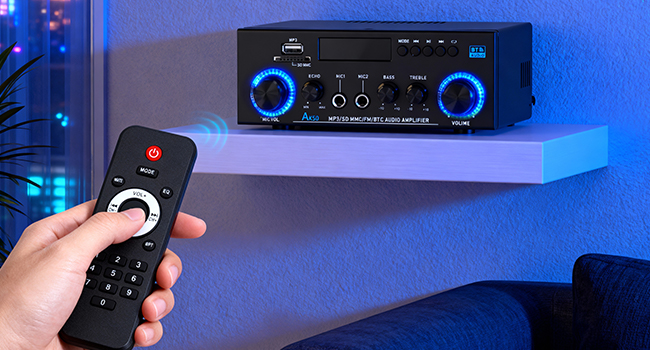
Image: A diagram illustrating the various inputs and controls on the front panel of the AK50 amplifier, including USB, SD card, microphone inputs, echo, bass, treble, and volume controls.
- MIC.VOL: Adjusts the volume of the connected microphones.
- ECHO: Controls the echo effect for microphone inputs.
- MIC1/MIC2: 1/4" (6.35mm) input jacks for microphones.
- BASS: Adjusts the low-frequency audio output.
- TREBLE: Adjusts the high-frequency audio output.
- VOLUME: Master volume control for overall audio output.
- MODE: Cycles through input sources (Bluetooth, FM, USB, SD, AUX, Line).
- USB/SD MMC: Ports for USB flash drives and SD/MMC cards for MP3 playback.
- Display: Shows current mode, track information, or FM frequency.
Rear Panel
The rear panel houses all necessary connections for speakers and external audio sources.
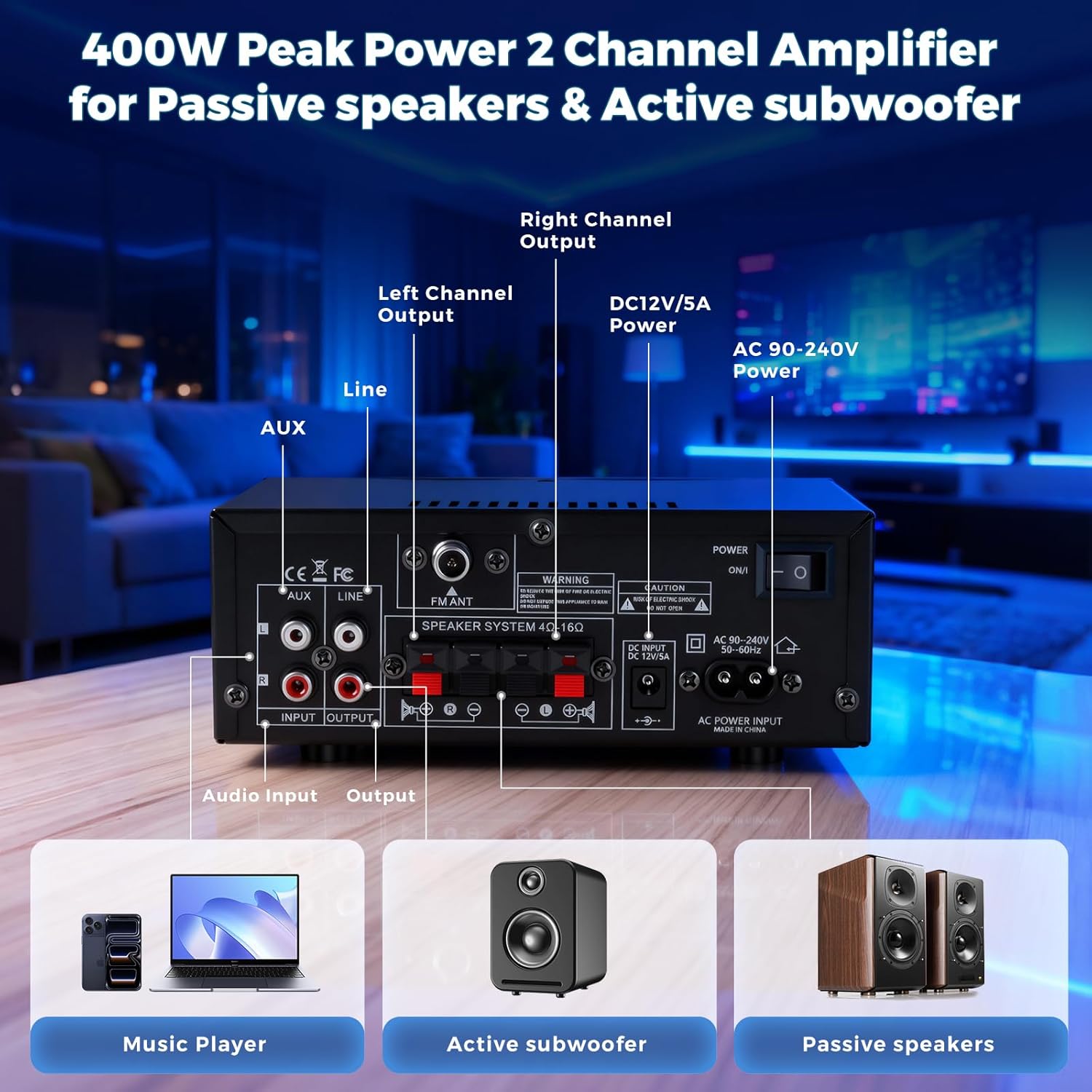
Image: Rear view of the AK50 amplifier, displaying the AUX and Line inputs, speaker terminals, FM antenna input, DC 12V/5A input, AC power input, and power switch.
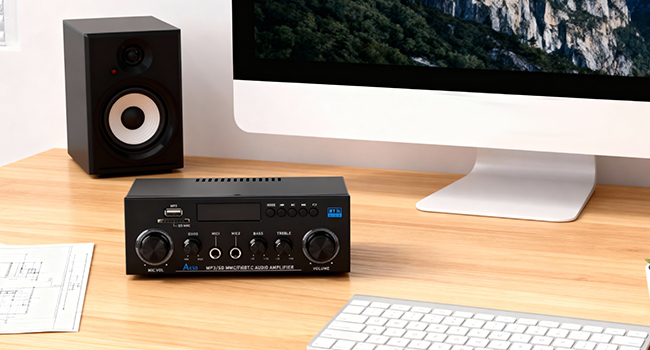
Image: A diagram detailing the rear panel connections of the AK50 amplifier, including inputs for CD/DVD players, active subwoofers, passive speakers, FM antenna, and power.
- AUX Input (RCA): Connect external audio devices like CD/DVD players.
- LINE Input (RCA): Connect other line-level audio sources.
- FM ANT: Connection for the included FM antenna.
- Speaker System (4Ω-16Ω): Terminals for connecting passive speakers.
- DC INPUT (12V/5A): Alternative power input for 12V DC sources.
- AC POWER INPUT (90-240V): Main power input for AC power.
- POWER ON/I: Main power switch.
- OUTPUT (RCA): Connect to an external speaker (active subwoofer) or recording device.
Setup Instructions
- Connect Speakers: Connect your passive speakers to the "Speaker System" terminals on the rear panel. Ensure correct polarity (+ to + and - to -). The amplifier supports 4-16Ω speakers.
- Connect Audio Sources:
- Bluetooth: Power on the amplifier. The display will show "BLUE". Enable Bluetooth on your device (phone, tablet, etc.) and select "AK50" to pair.
- USB/SD Card: Insert a USB flash drive or SD card (with MP3 files) into the respective slot on the front panel. The amplifier will automatically switch to USB/SD mode and begin playback.
- AUX/Line Input: Connect your external audio device (CD/DVD player, TV, laptop) to the AUX or LINE RCA inputs on the rear panel using appropriate cables. Press the "MODE" button on the front panel or remote to select the corresponding input.
- FM Radio: Connect the included FM antenna to the "FM ANT" port on the rear panel. Press the "MODE" button to select FM mode. Use the remote or front panel buttons to scan for stations.
- Microphones: Plug your microphones into the MIC1 or MIC2 1/4" jacks on the front panel.
- Connect Power: Connect the power supply to the AC POWER INPUT on the rear panel and plug it into a wall outlet. Alternatively, use a 12V/5A DC power source with the DC INPUT.
- Power On: Flip the "POWER ON/I" switch on the rear panel to the "ON" position.
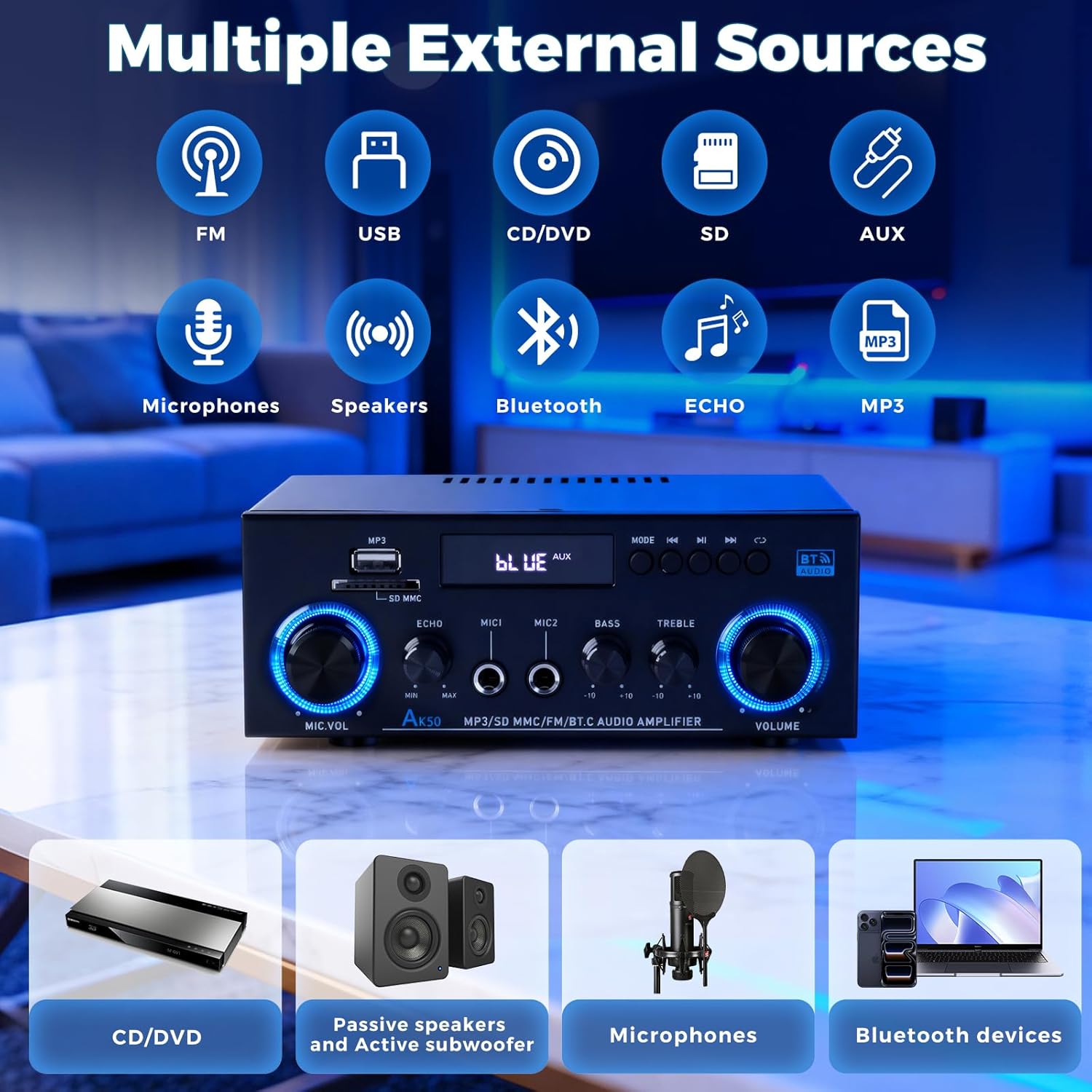
Image: An illustration demonstrating the various external sources that can be connected to the AK50 amplifier, including FM radio, USB, CD/DVD, SD card, AUX, microphones, and Bluetooth devices.
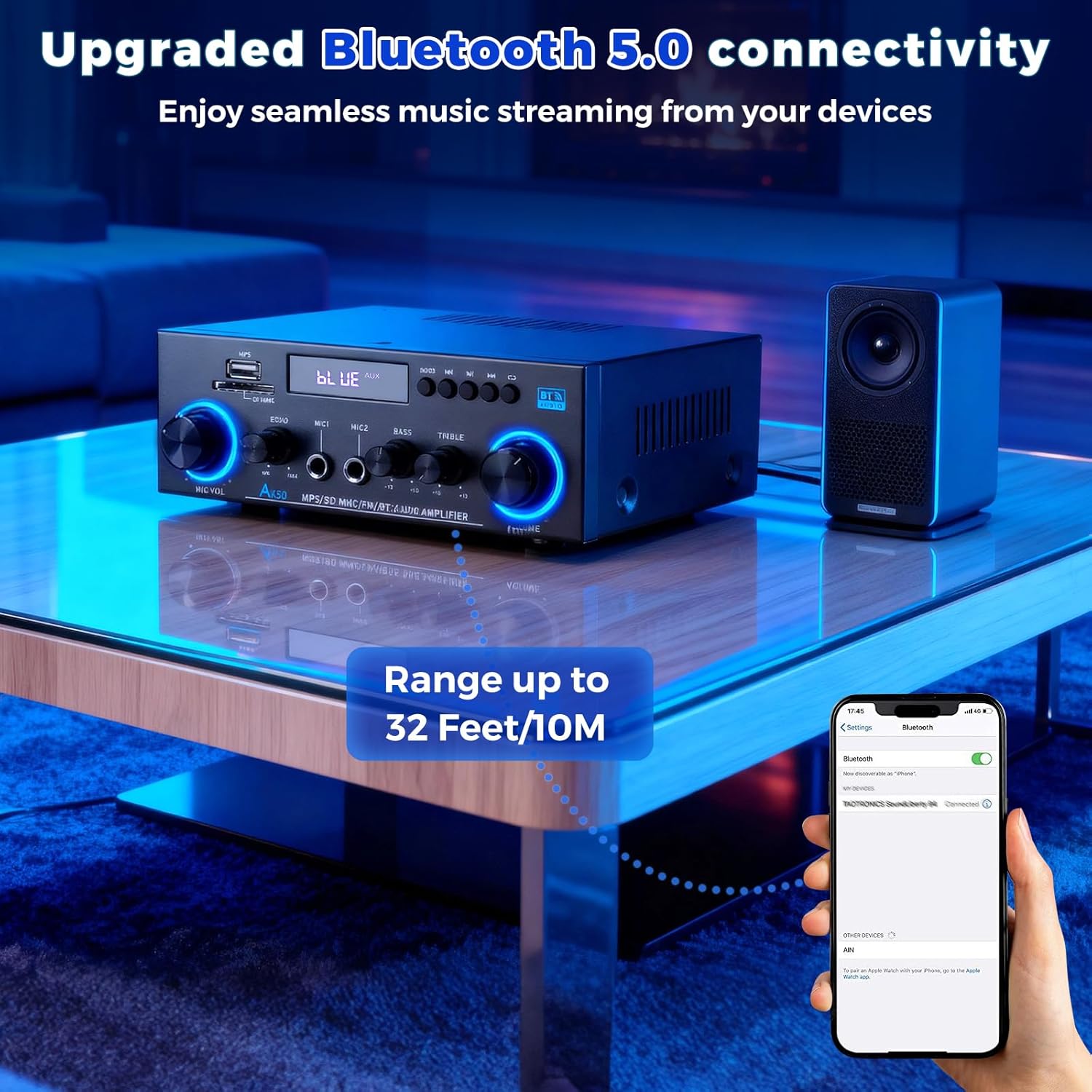
Image: A smartphone displaying its Bluetooth settings, connected to the AK50 amplifier, illustrating the enhanced Bluetooth 5.0 connectivity with a range of up to 32 feet/10 meters.
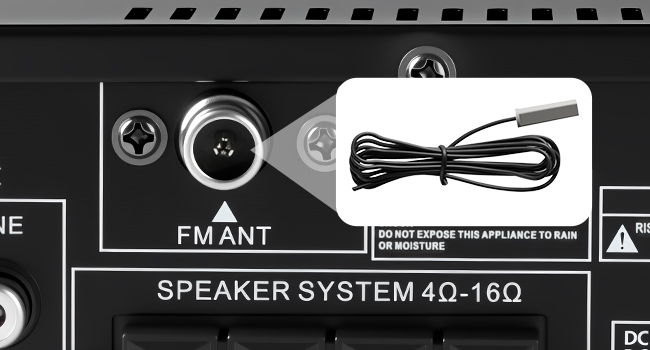
Image: A detailed view of the FM antenna input on the rear panel of the AK50 amplifier, showing where to connect the included FM antenna for radio reception.
Operating Instructions
- Select Input Mode: Use the "MODE" button on the front panel or the remote control to switch between Bluetooth, FM, USB, SD, AUX, and Line inputs.
- Adjust Volume: Rotate the large "VOLUME" knob on the front panel or use the volume buttons on the remote control to adjust the master audio output level.
- Adjust Tone: Use the "BASS" and "TREBLE" knobs to customize the low and high frequencies of the audio output.
- Microphone Control:
- Adjust microphone volume using the "MIC.VOL" knob.
- Apply and adjust echo effect using the "ECHO" knob.
- USB/SD Playback: When in USB/SD mode, use the play/pause, next, and previous track buttons on the front panel or remote to control media playback.
- Remote Control Usage: The included remote control allows for convenient adjustments of input modes, volume, and media playback from a distance.
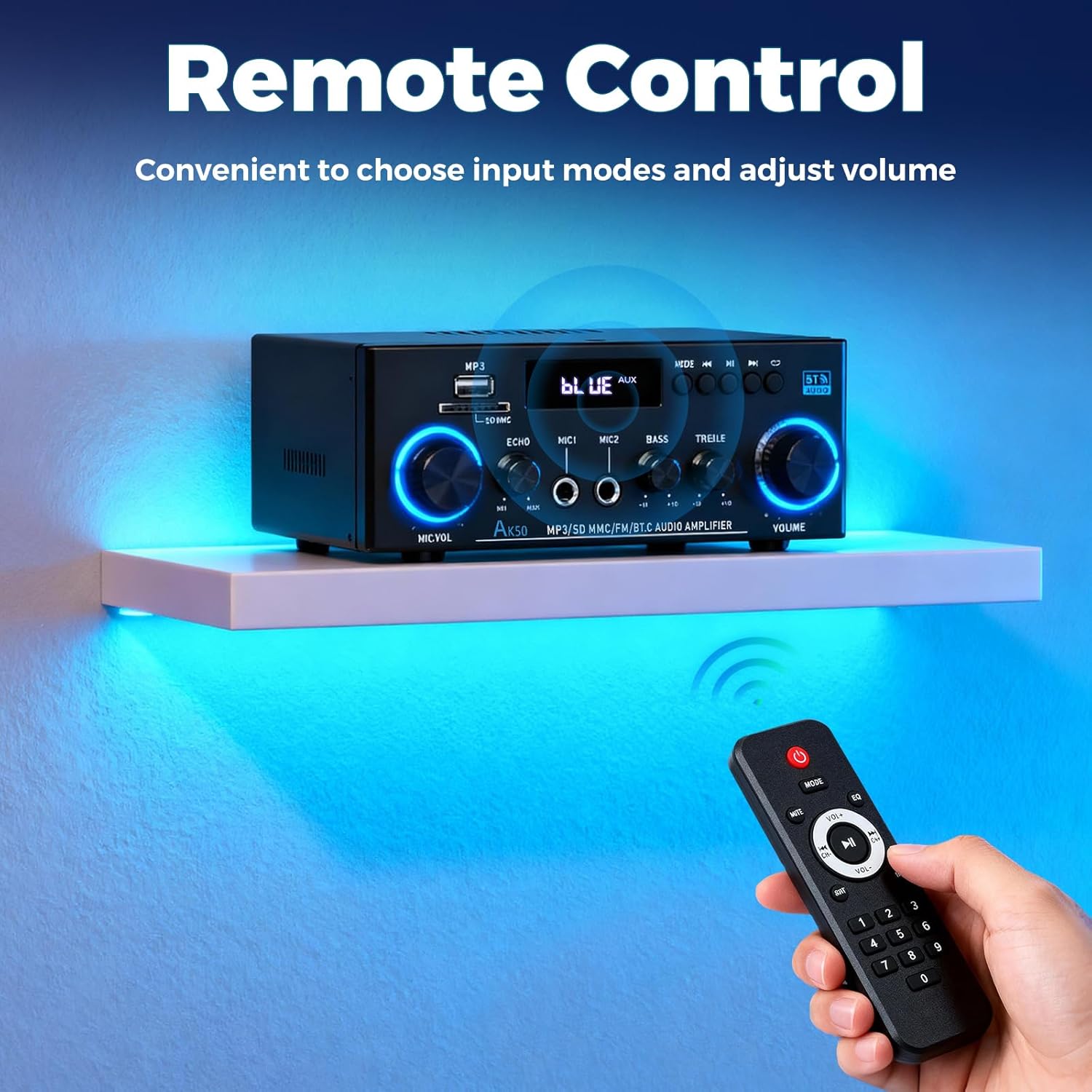
Image: A hand holding the remote control, pointing it towards the AK50 amplifier, demonstrating convenient control over input modes and volume from a distance.
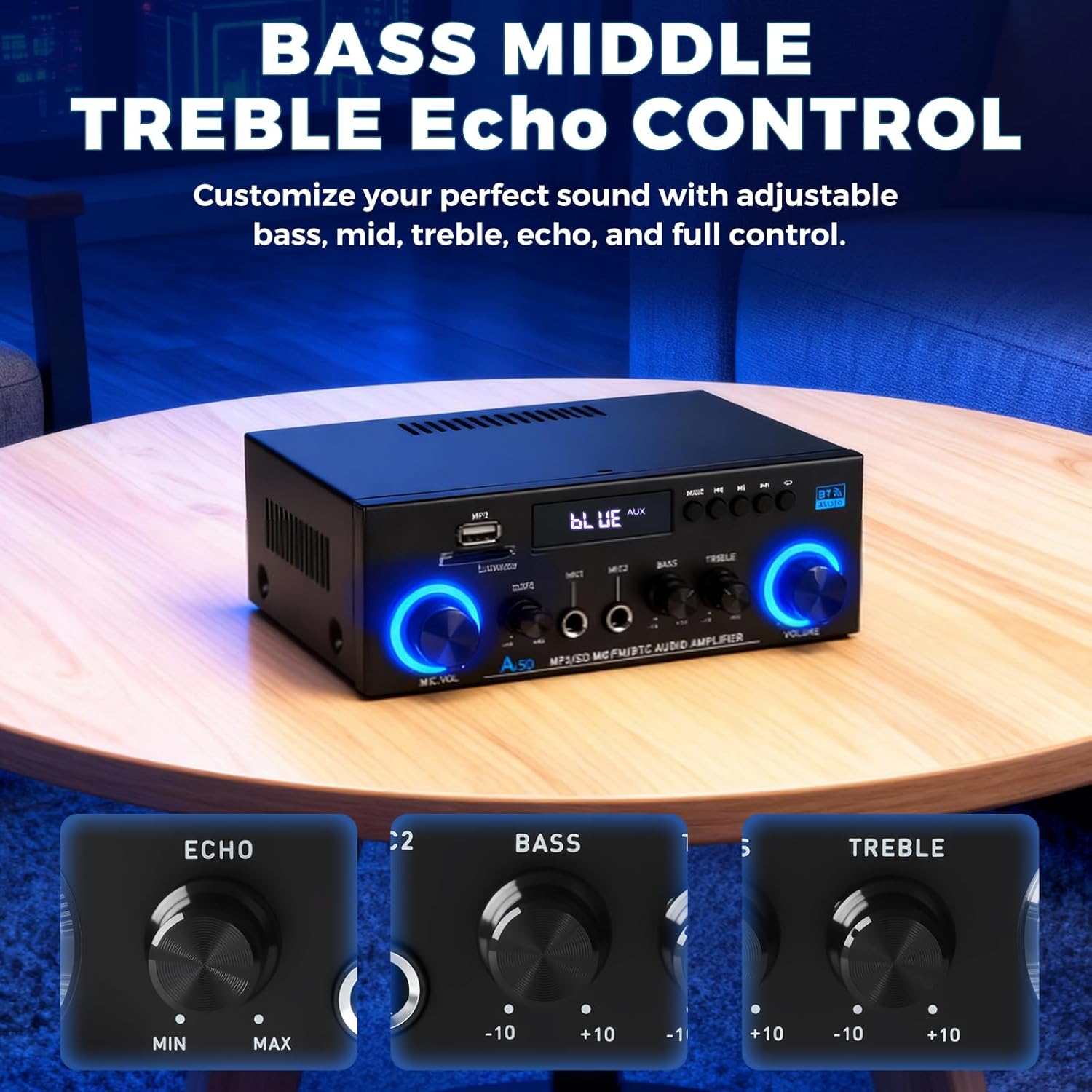
Image: A close-up view of the Bass, Treble, and Echo control knobs on the AK50 amplifier, illustrating the independent adjustments available for sound customization.

Image: The AK50 amplifier with two microphones connected, emphasizing the MIC1 and MIC2 inputs and the Echo adjustment knob for karaoke and vocal effects.
Maintenance
- Cleaning: Use a soft, dry cloth to clean the amplifier's exterior. Avoid using liquid cleaners or solvents.
- Ventilation: Ensure the amplifier has adequate ventilation to prevent overheating. Do not block the ventilation openings.
- Storage: Store the amplifier in a cool, dry place away from direct sunlight and extreme temperatures when not in use for extended periods.
- Power Disconnection: Always disconnect the power cable from the wall outlet before cleaning or performing any maintenance.
Troubleshooting
| Problem | Possible Cause | Solution |
|---|---|---|
| No power | Power cable not connected; Power switch off; Outlet malfunction | Ensure power cable is securely connected; Turn power switch to ON; Test outlet with another device. |
| No sound output | Incorrect input mode; Speaker cables loose/incorrectly connected; Volume too low; Mute activated | Select correct input mode; Check speaker connections and polarity; Increase master volume; Deactivate mute. |
| Bluetooth not connecting | Amplifier not in Bluetooth mode; Device too far; Interference | Switch amplifier to Bluetooth mode; Move device closer (within 50ft/15m); Reduce interference from other wireless devices. |
| USB/SD card not playing | Incorrect file format; Card/drive not inserted correctly; Corrupted files | Ensure files are MP3 format; Reinsert USB/SD card; Try a different USB/SD card. |
| Microphone not working | Microphone not connected; MIC.VOL too low; Microphone faulty | Connect microphone to MIC1/MIC2; Increase MIC.VOL; Test with another microphone. |
Specifications
- Brand: Romicta
- Model Number: AK50
- Number of Channels: 2
- Output Power: 50 Watts (Rated)
- Peak Power: 400W+400W
- Speaker Impedance: 4-16Ω
- Voltage: 110 Volts (AC Input: 90-240V)
- Bluetooth Version: 5.0
- Connectivity: Bluetooth, USB, SD Card, FM Radio, AUX, Line Input, Microphone Inputs
- Features: Echo Control, Bass/Treble Adjustment, Remote Control
- Item Weight: 1.96 pounds
- Package Dimensions: 8.5 x 8.15 x 3.82 inches
Warranty and Support
For warranty information and technical support, please refer to the documentation included with your product or contact Romicta customer service. Keep your purchase receipt for warranty claims.