Introduction
This manual provides detailed instructions for the assembly, operation, and maintenance of your SICOTAS 47-Inch Computer Desk with Drawer. Please read all instructions carefully before beginning assembly and retain this manual for future reference.
Safety Information
For your safety and to prevent damage to the product, please observe the following:
- Always follow the assembly instructions carefully.
- Ensure the desk is properly assembled and stable before use.
- Do not use the desk until it is fully assembled and secure.
- Keep heavy items away from the edges to prevent tipping.
- Always use the adjustable foot pads to ensure stability on any floor surface.
Parts List
Before assembly, verify that all components are present and undamaged. Each part is clearly labeled for easy identification.

Figure 1: Product dimensions and key components. This diagram illustrates the overall dimensions of the desk and its individual parts, including the desktop, legs, and drawer, along with their respective measurements.
If any parts are missing or damaged, please contact customer support for assistance.
Assembly Instructions
Assembly is designed to be straightforward. Follow these steps carefully:
- Unpack Components: Carefully remove all parts from the packaging. Lay them out on a clean, soft surface to prevent scratches.
- Identify Parts: Refer to the included hardware and part labels to identify each component.
- Assemble Frame: Attach the side panels to the desktop using the provided screws and tools. Ensure all connections are secure.
- Install Drawer: Insert the drawer slides into the designated slots. Assemble the drawer box and attach it to the slides.
- Attach Adjustable Foot Pads: Screw the adjustable foot pads into the bottom of the desk legs. Adjust them to ensure the desk is level and stable on your floor surface.
- Final Check: Double-check all screws and connections to ensure they are tightened properly.

Figure 2: Detail of the durable thick premium board. This image highlights the robust construction and material quality of the desk's panels, emphasizing its stability and longevity.
For visual guidance, please refer to the official product videos below.
Operating Instructions
The SICOTAS Computer Desk is designed for versatile use in various settings.
- Workspace Setup: Place your computer, monitor, and other work essentials on the spacious desktop.
- Drawer Usage: Utilize the integrated drawer for organized storage of stationery, documents, or personal items.
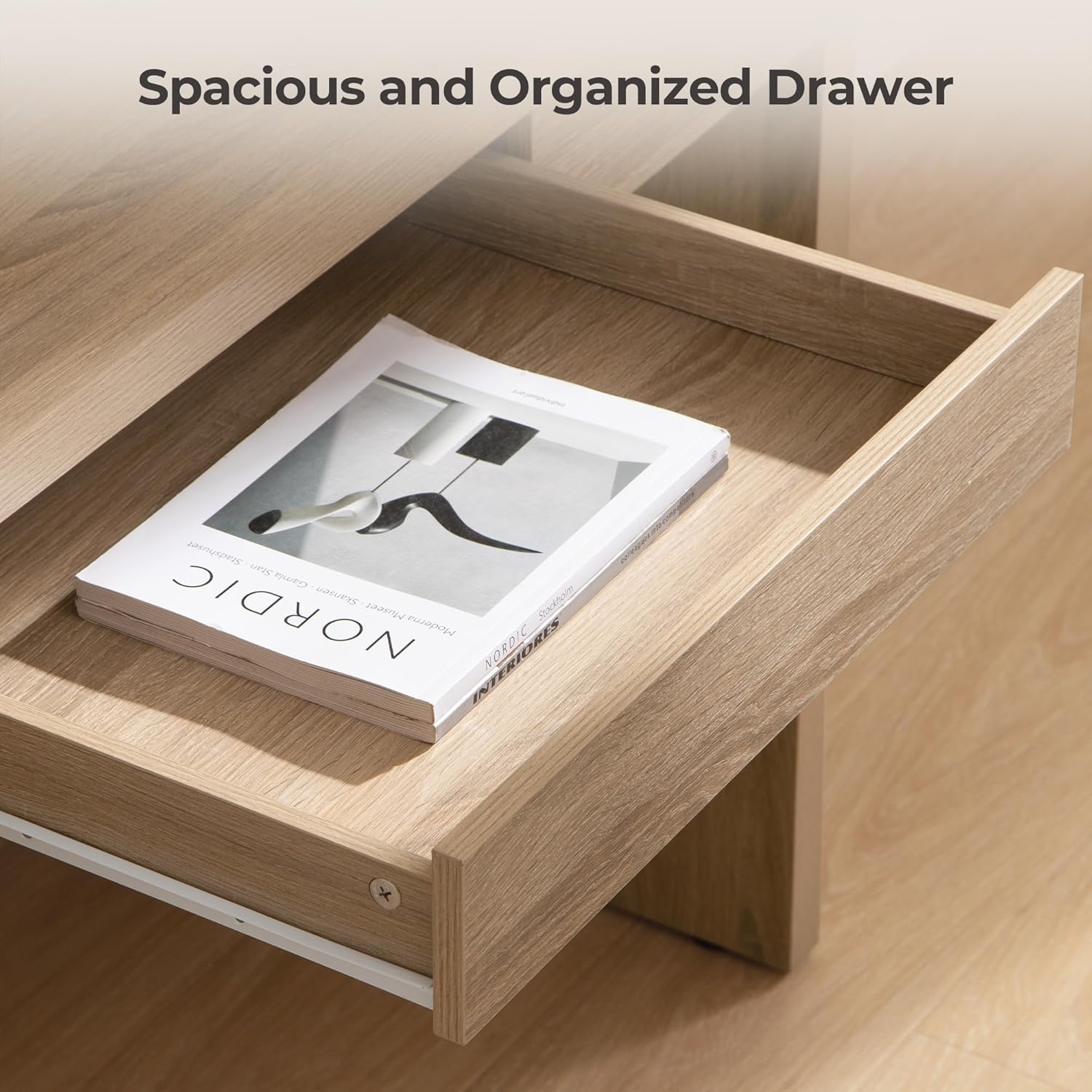
Figure 3: Spacious and organized drawer. This image demonstrates the practical storage capacity of the desk's drawer, suitable for keeping your workspace tidy.

Figure 4: Desk in a home office setting. This image shows the desk being used as a computer workstation, highlighting its suitability for study and work environments.
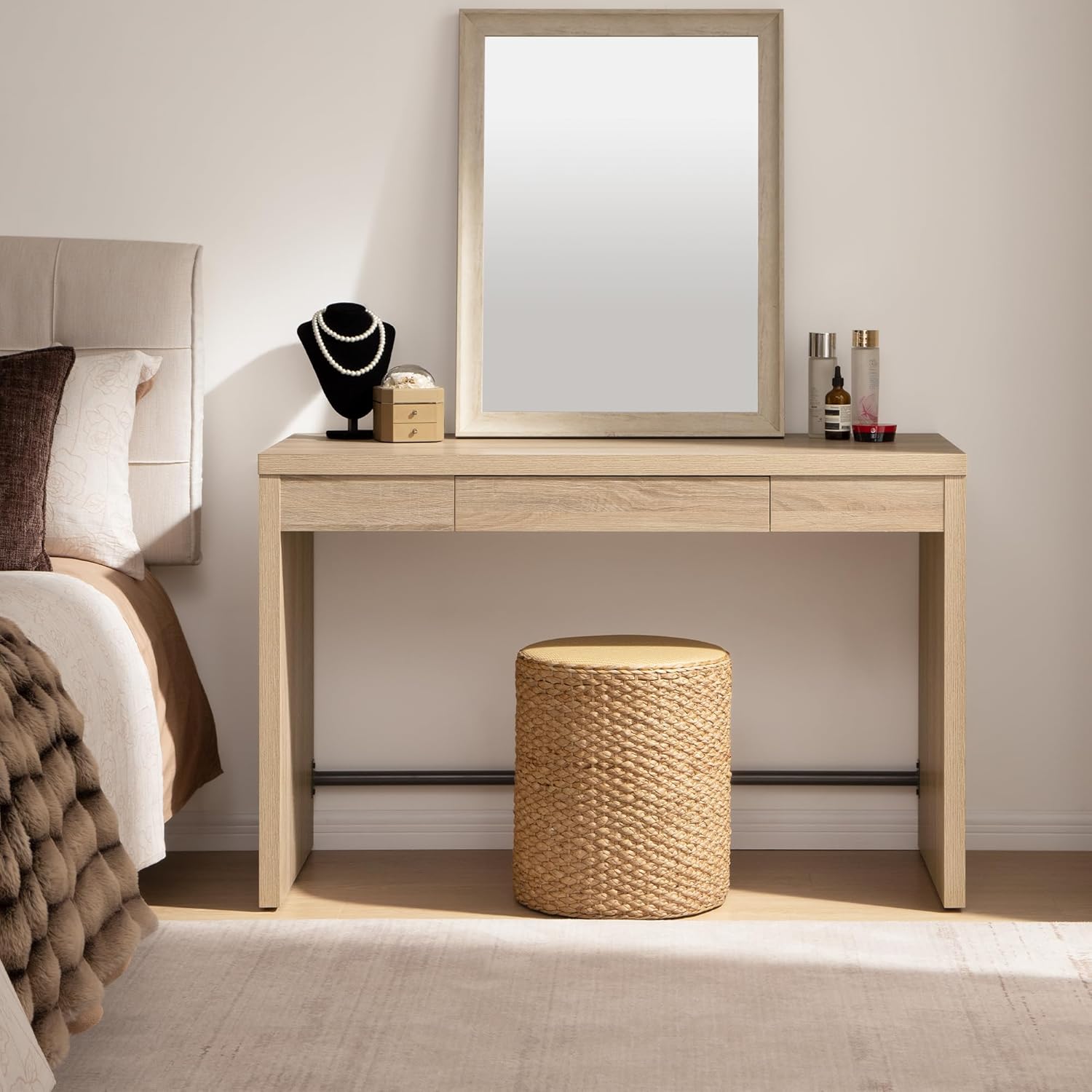
Figure 5: Desk configured as a vanity table. This image illustrates the desk's versatility, serving as a makeup vanity in a bedroom setting.
Maintenance
To maintain the appearance and longevity of your desk:
- Cleaning: Wipe with a dry cloth to remove dust and spills. Avoid abrasive cleaners or harsh chemicals.
- Stability Check: Periodically check all screws and connections to ensure they remain tight. Re-tighten if necessary.
- Foot Pads: Ensure adjustable foot pads are correctly positioned to prevent wobbling and protect your floor.
Troubleshooting
| Problem | Possible Cause | Solution |
|---|---|---|
| Desk is wobbly. | Uneven floor surface; loose connections. | Adjust the foot pads until the desk is stable. Check and tighten all assembly screws. |
| Drawer does not slide smoothly. | Improper installation of drawer slides; obstruction. | Ensure drawer slides are correctly aligned and installed. Remove any obstructions from the drawer path. |
| Missing parts during assembly. | Packaging error. | Contact customer support with your product model and purchase details. |
Specifications
- Brand: SICOTAS
- Model Number: Wooden Desk
- Product Dimensions: 20.12"D x 47.4"W x 29.29"H
- Color: Reclaimed Light Oak
- Material Type: Engineered Wood
- Item Weight: 50 Pounds
- Number of Drawers: 1
- Required Assembly: Yes
- Includes All Assembly Tools: Yes
- Product Care Instructions: Wipe with Dry Cloth
Official Product Videos
Watch these videos for additional product information and visual guides.
Upgrade Your Workspace with This Modern Computer Desk!
This video showcases the SICOTAS computer desk in various modern workspace setups, highlighting its design and functionality. It provides a visual overview of how the desk can enhance your work environment.
The Sleek & Functional Desk for Work & Study!
A concise video demonstrating the sleek design and practical features of the desk, ideal for both work and study. It emphasizes the desk's adaptability to different tasks.
Gorgeous Desk for Entrance!
This video highlights the desk's aesthetic appeal and its potential as a stylish console or entrance table, showcasing its versatility beyond a traditional workspace.
Warranty and Support
SICOTAS products are manufactured to high-quality standards. For warranty information or customer support, please refer to the contact details provided at the point of purchase or visit the official SICOTAS website.
Our customer service team is available to assist with any questions or concerns regarding your product.


