
1. Introduction
Welcome to the Fastrack Sleek Smart Watch user manual. This guide provides essential information for setting up, operating, maintaining, and troubleshooting your new smart watch. The Fastrack Sleek features a 1.32" AMOLED round display, Bluetooth calling, comprehensive health tracking, and an IP68 water-resistant design.
2. What's in the Box
Please check the contents of your Fastrack Sleek Smart Watch package:
- Fastrack Sleek Smart Watch
- Magnetic Charging Cable
- Quick Start Guide
- Warranty Card
3. Watch Overview
Familiarize yourself with the key components of your Fastrack Sleek Smart Watch.

Figure 3.1: Fastrack Sleek Smart Watch (Jade Black)
Key Components:
- 1.32" AMOLED Display: Vibrant touchscreen for interaction.
- Functional Crown: For navigation and menu selection.
- Sensors: Optical Heart Rate Sensor, Accelerometer, Galvanic Skin Response Sensor for health tracking.
- Microphone: For Bluetooth calling and voice control.
- Hybrid Strap: Combines leather and silicon for comfort and style.

Figure 3.2: Available Strap Styles (Hybrid Leather and Silicone)
4. Setup
4.1 Charging the Watch
Before first use, fully charge your Fastrack Sleek Smart Watch.
- Connect the magnetic charging cable to a USB power adapter (not included).
- Attach the magnetic end of the cable to the charging points on the back of your watch. Ensure it snaps securely into place.
- The watch display will indicate charging status. A full charge typically takes approximately 2 hours.
A fully charged watch provides up to 5 days of battery life under typical usage conditions.
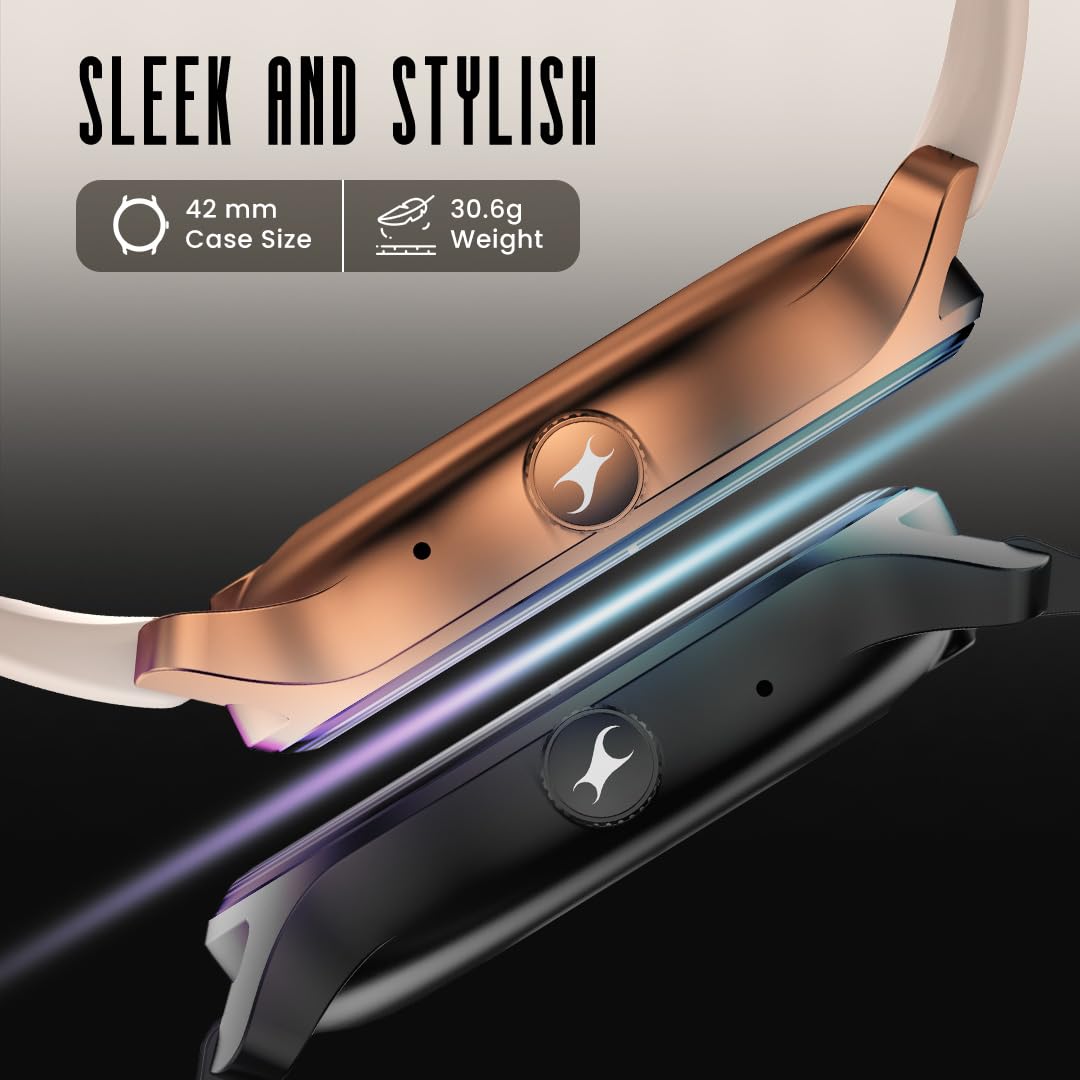
Figure 4.1: Charging the Fastrack Sleek Smart Watch
4.2 Powering On/Off
- To Power On: Press and hold the functional crown button until the Fastrack logo appears.
- To Power Off: From the watch face, swipe down to access quick settings, then tap the power icon. Alternatively, navigate to Settings > System > Power Off.
4.3 Pairing with Your Smartphone
To unlock the full potential of your Fastrack Sleek, pair it with the Fastrack Smart World App on your smartphone.
- Download the Fastrack Smart World App from your smartphone's app store (compatible with Android and iOS devices).
- Open the app and follow the on-screen instructions to create an account or log in.
- Ensure Bluetooth is enabled on your smartphone.
- In the app, select 'Add Device' and choose your Fastrack Sleek from the list of available devices.
- Confirm the pairing request on both your watch and smartphone.
5. Operating the Watch
5.1 Display and Navigation
The 1.32" AMOLED display offers clear visuals and responsive touch controls. You can navigate through menus and features using touch gestures and the functional crown.
- Swipe Up/Down/Left/Right: To access notifications, quick settings, widgets, and different watch faces.
- Tap: To select an item or open an application.
- Press Crown: To return to the watch face or open the app menu.
- Rotate Crown: To scroll through lists or adjust settings.

Figure 5.1: Vivid AMOLED Display with 60Hz Refresh Rate
5.2 Bluetooth Calling
Once paired with your smartphone, you can make and receive calls directly from your watch.
- Making Calls: Access the dialer or contacts from the watch menu.
- Receiving Calls: Answer or reject incoming calls directly on your watch.
- Voice Control: Use voice commands for hands-free operation.
5.3 Health Monitoring
The Fastrack Sleek provides comprehensive 24/7 health tracking features:
- Heart Rate Monitor: Tracks your heart rate throughout the day.
- SpO2 Monitor: Measures blood oxygen saturation levels.
- Sleep Monitor: Analyzes sleep patterns (deep, light, REM).
- Stress Tracking: Helps monitor and manage stress levels.
- Activity Tracker: Records steps, distance, and calories burned.
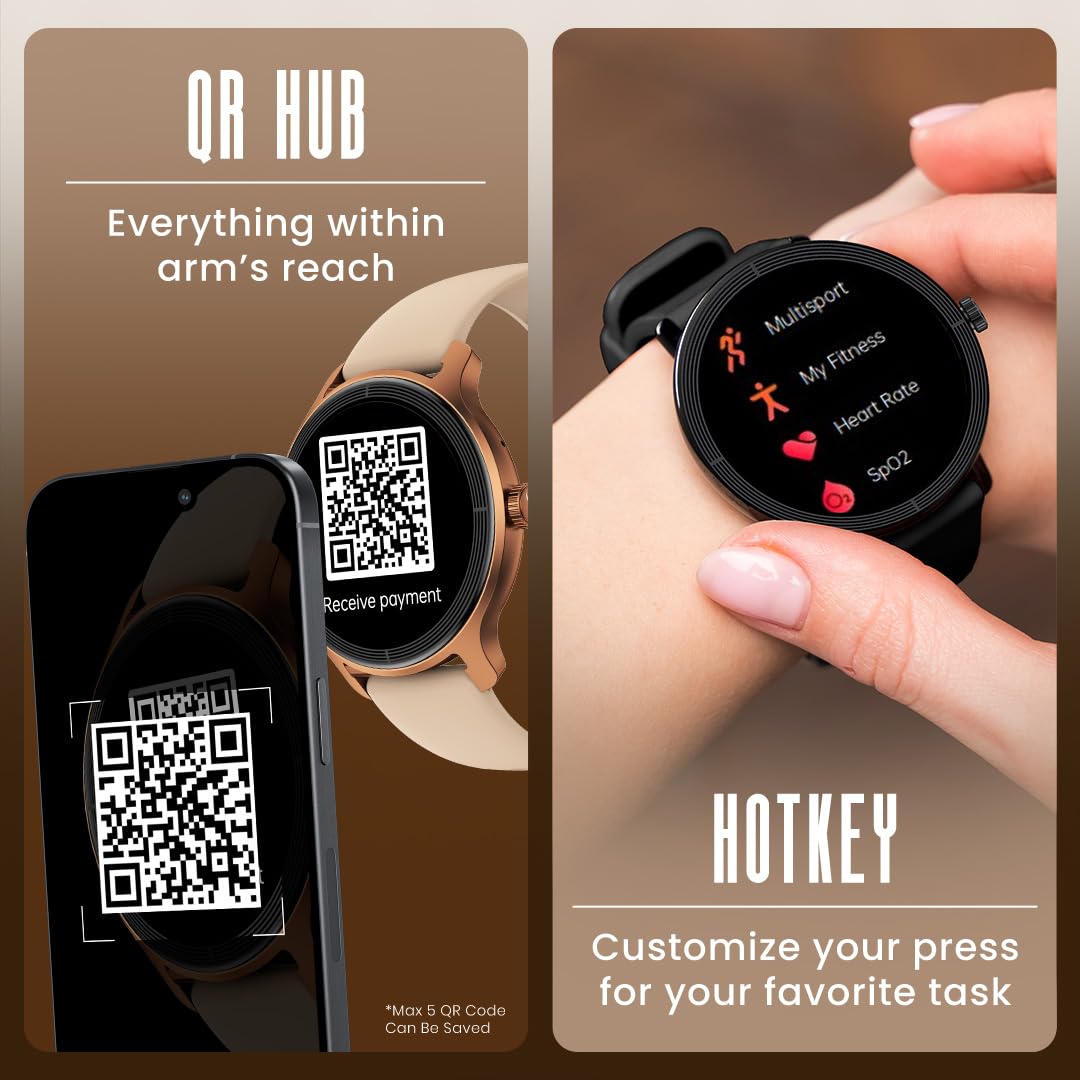
Figure 5.2: Health Suite Displaying Heart Rate and SpO2
5.4 Smart Convenience Features
- QR Hub: Store up to 5 QR codes for quick payments or access.
- Hotkey: Customize a button for quick access to your favorite task or application.
- Calculator & Calendar: Built-in tools for daily convenience.
- Multiple Menu Styles: Choose between List, Grid, Stars, or Waterfall menu layouts.
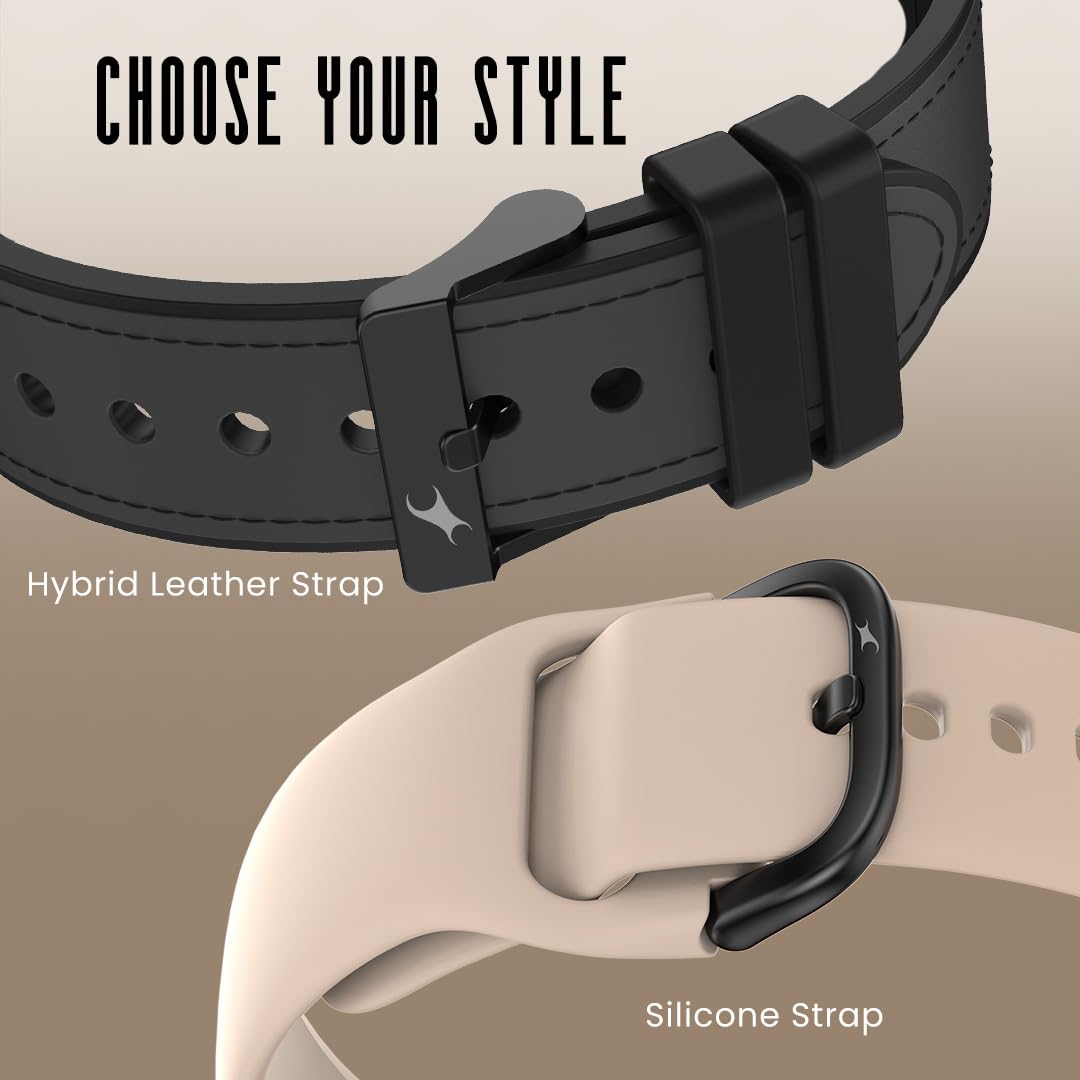
Figure 5.3: QR Hub and Hotkey Features
5.5 Multisport Tracking
The watch supports various sport modes to track your workouts, including Cycling, Running, and Walking. Select your activity to record specific metrics.
6. Maintenance
6.1 Cleaning Your Watch
Regular cleaning helps maintain the watch's appearance and functionality.
- Wipe the watch body and strap with a soft, damp, lint-free cloth.
- Avoid using harsh chemicals, abrasive cleaners, or solvents.
- Ensure the charging contacts are clean and dry before charging.
6.2 Water Resistance
The Fastrack Sleek Smart Watch has an IP68 rating, meaning it is resistant to dust and can withstand immersion in water up to 1.5 meters for a limited time. It is suitable for daily use and light water activities like hand washing or rain exposure. However, it is not recommended for swimming, diving, or high-pressure water activities.
7. Troubleshooting
If you encounter issues with your Fastrack Sleek Smart Watch, try the following solutions:
- Watch Not Powering On: Ensure the watch is fully charged. Connect it to the magnetic charging cable and a power source.
- Unable to Pair with Phone: Check that Bluetooth is enabled on your phone and the watch. Ensure the Fastrack Smart World App is updated. Try restarting both devices.
- Inaccurate Health Readings: Ensure the watch is worn snugly on your wrist, not too tight or too loose. Clean the sensor area on the back of the watch.
- Short Battery Life: Reduce screen brightness, disable unnecessary notifications, or limit continuous health monitoring features.
- Touchscreen Unresponsive: Restart the watch. If the issue persists, ensure the screen is clean and dry.
For further assistance, refer to the support section or contact customer service.
8. Specifications
| Feature | Specification |
|---|---|
| Model Name | Fastrack Sleek |
| Model Number | 38185PP03K |
| Display Type | 1.32" AMOLED Round Display |
| Display Brightness | 550 Nit |
| Operating System | Smartwatch OS |
| Memory Storage Capacity | 128 MB |
| Connectivity Technology | Bluetooth |
| Battery Type | Lithium Polymer |
| Battery Life (Average) | Up to 5 Days |
| Battery Charge Time | 2 Hours |
| Water Resistance Rating | IP68 (up to 1.5 Metres) |
| Sensors | Accelerometer, Optical Heart Rate Sensor, Galvanic Skin Response Sensor |
| Human Interface Input | Microphone, Touchscreen |
| Controller Type | Voice Control |
| Case Material | Plastic |
| Band Material Type | Faux Leather (Hybrid Strap) |
| Item Weight | 31 Grams |
| Compatible Devices | Android Devices, iOS Devices |
9. Warranty and Support
9.1 Warranty Information
Your Fastrack Sleek Smart Watch comes with a 1 Year Manufacturer Warranty from the date of purchase. This warranty covers manufacturing defects. Please retain your purchase receipt and the warranty card for any warranty claims.
9.2 Customer Support
For technical support, service, or warranty inquiries, please contact Fastrack customer service. You can find contact details on the official Fastrack website or on your warranty card.
Manufacturer: Titan Company Limited
Address: 3 Sipcot Industries complex, Hosur- 635126