1. Introduction
This manual provides detailed instructions for the safe and effective use of your BAOFENG BF-888S Walkie Talkie. The BF-888S is a professional multi-function 16-channel handheld radio designed for reliable communication in various environments. It features a rotary knob for quick channel selection, CTCSS/CDCSS codes for privacy, VOX voice activation, scanning, a low battery alarm, and an integrated flashlight. This device is FCC certified under FCC ID: 2AJGM-BF888S.
Please read this manual thoroughly before operating the device to ensure optimal performance and safety.

2. Product Overview
2.1 Included Components
- 6 x BAOFENG BF-888S Radios with Original Antennas
- 6 x Rechargeable Batteries (1500mAh)
- 6 x Charging Bases
- 6 x Belt Clips
- 6 x Wrist Straps
- 6 x Earpieces
- 2 x User Manuals

2.2 Key Features
- 16 Preset Channels: Easy selection via rotary knob.
- CTCSS / CDCSS: 50 CTCSS and 105 CDCSS codes for enhanced communication privacy.
- VOX Function: Voice-activated transmission for hands-free operation.
- Scanning: Automatically scans channels for activity.
- Low Battery Alarm: Alerts when battery power is low.
- Integrated Flashlight: For illumination in low-light conditions.
- Compact and Rugged Design: Small, lightweight, and durable for various environments.
- Long Range Communication: Up to 3 miles in open areas, 0.6-1.2 miles in urban settings.
- 1500mAh Rechargeable Battery: Provides extended operating time.


3. Setup
3.1 Battery Installation and Charging
- Ensure the radio is powered off.
- Align the battery pack with the back of the radio and slide it into place until it clicks securely.
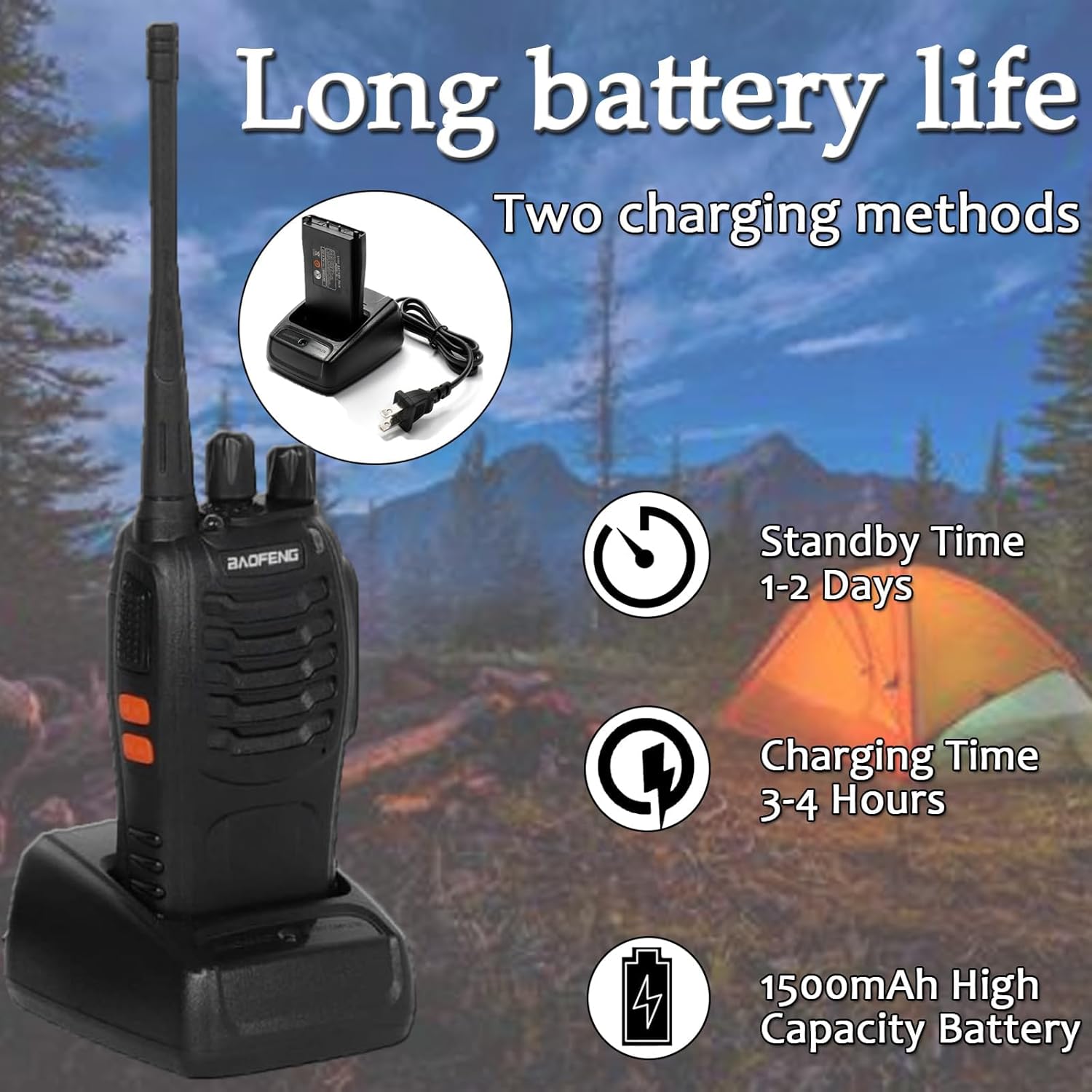
- To charge, place the radio (with battery installed) into the charging base. Connect the charging base to a power outlet. The indicator light on the charger will show charging status (typically red for charging, green for fully charged).
- A full charge takes approximately 3-4 hours.
3.2 Attaching Accessories
- Antenna: Screw the antenna clockwise onto the connector on top of the radio until it is finger-tight.
- Belt Clip: Attach the belt clip to the designated slot on the back of the radio using the provided screws.
- Earpiece: Insert the earpiece plug into the audio jack on the side of the radio.
- Wrist Strap: Thread the wrist strap through the loop on the radio for added security.
3.3 Initial Power On
Once the battery is charged and accessories are attached, turn the power/volume knob clockwise to power on the radio. You will hear a power-on tone, and the LED indicator may flash.

4. Operating Instructions
4.1 Power On/Off and Volume Control
- Power On: Rotate the power/volume knob clockwise until a click is heard.
- Power Off: Rotate the power/volume knob counter-clockwise until a click is heard.
- Volume Adjustment: Continue rotating the power/volume knob clockwise to increase volume, or counter-clockwise to decrease volume.
4.2 Channel Selection
Rotate the Channel Selector knob (the larger knob on top) to choose one of the 16 available channels. Ensure all radios intended for communication are set to the same channel.

4.3 Transmitting and Receiving
- To Transmit: Press and hold the Push-To-Talk (PTT) button on the side of the radio. Speak clearly into the microphone, holding the radio approximately 2-3 inches from your mouth. Release the PTT button to stop transmitting.
- To Receive: Ensure the PTT button is not pressed. The radio will automatically receive signals on the selected channel.
4.4 VOX Function (Voice Operated Exchange)
The VOX function allows for hands-free transmission. When activated, the radio will automatically transmit when it detects your voice. Consult the full user manual for specific instructions on activating and adjusting VOX sensitivity, as this may require programming software.
4.5 Flashlight Operation
The BF-888S includes an integrated flashlight. Typically, this is activated by a dedicated button or a specific combination of button presses. Refer to the detailed manual for your specific model's flashlight activation method.
4.6 Scanning Function
The scanning feature allows the radio to monitor all 16 channels for activity. When a signal is detected, the radio will stop on that channel until the transmission ends. Activation of the scanning function usually involves a side button or a specific channel setting. Refer to the detailed manual for activation.
4.7 Low Battery Alert
When the battery level is low, the radio will emit an audible alert and/or the LED indicator will flash to notify you that charging is required.
5. Maintenance
5.1 Battery Care
- Charge the battery fully before first use.
- Avoid overcharging or completely draining the battery, as this can reduce its lifespan.
- Store batteries in a cool, dry place when not in use.
- If the radio will not be used for an extended period, remove the battery.
5.2 Cleaning
- Wipe the radio's exterior with a soft, damp cloth.
- Do not use harsh chemicals or abrasive cleaners.
- Ensure the radio is dry before use or storage.
5.3 Storage
Store the radio in a dry, dust-free environment away from extreme temperatures and direct sunlight.
6. Troubleshooting
| Problem | Possible Cause | Solution |
|---|---|---|
| Radio does not power on | Battery is not installed correctly or is depleted. | Ensure battery is securely installed and fully charged. |
| No sound or low volume | Volume is too low; earpiece not connected properly. | Increase volume; check earpiece connection. |
| Cannot transmit or receive | Radios are on different channels; PTT button not pressed/released. | Verify all radios are on the same channel; ensure correct PTT operation. |
| Short communication range | Obstacles (buildings, terrain); low battery; antenna not properly attached. | Move to a more open area; charge battery; ensure antenna is secure. |
| Interference or unclear audio | Other radio traffic; electrical interference. | Change channels; move away from sources of interference. |
7. Specifications
| Feature | Specification |
|---|---|
| Model Number | BF-888S |
| Number of Channels | 16 |
| Battery Capacity | 1500mAh (Lithium-ion) |
| Charging Time | 3-4 hours |
| Continuous Use Time | Up to 8-12 hours |
| Standby Time | 8-96 hours |
| Maximum Talking Range (Open Areas) | 3 Kilometers (approx. 1.86 miles) |
| Talking Range (Urban Areas) | 0.6-1.2 miles (depending on obstacles) |
| Special Features | Integrated Flashlight, VOX, Scanning, Low Battery Alarm, CTCSS/CDCSS |
| Water Resistance Level | Not Water Resistant |
| FCC ID | 2AJGM-BF888S |
| Manufacturer | Fujian BAOFENG Electronics Co.,Ltd. |

8. Warranty and Support
8.1 Warranty Information
The BAOFENG BF-888S Walkie Talkie comes with a 1-year warranty from the date of purchase. This warranty covers manufacturing defects and malfunctions under normal use. It does not cover damage caused by misuse, accidents, unauthorized modifications, or natural disasters.
8.2 Customer Support
For technical assistance, warranty claims, or any questions regarding your BAOFENG BF-888S radio, please contact the manufacturer or your authorized dealer. Keep your purchase receipt as proof of purchase for warranty services.


