
Introduction
Welcome to your new Ice-Watch Ice Smart TKS 2.0 smartwatch. This device is designed to enhance your daily life by combining elegant design with smart technology. It features activity tracking, health monitoring, and smart notifications, all within a durable IP68 water-resistant casing. This manual provides essential information for setting up, operating, maintaining, and troubleshooting your smartwatch.
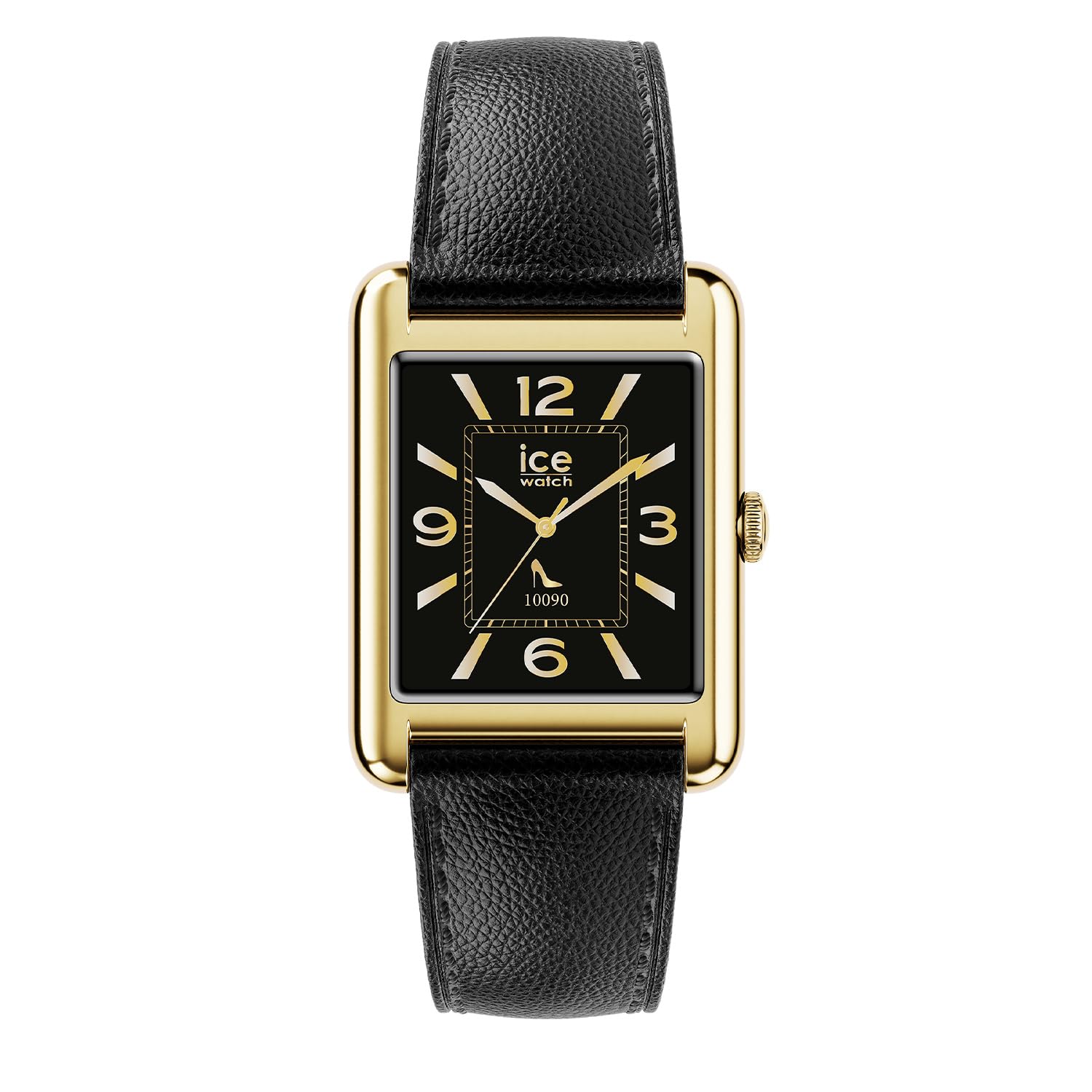
The Ice-Watch Ice Smart TKS 2.0 smartwatch, featuring a gold rectangular case and black leather strap, displays various smart functions including message notifications, heart rate monitoring, and a selection of app icons.
Setup
1. Unboxing and Initial Charge
Carefully remove your Ice Smart TKS 2.0 smartwatch from its packaging. Before first use, ensure the device is fully charged. Connect the provided charging cable to the charging port on the back of the watch and to a USB power source.

The rear view of the smartwatch, highlighting the charging contacts and health sensors.
2. App Installation and Pairing
To unlock the full potential of your smartwatch, download the official "Ice Smart" application from your smartphone's app store (iOS or Android).
- Download and install the "Ice Smart" app.
- Open the app and follow the on-screen instructions to create an account or log in.
- Ensure Bluetooth is enabled on your smartphone.
- In the app, select "Add Device" or similar option and choose your Ice Smart TKS 2.0 from the list of available devices.
- Confirm the pairing request on both your phone and the smartwatch.
Operating
Basic Navigation
- Touchscreen: Swipe left/right, up/down to navigate through menus and features. Tap to select.
- Side Button/Crown: Press to wake the screen, return to the home screen, or access the app menu. Rotate (if applicable) to scroll through lists.
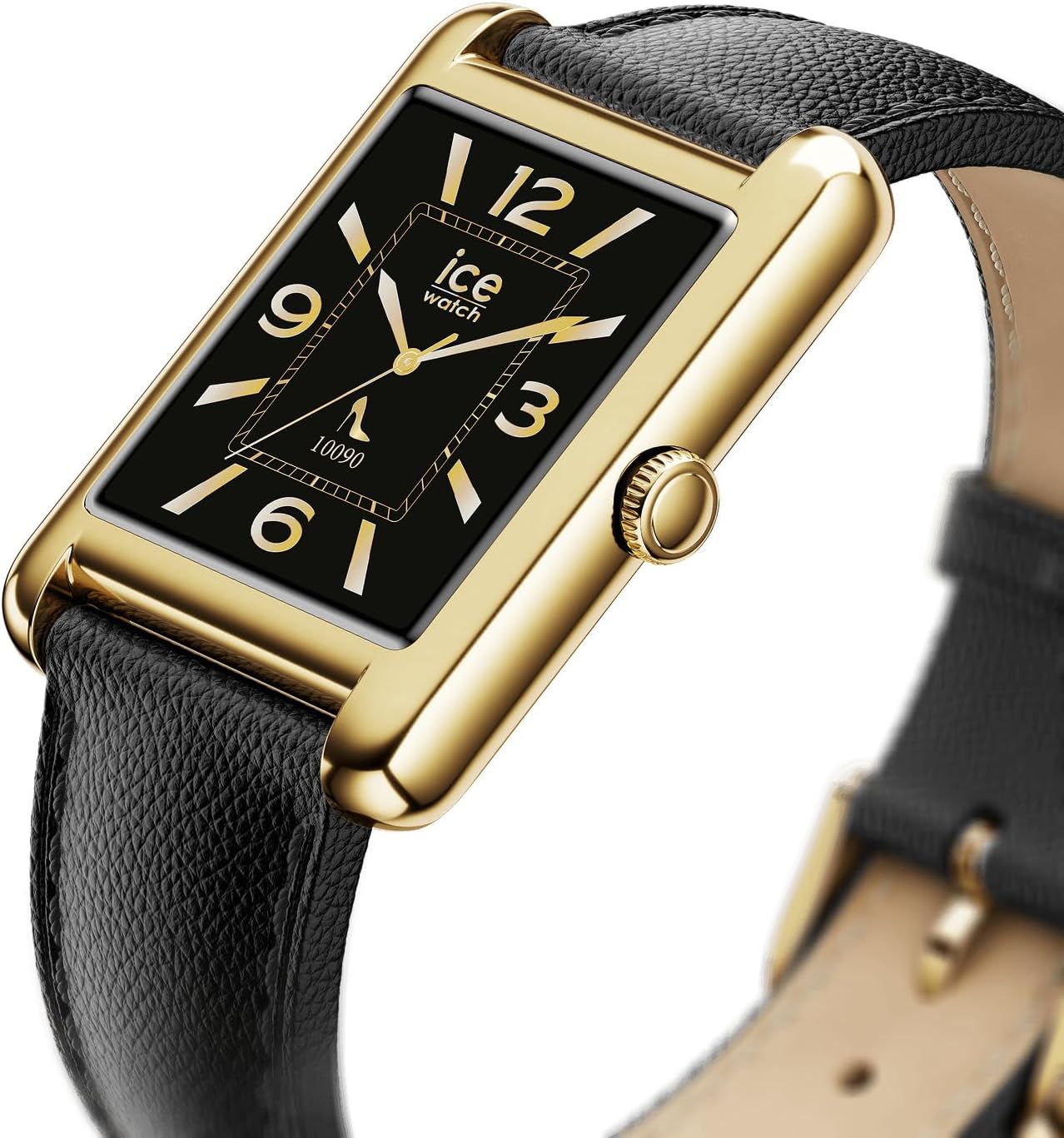
The side of the smartwatch, featuring the functional crown for navigation and interaction.
Key Features
- Activity Tracking: Monitors steps, distance, calories burned, and active minutes. Access this data via the watch or the "Ice Smart" app.
- Heart Rate Monitoring: Continuously tracks your heart rate. View real-time data on the watch and historical data in the app.
- Sleep Monitoring: Analyzes sleep patterns, including deep and light sleep stages.
- Notifications: Receive alerts for calls, messages, and app notifications directly on your wrist.
- Customizable Watch Faces: Choose from a variety of pre-installed watch faces or download new ones via the app to personalize your device.

The smartwatch displaying a classic watch face with Roman numerals, showcasing customization options.
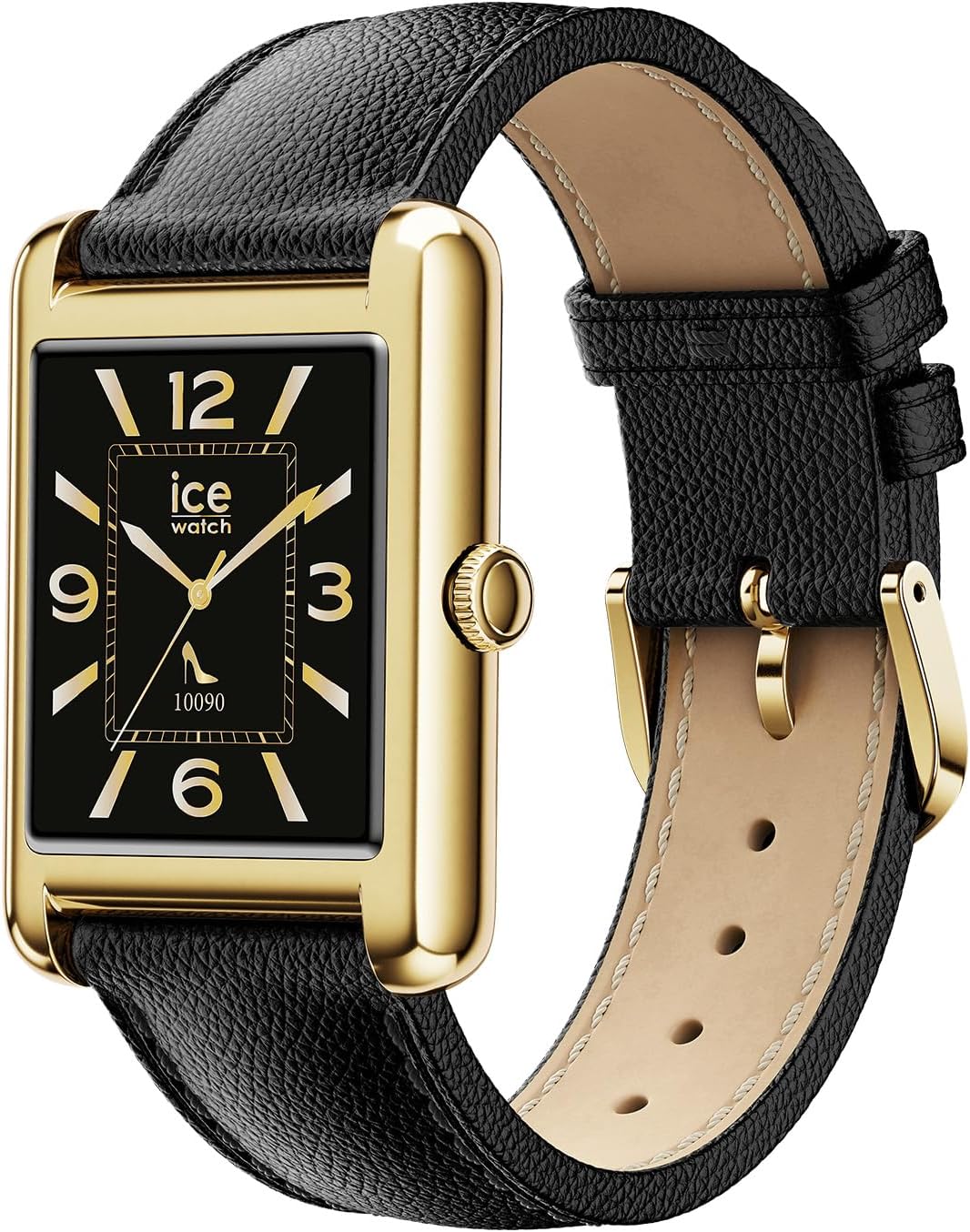
The smartwatch displaying a modern watch face with Arabic numerals, demonstrating another customization option.
Maintenance
Cleaning Your Smartwatch
To maintain the appearance and functionality of your smartwatch, clean it regularly.
- Wipe the screen and case with a soft, lint-free cloth.
- For stubborn marks, slightly dampen the cloth with water. Avoid harsh chemicals or abrasive materials.
- Clean the charging contacts periodically to ensure proper charging.
Water Resistance (IP68)
Your Ice Smart TKS 2.0 is IP68 water-resistant, meaning it can withstand immersion in water up to 1.5 meters for up to 30 minutes. It is suitable for daily use, such as washing hands or wearing in the rain. However, it is not recommended for swimming, diving, or high-pressure water activities. Prolonged exposure to water or use in hot water (e.g., showers, saunas) may compromise water resistance.
Battery Care
- Avoid fully discharging the battery frequently.
- Charge the device using only the provided cable and a compatible USB power adapter.
- Store the watch in a cool, dry place when not in use for extended periods.
Troubleshooting
Device Not Turning On
- Ensure the watch is fully charged. Connect it to the charger for at least 30 minutes.
- Press and hold the side button for 10-15 seconds to attempt a forced restart.
Connection Issues (Bluetooth)
- Make sure Bluetooth is enabled on your smartphone and the watch is within range.
- Restart both your smartphone and the smartwatch.
- Unpair the device from your phone's Bluetooth settings and re-pair it through the "Ice Smart" app.
- Ensure the "Ice Smart" app is running in the background and has necessary permissions.
Inaccurate Data (Steps, Heart Rate)
- Ensure the watch is worn snugly on your wrist, about one finger's width above your wrist bone.
- Clean the sensors on the back of the watch.
- Calibrate the device if an option is available in the app.
- Note that smartwatches are not medical devices and data should be used for reference only.
Notifications Not Appearing
- Check notification settings within the "Ice Smart" app to ensure desired apps are enabled.
- Verify that your smartphone's notification settings allow the "Ice Smart" app to display alerts.
- Ensure the watch is connected via Bluetooth.
Specifications
| Feature | Detail |
|---|---|
| Model Name | Ice Smart TKS 2.0 |
| Model Number | 025286 |
| Display Size | 1.41 inches |
| Water Resistance | IP68 (Resistant to water up to 1.5 meters for 30 minutes) |
| Battery Type | Rechargeable (1 Unknown battery included) |
| Case Material | Brass |
| Strap Material | Leather |
| Case Diameter | 34 Millimeters |
| Case Thickness | 6.35 Millimeters |
| Strap Width | 22 Millimeters |
| Product Weight | 35 Grams |
| Movement Type | Quartz (for timekeeping, smart functions are digital) |
| Included Components | Smartwatch |
Warranty
Your Ice-Watch Ice Smart TKS 2.0 smartwatch comes with a manufacturer's warranty. For detailed information regarding warranty coverage, terms, and conditions, please refer to the official Ice-Watch website or the warranty card included with your product. Keep your proof of purchase for warranty claims.
Support
If you encounter any issues not covered in this manual or require further assistance, please contact Ice-Watch customer support. You can typically find contact information on the official Ice-Watch website or through your retailer.
Online Resources: Visit the official Ice-Watch website for FAQs, updated manuals, and support contact details.