
Overview
This manual provides essential information for the installation, operation, and maintenance of your Casfuy Ultra-Quiet Replacement Pump. This pump is designed to ensure your pet's water fountain continues to provide clean, fresh water with minimal noise. It features a durable construction, secure suction cups, and an easy-to-clean design.
Compatibility
The Casfuy Ultra-Quiet Replacement Pump is designed for universal compatibility with a wide range of Casfuy stainless steel pet water fountains. Please verify your fountain model to ensure a proper fit.

Image Description: This image displays the Casfuy replacement pump centrally, surrounded by various models of Casfuy stainless steel pet water fountains it is compatible with. The compatible models shown are PWS-154, PWS-143, PWS-161, PWS-155, PWS-140, PWS-136, PWS-133, and PWS-120. This visual guide helps users confirm their fountain's compatibility with the replacement pump.
Key Features
- Ultra-Quiet Operation: Engineered for near-silent performance, ensuring a peaceful environment for your pet.
- Durable Design: Crafted for longevity with an estimated 20,000 hours lifetime motor.
- Waterproof Rating: IP68 waterproof for reliable and safe use in water.
- Low Power Consumption: Operates efficiently with 1.5W power consumption.
- Secure Placement: Equipped with four strong suction cups to prevent movement and ensure stable water flow.
- Low-Voltage Safety: Designed with low-voltage safety features for peace of mind.

Image Description: This image features a sleeping cat in the background, emphasizing the ultra-quiet operation of the pump. In the foreground, the Casfuy replacement pump is shown alongside an infographic detailing its key features: IP68 Waterproof, DC 5V Power Input, 20000 Hrs Lifetime Motor, and 1.5W Low Consumption. A 'no noise' icon is also visible, reinforcing the quiet design.
Setup Instructions
- Prepare the Fountain: Disassemble your pet water fountain and remove the old pump. Clean the fountain thoroughly before installing the new pump.
- Position the Pump: Place the new Casfuy replacement pump into the designated area within the water fountain. Ensure the power cord is routed correctly.
- Secure the Pump: Press the pump firmly onto the bottom of the fountain. The four strong suction cups will help secure it in place, preventing slipping and ensuring stable water flow.
- Assemble Fountain: Reassemble the rest of your pet water fountain components according to your fountain's specific instructions.
- Fill with Water: Fill the fountain with water to the recommended level, ensuring the pump is fully submerged.
- Connect Power: Connect the USB power cable to a suitable power source (see Operating Instructions for options).

Image Description: This image displays the Casfuy replacement pump from two angles, highlighting its compact size and the four strong suction cups on its base. Dimensions are provided: 1.9 inches in height and width. The image also shows the attached USB power cable, which measures 1.5 meters (60 inches) in length, indicating its strong suction power for stability.
Operating Instructions
- Power Connection: Connect the pump's USB cable to a compatible 5V power source. This can include a power bank, PC/laptop USB port, a standard USB power charger (wall adapter), or a USB outlet.
- Water Level: Ensure the water fountain is filled to an appropriate level so that the pump is always fully submerged. Operating the pump without sufficient water can cause damage.
- Continuous Operation: The pump is designed for continuous operation. Monitor water levels regularly to prevent the pump from running dry.
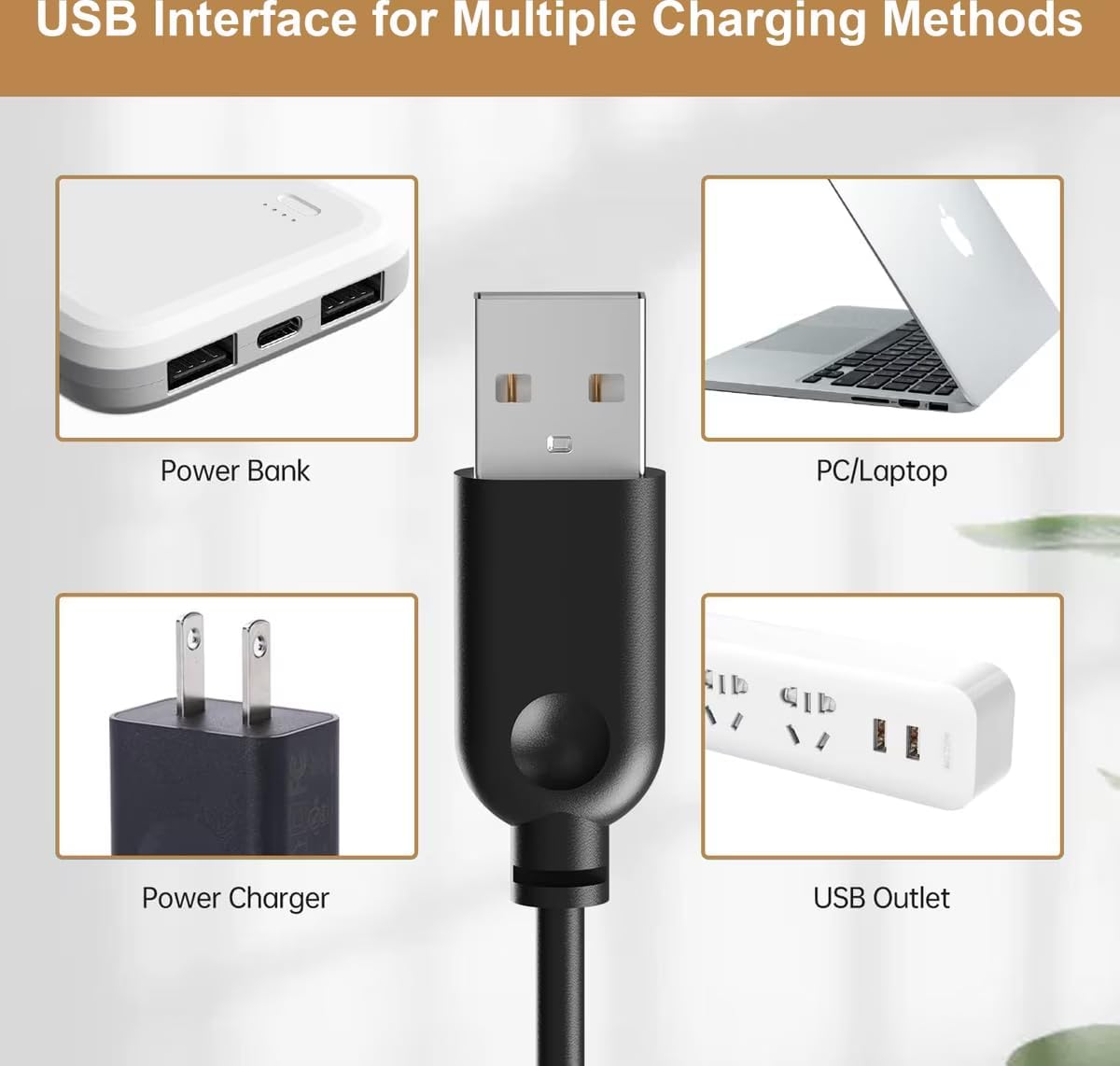
Image Description: This image showcases the versatility of the pump's USB interface for power. It displays the USB connector in the center, with four surrounding images demonstrating different power sources: a power bank, a PC/laptop, a standard wall power charger, and a multi-port USB outlet. This illustrates the multiple convenient ways to power the pump.
Maintenance
Regular cleaning is crucial to extend the pump's lifespan and ensure optimal performance. It is recommended to clean the pump every 2-4 weeks.
Disassembly for Cleaning:

Image Description: This diagram illustrates the Casfuy replacement pump in a disassembled state, clearly labeling its main components: the Impeller, Pump Cover, Pump Back Cover, and Pump Body. This visual aid helps users understand how the pump comes apart for thorough cleaning.
Cleaning Steps:
- Step 1: Remove the Pump Cover. Gently detach the outer pump cover.
- Step 2: Remove the Impeller Cap. Carefully remove the cap covering the impeller.
- Step 3: Remove the Impeller. Use a small hook or your fingernail to carefully remove the impeller from its housing.
- Step 4: Clean the Pump. Use a small brush (often included with pet fountains) and clean water to thoroughly clean all removed parts and the inside of the pump body. Remove any hair, debris, or mineral deposits.
- Reassemble: Once all parts are clean, reassemble the pump in reverse order.

Image Description: This image provides a step-by-step visual guide for cleaning the pump. It shows four distinct panels: Step 1, a hand removing the pump cover; Step 2, a hand removing the impeller cap; Step 3, a hand using a hook to remove the impeller; and Step 4, a hand using a small brush to clean the inside of the pump. This sequence clearly illustrates the correct cleaning process.
Troubleshooting
- Pump Not Running:
- Ensure the USB cable is securely connected to both the pump and the power source.
- Check if the power source (e.g., wall adapter, USB port) is functional.
- Verify that the water level in the fountain is sufficient and the pump is fully submerged.
- Weak Water Flow:
- The most common cause is a dirty pump or impeller. Follow the maintenance instructions to clean the pump thoroughly.
- Ensure there are no obstructions (e.g., pet hair, debris) in the pump intake or impeller area.
- Check the water level; low water can reduce flow.
- Unusual Noise:
- Noise often indicates debris caught in the impeller or a low water level. Clean the pump as per maintenance instructions.
- Ensure the pump is securely attached to the fountain bottom with its suction cups.
Specifications
- Brand: Casfuy
- Model Number: PWS-120, PWS-133, PWS-136, PWS-140 (Compatible with PWS-143, PWS-154, PWS-155, PWS-161)
- Item Type Name: Pump
- Included Components: Pump
- Item Weight: 170 g
- Color: White
- Power Input: DC 5V
- Power Consumption: 1.5W
- Waterproof Rating: IP68
- Estimated Lifetime: 20,000 hours motor
- UPC: 769044164375
Warranty Information
The Casfuy Ultra-Quiet Replacement Pump comes with a 1-Year Manufacturer Warranty. Please retain your proof of purchase for warranty claims. For details regarding warranty coverage and claims, please contact Casfuy customer support.
Support
For further assistance, technical support, or inquiries regarding your Casfuy Ultra-Quiet Replacement Pump, please visit the official Casfuy website or contact their customer service department. Ensure you have your product model number and purchase information ready when seeking support.