
1. Introduction
This manual provides instructions for the Bruni Screen Protector, specifically designed for the Carneo Essential HR Plus Sport. This protective film is engineered to safeguard your device's screen from scratches and damage while maintaining optimal touch sensitivity and display clarity.
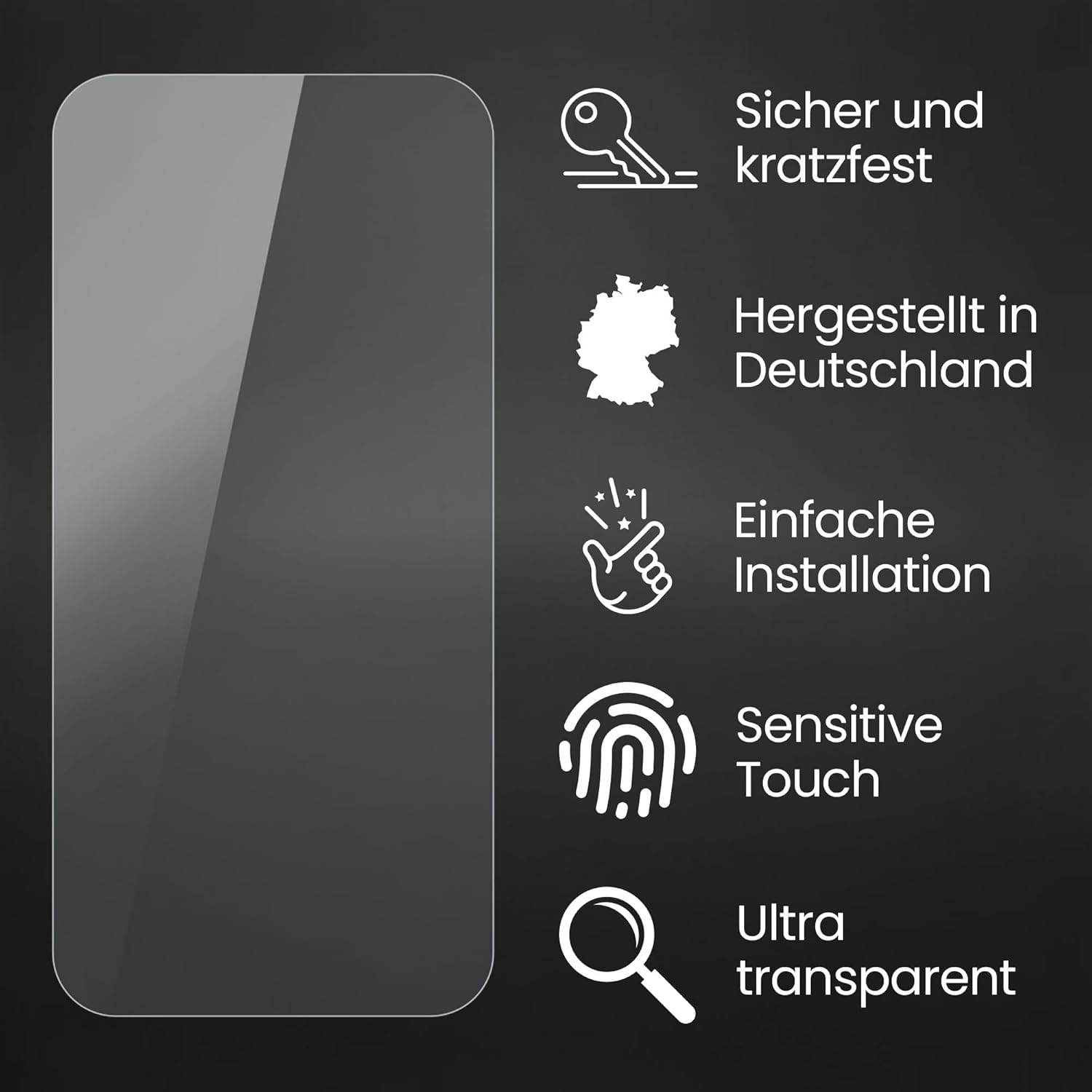
Image: Key features of the Bruni Screen Protector, including scratch resistance, German manufacturing, easy installation, sensitive touch, and ultra-transparency.
2. Package Contents
Please check the package to ensure all items are present:
- Bruni Screen Protector Film (2X)
- Mounting Tool (Squeegee)
- Microfiber Cloth
- Installation Instructions (this manual)

Image: Visual representation of the Bruni Screen Protector package contents, including the film, squeegee, cleaning cloth, and manual.
3. Setup & Installation
Follow these steps for a bubble-free installation:
- Clean the Screen: Use the provided microfiber cloth to thoroughly clean the device screen. Ensure there is no dust, smudges, or fingerprints. A clean screen is crucial for a perfect application.
- Align the Protector: Carefully peel off a small portion of the protective layer from the screen protector. Align the protector with the device screen, ensuring it matches the edges and cutouts precisely.
- Apply and Smooth: Slowly peel off the rest of the protective layer while simultaneously using the mounting tool (squeegee) to smooth out any air bubbles. Work from one end to the other, applying gentle, even pressure.
- Remove Top Layer: Once the protector is fully applied and smoothed, carefully peel off the top protective film (if present).

Image: A visual guide demonstrating the simple, three-step installation process for the screen protector.
4. Operating Instructions
The Bruni Screen Protector is designed to integrate seamlessly with your Carneo Essential HR Plus Sport, preserving its functionality:
- Touch Sensitivity: The film is optimized for touch displays, ensuring unadulterated display of screen contents and no impairment of usability. Your device's touch response will remain fast, highly sensitive, and precise.
- Display Clarity: The crystal-clear material ensures true colors and prevents any color attenuation, providing an uncompromised viewing experience.

Image: Illustrates the fast, highly sensitive, and precise touch response provided by the screen protector.

Image: Demonstrates the true color display and lack of color attenuation with the clear protective film.
5. Maintenance
To ensure the longevity and clarity of your Bruni Screen Protector:
- Cleaning: Use the provided microfiber cloth or a similar soft, lint-free cloth to gently wipe the screen protector. For stubborn smudges, slightly dampen the cloth with water or a screen-safe cleaner. Avoid harsh chemicals.
- Scratch Resistance: The film is made of scratch-resistant PET material with a 4H hardness rating. While it offers significant protection, avoid contact with sharp objects to prevent damage.
- Removal: The screen protector can be removed residue-free at any time. Gently lift an edge and slowly peel it off.

Image: Illustrates the scratch-resistant display protection provided by Bruni Technology.
6. Troubleshooting
Common issues and solutions:
- Bubbles during installation: If bubbles appear, gently lift the nearest edge of the protector and re-apply, using the squeegee to push the air out towards the edge. Ensure the screen is free of dust.
- Dust particles trapped: If dust is trapped under the film, carefully lift the protector near the dust particle using a piece of tape to remove the dust, then re-apply.
- Protector not adhering properly: Ensure the screen was thoroughly cleaned before application. The film features optimal edge adhesion once attached. If it doesn't adhere, the surface might not be clean or the film might be damaged.
7. Specifications
| Product Name | Bruni Screen Protector |
| Compatibility | Carneo Essential HR Plus Sport |
| Material | Polyethylenterephthalat (PET) |
| Hardness | 4H |
| Features | Scratch-resistant, highly transparent, bubble-free application, residue-free removable, optimized for touch displays, Made in Germany |
| Dimensions | 1.61 x 0.79 x 0.5 inches (packaging), 1.6"L x 0.8"W (film) |
| Item Weight | 0.176 ounces |
8. Warranty & Support
For warranty information or technical support, please refer to the manufacturer's official website or contact their customer service. Bruni products are known for their quality and are manufactured in Germany.
Manufacturer: atFoliX GmbH