
1. Product Overview
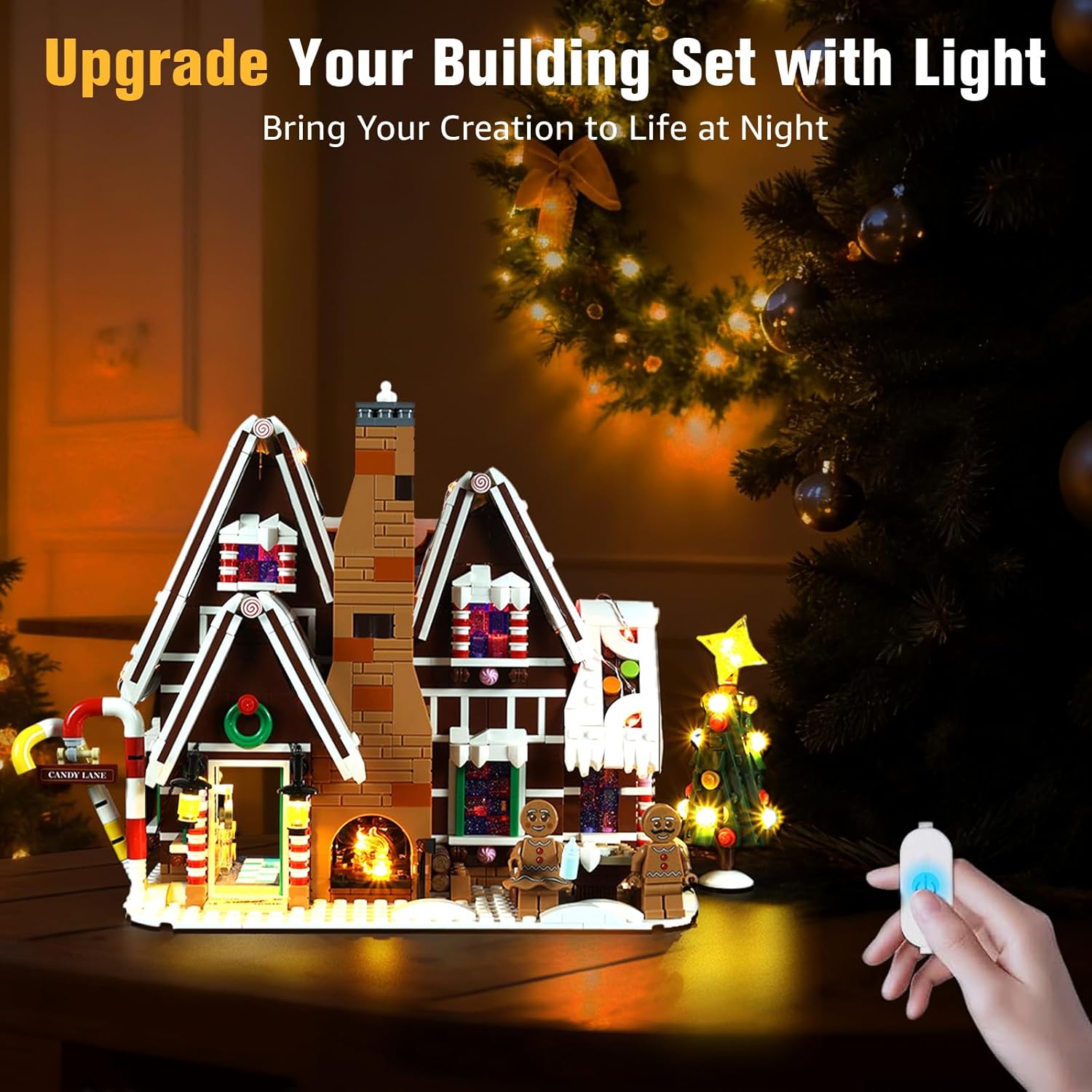
This BrickSoul LED lighting kit is designed to enhance your Lego Christmas Creator Expert Gingerbread House 10267 set. It provides illumination to transform your model into a display piece. Please note that the Lego model itself is not included with this lighting kit.

2. Package Contents
The BrickSoul LED Light Up Kit includes the following components:
- LED Light Kits (various light strings and components)
- Light Control Button (integrated into USB cable)
- Service Guide
- Battery Box (AAA batteries not included)

3. Setup and Installation
This lighting kit is designed for straightforward installation. Detailed step-by-step instructions are provided through digital guides (PDF/video). Please refer to these guides for precise placement and connection steps.
General Installation Steps:
- Access Digital Instructions: Scan the QR code on the included Service Guide or visit the BrickSoul website to access the comprehensive PDF and video installation guides.
- Prepare Model: Carefully remove necessary bricks from your Lego model as indicated in the digital guide.
- Integrate Lights: Place the LED lights and route the wires according to the instructions, ensuring a neat and secure fit. The design facilitates clean wiring that integrates seamlessly with your model.
- Reconnect Bricks: Reassemble the Lego bricks, ensuring that no wires are pinched or damaged during the process.
- Connect Power: Connect the USB power cable to a compatible 3-5V USB power source (e.g., power bank, USB wall adapter).
4. Operating Instructions
The BrickSoul LED Light Up Kit features an integrated control button on the USB cable for easy operation.
Power On/Off:
Press the button once to turn the lights on or off.
Brightness Adjustment:
Press and hold the button to adjust the brightness level. The lights will gradually dim or brighten. Release the button when the desired brightness is achieved.

5. Maintenance
To ensure the longevity and optimal performance of your BrickSoul LED Light Up Kit, follow these maintenance guidelines:
- Cleaning: Gently wipe the LED components and wires with a dry, soft cloth. Avoid using liquids or abrasive cleaners.
- Storage: When not in use, store the kit in a dry, dust-free environment.
- Handling: Handle wires and connectors with care to prevent damage. Avoid excessive bending or pulling.
6. Troubleshooting
If you encounter issues with your lighting kit, consider the following:
- Lights not turning on: Ensure the USB cable is securely connected to a power source (3-5V) and the kit. Check if the power source is active.
- Flickering lights: Verify all connections are secure. Ensure the power source provides stable voltage.
- Damaged components: If any wires or LEDs appear damaged, do not attempt to repair them yourself. Refer to the warranty information for replacement options.
For further assistance, please contact BrickSoul customer support.
7. Specifications
| Brand | BrickSoul |
| Model Number | 10267-tvw |
| Material | Plastic, Copper Wire |
| Power Input | USB (3-5V) |
| Control Type | Integrated Touch Button (On/Off, Brightness Adjustment) |
| Batteries Required | No (for USB power); AAA for optional battery box (not included) |
| Recommended Age | 14 years and up |
8. Warranty and Support
BrickSoul offers a worry-free warranty for this LED lighting kit. In case of accidental damage, such as bent connectors or broken wires, quick and hassle-free replacements are available.
For warranty claims, technical support, or any questions regarding your product, please contact the BrickSoul support team. Refer to the included Service Guide for contact information or visit the official BrickSoul website.
Online Resources:
Digital instructions (PDF/Video) can be accessed by scanning the code on the manual or inputting the product model number on the BrickSoul support page.

