
1. Introduction
Thank you for choosing the Monster N-Lite 216 Wireless Earbuds. These earbuds are designed to provide a comfortable and secure audio experience, especially for sports and active lifestyles. Featuring ergonomic earhooks, IPX6 water resistance, and long battery life, they are built for performance and convenience.
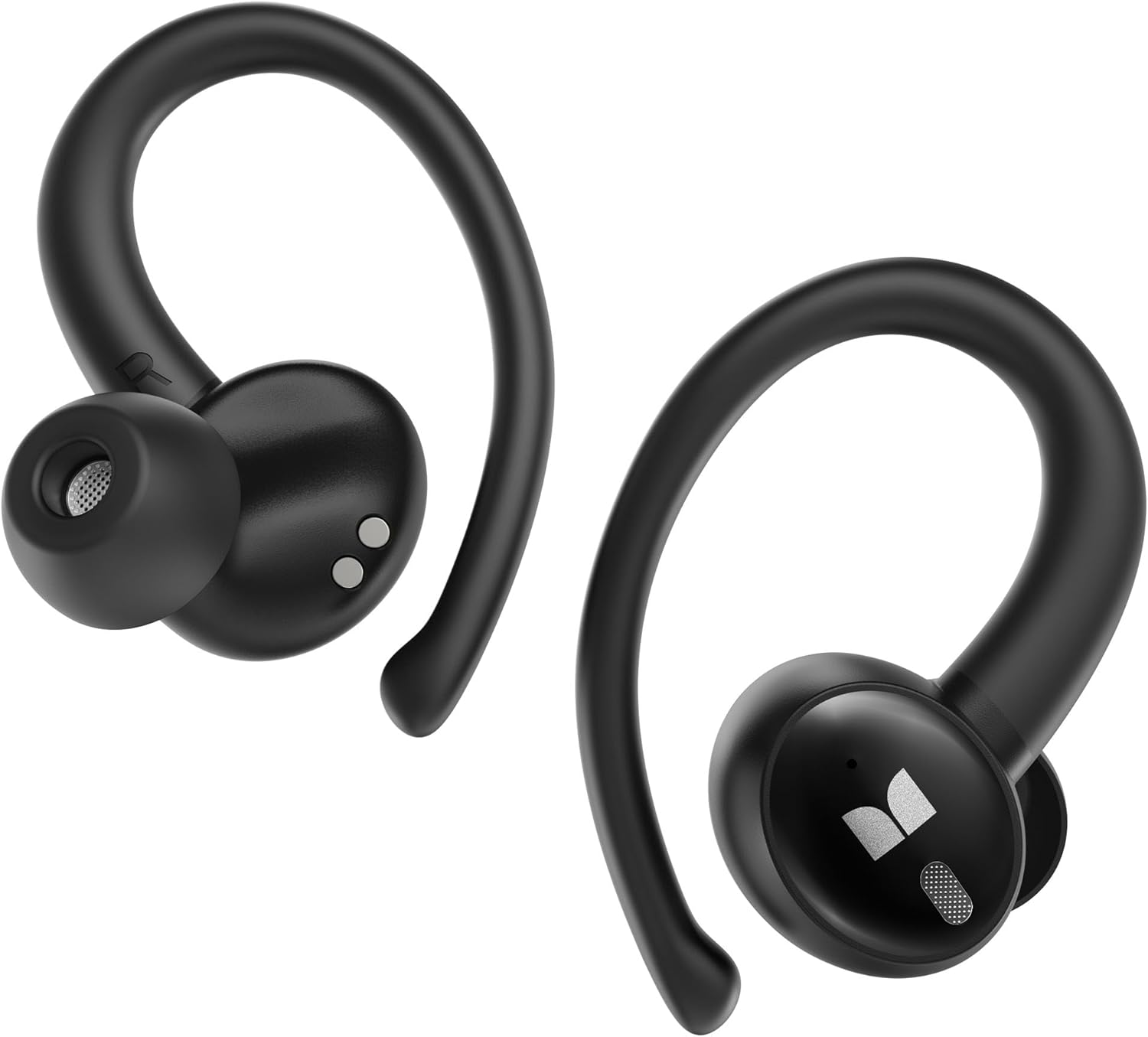
2. What's in the Box
Please check the package contents to ensure all items are present:
- Monster N-Lite 216 Earbuds
- Charging Case
- S/M/L Ear Tips
- USB-C Cable
- Quick Start Guide (User Manual)

3. Setup
3.1. Charging the Earbuds and Case
Before first use, fully charge the earbuds and charging case. The charging case provides multiple charges for extended listening.
- Connect the provided USB-C cable to the charging port on the case and a power source.
- The indicator lights on the case will show the charging status.
- Place the earbuds into the charging case; they will begin charging automatically.
A single charge provides up to 8 hours of continuous use, with the charging case extending total playtime to up to 48 hours. A quick 10-minute charge can provide approximately 3 hours of playtime.

3.2. Bluetooth Pairing
- Open the charging case. The earbuds will automatically enter pairing mode, indicated by flashing lights.
- On your device (smartphone, tablet, etc.), enable Bluetooth.
- Search for "Monster N-Lite 216" in the list of available Bluetooth devices.
- Select "Monster N-Lite 216" to connect. Once connected, a voice prompt will confirm successful pairing.
The earbuds feature Bluetooth 6.0 for faster connectivity and improved stability.

4. How to Wear
For optimal sound quality and a secure fit, follow these steps:
- Select the appropriate ear tip size (S, M, L) for your ears.
- Take out an earbud and place it above your ear, ensuring the earhook rests comfortably over the top of your ear.
- Gently rotate the earbud backward along the auricle until it sits securely and comfortably in your ear canal.
The ergonomic earhook design provides a stable and comfortable wearing experience, ideal for active use.

5. Operating the Earbuds
5.1. Smart Touch Controls
The Monster N-Lite 216 earbuds feature intuitive touch controls for managing audio and calls:
- Play/Pause: Single tap on either earbud.
- Next Track: Double tap on the right earbud.
- Previous Track: Double tap on the left earbud.
- Volume Up: Triple tap on the right earbud.
- Volume Down: Triple tap on the left earbud.
- Answer/End Call: Single tap on either earbud.
- Reject Call: Press and hold either earbud for 2 seconds.
- Activate Voice Assistant: Press and hold either earbud for 3 seconds.

5.2. Audio Quality
Equipped with 14.2mm dynamic drivers, these earbuds deliver rich, resonant bass and precise audio clarity for an immersive listening experience.

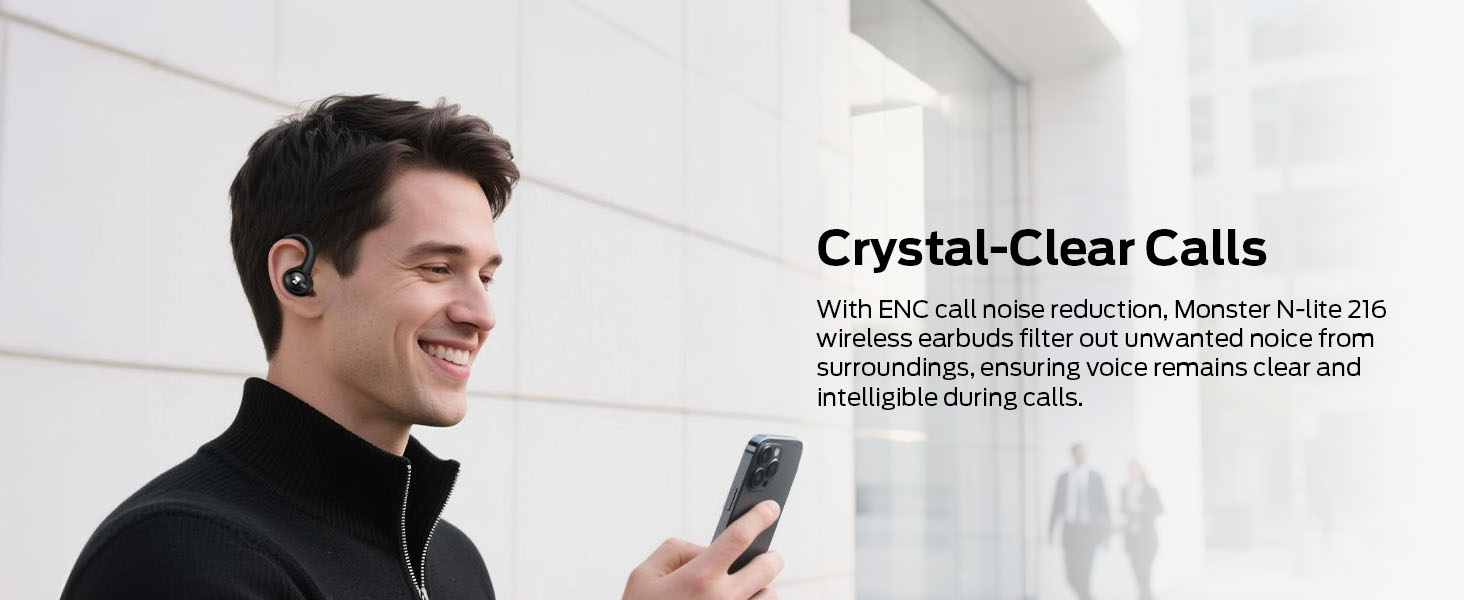
5.3. Crystal-Clear Calls
The built-in high-performance ENC (Environmental Noise Cancellation) microphones reduce background noise, ensuring your voice remains clear and intelligible during calls, even in busy environments.
6. Maintenance
6.1. Water Resistance
The earbuds are IPX6 water-resistant, protecting them from splashes, sweat, and light rain. They are suitable for workouts and outdoor activities but should not be submerged in water.

6.2. Cleaning and Storage
- Regularly clean the earbuds and charging case with a soft, dry cloth.
- Remove ear tips and clean them with mild soap and water, then dry thoroughly before reattaching.
- Avoid using abrasive cleaners or solvents.
- Store the earbuds in their charging case when not in use to protect them and maintain battery life.
- Keep the device away from extreme temperatures and humidity.
7. Troubleshooting
- Earbuds not pairing: Ensure both earbuds are charged and out of the case. Turn off and on your device's Bluetooth. If issues persist, try resetting the earbuds (refer to Quick Start Guide for specific reset instructions).
- No sound: Check volume levels on both your device and the earbuds. Ensure earbuds are properly connected to your device.
- Charging issues: Verify the USB-C cable is securely connected to both the case and power source. Ensure the charging contacts on the earbuds and inside the case are clean.
- Intermittent connection: Move closer to your connected device. Avoid environments with strong Wi-Fi or other wireless interference.
8. Specifications
| Feature | Specification |
|---|---|
| Brand | Monster |
| Model Name | N-Lite 216 (E117) |
| Connectivity Technology | Bluetooth |
| Bluetooth Version | 6.0 |
| Ear Placement | In Ear |
| Form Factor | In Ear with Earhooks |
| Control Type | Touch Control |
| Water Resistance Level | IPX6 Waterproof |
| Driver Size | 14.2mm |
| Playtime (Single Charge) | Up to 8 hours |
| Total Playtime (with Case) | Up to 48 hours |
| Item Weight | 6.7 ounces |
| Included Components | User Manual, Wireless Charging Case |
9. Warranty and Support
Monster is committed to ensuring customer satisfaction. For any inquiries or feedback regarding your Monster N-Lite 216 Wireless Earbuds, please contact our professional customer service team. We are dedicated to providing a seamless experience and finding solutions to meet your needs.
Please refer to the Quick Start Guide included in your package for specific warranty details and contact information.


