
Introduction
Thank you for choosing the Gydom Smart Watch. This manual provides essential information for setting up, operating, and maintaining your device. Please read it thoroughly to ensure optimal performance and longevity of your smartwatch.
Setup
1. Unboxing and Initial Charge
Upon unboxing, you will find the Gydom Smart Watch and a magnetic charging cable. Before first use, ensure the watch is fully charged to activate it. Connect the magnetic charger to the back of the watch, aligning the pins, and plug the USB end into a compatible power source.
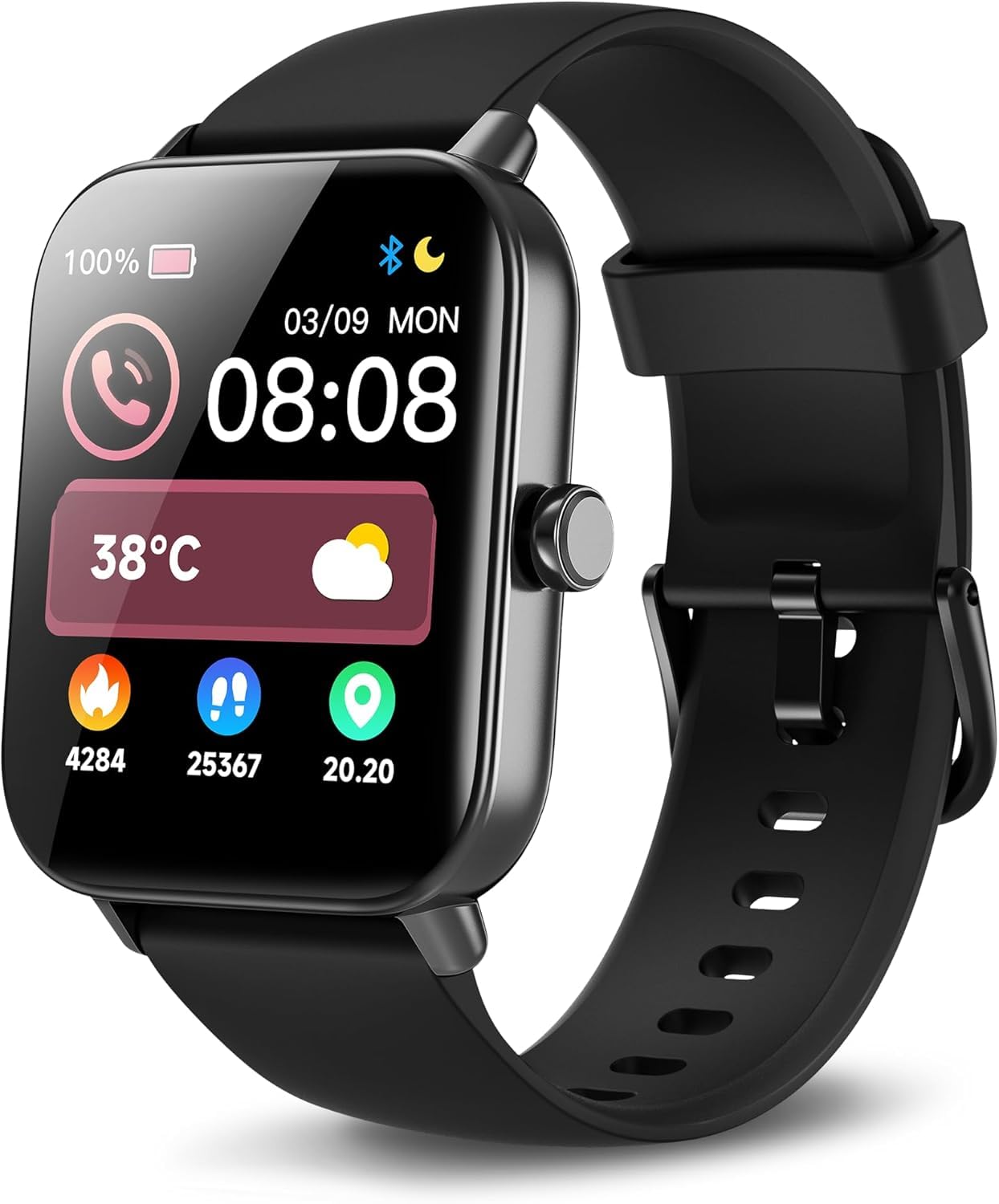
Image: Gydom Smart Watch with its magnetic charging cable connected to the back of the watch face. The watch is black with a black silicone strap.
2. App Installation and Pairing
To unlock the full functionality of your Gydom Smart Watch, download the 'VeryFit' application from your smartphone's app store (compatible with iOS 9.0+ and Android 6.0+). Once installed, open the app and follow the on-screen instructions to pair your smartwatch via Bluetooth. The watch will display a QR code for easy scanning and pairing.
Video: A user demonstrates unboxing the Gydom Smart Watch, connecting the magnetic charger, and the initial setup process, including scanning a QR code on the watch screen to download the VeryFit app for pairing.
Operating Instructions
1. Navigation and Display
The Gydom Smart Watch features a 1.8" HD touch screen. Swipe left, right, up, or down to navigate through menus and access various functions. The side button can be used to wake the screen, return to the home screen, or access the main menu. The display offers 5 levels of brightness for optimal visibility in different lighting conditions.

Image: The Gydom Smart Watch display showing its 1.8" Ultra HD screen, 240*284 screen resolution, 1cm thickness, 39g weight, and 5-level brightness feature.
2. Communication Features
With Bluetooth call functionality, you can make, answer, or reject calls directly from your wrist. The watch also displays notifications from your smartphone for apps like Facebook, Instagram, WhatsApp, and more. Please note: The watch cannot send messages or text back.

Image: The Gydom Smart Watch screen showing incoming call and message notifications, as well as the Alexa voice assistant interface responding to commands like "Play the next track" and "Set an alarm for 7 o'clock."
3. Alexa Built-in
The smartwatch comes with Alexa built-in. Use voice commands to set alarms, check the weather, control music, and more. Simply activate Alexa on your watch and speak your command.

Image: A man using the Gydom Smart Watch to interact with Alexa, demonstrating voice commands like "Set an alarm for 7 o'clock" and "Turn on the TV."
4. Health Monitoring
The Gydom Smart Watch provides 24/7 health data monitoring, including heart rate, blood oxygen (SpO2), and stress levels. It also automatically records your sleep patterns and provides detailed sleep quality analysis reports through the VeryFit app, helping you develop healthier habits. Women's health features include menstrual cycle tracking.

Image: The Gydom Smart Watch screen showing real-time data for heart rate (77 bpm), blood oxygen (98%), sleep duration (7h 30min), and stress level (28 Relax).
5. Sports Modes and Activity Tracking
Choose from over 101+ sports modes to track your activities. The watch records steps, distance, and calories burned for various exercises like walking, running, cycling, and more. It's an IP68 waterproof device, suitable for water sports like swimming.

Image: The Gydom Smart Watch screen showing activity data including 20000 activity points, 246 Kcal, 9888 steps, 3.78 KM distance, and 33 minutes duration, surrounded by icons representing various sports.
6. Customizable Watch Faces
Personalize your smartwatch with over 100+ free watch faces available through the VeryFit app. You can also customize watch faces using your own photos.
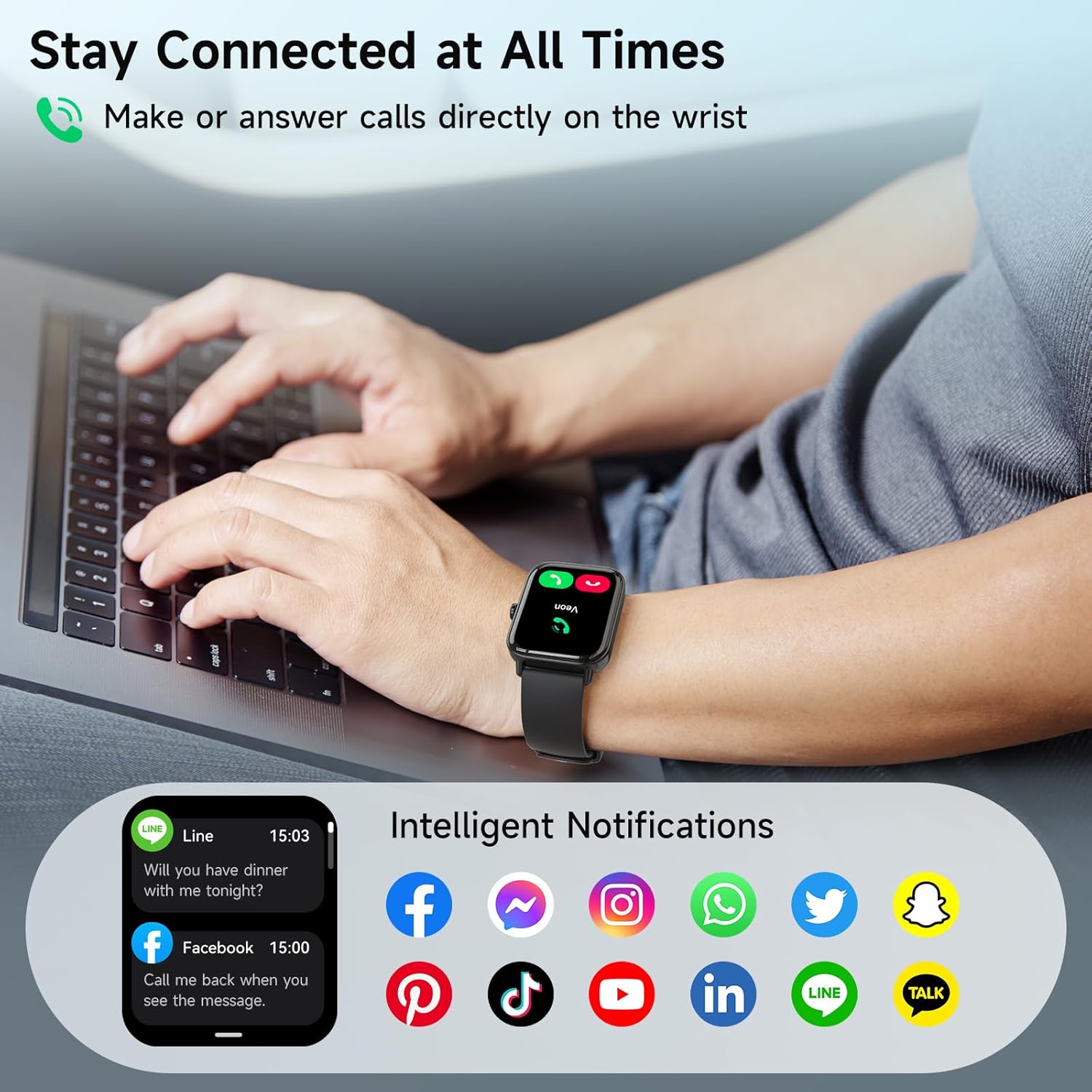
Image: The Gydom Smart Watch screen showcasing multiple watch face designs, including analog, digital, and customizable options with personal photos.
7. Additional Functions
The smartwatch includes various other useful functions such as weather forecasts, alarm clocks, remote camera control, music control, find my phone, sedentary reminders, flashlight, timer, and stopwatch.

Image: The Gydom Smart Watch screen showing icons for Intelligent AI Voice, Weather Forecast, Camera Control, Music Control, Breathing Training, and a simple game, highlighting its diverse functionalities.
Maintenance
1. Cleaning
Regularly clean your smartwatch and strap with a soft, dry cloth. If necessary, use a slightly damp cloth with mild soap, then rinse and dry thoroughly. Avoid harsh chemicals or abrasive materials.
2. Storage and Care
Store the watch in a cool, dry place when not in use. Avoid exposing it to extreme temperatures, direct sunlight for prolonged periods, or strong magnetic fields. Ensure the charging contacts are clean and dry before charging.
3. Strap Replacement
The silicone strap is designed for comfort and durability. If you wish to replace the strap, gently pull the small knob on the underside of the watch where the strap connects to release it. Insert the new strap by aligning it and pushing the knob back into place until it clicks securely.
Video: A user demonstrates how to easily remove and replace the watch strap by pulling a small lever on the back of the watch face.
Troubleshooting
- Watch not turning on: Ensure the watch is fully charged. Long press the side button to power it on.
- Pairing issues: Make sure Bluetooth is enabled on your smartphone and the watch is within range. Restart both devices and try pairing again via the VeryFit app.
- Inaccurate health data: Ensure the watch is worn snugly on your wrist, not too tight or too loose. Clean the sensors on the back of the watch.
- Notifications not appearing: Check your smartphone's app settings to ensure notifications are enabled for the VeryFit app and the specific applications you wish to receive alerts from.
- Battery draining quickly: Reduce screen brightness, limit continuous heart rate monitoring, and disable unnecessary features to extend battery life.
Specifications
| Brand | Gydom |
| Model Number | B0FVFNWXQB |
| Screen Size | 1.8 Inches |
| Operating System | Android & iOS (compatible with iOS 9.0+ & Android 6.0+) |
| Connectivity Technology | Bluetooth |
| Battery Capacity | 300 Milliamp Hours |
| Battery Life (Normal Usage) | 7 days |
| Charging Time | Approximately 2.5 hours |
| Water Resistance | IP68 (Waterproof up to 10 meters) |
| Special Features | Voice Call, Alexa Built-in, Sleep Monitor, Heart Rate Monitor, Blood Oxygen (SpO2), Cycle Tracking, Stress Tracker, 101+ Sports Modes, Activity Tracker, Notifications, Music Control, Remote Camera, Weather Forecast, Alarm Clock, Find your Phone |
| Item Weight | 5 ounces |
Warranty
The Gydom Smart Watch comes with a 3-year guarantee, providing peace of mind for your purchase. For detailed warranty terms and conditions, please refer to the official Gydom website or contact customer support.
Support
For further assistance, technical support, or to explore additional features and accessories, please visit the official Gydom website or refer to the 'Help' section within the VeryFit application. You can also contact Gydom customer service directly for personalized support.


