
Product Overview
The Lamshaw Tempered Glass Screen Protector is specifically designed for the SUNKTA EF18 1.7-inch Smart Watch. It provides robust protection against scratches, impacts, and daily wear, while maintaining the original touch sensitivity and display clarity of your device.
Key Features:
- High Durability: Made from high-quality 9H hardness tempered glass, protecting your watch from accidental scratches caused by sharp objects.
- Oleophobic Coating: Features an oleophobic layer that resists fingerprints and oil smudges, keeping your screen clean.
- High Definition Clarity: 99% HD clarity design ensures a clear display, making the protector almost invisible after installation.
- High Touch Sensitivity: Maintains the original touch experience of your watch screen.
- Easy Installation: Designed for a simple, precise, and bubble-free application.
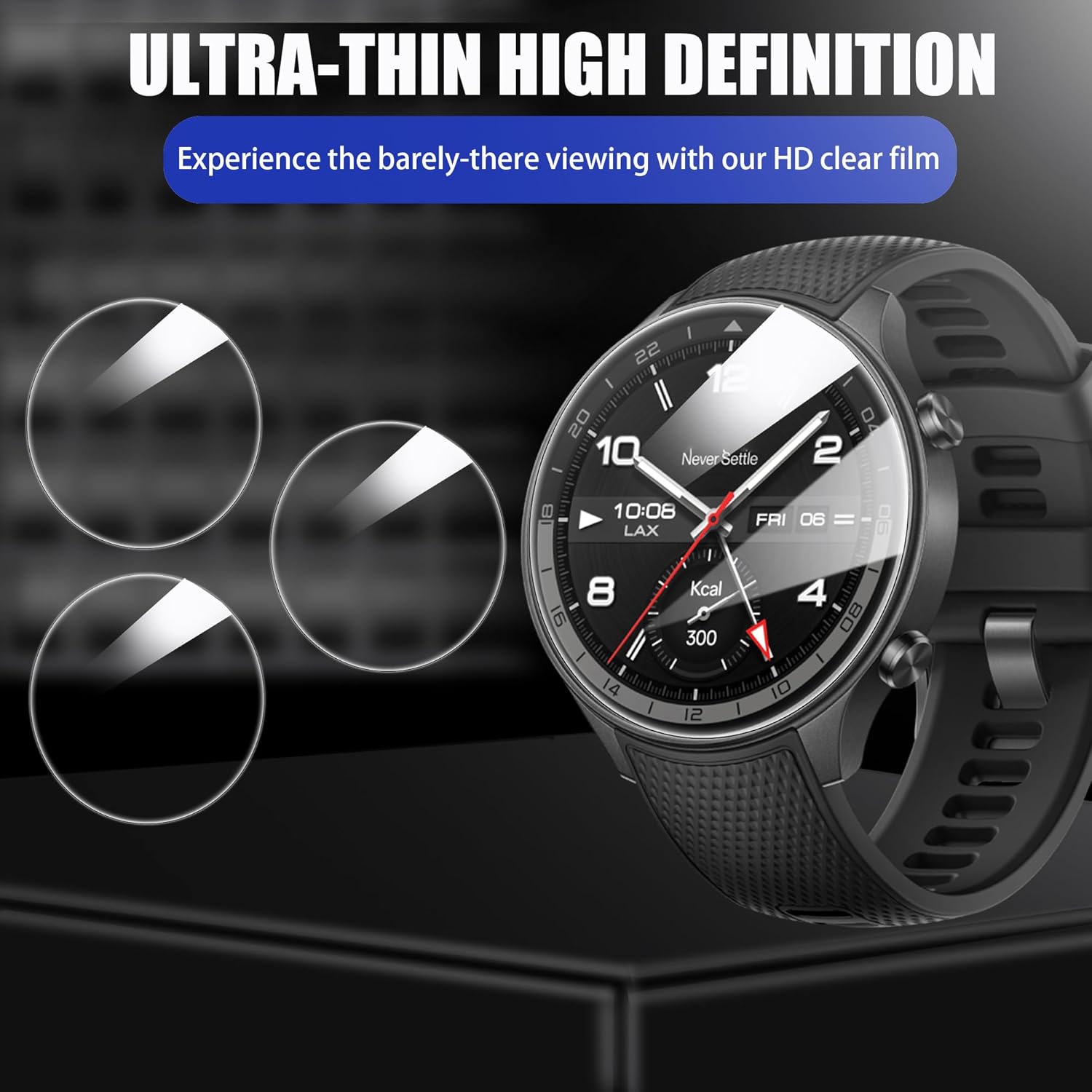
Image: The screen protector offers ultra-thin high definition viewing, ensuring the display remains clear and vibrant.

Image: Demonstrates the overall protection provided by the screen protector against scratches and cracks.

Image: Highlights key features such as 99.9% high transparency, zero bubbles, oleophobic coating, dustproof, anti-skid, anti-fouling, high response, and anti-chip properties.
Setup and Installation
Follow these steps carefully for a successful and bubble-free installation of your screen protector.
What's in the Box:

Image: The package includes 3 tempered glass screen protectors, 3 wet wipes, and 1 dry cloth for installation.
- 3 x Tempered Glass Screen Protectors
- 3 x Wet Wipes
- 1 x Dry Cloth
Installation Steps:
- Clean the Surface: Use the supplied wet wipe (labeled '1') to thoroughly clean the surface of your SUNKTA EF18 Smart Watch screen. Follow with the dry cloth to remove any moisture. Use a dust-absorber sticker (if included) to remove any remaining dust particles. Ensure the screen is completely dry and free of dust.
- Prepare the Protector: Carefully peel back the protective layer from the adhesive side of the tempered glass screen protector. Avoid touching the adhesive surface.
- Align and Apply: Align the exposed edge of the protector with the edge of your watch screen. Once aligned, slowly lay the protector down onto the screen. The protector will automatically adhere to the screen.
- Finalize: Gently buff the screen with the microfiber cloth to remove any small bubbles or ensure complete adhesion. Work from the center outwards.

Image: Visual guide illustrating the four steps for screen protector installation: clean, peel, align, and buff.
Operating
Once installed, the Lamshaw Tempered Glass Screen Protector is designed to be fully transparent and maintain the original functionality of your SUNKTA EF18 Smart Watch. There are no special operating procedures required for the screen protector itself.
- Touch Sensitivity: The protector is engineered for high touch sensitivity, ensuring that all gestures and taps register accurately.
- Display Clarity: Enjoy the full clarity and vibrant colors of your watch display without any distortion.
Maintenance
To ensure the longevity and clarity of your screen protector, follow these simple maintenance tips:
- Regular Cleaning: Gently wipe the screen protector with a soft, lint-free cloth to remove dust and smudges. For stubborn marks, slightly dampen the cloth with water or a screen cleaner designed for electronics.
- Avoid Harsh Chemicals: Do not use abrasive cleaners, alcohol, or solvents, as these can damage the oleophobic coating.
- Protect from Extreme Conditions: While durable, avoid exposing your watch and screen protector to extreme temperatures or direct impacts that could compromise its integrity.
Troubleshooting
If you encounter any issues during or after installation, refer to the following common solutions:
- Bubbles After Installation: Small bubbles can often be pushed out to the edges using the dry cloth. If large bubbles persist, it might indicate dust trapped underneath. In such cases, carefully lift a corner of the protector, remove the dust with a dust-absorber, and reapply.
- Dust Particles Underneath: If dust is visible, gently lift the nearest corner of the screen protector with a piece of tape. Use another piece of tape to dab and lift the dust particle from the watch screen or the adhesive side of the protector. Reapply the protector slowly.
- Misalignment: If the protector is misaligned, carefully lift it from one corner and re-align it before reapplying. Avoid forcing it, as this can damage the adhesive.
- Reduced Touch Sensitivity: Ensure the screen protector is fully adhered without any air gaps. If the issue persists, ensure your watch's touch settings are optimized.
Specifications
| Feature | Detail |
|---|---|
| Brand | Lamshaw |
| Compatible Device | SUNKTA EF18 1.7'' Smart Watch |
| Material | Tempered Glass |
| Hardness | 9H |
| Finish Type | Glossy |
| Product Dimensions | 5 x 5 x 1 cm |
| Item Weight | 50 grams |
| Model Number | SUNKTA EF18 |
Warranty Information
This product is covered by a standard return policy. If you are not satisfied with your purchase, you may be eligible for a refund or replacement within 30 days of receipt, subject to the retailer's terms and conditions.
Please retain your proof of purchase for any warranty claims.
Support
For further assistance or inquiries regarding your Lamshaw screen protector, please contact the seller or refer to the platform where the product was purchased for customer support options.
Manufacturer: Lamshaw