
1. Product Overview
This manual provides detailed instructions for setting up, operating, and maintaining your ShellHome Wearable Bluetooth Speaker model SP-002. This ultra-lightweight and comfortable speaker is designed for on-the-go use, offering high-quality sound and hands-free communication.
Key Features:
- Extended Battery Life: Enjoy up to 30 hours of continuous playback on a single charge.
- Hands-Free Operation: Built-in microphone for clear calls and voice assistant interaction.
- Lightweight & Portable: Weighing under 2 oz, designed for comfortable, all-day wear.
- Water-Resistant Design: IPX6 rated for protection against rain and splashes, suitable for outdoor use.
- Easy Clip-On Design: Securely attaches to clothing, bags, or belts with a strong, anti-slip clip.
- Intuitive Controls: Large, glove-friendly multi-function buttons for easy operation.
2. What's in the Box
- ShellHome Wearable Bluetooth Speaker (SP-002)
- Carrying Bag
- USB-C Charging Cable
- Carabiner Clip
- User Manual

Image: The ShellHome Wearable Bluetooth Speaker, its protective carrying case, and the USB-C charging cable.
3. Setup Guide
3.1 Charging the Speaker
- Locate the USB-C charging port on the side of the speaker.
- Connect the provided USB-C cable to the speaker and the other end to a compatible USB power source (e.g., wall adapter, computer USB port).
- The LED indicator light will show charging status. It will typically turn solid when fully charged.

Image: The USB-C charging port on the speaker, indicating where to connect the charging cable.
3.2 Bluetooth Pairing
- Press and hold the power button (usually the center 'O' button) on the speaker until you hear a "Power On" prompt and the LED indicator light starts flashing, indicating pairing mode.
- On your mobile device (smartphone, tablet, etc.), go to the Bluetooth settings.
- Search for available devices. The speaker should appear as "SP-002" or a similar name.
- Select "SP-002" to connect. You will hear a "Connected" prompt from the speaker once pairing is successful.
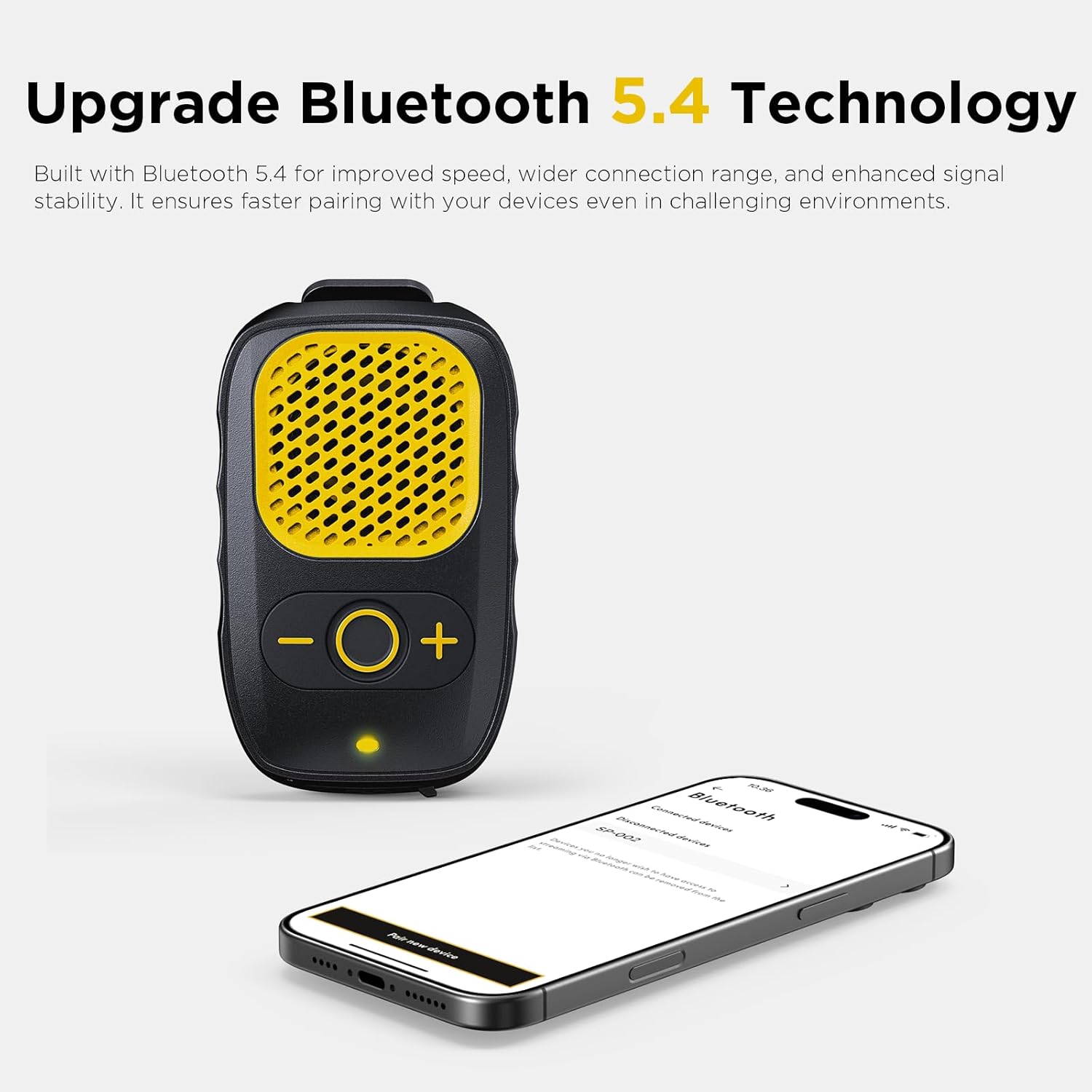
Image: The speaker in pairing mode next to a smartphone, illustrating the Bluetooth connection process.
Video: Official product video demonstrating the Bluetooth pairing process and key features of the ShellHome Wearable Bluetooth Speaker.
4. Operating Instructions
4.1 Power On/Off
- Power On: Press and hold the center 'O' button for approximately 3 seconds until the LED indicator lights up and you hear "Power On".
- Power Off: Press and hold the center 'O' button for approximately 3 seconds until the LED indicator turns off and you hear "Power Off".
4.2 Volume Control
- Increase Volume: Press the '+' button.
- Decrease Volume: Press the '-' button.

Image: The speaker's control panel, highlighting the volume and multi-function buttons.
4.3 Music Playback
- Play/Pause: Short press the center 'O' button.
- Next Track: Long press the '+' button.
- Previous Track: Long press the '-' button.
4.4 Hands-Free Calling
- Answer Call: Short press the center 'O' button when a call comes in.
- End Call: Short press the center 'O' button during a call.
- Reject Call: Long press the center 'O' button when a call comes in.
- Activate Voice Assistant: Double-press the center 'O' button.

Image: A user demonstrating hands-free calling with the speaker clipped to their clothing.
4.5 Wearing the Speaker
- The speaker features a strong, anti-slip clip on the back.
- Attach the speaker to your shirt collar, pocket, backpack strap, or belt loop for convenient, hands-free audio.
- The lightweight design ensures comfort during various activities like walking, working, or gardening.
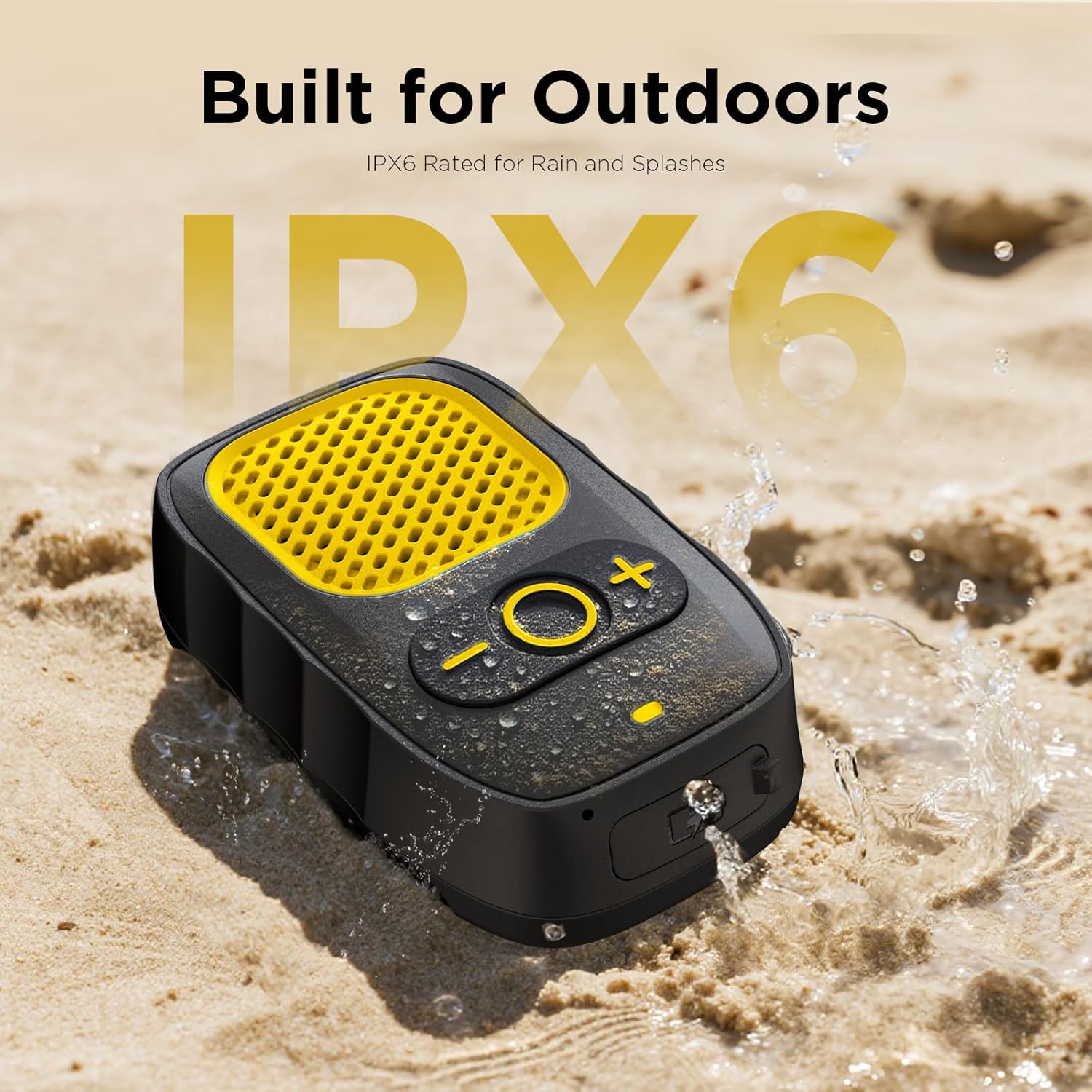
Image: Detail of the speaker's robust clip mechanism for secure attachment.

Image: Examples of how the speaker can be worn during various outdoor activities.
5. Maintenance
- Cleaning: Wipe the speaker with a soft, damp cloth. Do not use harsh chemicals or abrasive cleaners.
- Water Resistance: The speaker is IPX6 water-resistant, meaning it can withstand strong jets of water. However, it is not designed for submersion. Ensure the charging port cover is securely closed when exposed to water.
- Storage: When not in use, store the speaker in its provided carrying bag to protect it from dust and scratches.
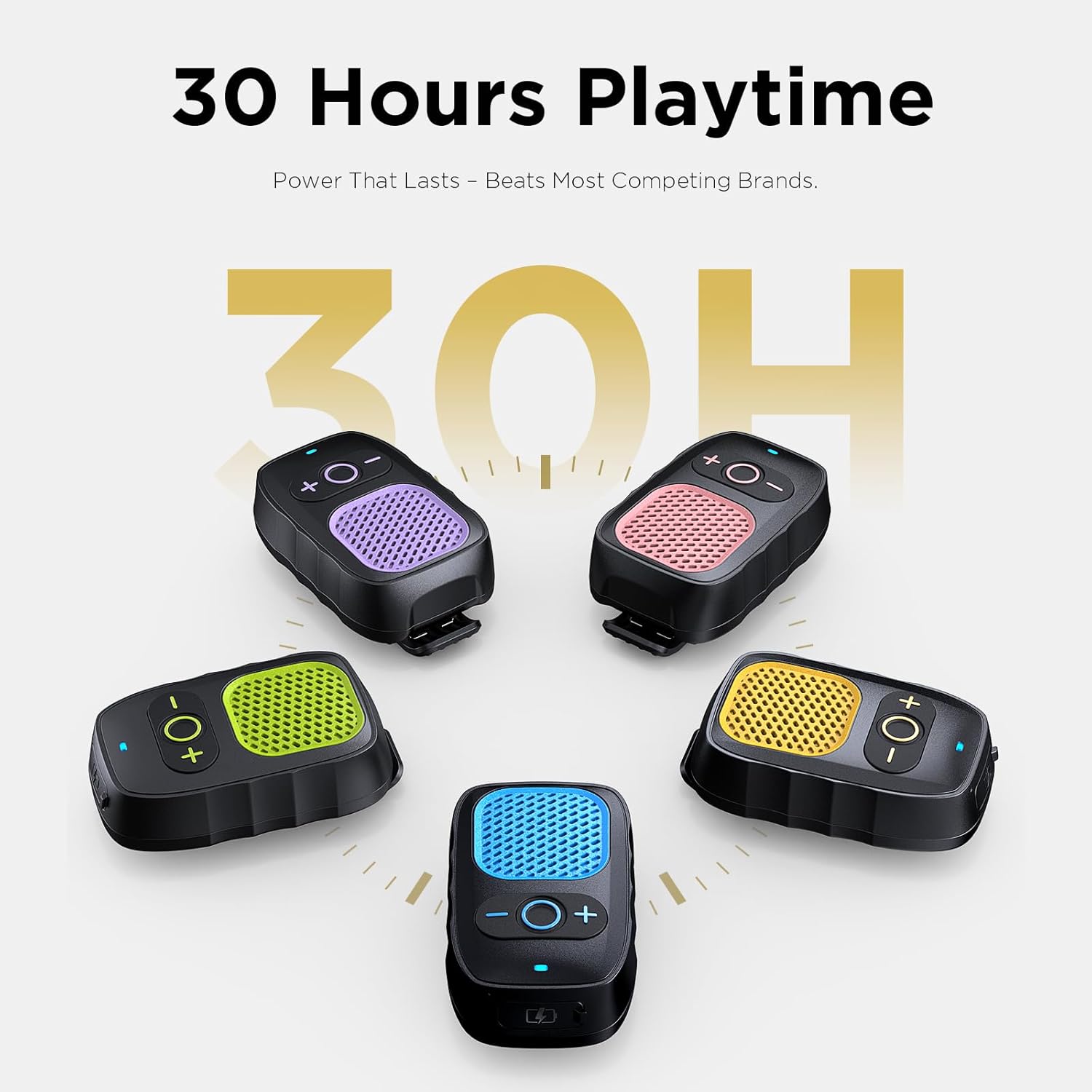
Image: The speaker on a beach, highlighting its water-resistant capabilities.
6. Troubleshooting
- Speaker won't turn on: Ensure the battery is charged. Connect to a power source using the USB-C cable.
- Cannot pair with device:
- Make sure the speaker is in pairing mode (flashing LED).
- Ensure Bluetooth is enabled on your device.
- Move the speaker closer to your device.
- Forget "SP-002" from your device's Bluetooth list and try pairing again.
- No sound or low volume:
- Check the volume levels on both the speaker and your connected device.
- Ensure the speaker is properly connected via Bluetooth.
- Poor call quality:
- Ensure the speaker's microphone is not obstructed.
- Move closer to the speaker and away from noisy environments.
7. Specifications
| Model Name | SP-002 |
| Mounting Type | Clip-On |
| Material | Acrylonitrile Butadiene Styrene (ABS), Aluminum |
| Speaker Type | Outdoor |
| Special Feature | Built-In Microphone, Lightweight, Portable, Waterproof |
| Connectivity Technology | Bluetooth |
| Wireless Communication Technology | Bluetooth |
| Power Source | Battery Powered |
| Battery Life | Up to 30 hours |
| Water Resistance Level | Waterproof (IPX6) |
| Item Weight | 2 Ounces |
| Product Dimensions | 1.6"D x 1"W x 2.8"H |
| Audio Output Mode | Mono |
| Speaker Maximum Output Power | 3 Watts |
| Frequency Response | 20 KHz |
8. Warranty & Support
The ShellHome Wearable Bluetooth Speaker comes with a limited warranty. Please refer to the product packaging or contact ShellHome customer support for detailed warranty information and assistance.
For technical support or inquiries, please visit the official ShellHome website or contact their customer service department.