
1. Product Overview
The BMDSAE 4K Night Vision Goggles, Model 332, are advanced optical devices designed for enhanced viewing in low-light and complete darkness conditions. They integrate a high-resolution 4.5-inch IPS screen with powerful 10X digital zoom capabilities, making them suitable for various outdoor activities and surveillance. The device utilizes 5W 850NM infrared technology for extended night vision range and supports extensive data storage for capturing high-quality photos and videos.
2. What's in the Box
- 1 x 4K Night Vision Goggles
- 1 x USB Charging Cable
- 1 x User Manual

3. Key Features
- 4.5" IPS Screen + 10X Digital Zoom: Experience crystal-clear details with the large 4.5-inch IPS screen, offering a comfortable viewing experience. The 10X digital zoom allows for precise observation of distant objects, such as wildlife or trail markers.
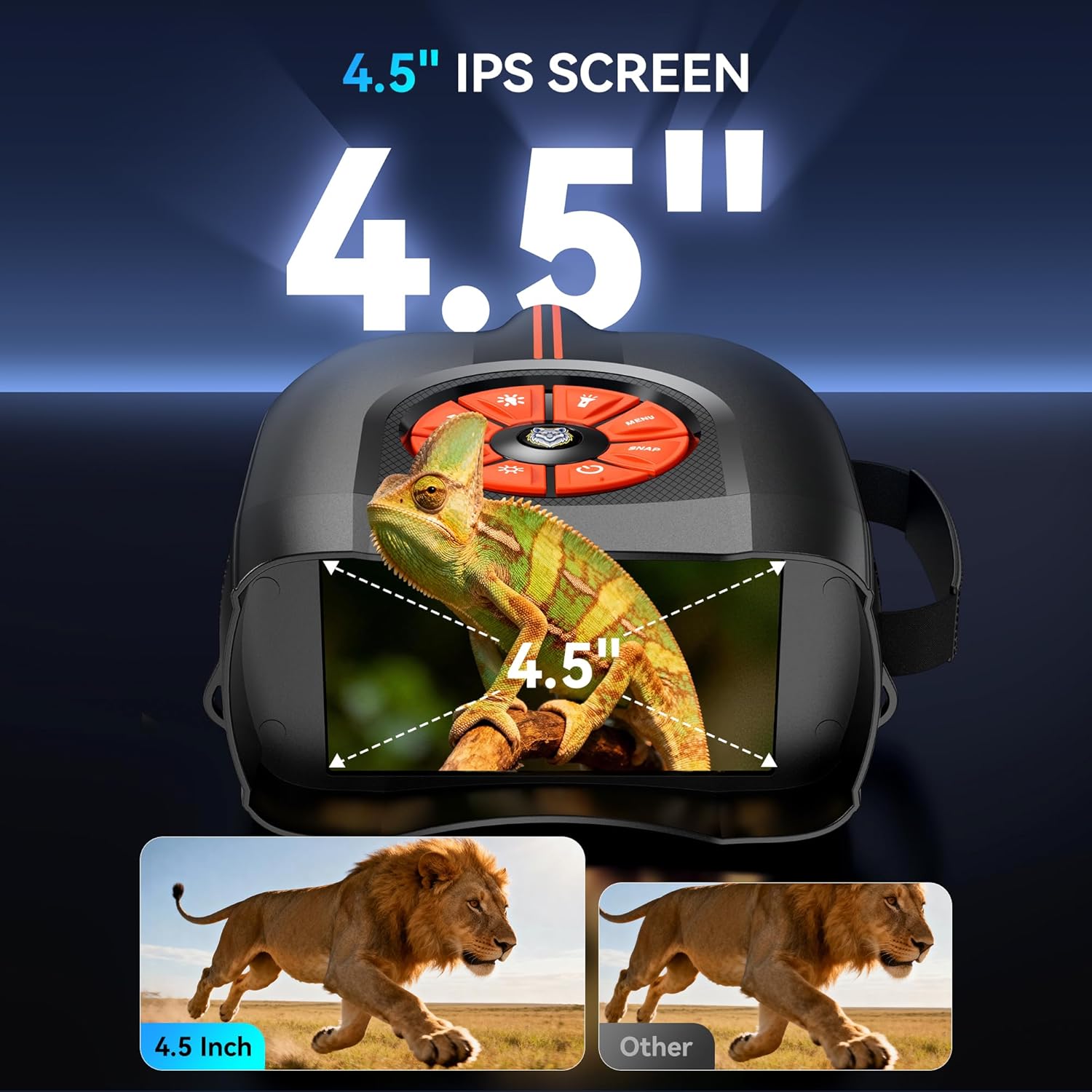
Image: The night vision goggles showing a 4.5-inch IPS screen with a chameleon image, highlighting the screen size and clarity. - 800M Full-Dark Vision with 5W 850NM IR Technology: Equipped with advanced 5W 850NM infrared technology and 7-level adjustable IR brightness, these goggles provide a viewing range of 0.5 to 800 meters in complete darkness, and unlimited visibility in weak light.

Image: The night vision goggles highlighting the 5W/850NM IR LED and 7-level adjustment, showing an eagle in varying levels of infrared illumination. - 512GB Expandable Storage & 4K Ultra HD Image: Capture crisp 48MP JPG photos and smooth 4K AVI videos. The device supports up to 512GB expandable storage, allowing for extensive recording without frequent card changes.

Image: A comparison of a wolf image captured in day time (color) and night time (monochrome) using the 4K Ultra HD feature of the goggles. - 6H+ Battery Life: The integrated 5000mAh battery provides over 6 hours of continuous operation and charges in approximately 4 hours, ensuring reliable performance for extended outdoor use.
- Backlit Buttons & Tripod Support: The control buttons are backlit for accurate adjustments in darkness. A tripod mount is included for stable, hands-free operation.
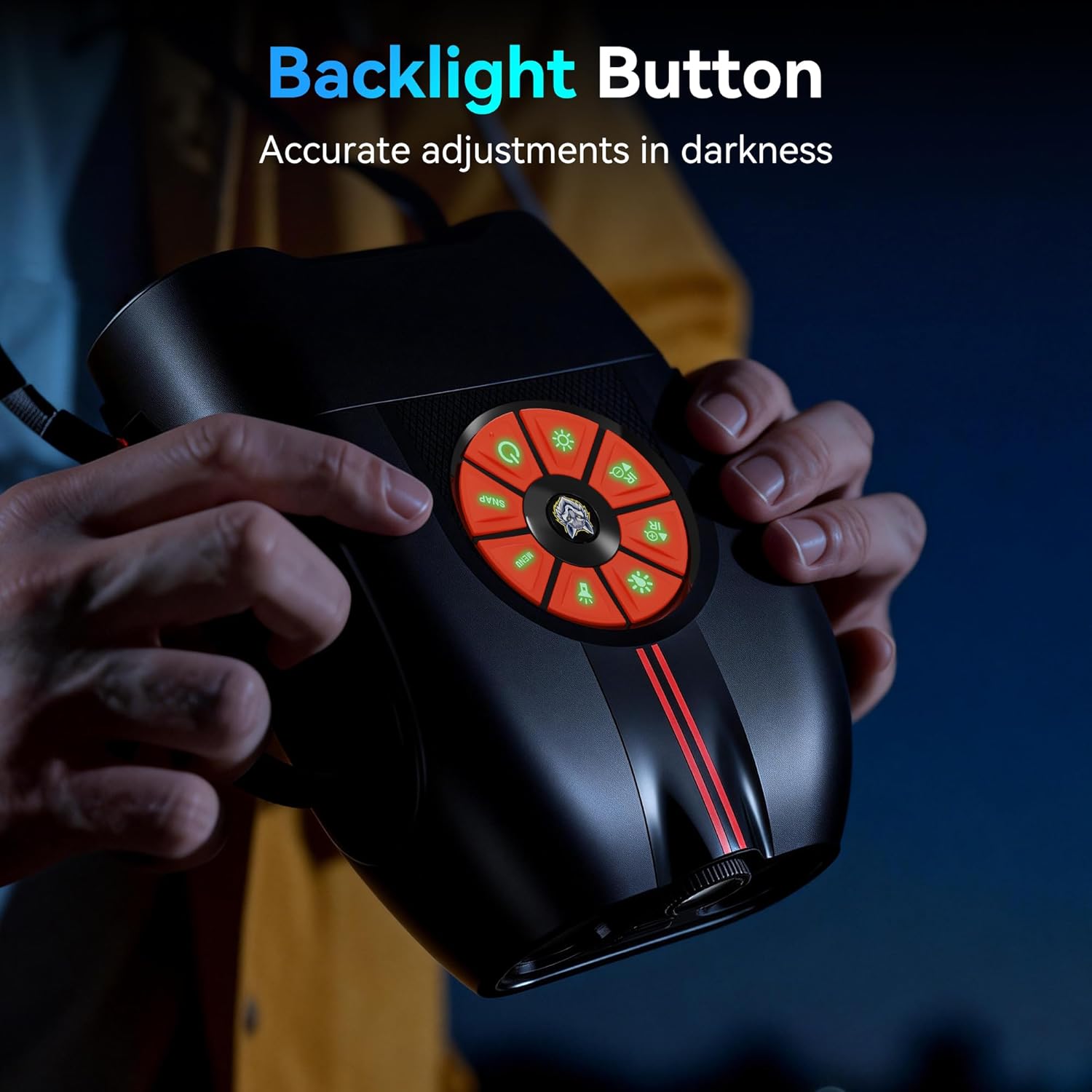
Image: Close-up of the night vision goggles' control panel, showing the backlit buttons for easy operation in low light. 
Image: A person in military-style attire using the night vision goggles mounted on a tripod, demonstrating its stability and hands-free capability. - Anti-fall Hand Strap & PC Connection: An anti-fall hand strap ensures secure handling. Easily transfer files to your PC via the included USB cable.

Image: A person holding the night vision goggles with an anti-fall hand strap, showing secure grip during use. Image: The night vision goggles connected to a laptop via a USB cable, illustrating the PC connection feature for file transfer.
4. Setup Instructions
- Charging the Device:
- Connect the provided USB charging cable to the goggles' charging port.
- Plug the other end of the cable into a compatible USB power adapter (not included) or a computer's USB port.
- The charging indicator will illuminate. A full charge typically takes approximately 4 hours.
- Inserting the Micro SD Card:
- Locate the micro SD card slot on the side of the device.
- Gently insert a micro SD card (up to 512GB, not included) into the slot until it clicks into place. Ensure the card is inserted in the correct orientation.
- Attaching the Hand Strap:
- Thread the anti-fall hand strap through the designated loop on the side of the goggles.
- Adjust the strap for a secure and comfortable fit around your hand.
5. Operating Instructions
- Power On/Off:
- Press and hold the power button (usually marked with a power icon) on the control panel to turn the device on or off.
- Adjusting Focus:
- Use the focus adjustment wheel (located on the bottom or side) to achieve a clear image on the screen.
- Using Digital Zoom:
- Press the zoom in/out buttons (often marked with '+' and '-' or arrows) on the control panel to adjust the digital magnification up to 10X.
- Activating Infrared (IR) Night Vision:
- In low-light conditions, press the IR button (often marked with a sun/star icon) to activate the infrared illuminator.
- Use the IR brightness adjustment buttons (usually marked with light intensity icons) to cycle through 7 levels of IR brightness for optimal viewing.
- Capturing Photos and Videos:
- To take a photo, press the "SNAP" button (often marked with a camera icon).
- To start/stop video recording, press the "REC" button (often marked with a video camera icon).
- Accessing the Menu:
- Press the "MENU" button to access settings such as resolution, image quality, screen saver, flicker frequency, auto power-off, and time settings.
- Use the navigation buttons to select options and the "OK" or "SNAP" button to confirm.
Official Product Videos:
Video: Demonstrates the 4K clarity of the night vision goggles in dark conditions, showcasing its performance.
Video: Highlights the features and ease of use of the night vision goggles, emphasizing its suitability as a gift.
6. Maintenance
- Cleaning:
- Use a soft, lint-free cloth to clean the lenses and screen. Avoid abrasive materials or harsh chemicals.
- For stubborn smudges, lightly dampen the cloth with lens cleaning solution.
- Storage:
- Store the goggles in a cool, dry place away from direct sunlight and extreme temperatures.
- If storing for extended periods, ensure the battery is partially charged (around 50%) to prolong its lifespan.
- Battery Care:
- Avoid fully discharging the battery frequently. Recharge when the battery indicator is low.
- Do not expose the battery to fire or extreme heat.
7. Troubleshooting
| Problem | Possible Cause | Solution |
|---|---|---|
| Device does not power on. | Low battery or power button not pressed correctly. | Charge the device fully. Press and hold the power button for 3-5 seconds. |
| Image is blurry. | Improper focus adjustment. | Adjust the focus wheel until the image is clear. |
| Poor night vision performance. | IR illuminator not activated or brightness too low. | Activate IR and increase IR brightness levels using the dedicated buttons. |
| Cannot save photos/videos. | No micro SD card inserted or card is full/corrupted. | Insert a compatible micro SD card. Check card capacity or format the card (this will erase all data). |
8. Specifications
- Model Number: 332
- Screen Size: 4.5 inches IPS
- Digital Zoom: 10X
- IR Technology: 5W 850NM, 7-level adjustable
- Full-Dark Viewing Range: 0.5M-800M (2624FT)
- Image Resolution: Up to 48MP JPG
- Video Resolution: Up to 4K AVI
- Storage: Supports up to 512GB micro SD card (not included)
- Battery Capacity: 5000mAh
- Battery Life: Over 6 hours
- Charging Time: Approximately 4 hours
- Item Weight: 1.2 pounds
- Package Dimensions: 7.32 x 6.65 x 3.82 inches
9. Warranty and Support
For warranty information and customer support, please refer to the contact details provided on the product packaging or visit the official BMDSAE website. Keep your purchase receipt for warranty claims.
Protection plans are available for purchase separately:
- 2-Year Protection Plan
- 3-Year Protection Plan
- Complete Protect: One plan covers all eligible past and future purchases