
1. Introduction
The EUREKA ERGONOMIC Remi High Back Office Chair (Model OC69) is designed to provide ergonomic support and comfort for extended periods of sitting. This manual provides essential information for assembly, operation, maintenance, and troubleshooting to ensure optimal use and longevity of your chair.
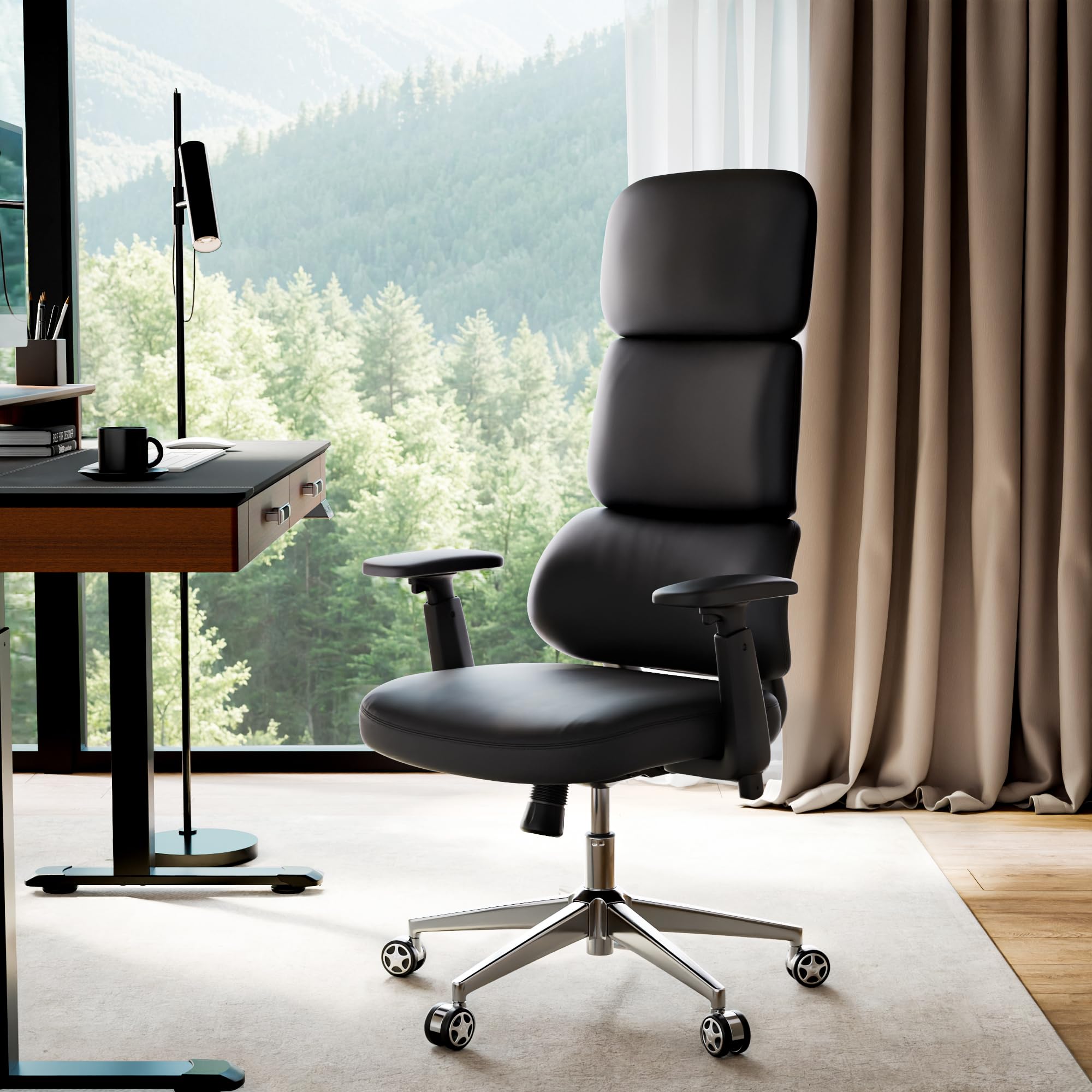
Figure 1: EUREKA ERGONOMIC Remi High Back Office Chair
2. Safety Information
Please read all safety warnings and instructions carefully before assembly and use.
- Always follow assembly instructions carefully.
- Keep fingers and other body parts away from moving parts when adjusting height.
- Do not exceed the maximum weight capacity of 300 pounds.
- Ensure all screws and bolts are tightened securely before use. Periodically check and re-tighten as necessary.
- Use the chair on a level surface to prevent tipping.
- Do not stand on the chair or use it as a step stool.
3. Setup and Assembly
This section provides step-by-step instructions for assembling your EUREKA ERGONOMIC Remi Office Chair. It is recommended to watch the official installation video for visual guidance.
Video 1: EUREKA ERGONOMIC Remi Office Chair - Installation Guide. This video provides a complete visual walkthrough of the assembly process.
Required Components:
Before starting, ensure all components and hardware are present. Refer to the parts diagram in the video or included manual.

Figure 2: All components and hardware required for assembly.
Assembly Steps:
- Step 1: Attach Five-Star Base
Insert the five casters (P1) into the holes at the end of each leg of the five-star base (P2). Ensure they are firmly seated. - Step 2: Attach Casters & Gas Lift
Once casters are in place, insert the gas lift (P3) into the center hole of the five-star base. - Step 3: Install Armrests
Align the armrests (P7) with the pre-drilled holes on the underside of the seat cushion (P6). Secure them using the provided screws (A) and washers (D). Do not fully tighten until all screws are in place. - Step 4: Install Chassis
Position the chassis (P4) onto the underside of the seat cushion, aligning it with the central holes. Secure it using the provided screws (B) and washers (D). Fully tighten all screws for the armrests and chassis. - Step 5: Connecting The Backrest
Attach the backrest (P5) to the seat assembly by aligning the mounting points and securing with the remaining screws (C). Ensure a snug fit. - Step 6: Place the Seat Onto the Gas Lift
Carefully place the assembled seat and backrest onto the gas lift, ensuring the central hole of the chassis aligns with the top of the gas lift. Apply gentle downward pressure to secure it.
Note: Do not tighten screws until all of them are screwed into the holes to allow for proper alignment.
4. Operating Instructions
The Remi Office Chair offers various adjustments to customize your seating experience for optimal comfort and support.
Video 2: EUREKA ERGONOMIC Remi PU Leather Office Chair. This video demonstrates the chair's adjustable features.
Key Adjustments:
- Height Adjustment: Use the lever located under the right side of the seat to raise or lower the chair to your desired height.
- 3D Adjustable Armrests: The armrests can be adjusted in three dimensions:
- Up & Down: Press the button on the side of the armrest and move it vertically.
- Forward & Backward: Slide the armrest pad horizontally.
- Rotation: Rotate the armrest pads inward or outward.
- Tilt and Recline Lock: The chair features a 3-position tilt and recline lock with a range of 106-117 degrees. Use the lever on the left side of the seat to lock the backrest at your preferred angle or unlock it for free movement.
- Tilt Tension Control: Adjust the knob under the front of the seat to control the resistance of the recline function. Turn clockwise to increase tension, counter-clockwise to decrease.
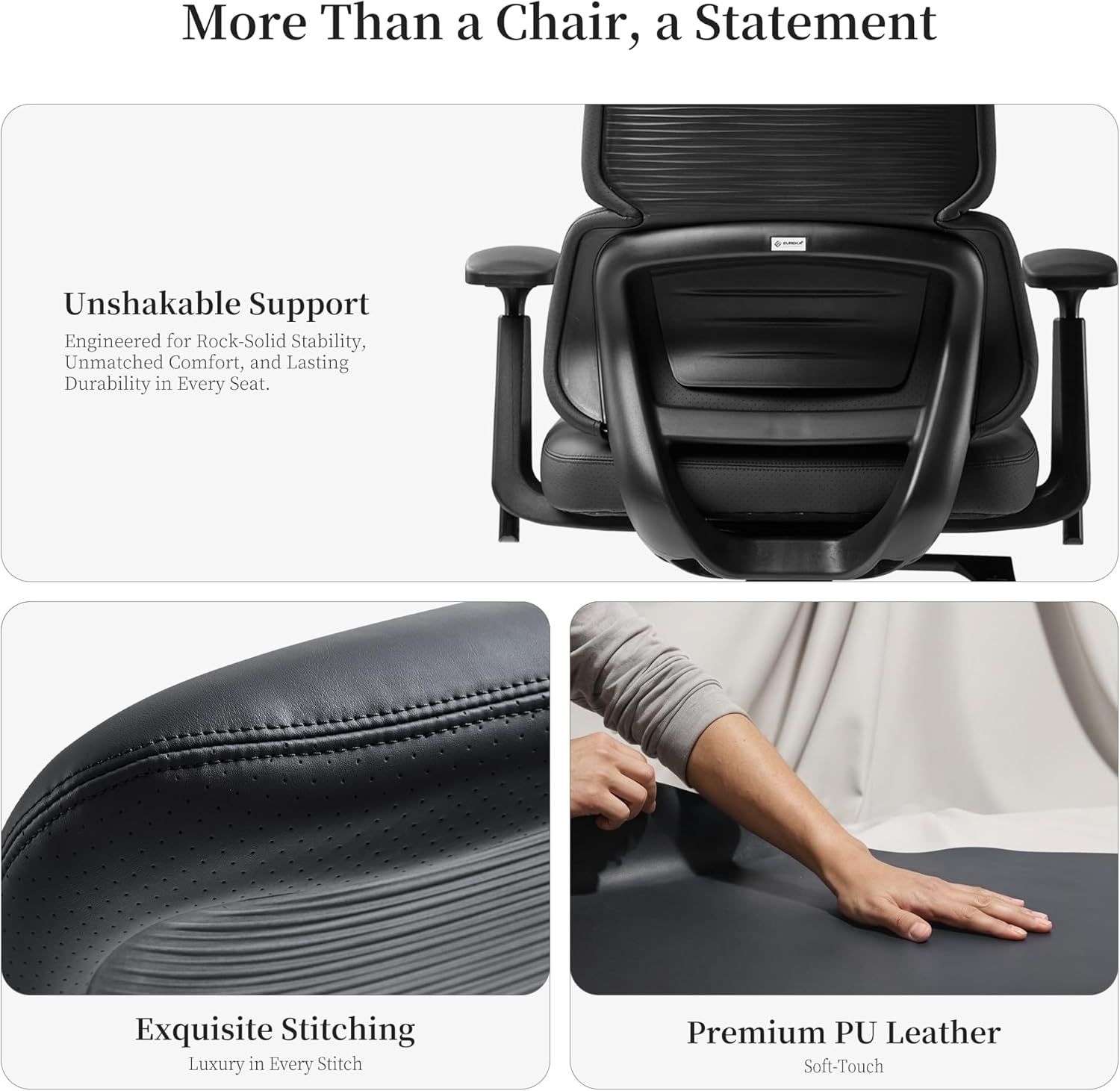
Figure 3: Customizable comfort features including armrest adjustments, recline, and tilt tension.
Ergonomic Support:
The innovative tri-section backrest provides precise ergonomic alignment for your neck, back, and waist, designed to alleviate fatigue during prolonged sitting.

Figure 4: The chair's three-section backrest provides targeted support for the neck, back, and lumbar regions.
5. Maintenance
Proper care will extend the life and appearance of your EUREKA ERGONOMIC Remi Office Chair.
- Cleaning PU Leather: Wipe the PU leather surfaces with a soft, damp cloth. For stubborn stains, use a mild soap solution and wipe dry immediately. Avoid harsh chemicals or abrasive cleaners.
- Caster Care: Periodically check casters for hair or debris and clean as needed to ensure smooth movement.
- Hardware Check: Every few months, inspect all screws and bolts to ensure they are tight. Re-tighten if necessary to maintain stability and safety.
- Avoid Direct Sunlight: Prolonged exposure to direct sunlight can cause the PU leather to fade or crack. Position your chair away from direct sun exposure.
6. Troubleshooting
If you encounter any issues with your chair, refer to the following common solutions:
- Chair Squeaks: Check all bolts and screws and tighten any that are loose. A small amount of silicone lubricant can be applied to moving parts if the squeaking persists.
- Chair is Unstable/Wobbly: Ensure all assembly screws are fully tightened. Verify that the gas lift is properly seated in the base and chassis.
- Height Adjustment Not Working: Check if the gas lift lever is fully engaged. Ensure no obstructions are preventing the gas lift from moving freely.
- Casters Not Rolling Smoothly: Inspect casters for accumulated dirt, hair, or debris and clean them thoroughly.
If these steps do not resolve the issue, please contact customer support.
7. Specifications
| Feature | Detail |
|---|---|
| Brand | EUREKA ERGONOMIC |
| Model Name | Remi |
| Model Number | OC69 |
| Color | Black |
| Material | Faux Leather |
| Frame Material | Metal, Fiberglass Reinforced Polypropylene |
| Product Dimensions (D x W x H) | 26"D x 26"W x 51.75"H |
| Item Weight | 37.3 Pounds |
| Maximum Weight Recommendation | 300 Pounds |
| Back Style | High Back, Three-Section |
| Reclining Position Count | 3 (106-117° tilt range) |
| Armrests | 3D Adjustable (Up/Down, Forward/Backward, Rotate) |
| Assembly Required | Yes |
| Indoor/Outdoor Usage | Indoor |

Figure 5: Front view of the assembled chair.

Figure 6: Side view of the assembled chair.
8. Warranty and Support
For specific warranty information and details regarding your EUREKA ERGONOMIC Remi High Back Office Chair, please refer to the warranty card included with your product or visit the official EUREKA ERGONOMIC website. For technical support, replacement parts, or any other inquiries, please contact EUREKA ERGONOMIC customer service through their official channels.
You can visit the EUREKA ERGONOMIC Store on Amazon for more information.
