
Introduction
Thank you for choosing the Monster Persona 5th ANC Wireless Over-Ear Headphones. This manual provides essential information for setting up, operating, and maintaining your headphones to ensure optimal performance and longevity. Please read it thoroughly before use.
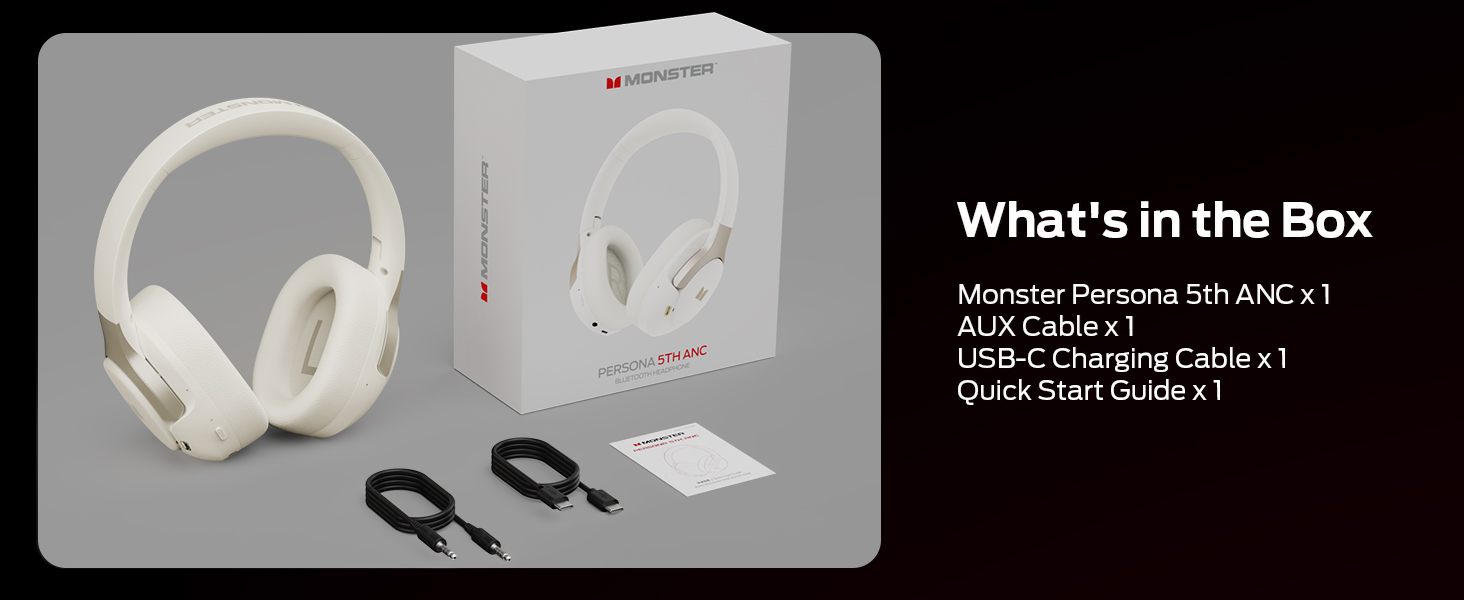
What's in the Box
The package includes:
- Monster Persona 5th ANC Headphones x 1
- AUX Cable x 1
- USB-C Charging Cable x 1
- Quick Start Guide x 1
Setup
1. Charging the Headphones
Before first use, fully charge your headphones. Connect the provided USB-C charging cable to the charging port on the headphones and the other end to a USB power adapter (not included) or a computer's USB port. The LED indicator will show charging status.
2. Powering On/Off
- Power On: Press and hold the Power button for approximately 3 seconds until the LED indicator lights up.
- Power Off: Press and hold the Power button for approximately 3 seconds until the LED indicator turns off.
3. Bluetooth Pairing
To connect your headphones to a device:
- Ensure the headphones are powered off.
- Press and hold the Power button for 5-7 seconds until the LED indicator flashes blue and red, indicating pairing mode.
- On your device (smartphone, tablet, laptop), enable Bluetooth and search for available devices.
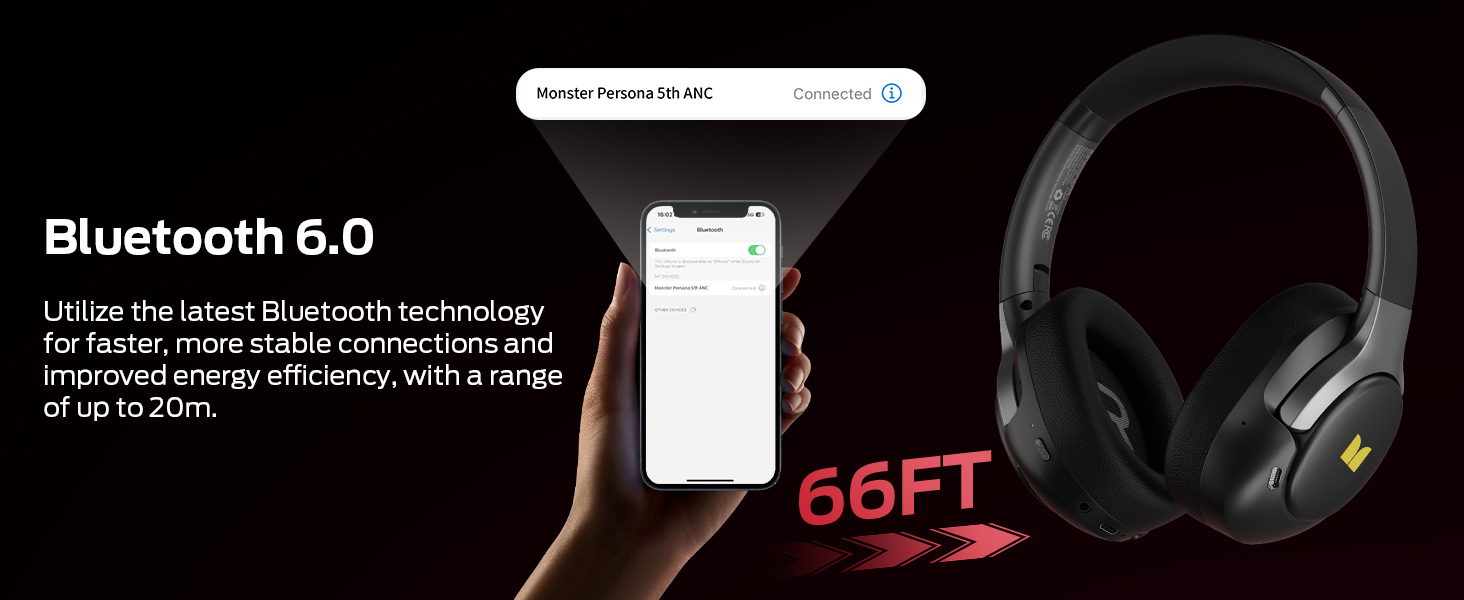
- Select "Monster Persona 5th ANC" from the list.
- Once connected, the LED indicator will flash blue slowly.
Bluetooth 6.0 ensures fast and stable connections up to 66 feet (20 meters).
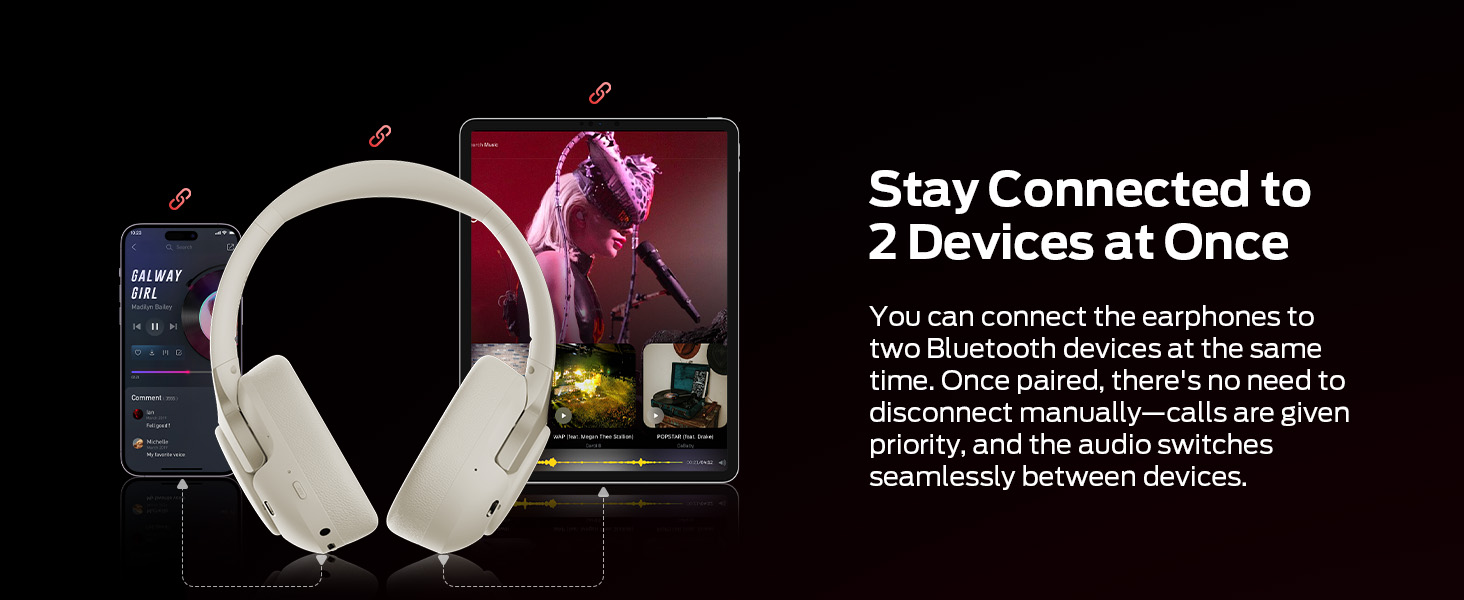
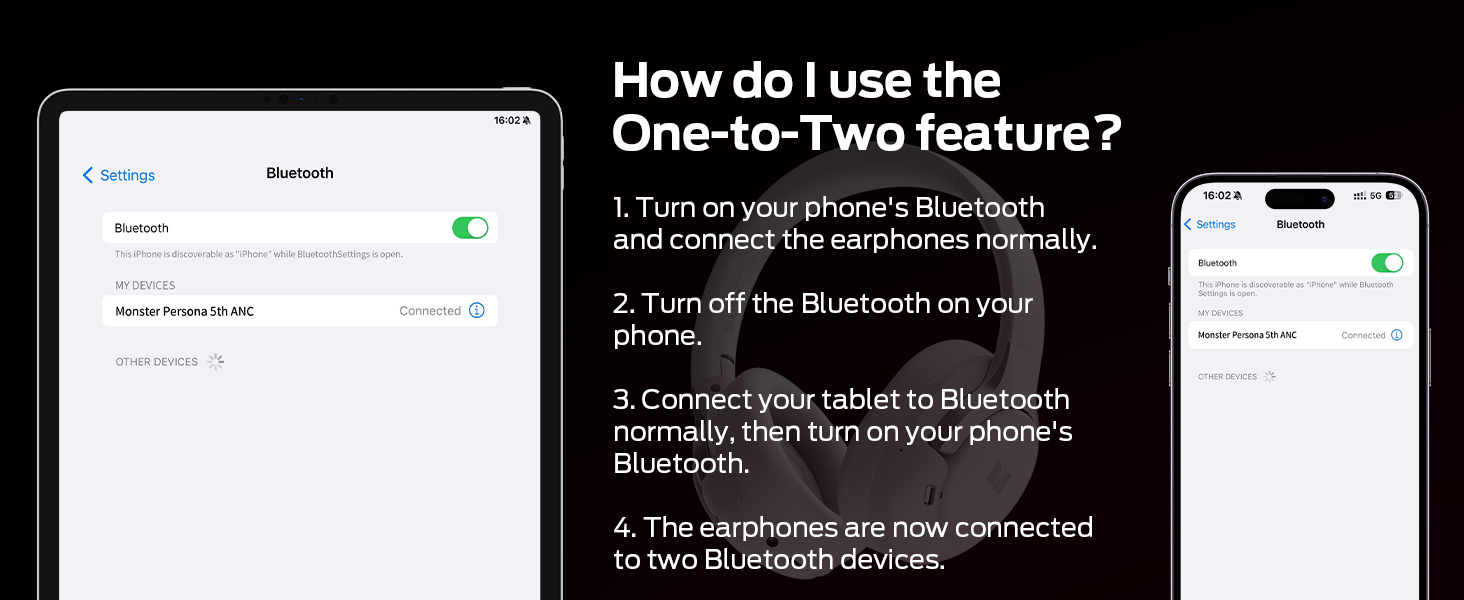
4. Multi-Point Connection (Connect to Two Devices Simultaneously)
Your headphones can connect to two Bluetooth devices at once, prioritizing incoming calls automatically.
- Turn on Bluetooth on your first device (e.g., phone) and connect the headphones normally.
- Turn off Bluetooth on the first device.
- Connect your headphones to the second device (e.g., tablet) normally via Bluetooth.
- Turn on Bluetooth on your first device again. The headphones will now be connected to both devices.
Seamless switching between devices for music and calls.
5. Wired Connection
For wired listening, connect the provided 3.5mm AUX cable to the headphone's audio jack and your audio source. This mode does not require battery power.
Use the 3.5mm AUX cable for wired audio.
6. Adjusting Fit
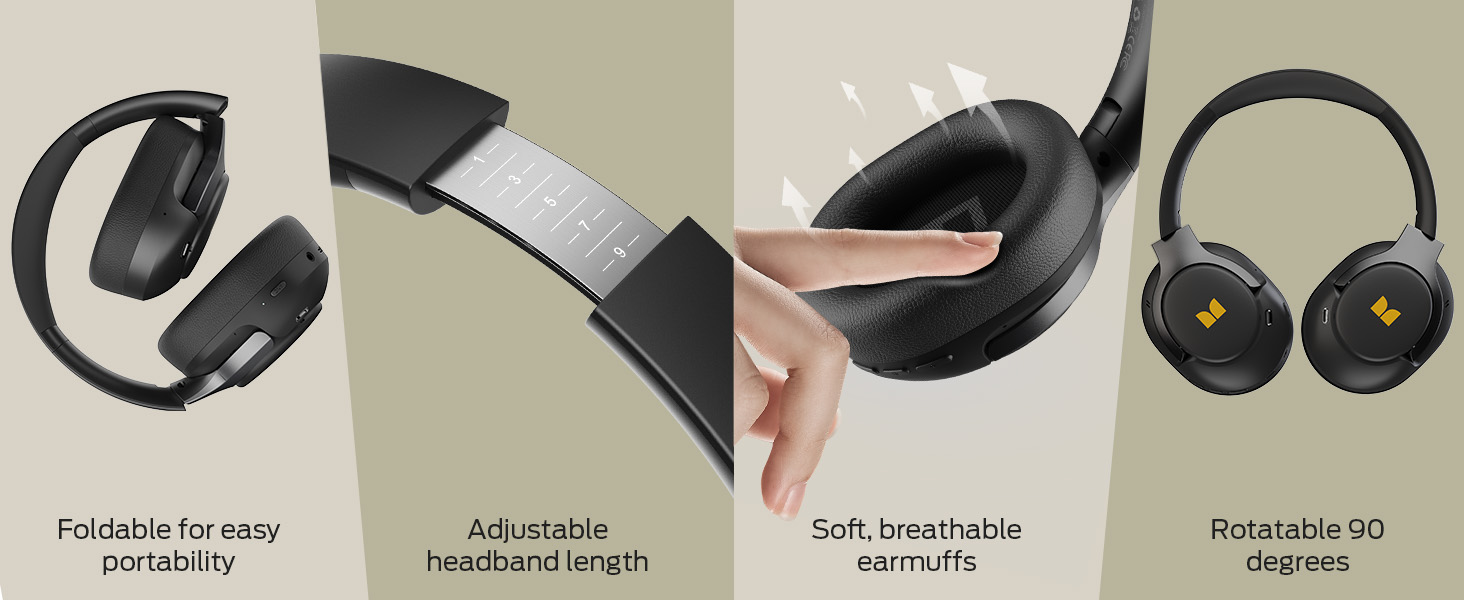
Adjust the headband for a comfortable fit. The earcups feature soft protein leather and memory foam for extended wear. The earcups can also swivel 90 degrees and the headphones are foldable for portability.
Ensure a comfortable and secure fit for optimal sound and noise cancellation.
Operating Instructions
1. Button Controls
The headphones feature intuitive button controls for various functions:
- Power Button: Power on/off, play/pause music, answer/end calls.
- Volume Up/Next Track: Short press for volume up, long press for next track.
- Volume Down/Previous Track: Short press for volume down, long press for previous track.
- ANC Button: Cycle through noise cancellation modes.
2. Active Noise Cancellation (ANC) Modes
The headphones offer three listening modes:
- Normal Mode: Standard audio playback without active noise cancellation. Ideal for quiet environments.
- ANC Mode: Reduces up to 95% of ambient noise, such as engine sounds, for an immersive listening experience.
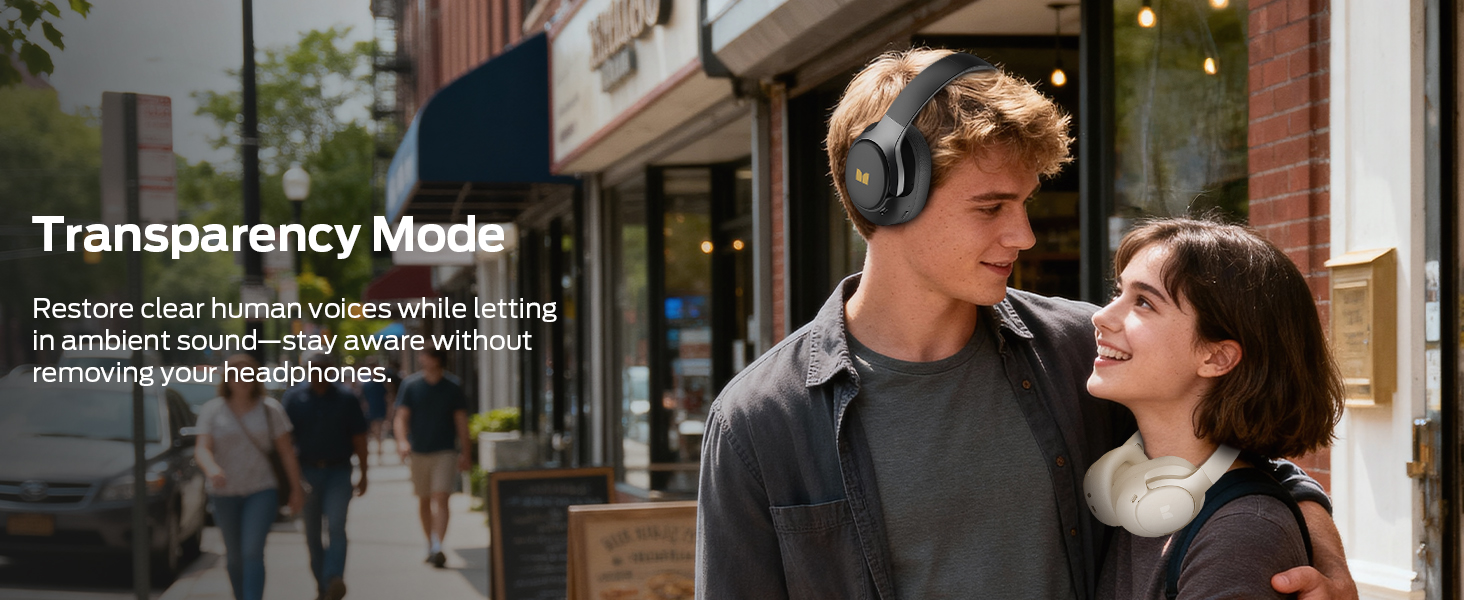
- Transparency Mode: Allows you to hear your surroundings clearly without removing the headphones, enhancing situational awareness.
Press the ANC button to cycle between these modes. The LED indicator will change to reflect the active mode.
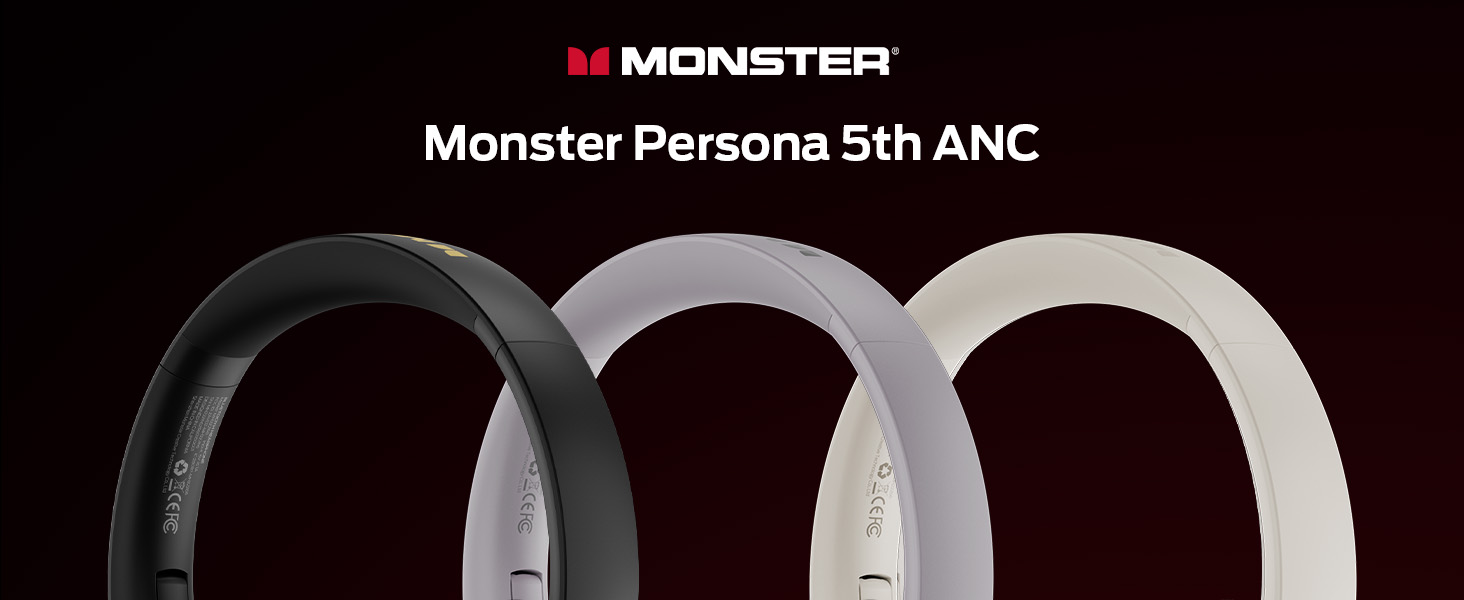
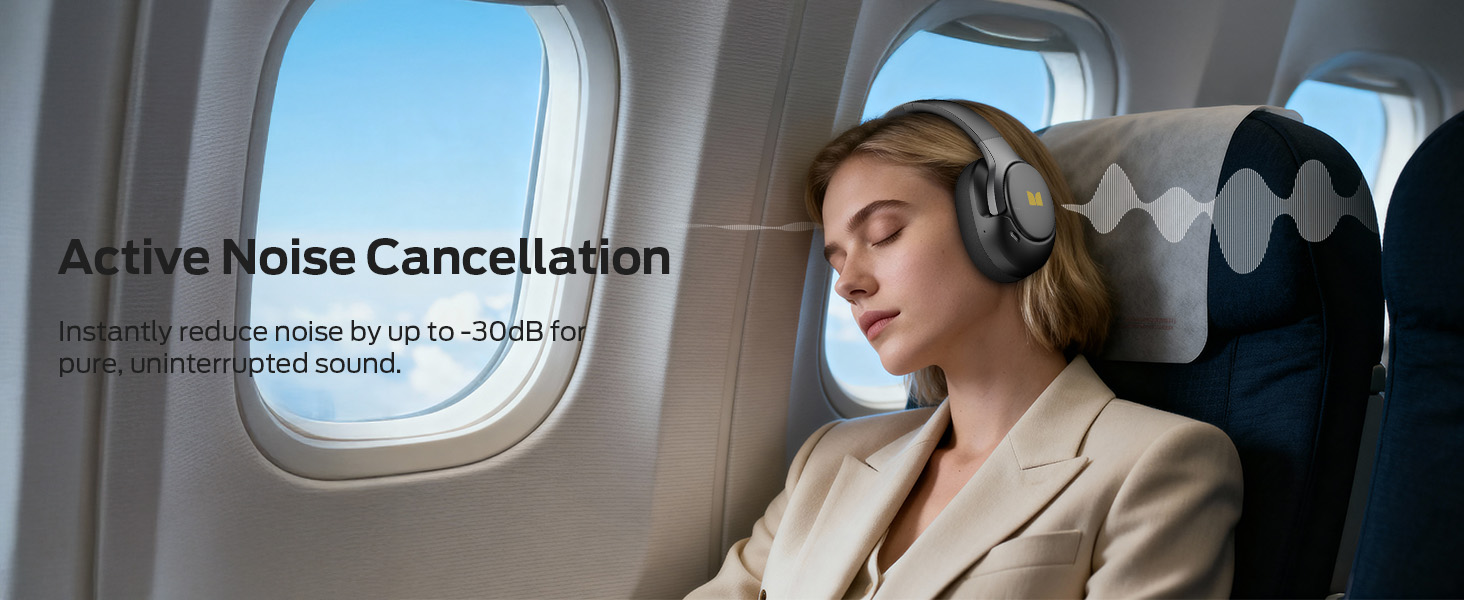
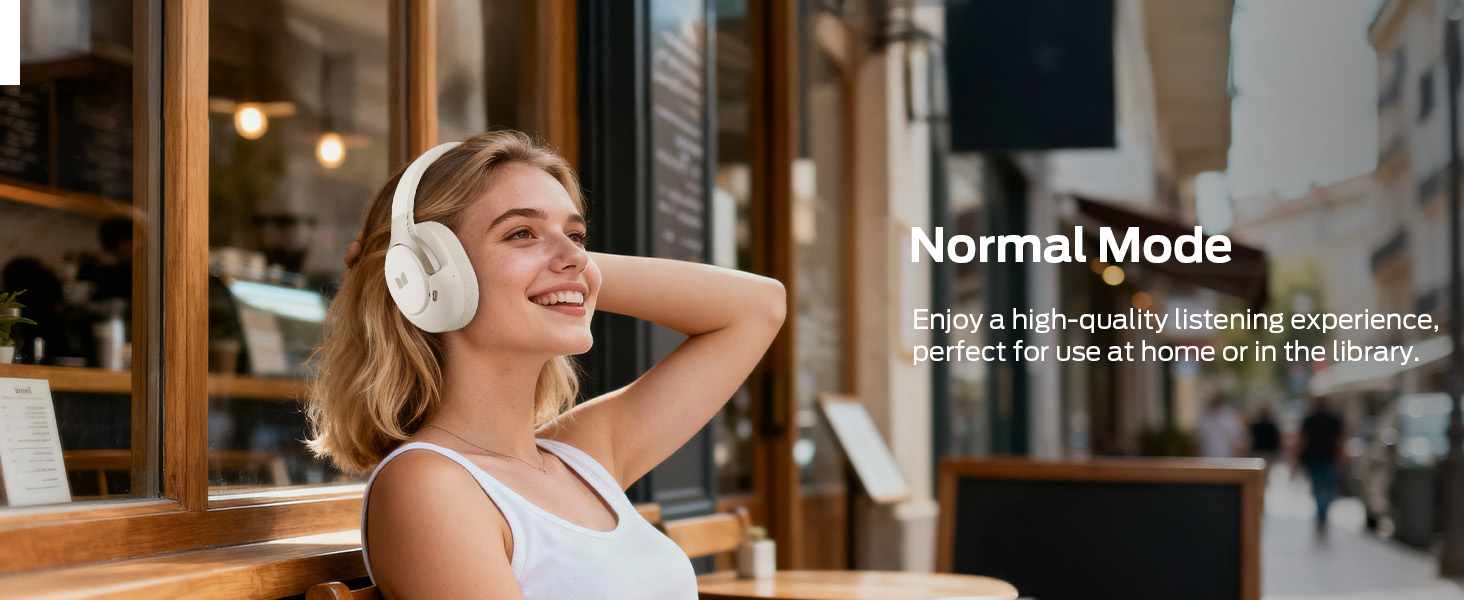
Switch between Normal, ANC, and Transparency modes for optimal listening.
3. Call Management
- Answer/End Call: Short press the Power button.
- Reject Call: Long press the Power button.
Maintenance
1. Cleaning
- Wipe the headphones with a soft, dry, lint-free cloth.
- Do not use harsh chemicals, cleaning solvents, or strong detergents.
- Avoid getting moisture into any openings.
2. Storage
- Store the headphones in a cool, dry place away from extreme temperatures and direct sunlight.
- The foldable design allows for compact storage.
Foldable design for easy storage and transport.
3. Battery Care
- To preserve battery life, charge the headphones regularly, even if not used frequently.
- Avoid fully discharging the battery for extended periods.
Troubleshooting
| Issue | Possible Solution |
|---|---|
| Headphones do not power on | Ensure the headphones are charged. Connect to a power source and try again. |
| Cannot pair via Bluetooth | Ensure headphones are in pairing mode (flashing blue/red). Turn off and on Bluetooth on your device. Move closer to the device. |
| No sound | Check volume levels on both headphones and connected device. Ensure headphones are correctly paired or AUX cable is fully inserted. |
| ANC not working effectively | Ensure ANC mode is activated. Adjust headphone fit to create a good seal around your ears. |
| Intermittent connection | Ensure no obstacles between headphones and device. Move away from other wireless devices that may cause interference. |
Specifications
- Model: H22
- Connectivity: Bluetooth 6.0, 3.5 mm Jack
- Audio Driver: 40mm Dynamic Driver
- Noise Control: Active Noise Cancellation (up to 45dB reduction)
- Battery Life: Up to 70 hours (ANC off), Up to 40 hours (ANC on)
- Quick Charge: 10 minutes charge provides up to 5 hours playback
- Earpiece Shape: Over-Ear
- Weight: Approximately 1 gram (0.035 ounces)
- Foldable Design: Yes
- Multi-Point Connection: Yes
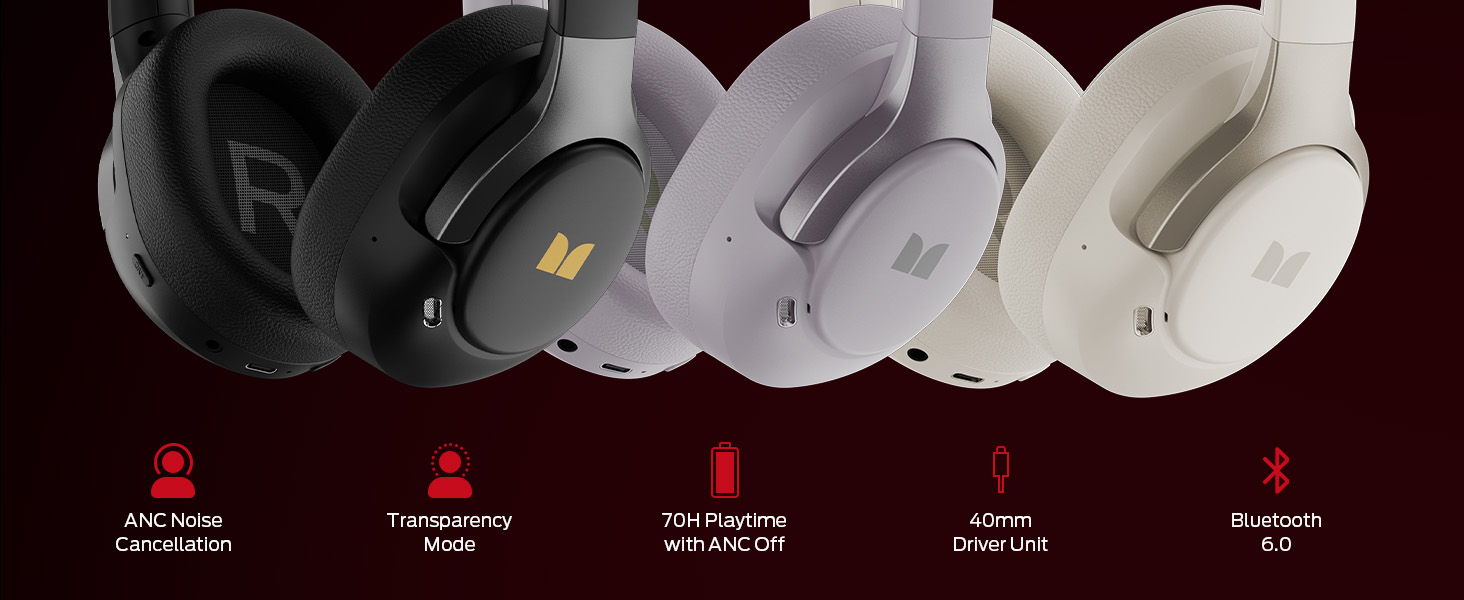
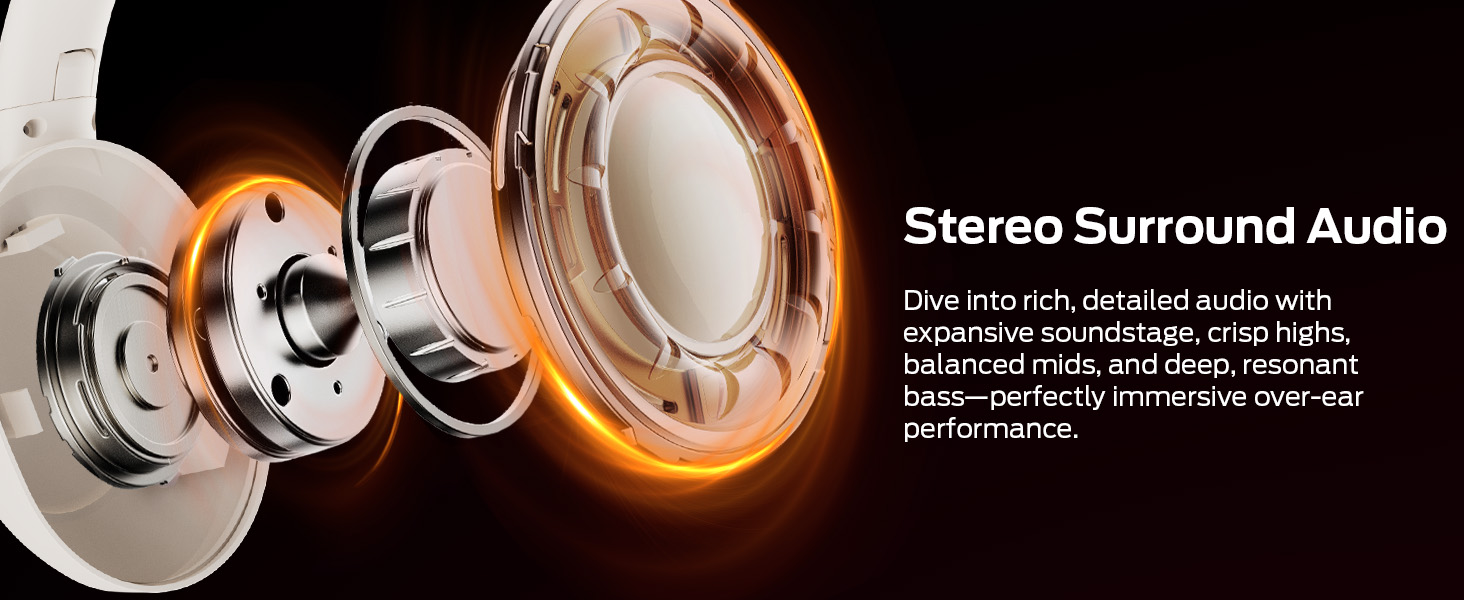
Experience rich, detailed audio with long-lasting battery performance.
Support
For any questions or assistance, please contact Monster customer service. We provide 24-hour pre-sales and after-sales support.
For more information, visit the official Monster store: Monster Store on Amazon


