
B0FV8RBJL7
Generic Electric Nail Clippers User Manual
Model: B0FV8RBJL7
Introduction
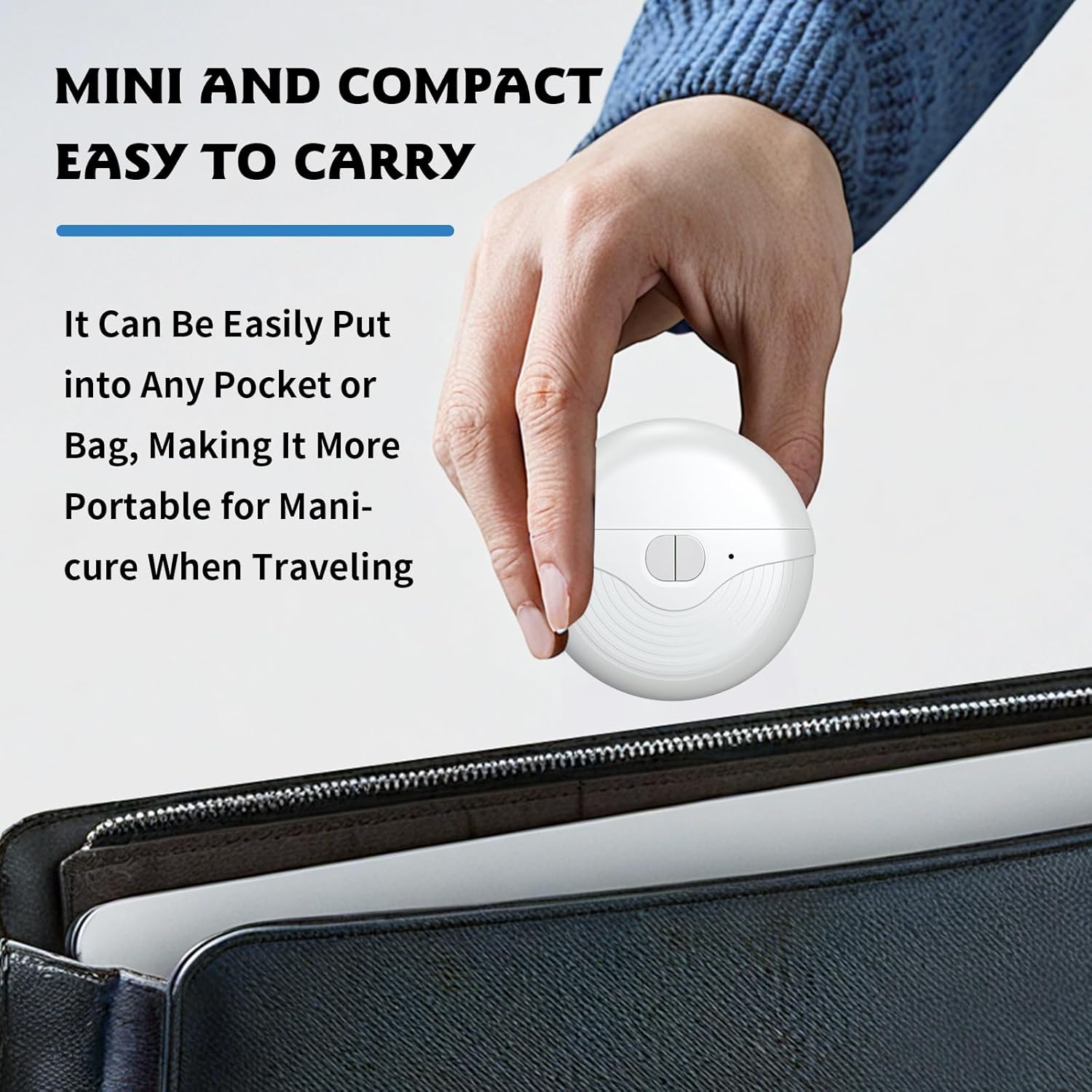
Thank you for choosing the Generic Electric Nail Clippers. This compact and easy-to-handle device is designed to simplify your personal nail care routine for both fingernails and toenails. This manual provides essential information for the safe and effective use, maintenance, and troubleshooting of your new nail clippers.
Key features include:
- 3 Speed Settings: Adjustable power levels for various nail types.
- Polishing Function: Smooths and polishes nail edges for a refined finish.
- Electric Operation: Trims, shapes, buffs, files, and vacuums nail residue simultaneously.
- Fast USB-C Charging: Ensures extended battery life and convenient recharging.
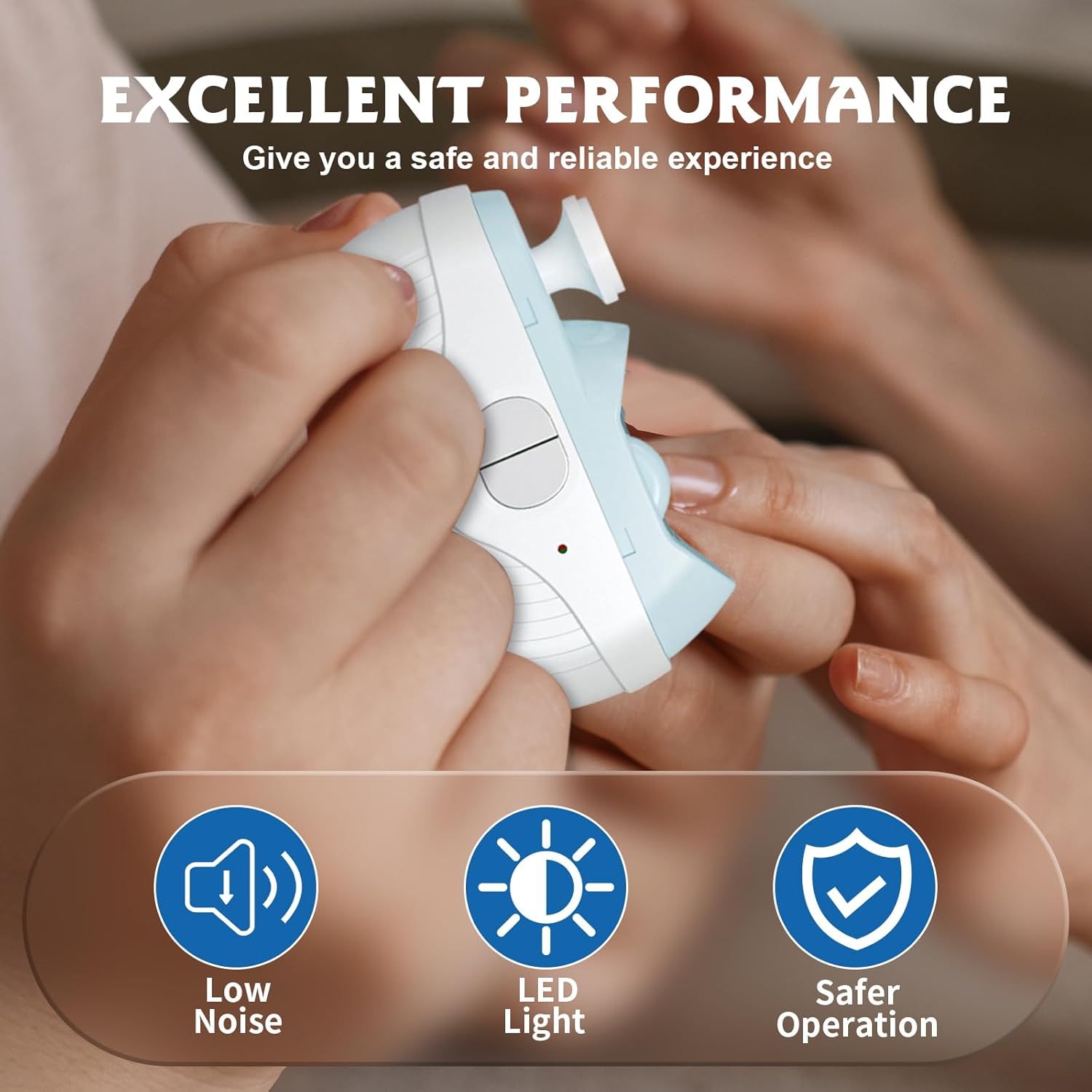
- Integrated LED Light: Provides illumination for precise use in any lighting condition.
- Built-in Nail Clipping Collector: Automatically collects clippings for a clean experience.
Safety Information
Please read all safety instructions before using the device to prevent injury or damage.
- Keep out of reach of children.
- Do not immerse the device in water or other liquids.
- Do not attempt to disassemble or repair the device yourself. Contact customer support if issues arise.
- Use only the provided charging cable or a compatible USB-C cable.
- Ensure the device is fully charged before first use.
- If you have any medical conditions affecting your nails or hands, consult a healthcare professional before use.
- Avoid using on damaged, infected, or inflamed nails or skin.
Product Overview
Familiarize yourself with the components of your electric nail clippers:

- Power Button/Speed Selector: Controls power and adjusts speed settings.
- Nail Clipping Port: Where nails are inserted for trimming and polishing.
- LED Indicator Light: Shows power status and selected speed.
- Nail Debris Collection Chamber: Internal compartment for collecting trimmed nail pieces.
- USB-C Charging Port: For recharging the device.
Setup
Charging the Device
- Locate the USB-C charging port on the device.
- Connect the provided USB-C cable to the device and the other end to a compatible USB power adapter (not included) or a computer USB port.
- The LED indicator light will show charging status (e.g., blinking while charging, solid when fully charged).
- Allow approximately 1-2 hours for a full charge. A full charge provides extended battery life.
Initial Inspection
Before first use, inspect the device for any visible damage. Ensure the nail clipping port is clear of any obstructions.
Operating Instructions
Power On/Off and Speed Selection

- To power on, press and hold the power button for a few seconds. The device will start at the lowest speed.
- To cycle through speeds (Low, Medium, High), briefly press the power button. The LED indicator light will change color to reflect the current speed: Blue for Low, Rose Red for Medium, and Red for High.
- To power off, press and hold the power button again until the device stops.
Trimming and Polishing Nails

- Select the desired speed setting (Low for babies/thin nails, Medium for adults, High for thick nails).
- Gently insert your fingernail or toenail into the clipping port. The device's 360° rotating head will trim and grind the nail simultaneously.
- Move your finger or toe slightly to ensure all edges are trimmed and polished. The device is designed to smooth and polish the edges for a clean, even finish.
- The integrated LED light will assist in visibility, especially in dimly lit environments.
- Repeat for all nails.

Maintenance
Cleaning the Nail Debris Collection Chamber
The device features a built-in collection chamber for nail clippings. To empty it:
- Ensure the device is powered off.
- Locate the debris collection chamber (usually a small compartment or a twistable section on the device).
- Gently twist or open the chamber according to the device's design.
- Empty the collected nail clippings into a waste bin.
- Close the chamber securely before next use.
General Cleaning
- Wipe the exterior of the device with a soft, dry cloth.
- Do not use harsh chemicals or abrasive cleaners.
- Do not rinse the device under water.
Storage
Store the device in a cool, dry place away from direct sunlight and moisture. Keep it in its original packaging or a protective pouch when not in use.
Troubleshooting
If you encounter any issues with your electric nail clippers, please refer to the following common problems and solutions:
| Problem | Possible Cause | Solution |
|---|---|---|
| Device does not turn on. | Low battery or no charge. | Charge the device fully using the USB-C cable. |
| Nails are not trimming effectively. | Incorrect speed setting, improper nail positioning, or very thick/hard nails. | Try a higher speed setting. Ensure the nail is fully inserted into the clipping port. For extremely thick toenails, multiple passes or professional care may be needed. |
| Device stops during use. | Low battery or debris accumulation. | Recharge the device. Empty and clean the nail debris collection chamber. |
| LED light not working. | Device is off or malfunction. | Ensure the device is powered on. If the issue persists, contact customer support. |
Specifications
| Feature | Detail |
|---|---|
| Model Number | B0FV8RBJL7 |
| Product Dimensions | 2 x 1 x 3 inches (5.08 x 2.54 x 7.62 cm) |
| Net Weight | 5.64 ounces (118g) |
| Charging Capacity | 400mAh |
| Charging Voltage | 5V |
| Color | White |
| Manufacturer | Pingyang County Lang Chen e-commerce Co., LTD |

Warranty and Support
For warranty information and customer support, please refer to the retailer where you purchased this product or contact the manufacturer directly. Please retain your proof of purchase for any warranty claims.
Manufacturer: Pingyang County Lang Chen e-commerce Co., LTD
Ask a question about this manual
Ask about setup, troubleshooting, compatibility, parts, safety, or missing instructions. Manuals+ will review the question and use this page’s manual context to help answer it.