Introduction
The Rowenta X-PLORER Serie 580 Max is an advanced robot vacuum and mop designed to provide comprehensive floor cleaning. This all-in-one device features an automatic wet & dry station for self-cleaning and drying of mops, and automatic dust collection. With powerful suction and intelligent navigation, it simplifies your cleaning routine.
Safety Instructions
Please read all safety instructions carefully before using the appliance. Keep this manual for future reference.
- Ensure the power voltage matches the appliance's rating.
- Do not use the appliance in wet environments or near flammable materials.
- Keep hair, loose clothing, fingers, and all parts of the body away from openings and moving parts.
- Supervise children and ensure they do not play with the appliance.
- Use only manufacturer-recommended attachments and accessories.
- Do not operate the appliance if it is damaged or malfunctioning.
- Unplug the appliance before cleaning or maintenance.
Package Contents
Verify that all items are present in the package:
- Robot Vacuum Mop
- All-in-one Station
- 2 Mop Pads
- Hygiene+ Dust Bag
- Power Adapter
- User Manual
Product Overview
Familiarize yourself with the main components of your Rowenta X-PLORER Serie 580 Max.
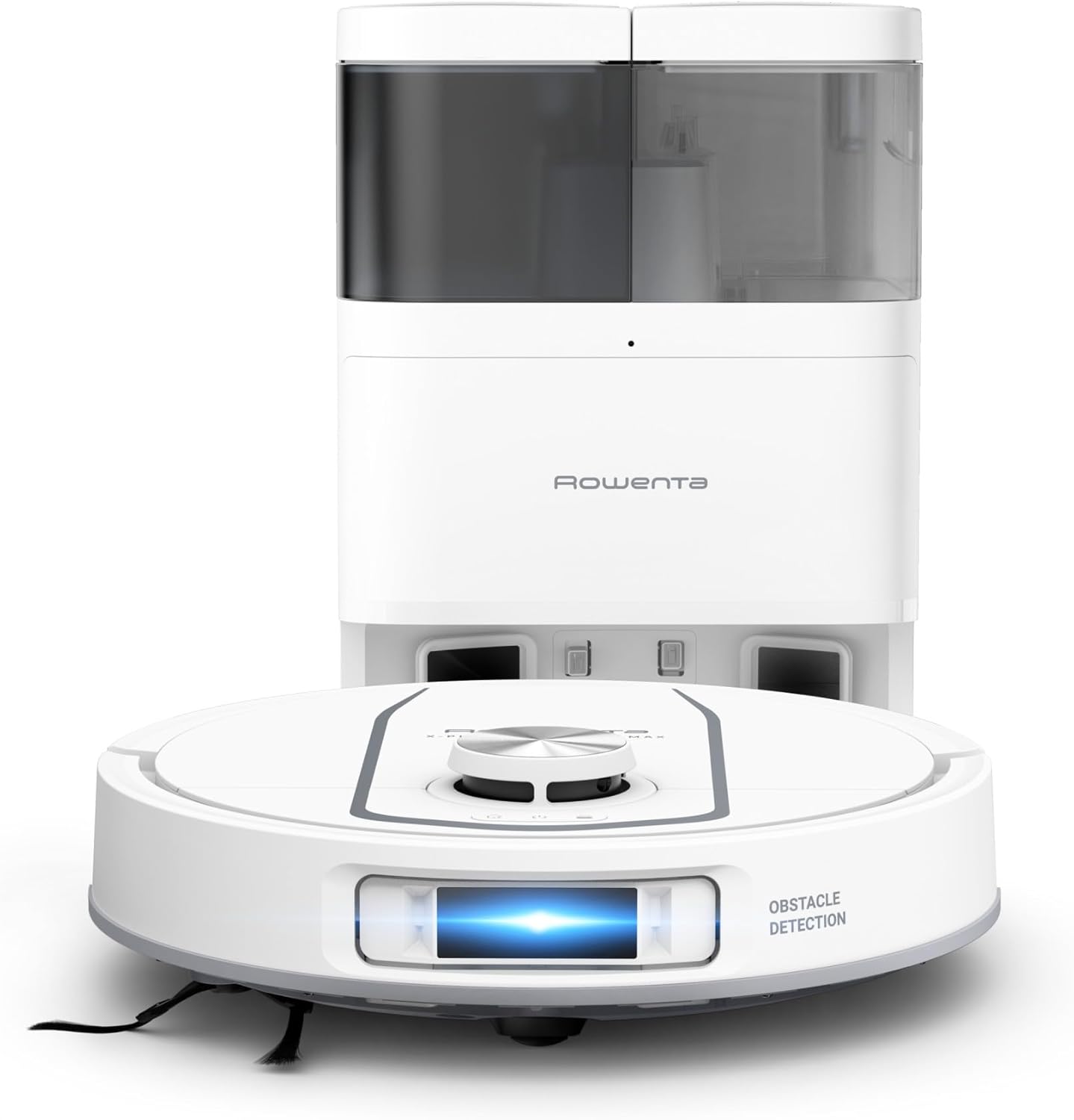
Figure 1: The Rowenta X-PLORER Serie 580 Max robot vacuum mop positioned in front of its all-in-one self-cleaning and self-emptying station.
The robot features a compact design with obstacle detection sensors and a central navigation module. The station houses water tanks for mop cleaning and a dust bag for automatic dust collection.
Setup
- Unpacking: Carefully remove all components from the packaging.
- Station Placement: Place the all-in-one station against a wall in an open area, ensuring sufficient space around it for the robot to dock easily.
- Water Tank Preparation: Fill the clean water tank in the station with water. Ensure the dirty water tank is empty before starting.
- Mop Pad Attachment: Attach the two mop pads to the underside of the robot.
- Initial Charge: Place the robot on the charging contacts of the station. Ensure it is properly docked and charging.
- App Connection: Download the Rowenta X-PLORER app from your smartphone's app store. Follow the in-app instructions to connect your robot.
- Mapping: Initiate the mapping process through the app. The robot will navigate your home to create a detailed map for efficient cleaning.

Figure 2: The all-in-one station with visible clean and dirty water tanks, and the dust collection compartment.
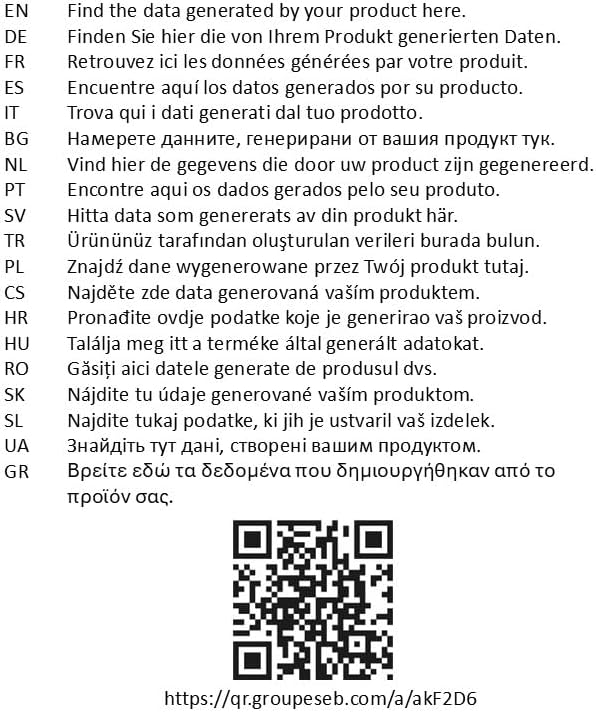
Figure 3: Scan this QR code to download the official Rowenta app for your robot. Link to app download
Operating Instructions
Your Rowenta X-PLORER Serie 580 Max offers various cleaning modes and smart features.
- Starting a Clean: Press the power button on the robot or use the app to start a cleaning cycle.
- Cleaning Modes: Select from vacuum-only, mop-only, or combined vacuum and mop modes via the app. The robot features two rotating mop pads for effective stain removal.
- Intelligent Navigation: The robot uses laser navigation to detect and avoid obstacles, ensuring thorough cleaning without getting stuck.
- Carpet Detection: The robot automatically detects carpets and lifts its mop pads by 10.5mm to prevent wetting, while increasing suction power for deep carpet cleaning.
- Anti-Tangle Technology: The brush is designed with anti-tangle technology to prevent hair and pet fur from getting tangled, maintaining optimal performance.
- Zone Cleaning: Use the app to define specific areas for cleaning or to set no-go zones.
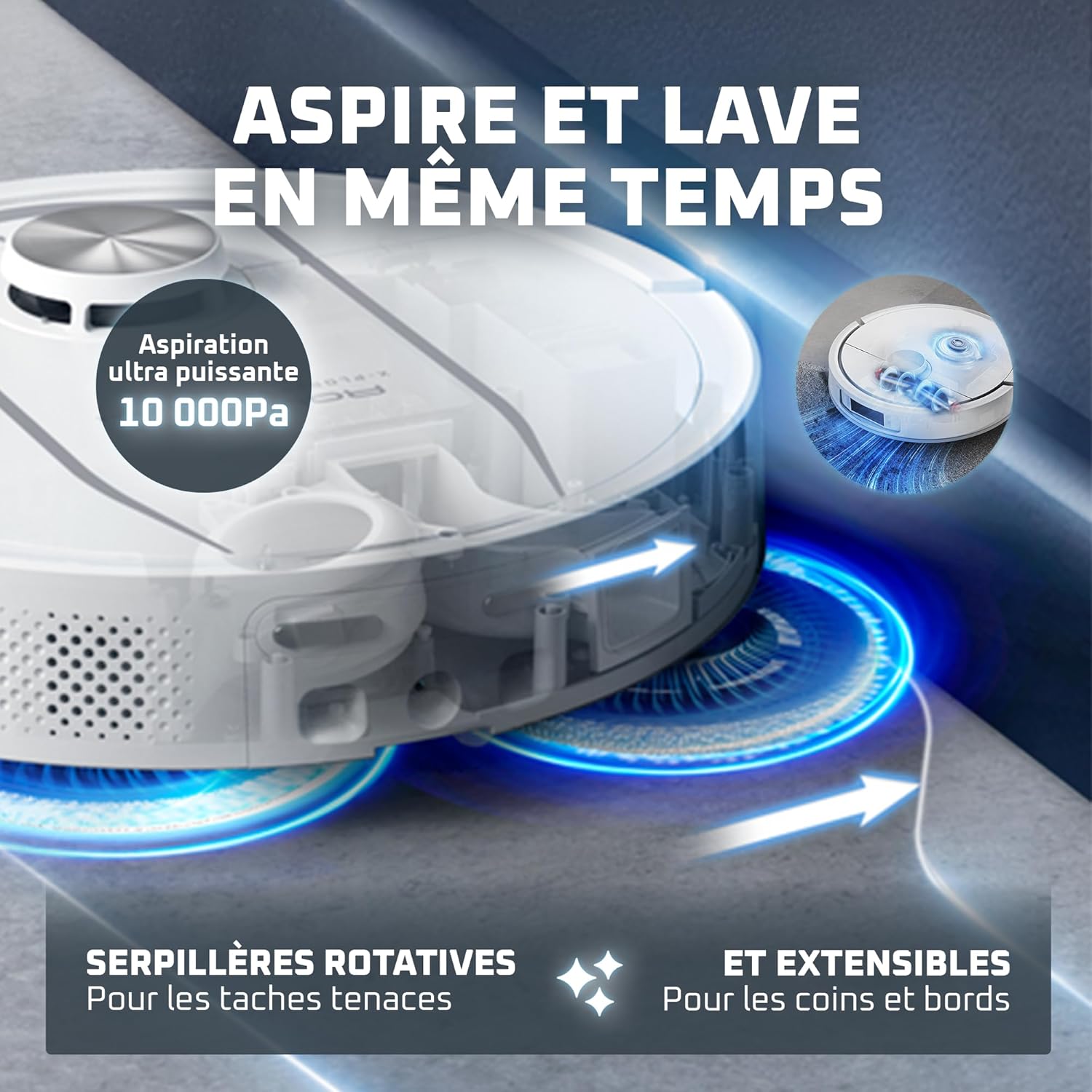
Figure 4: The robot actively mopping a hard floor surface, demonstrating its dual function.
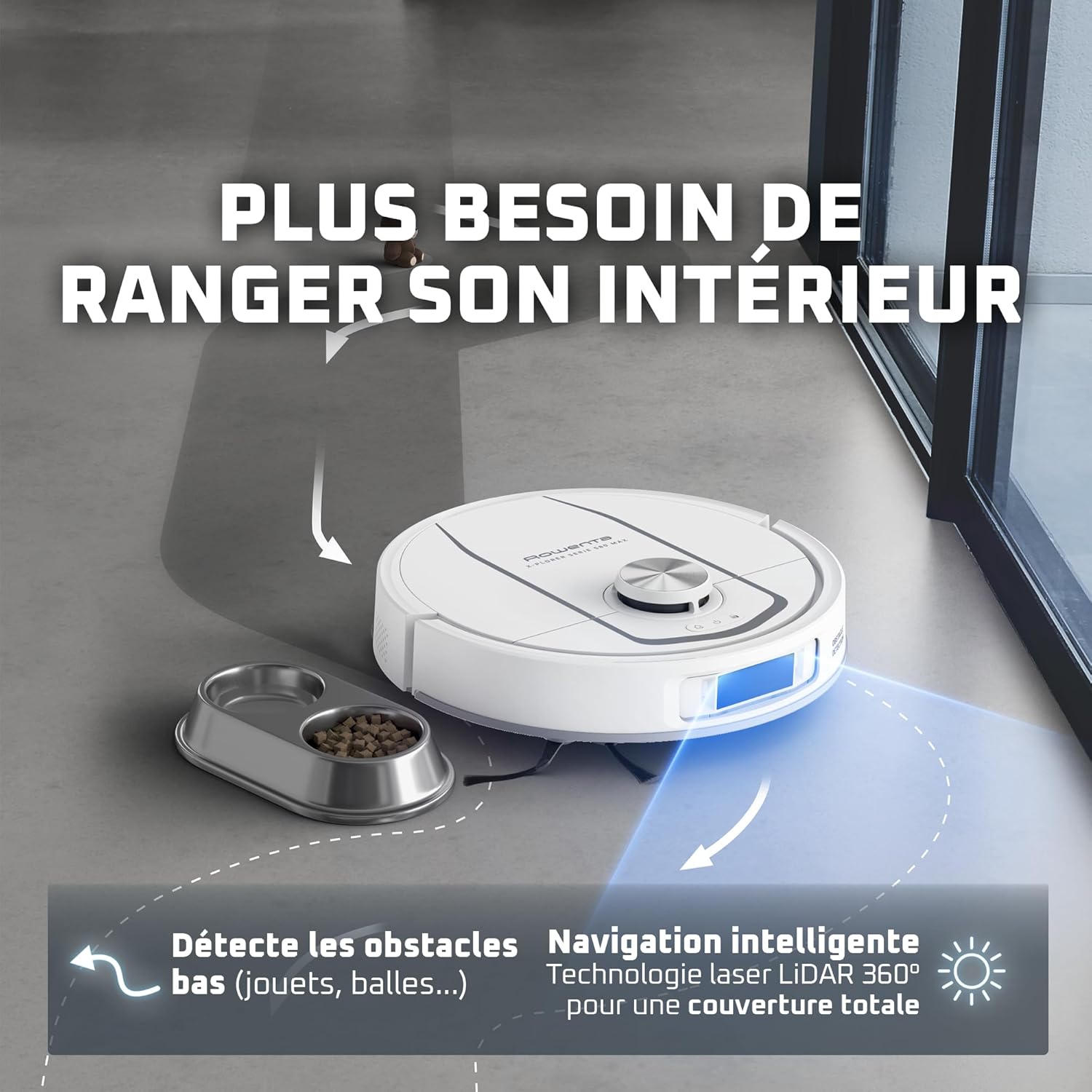
Figure 5: The robot's intelligent navigation system detecting and avoiding low-lying obstacles like toys and pet bowls.

Figure 6: Illustration of the robot's anti-tangle brush design, showing how it prevents hair from wrapping around the roller.
Maintenance
Regular maintenance ensures optimal performance and longevity of your robot vacuum mop.
- Dust Bag Replacement: The station automatically collects dust into a Hygiene+ dust bag. Replace the bag when indicated by the app or station.
- Water Tank Management: Regularly empty the dirty water tank and refill the clean water tank in the all-in-one station.
- Mop Pad Cleaning: The station automatically washes and hot-air dries the mop pads after each cleaning cycle. Periodically remove and hand-wash or machine-wash the mop pads for thorough cleaning.
- Brush Cleaning: Despite anti-tangle technology, occasionally check and clean the main brush and side brushes for any accumulated hair or debris.
- Sensor Cleaning: Wipe the robot's sensors with a dry cloth to ensure accurate navigation and obstacle detection.

Figure 7: An internal view of the all-in-one station, highlighting the clean water input and dirty water output for mop cleaning.
Troubleshooting
If you encounter issues, refer to these common solutions:
- Robot not charging: Ensure the robot is correctly docked and the charging contacts on both the robot and station are clean.
- Poor suction: Check if the dust bag is full, the main brush is clean, or the suction inlet is blocked.
- Ineffective mopping: Verify the clean water tank is filled and the mop pads are properly attached and clean.
- Navigation errors: Clean the sensors on the robot. Ensure there are no new obstacles or changes in the environment that might confuse the robot.
- App connectivity issues: Restart the robot and your Wi-Fi router. Re-pair the robot with the app if necessary.
Specifications
| Feature | Detail |
|---|---|
| Model Number | RR9547E0 |
| Brand | Rowenta |
| Dimensions (L x W x H) | 45 x 35 x 45 cm |
| Weight | 10.1 kg |
| Suction Power | Up to 10,000 Pa |
| Mop Type | Dual Rotating Mops |
| Mop Lifting | Automatic, 10.5 mm |
| Navigation | Intelligent Laser Navigation |
| Obstacle Avoidance | Yes (low obstacles) |
| Dust Collection | Automatic, Hygiene+ Dust Bag |
| Mop Cleaning | Automatic, Hot Air Drying |
| Power Source | Battery (rechargeable) |
| Color | White |
Warranty and Support
Rowenta is committed to providing quality products. Spare parts for this model are available for 15 years from the date of purchase. For further assistance, please refer to the official Rowenta website or contact customer support.

Figure 8: Image indicating support availability and product registration information.


