
Introduction
This manual provides instructions for the Accutime Lilo & Stitch Faces Digital Kids Watch, model LAS4095RO. This digital watch features a rectangular display and an adjustable silicone band. Please read these instructions carefully to ensure proper use and care of your watch.
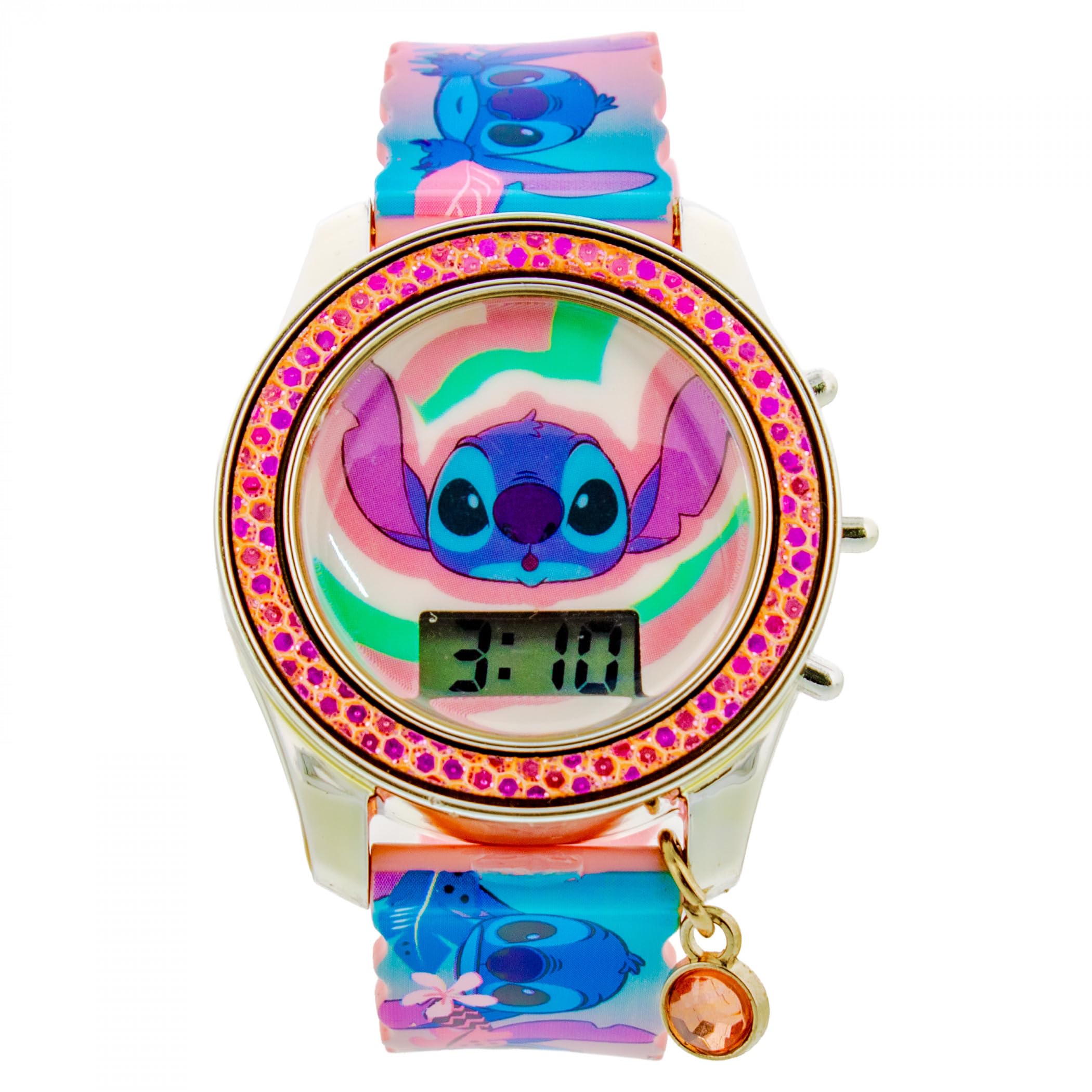
Figure 1: Accutime Lilo & Stitch Faces Digital Kids Watch. This image displays the watch with a silver-toned case, a pink glitter bezel, and a digital display showing '3:10'. The silicone strap is decorated with various expressions of Stitch and tropical foliage in pink and blue tones. A small charm with an orange gem is attached to the watch case.
Setup: Setting the Time
- Identify Buttons: Locate the buttons on the side of the watch case. Typically, there are two buttons: one for "Mode" and one for "Set" or "Adjust".
- Enter Time Setting Mode: Press the Mode button repeatedly until the time display begins to flash, or a "SET" indicator appears.
- Adjust Hours: While the hours are flashing, press the Set or Adjust button to advance the hour. Pay attention to AM/PM indicators if present.
- Adjust Minutes: Press the Mode button again to move to the minutes display. While the minutes are flashing, press the Set or Adjust button to change the minutes.
- Exit Setting Mode: Press the Mode button one last time, or wait a few seconds for the display to stop flashing, to save the settings and return to normal time display.
Note: Button functions may vary slightly. Refer to the specific button labels on your watch if different.
Operating Your Watch
- Viewing Time: In normal mode, the watch automatically displays the current time (hours and minutes).
- Viewing Date (if applicable): Some digital watches allow you to view the date by pressing the Mode button once briefly. Press it again to return to the time display.
Maintenance and Care
- Cleaning: Wipe the watch case and silicone band with a soft, damp cloth. Avoid harsh chemicals or abrasive cleaners.
- Water Resistance: This watch is generally designed for everyday use and may withstand splashes. However, it is not recommended for swimming or showering. Avoid prolonged exposure to water.
- Battery: The watch uses a standard watch battery. When the display dims or stops working, the battery may need replacement. Battery replacement should ideally be performed by a qualified technician to ensure proper sealing and function.
- Storage: Store the watch in a dry place away from direct sunlight and extreme temperatures.
Troubleshooting
| Problem | Solution |
|---|---|
| Display is blank or dim. | The battery may be depleted. Replace the battery. |
| Time is incorrect. | Re-set the time following the "Setting the Time" instructions. |
| Buttons are unresponsive. | Ensure the watch is not in a locked mode (if applicable). If the issue persists, the battery may be low, or there might be an internal malfunction. |
Specifications
| Feature | Detail |
|---|---|
| Brand | Accutime |
| Model Number | LAS4095RO |
| Display Type | Digital |
| Band Material | Silicone |
| Manufacturer | Accutime Watch Corp. |
| ASIN | B0FTPXZNRF |
| Department | Unisex Kids |
Warranty and Support
For warranty information or technical support, please refer to the documentation included with your purchase or contact Accutime customer service directly. Keep your proof of purchase for warranty claims.