
Introduction
Thank you for choosing the CHAOKE Foldable Treadmill X380PA. This manual provides essential information for the safe and efficient use of your new fitness equipment. Please read it thoroughly before assembly or operation and keep it for future reference.
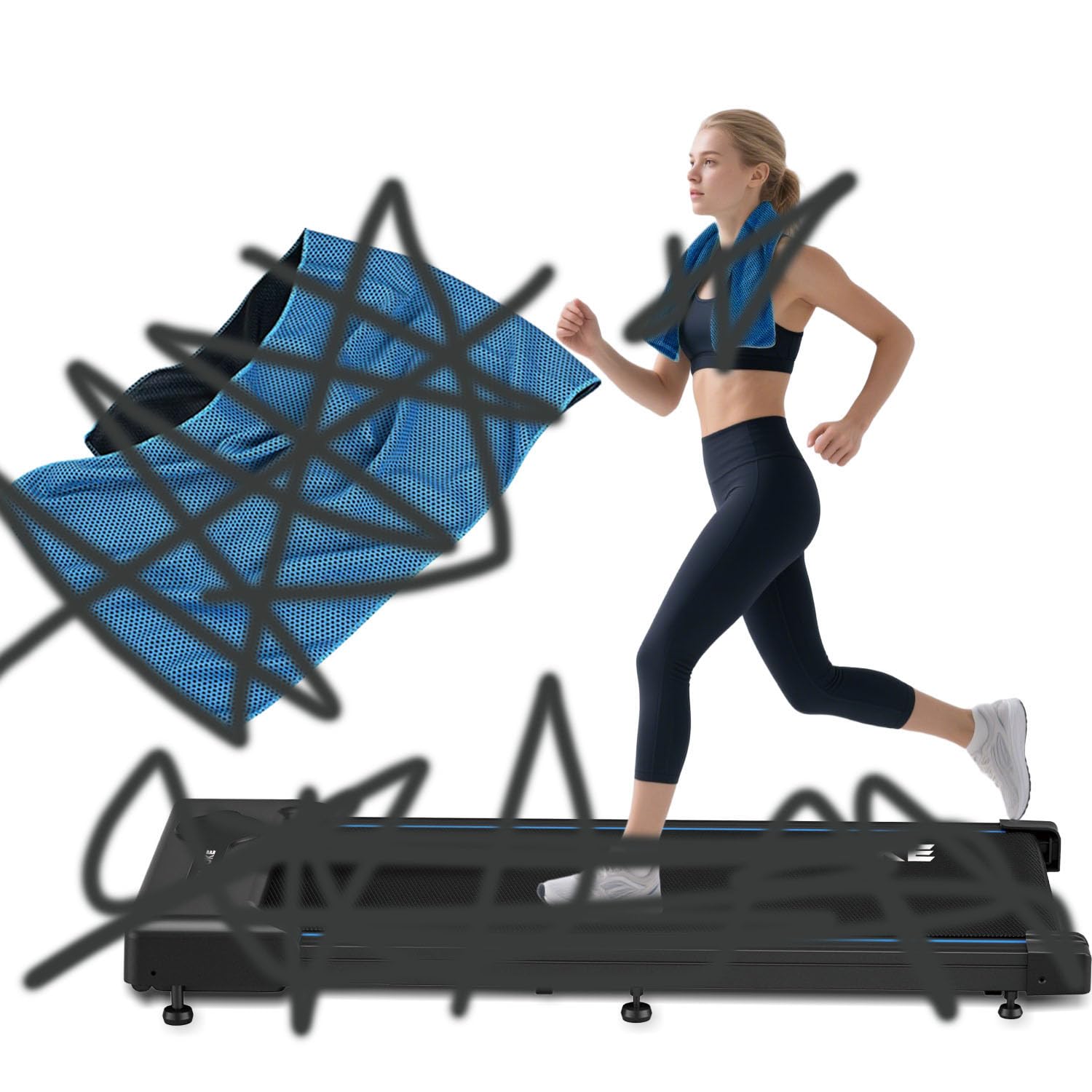
Image: The CHAOKE Foldable Treadmill X380PA, showcasing its compact design and blue accents.
Safety Instructions
To ensure safe operation and prevent injury, please adhere to the following guidelines:
- Consult a physician before starting any new exercise program.
- Place the treadmill on a flat, stable surface with adequate clearance around it.
- Keep children and pets away from the treadmill during operation.
- Wear appropriate athletic footwear and clothing.
- Do not operate the treadmill if it is damaged or malfunctioning.
- Always use the safety key/clip. Attach it to your clothing before starting.
- Start at a slow speed and gradually increase as you become comfortable.
- Do not step on or off the treadmill while the belt is moving.
- Unplug the treadmill from the power source when not in use or before cleaning/maintenance.
Setup
Follow these steps to set up your CHAOKE Foldable Treadmill X380PA:
- Unpacking: Carefully remove all components from the packaging. Retain packaging materials for future storage or transport.
- Positioning: Place the treadmill on a level, solid surface. Ensure there is at least 2 meters (6.5 feet) of clear space behind the treadmill and 0.5 meters (1.6 feet) on each side.
- Unfolding:
- Gently lift the running deck until it locks into the upright position.
- Locate the release mechanism (often a lever or knob) and carefully lower the running deck until it rests flat on the floor. Ensure it is fully locked in the down position before use.
- Power Connection: Plug the power cord into a grounded electrical outlet. Ensure the power switch on the treadmill is in the "OFF" position before plugging it in.
- Initial Check: Before first use, inspect all bolts and nuts to ensure they are securely tightened.
Operating Instructions
Familiarize yourself with the control panel and follow these steps for operation:
- Power On: Turn the main power switch to the "ON" position. The display will illuminate.
- Attach Safety Key: Clip the safety key to your clothing. Insert the other end into the designated slot on the console. The treadmill will not operate without the safety key in place.
- Start Exercise:
- Press the START button. The belt will begin moving at a low speed (e.g., 0.8 km/h) after a short countdown.
- Step onto the moving belt carefully, holding the handrails for balance.
- Adjust Speed: Use the SPEED + and SPEED - buttons to increase or decrease the belt speed. The maximum speed is 6 km/h.
- Monitor Display: The console displays metrics such as Distance and Speed.
- Stop Exercise:
- Press the STOP button to gradually slow down and stop the treadmill.
- Alternatively, pulling the safety key will immediately stop the treadmill for emergency situations.
- Power Off: Once your workout is complete, remove the safety key and turn the main power switch to "OFF". Unplug the treadmill from the wall outlet.
Maintenance
Regular maintenance ensures the longevity and optimal performance of your treadmill.
- Cleaning: Wipe down the treadmill frame and console with a damp cloth after each use. Do not use abrasive cleaners or solvents.
- Belt Lubrication: The running belt requires periodic lubrication to reduce friction. Refer to the specific instructions provided with your lubricant. Typically, this is done every 3-6 months depending on usage.
- Belt Adjustment: If the running belt becomes off-center or slips, refer to the detailed instructions in the full manual for adjustment procedures.
- Storage: When not in use, the treadmill can be folded for compact storage. Ensure it is unplugged and stored in a dry, cool place.
Troubleshooting
If you encounter issues with your treadmill, consult the following table:
| Problem | Possible Cause | Solution |
|---|---|---|
| Treadmill does not power on. | Power cord not plugged in; power switch off; circuit breaker tripped. | Ensure power cord is securely plugged in. Turn power switch to "ON". Check household circuit breaker. |
| Running belt does not move. | Safety key not inserted; motor overload; belt too tight. | Insert safety key. Reduce user weight if exceeding limit. Contact support if motor overload persists. |
| Unusual noise during operation. | Loose components; belt friction; motor issue. | Check for loose bolts and tighten. Lubricate belt if needed. If noise persists, discontinue use and contact support. |
| Display not working correctly. | Loose cable connection; console malfunction. | Ensure all console cables are securely connected. If issue persists, contact support. |
Specifications
| Feature | Detail |
|---|---|
| Model | X380PA |
| Brand | CHAOKE |
| Color | Blue |
| Material | Aluminum |
| Maximum Speed | 6 Kilometers per hour |
| Maximum Power | 2.5 Horsepower |
| Power Source | Electric Cable |
| Meter Type | Distance, Speed |
| Product Dimensions (L x W x H) | 130P x 40l x 15H centimeters (Unfolded) |
| Assembly Required | No (Minimal setup for unfolding) |
Warranty and Support
For warranty information, technical support, or service inquiries, please refer to the warranty card included with your product or contact CHAOKE customer service directly. Keep your purchase receipt as proof of purchase.
Contact information can typically be found on the manufacturer's official website or on the product packaging.
