
Introduction
This instruction manual provides detailed guidance for the safe and efficient use of your Galvanox Magnetic Wireless Charger. This product is designed to provide fast and reliable wireless charging for compatible Samsung Galaxy devices, featuring a magnetic connection, a 10-foot braided cable, and a 25W PPS power adapter for optimized performance.
Safety Information
Please read and understand all safety instructions before using this product. Failure to follow these instructions may result in electric shock, fire, or serious injury.
- Do not expose the charger to water or excessive moisture.
- Do not disassemble, modify, or attempt to repair the charger.
- Avoid extreme temperatures. Do not use or store in very hot or cold environments.
- Keep out of reach of children.
- Ensure the power adapter is fully inserted into a wall outlet.
- If the charger or adapter becomes excessively hot during use, disconnect it immediately and contact support.
- Use only the provided power adapter and cable with this charger.
Package Contents
Verify that all items are present in your package:
- 1 x Galvanox Magnetic Wireless Charging Pod with 10FT USB-C Cable
- 1 x 25W PPS Power Adapter

Image: The Galvanox Magnetic Wireless Charger components, including the charging pad, braided cable, and 25W PPS power adapter.
Setup Instructions
- Connect the Power Adapter: Insert the 25W PPS power adapter into a standard wall outlet.
- Connect the Charging Cable: Plug the USB-C connector of the magnetic wireless charging cable into the USB-C port on the 25W PPS power adapter.
- Prepare Your Device: For optimal magnetic attachment and charging efficiency, ensure your Samsung Galaxy device is equipped with a MagSafe-compatible case.
- Position the Charger: Place the magnetic charging pod onto the back of your compatible Samsung Galaxy device. The built-in magnets will align the charger automatically for a secure connection.
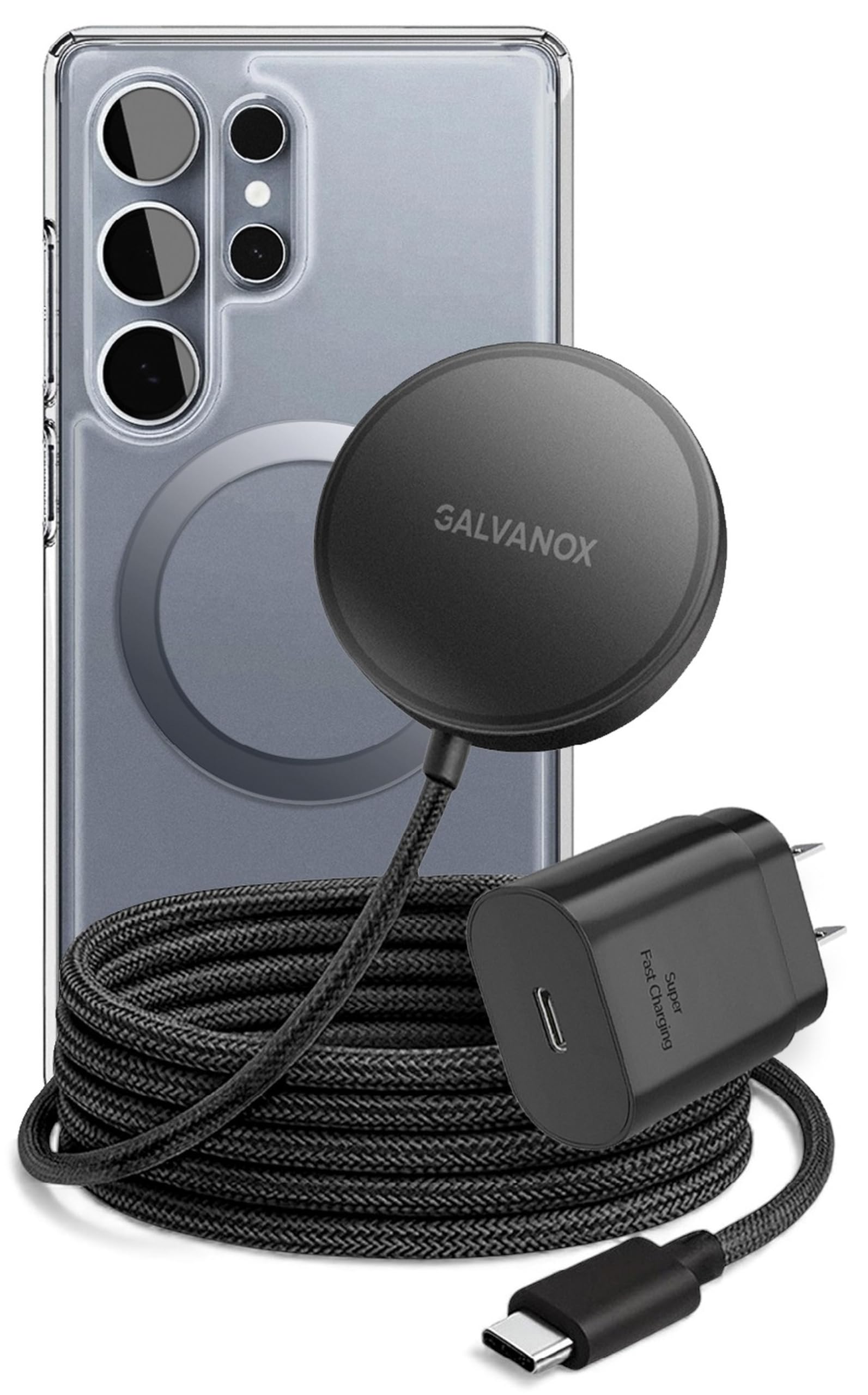
Image: A Samsung Galaxy phone with the Galvanox magnetic wireless charger magnetically attached to its back.
Operating Instructions
Once set up, using your Galvanox Magnetic Wireless Charger is straightforward:
- Magnetic Connection: The charger utilizes strong N52 magnets to ensure a precise and secure connection to your Samsung Galaxy device (magnetic case required). This alignment optimizes charging efficiency.
- Fast Wireless Charging: The charger delivers up to 15W of power for fast wireless charging. Your device's screen will indicate that it is charging wirelessly.
- PPS Adapter Benefits: The included 25W PPS (Programmable Power Supply) adapter intelligently adjusts voltage and current in real-time, minimizing heat buildup and promoting long-term battery health for your device.
- Flexible Reach: The 10-foot braided cable provides ample length, allowing you to comfortably use your device while it charges.

Image: Illustration highlighting 15W fast wireless charging capability.

Image: Detailed view of the magnetic charging pad illustrating the secure magnetic connection with N52 magnets.

Image: A Samsung phone screen showing fast wireless charging in progress.
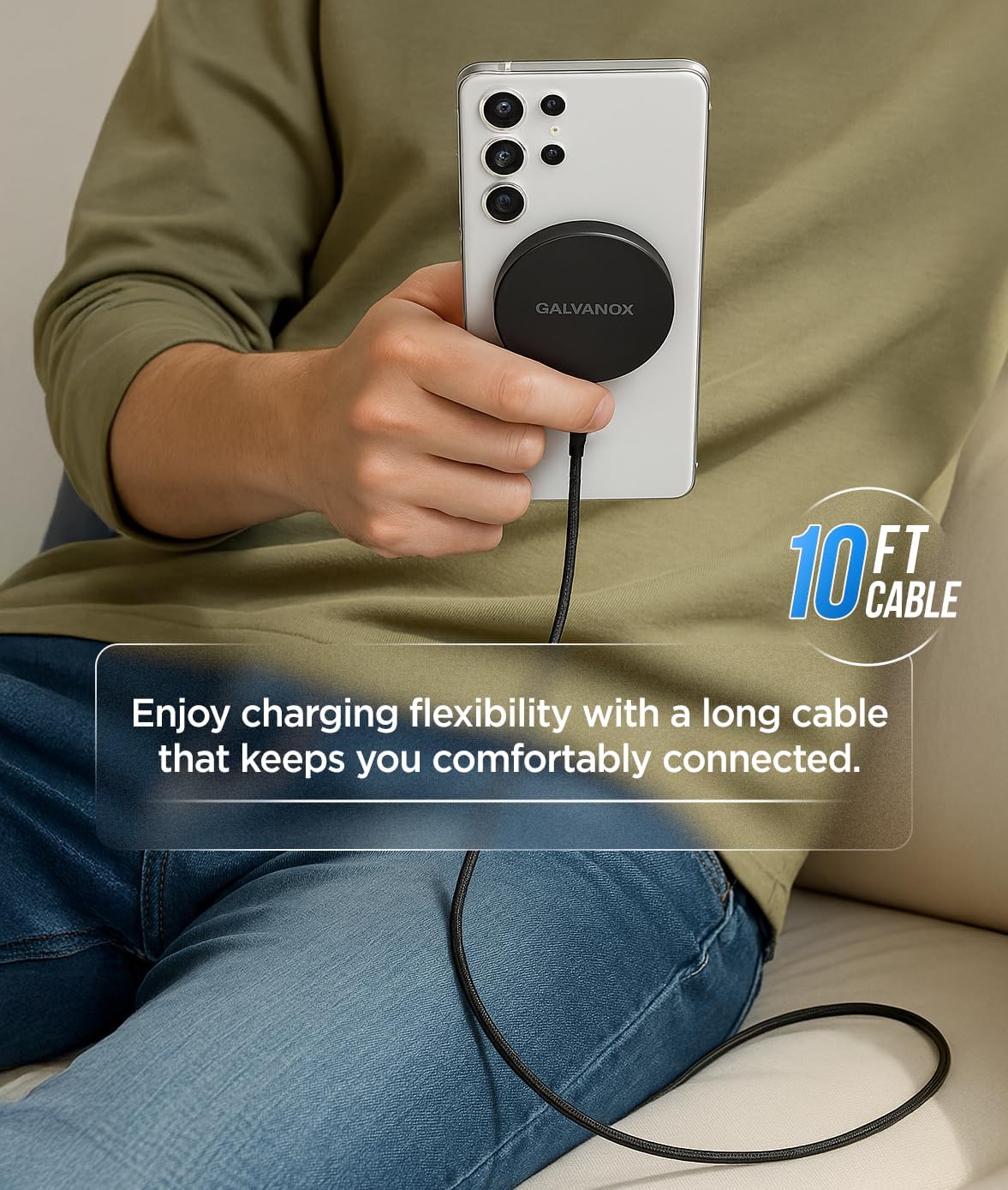
Image: A user demonstrating the flexibility and reach of the 10-foot charging cable while using their phone.
Maintenance
Proper care ensures the longevity and optimal performance of your charger:
- Cleaning: Disconnect the charger from the power source before cleaning. Use a soft, dry, lint-free cloth to wipe the charging pad and cable. Do not use liquid cleaners or aerosols.
- Storage: When not in use, store the charger in a cool, dry place away from direct sunlight and extreme temperatures.
- Cable Care: Avoid sharp bends or kinks in the cable. Do not pull the cable forcefully to disconnect it; always grasp the plug.
Troubleshooting
If you encounter issues with your charger, refer to the following common problems and solutions:
| Problem | Possible Cause / Solution |
|---|---|
| Device not charging |
|
| Slow charging |
|
| Charger or phone gets warm |
|
| Magnetic connection is weak |
|

Image: The USB-C connector highlighting smart protection features to prevent overcharge and overheating.
Specifications
| Feature | Detail |
|---|---|
| Model Number | MSCP10PPS |
| Brand | GALVANOX |
| Wireless Charging Output | Up to 15W (for compatible Samsung Galaxy devices) |
| Power Adapter Output | 25W PPS (Programmable Power Supply) |
| Cable Length | 10 feet (approximately 3 meters) |
| Cable Type | Braided USB-C |
| Magnetic Compatibility | MagSafe-compatible (requires magnetic case for optimal use) |
| Included Components | 1 Magnetic Wireless Charging Pod with USB-C Cable, 1 PPS Power Adapter |
| Item Weight | 4.2 ounces (approximately 119 grams) |
| Power Plug Type | Type A - 2 pin (North American) |
Warranty and Support
For warranty information or technical support, please contact GALVANOX directly through their official website or the retailer where the product was purchased. Please have your model number (MSCP10PPS) and proof of purchase available when contacting support.
Note: Specific warranty terms may vary by region and retailer.