
Introduction
This manual provides essential information for the safe and efficient operation of your Acekool 24,000 BTU Mini Split Air Conditioner and Heater, Model 21S24K230Vu8I. Please read these instructions thoroughly before installation and use, and retain for future reference.
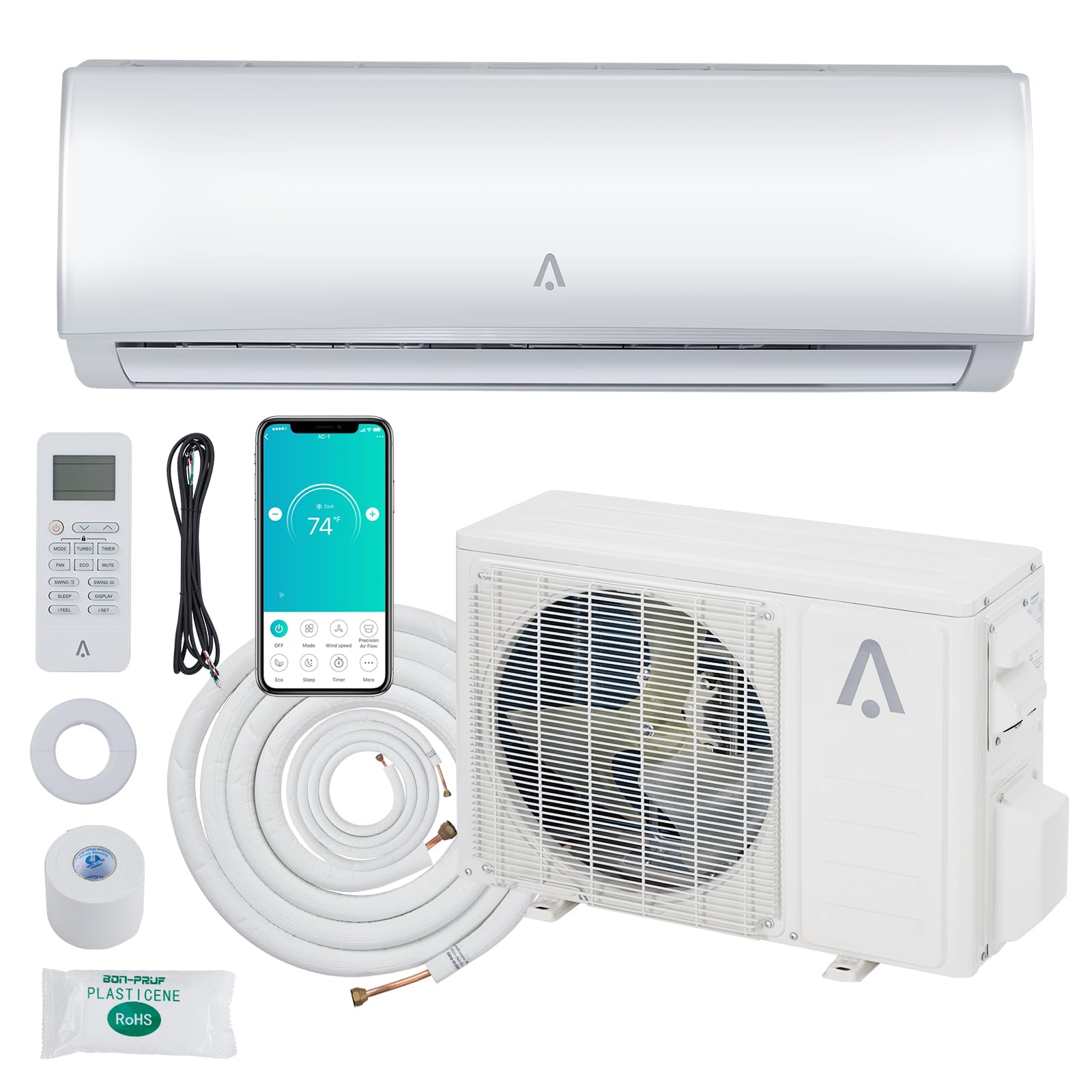
Image: The Acekool 24,000 BTU Mini Split Air Conditioner and Heater, showing both the indoor and outdoor units.
Safety Information
Always observe the following safety precautions to reduce the risk of electric shock, fire, or injury.
- Professional Installation: This is not a DIY system. Professional installation by a qualified HVAC technician is strongly recommended to ensure proper function and safety.
- Power Supply: Ensure the unit is connected to a 208/230V power supply as specified. Do not use extension cords.
- Refrigerant: This unit uses R454B refrigerant. Only qualified personnel should handle refrigerant.
- Clearances: Maintain adequate clearances around both indoor and outdoor units for proper airflow and maintenance.
- Children and Pets: Keep children and pets away from the unit during operation and maintenance.
- Maintenance: Disconnect power before performing any maintenance or cleaning.
Setup
The Acekool Mini Split system requires professional installation. The package includes all essential components for installation.
Unpacking and Initial Placement
- Upon delivery, you will receive two boxes, which may arrive on different days.
- Keep the outdoor unit upright for a minimum of 24 hours before installation to allow the compressor oil to settle.
- Inspect all components for damage before installation.

Image: Illustration showing the two separate boxes for the indoor and outdoor units, along with included accessories like the copper line set and remote control.
Included Components
The installation kit typically includes:
- Indoor Unit
- Outdoor Unit (Pre-Charged Condenser)
- Copper Line Set
- Communication Cable
- Drain Extension
- Remote Control
- Other necessary accessories (e.g., mounting hardware, insulation tape)

Image: Diagram illustrating the dimensions and weight of the indoor and outdoor units, along with the 16.4 ft copper wire length.
Operating Instructions
Your Acekool Mini Split system offers various modes and features for optimal comfort.
Control Methods
- Remote Control: Use the included remote for direct control of all functions.
- Smartphone App: Connect the unit to your home WiFi network to control it via a smartphone application. This allows for remote management of settings.
- Voice Control: Integrate with compatible voice assistants for hands-free operation.

Image: Depiction of the smart control system, showing a user interacting with a smartphone app and a voice assistant device to control the mini split unit.

Image: A smartphone displaying the control app interface for the Acekool mini split, showing temperature settings and various mode options.
Operating Modes
The unit features five primary operating modes:
- Cooling Mode: Provides efficient cooling for spaces up to 1500 sq. ft. Temperature range: 61°F–88°F.
- Heating Mode: Utilizes an advanced heat pump for effective heating. Temperature range: 61°F–88°F.
- Fan Mode: Circulates air without cooling or heating. Offers four fan speeds.
- Dry Mode (Dehumidification): Reduces humidity levels in the room.
- Auto Mode: Automatically selects the appropriate mode (cooling, heating, or fan) based on the set temperature and current room conditions.

Image: Visual representation of the four main operating modes: Cool (snowflake), Fan (fan icon), Dry (water droplet), and Heat (sun icon), with descriptions of their functions.

Image: A split image showing the indoor unit providing cool air (blue) on one side and warm air (orange) on the other, illustrating its cooling and heating capabilities.

Image: Two scenes demonstrating the unit's performance: strong cooling in high ambient temperatures (131°F/55°C) and strong heating in low ambient temperatures (-4°F/-20°C).
Additional Features
- Sleep Mode: Adjusts temperature settings automatically during sleep for enhanced comfort and energy savings.
- ECO Mode: Optimizes operation for maximum energy efficiency.
- I FEEL (Follow Me) Mode: The remote control acts as a thermostat, sensing the temperature at its location and adjusting the unit accordingly for precise comfort.
- Timer: Program the unit to turn on or off automatically within a 0.5 to 24-hour period.
- Quiet Operation: Designed for low noise levels, as low as 36 dB in Quiet mode.
- Base Pan Heater: The outdoor unit includes a base pan heater with intelligent thermostatic control to prevent ice buildup during cold weather operation.
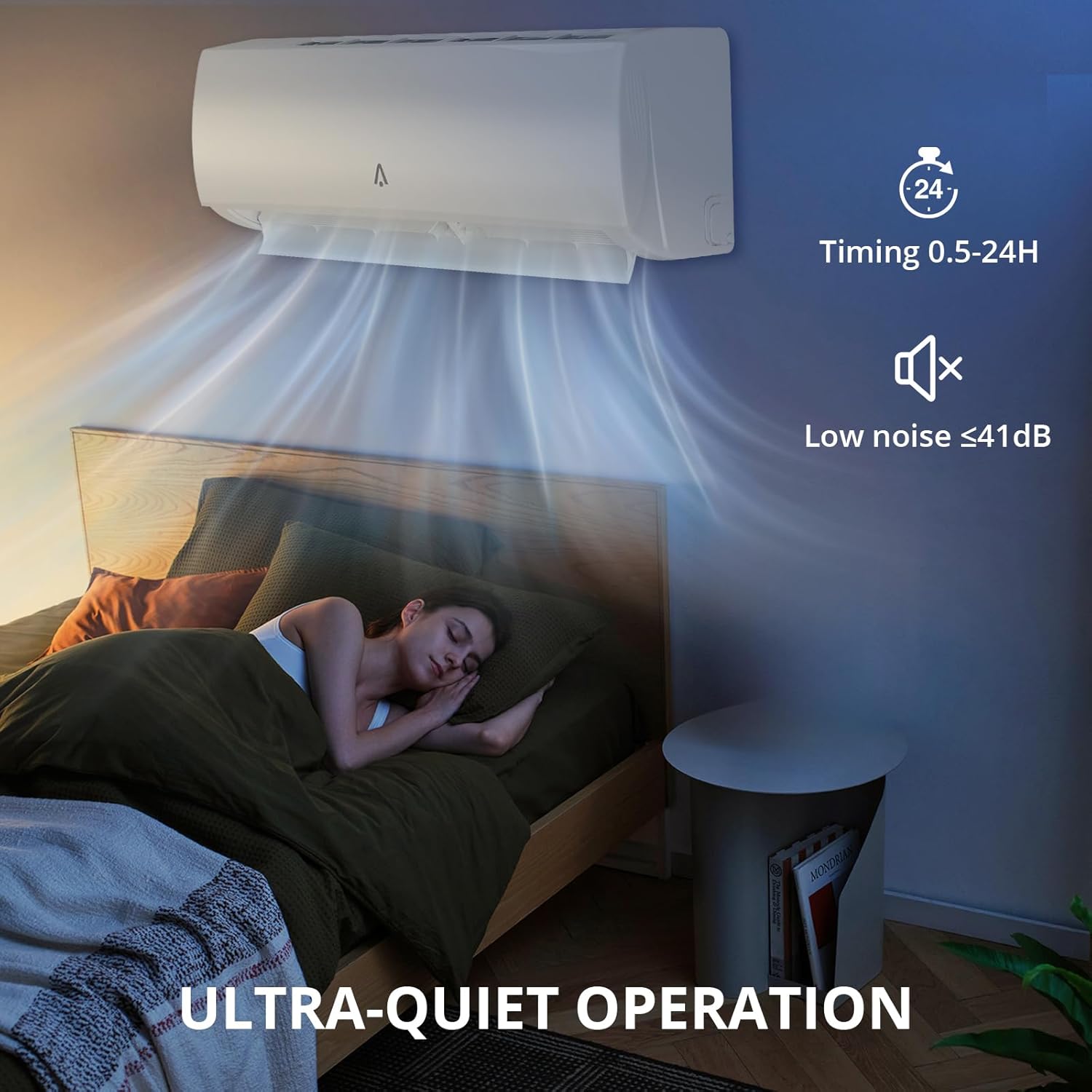
Image: A person sleeping peacefully in a bedroom, with the mini split unit operating quietly (low noise ≤41dB) and a timer function (0.5-24H) indicated.

Image: A person sleeping in a bedroom, highlighting the unit's quiet operation at 35dB in Mute Mode, enabled by the intelligent inverter system.

Image: Illustration of the unit's long-distance air supply, showing 'shower-style' air distribution for cooling and 'blanket-style' air distribution for heating.
Maintenance
Regular maintenance ensures optimal performance and longevity of your Acekool Mini Split system. Always disconnect power before performing any maintenance.
Filter System
The unit features a Distributed Healthy Filter System to improve air quality.
- Singular Filters: Includes Silver Ion Filter, Active Carbon Filter, and Catechin Filter.
- 6-in-1 Filter: Combines Photocatalyst Filter, Active Carbon Filter, Anti-dust static Filter, Catechin Filter, Silver Ion Filter, and Vitamin C Filter.

Image: Diagram showing the internal filter system of the indoor unit, detailing the top-opened filter and various healthy filter types (Singular and 6-in-1).
Cleaning Instructions
- Air Filters: Clean the air filters regularly (e.g., every 2-4 weeks, depending on usage). Remove filters, wash with mild soap and water, rinse thoroughly, and allow to dry completely before reinserting.
- Indoor Unit: Wipe the exterior of the indoor unit with a soft, damp cloth. Do not use harsh chemicals or abrasive cleaners.
- Outdoor Unit: Keep the outdoor unit clear of debris, leaves, and other obstructions. Periodically clean the coils with a soft brush or vacuum cleaner.
Troubleshooting
If you encounter issues with your Acekool Mini Split system, refer to the following common problems and solutions. For complex issues, contact professional service.
| Problem | Possible Cause | Solution |
|---|---|---|
| Unit does not turn on | No power supply; circuit breaker tripped; remote control batteries dead | Check power connection; reset circuit breaker; replace remote batteries |
| Insufficient cooling/heating | Dirty air filters; blocked outdoor unit; incorrect mode/temperature setting; low refrigerant | Clean air filters; clear obstructions from outdoor unit; verify settings; contact professional for refrigerant check |
| Unusual noise | Loose parts; foreign objects; fan imbalance | Inspect for loose components; remove foreign objects; contact professional service |
| Water leakage | Clogged drain hose; improper installation | Clear drain hose; contact professional for inspection |
Specifications
Key technical specifications for the Acekool 24,000 BTU Mini Split Air Conditioner & Heater.
| Feature | Detail |
|---|---|
| Brand | Acekool |
| Model Number | 21S24K230Vu8I |
| Cooling Power | 24,000 BTU |
| Heating Function | Yes (Heat Pump) |
| Seasonal Energy Efficiency Ratio (SEER2) | 21 |
| Refrigerant Type | R454B |
| Coverage Area | Up to 1500 sq. ft. |
| Voltage | 208/230 Volts |
| Noise Level (Quiet Mode) | 36 Decibels |
| Control Methods | App, Remote, Voice |
| Inverter Type | Has Inverter |
| Product Dimensions (Indoor Unit) | 46.93"W x 14.17"H x 10.23"D (approx.) |
| Product Dimensions (Outdoor Unit) | 34.06"W x 27.51"H x 14.96"D (approx.) |
| Item Weight | 104.3 Pounds (total) |

Image: An energy guide label indicating 21 SEER2 and a graph comparing inverter technology (stable temperature) with non-inverter technology (fluctuating temperature).

Image: Bar chart comparing energy costs, showing R454B refrigerant (used in this unit) results in lower electricity bills compared to R32 and R410A refrigerants.

Image: A guide table showing recommended BTU capacities based on square footage, indicating 24,000 BTU for up to 1500 sq. ft.

Image: Illustration highlighting the energy-saving benefits of R454B refrigerant, stating up to 35% energy savings compared to other refrigerants like R32 and R410A.
Warranty & Support
Acekool provides support and warranty coverage for your product.
Warranty Information
- Manufacturer Warranty: 30 days manufacturer warranty.
- Warranty Type: Limited Parts, Limited Labor.
Customer Support
For technical assistance, troubleshooting, or warranty claims, please contact Acekool customer support.
- Email Support: Responses typically provided within 12 hours.
- Returns: 30-day unreasonable return policy.
- Maintenance & Technology Support: 12 months of free maintenance and technology support.
Note: Some users have reported that replacement parts for Acekool units may not be readily available for purchase directly from the manufacturer. It is advisable to clarify parts availability with customer support if this is a concern.
