
1. Product Overview
The ARCTIC MX-7 is a high-performance thermal paste designed to facilitate efficient heat transfer between your processor (CPU, GPU) and its cooler. Its advanced formulation ensures superior thermal conductivity and long-term stability, making it suitable for a wide range of computing devices.

Image 1.1: ARCTIC MX-7 thermal paste in a syringe, ready for application.
2. Setup and Application
Proper application of thermal paste is crucial for optimal cooling performance. The ARCTIC MX-7 features a dense, highly viscous consistency that spreads naturally under pressure. It is not designed to be spread manually with a spatula.
2.1 Preparation
- Ensure the surfaces of both the processor (CPU/GPU) and the heatsink are clean and free from any old thermal paste or debris. Use a suitable thermal paste cleaner (e.g., ARCTIC MX Cleaner) and a lint-free cloth.
- Allow surfaces to dry completely before proceeding.
2.2 Application Method
For best results with ARCTIC MX-7, apply a small, pea-sized amount or an 'X' pattern directly onto the center of the processor's Integrated Heat Spreader (IHS).

Image 2.1: Thermal paste applied in an 'X' pattern on a CPU surface.
Once the heatsink is placed and secured, the pressure will naturally spread the paste into a thin, even layer, eliminating air bubbles and ensuring maximum contact. Do not attempt to spread the paste manually.

Image 2.2: Heatsink being mounted, allowing the thermal paste to spread evenly under pressure.
2.3 Video Guide: Thermal Paste Application
Video 2.1: A general guide on how to apply thermal paste. Note that for ARCTIC MX-7, manual spreading is not recommended; allow heatsink pressure to distribute the paste.
3. Operating Guidelines
ARCTIC MX-7 is designed for use with various computing devices requiring efficient thermal management. Its non-conductive and non-capacitive properties ensure safety across different applications.
3.1 Compatible Devices
This thermal paste is suitable for:
- CPUs: Central Processing Units in desktop computers and servers.
- GPUs: Graphics Processing Units in graphics cards.
- Laptops: Processors and graphics chips in portable computers.
- Consoles: Gaming console processors for improved thermal performance.

Image 3.1: ARCTIC MX-7 is compatible with CPUs, GPUs, laptops, and consoles.
3.2 Safety Information
The MX-7 is electrically insulating and non-capacitive, which means it poses no risk of short circuits or electrical discharges to your components, even if it comes into contact with electrical pathways on the motherboard or GPU.
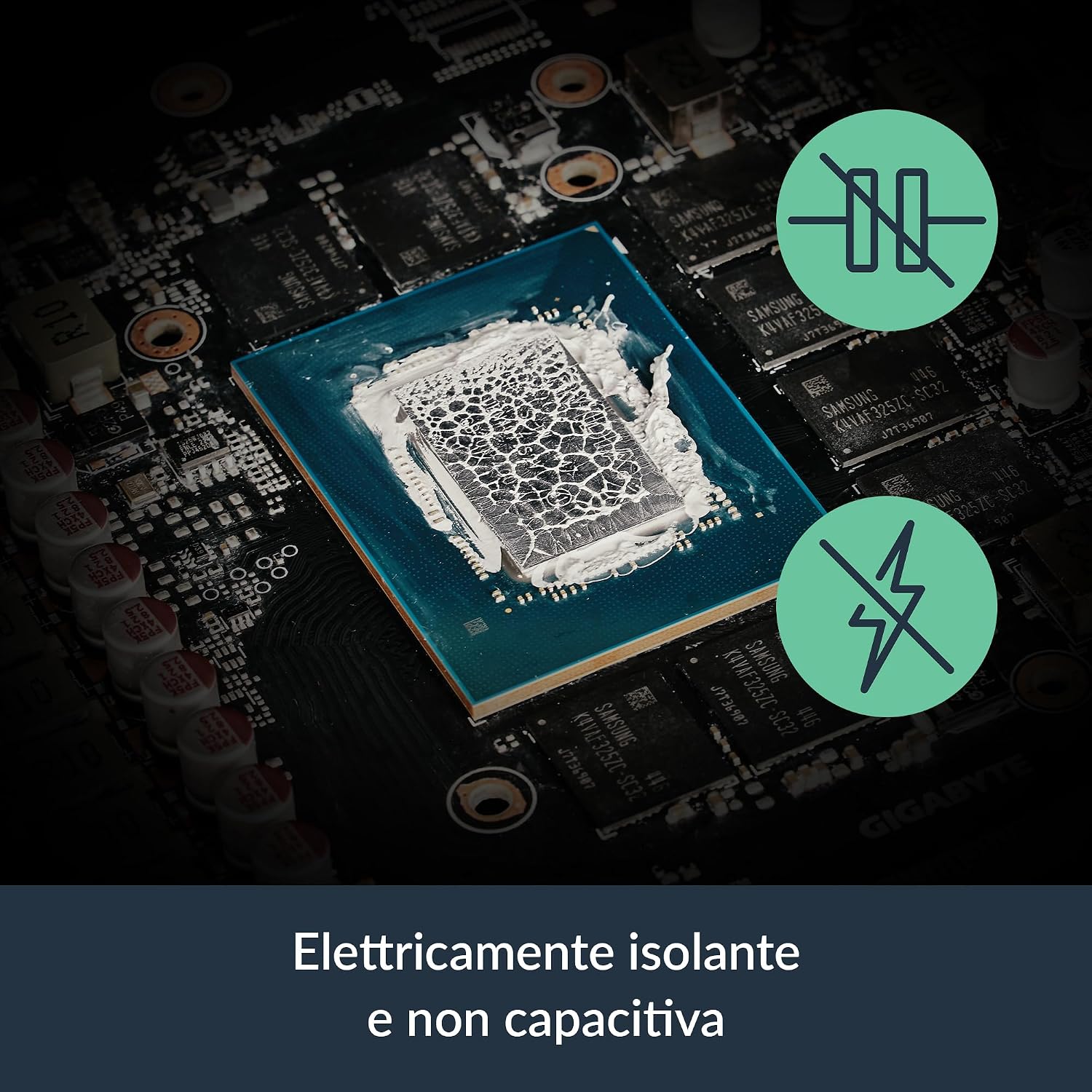
Image 3.2: MX-7 is electrically insulating and non-capacitive for safe use.
4. Maintenance
The ARCTIC MX-7 is formulated for long-term stability, reducing the need for frequent reapplication. However, if you disassemble your cooling system or notice a significant increase in temperatures, reapplication may be necessary.
4.1 Reapplication
When reapplying thermal paste, always remove the old paste completely. ARCTIC MX Cleaner wipes are recommended for this purpose, ensuring a clean surface for the new application.

Image 4.1: ARCTIC MX Cleaner wipes for easy and complete removal of old thermal paste.
Follow the application steps outlined in Section 2 for optimal results.
5. Troubleshooting
If you experience higher than expected temperatures after applying ARCTIC MX-7, consider the following:
- Insufficient Contact: Ensure the heatsink is securely mounted and making firm, even contact with the processor. Uneven pressure can lead to poor thermal transfer.
- Incorrect Application: Verify that the thermal paste was applied correctly (e.g., 'X' pattern) and not manually spread, which can trap air bubbles.
- Excessive Paste: While MX-7 is non-conductive, applying an excessive amount can sometimes hinder optimal thermal transfer. A pea-sized amount or an 'X' pattern is generally sufficient.
- Heatsink Issues: Check if your heatsink is properly functioning, clean, and has adequate airflow. Dust buildup can significantly reduce cooling efficiency.
6. Specifications
| Feature | Detail |
|---|---|
| Manufacturer | ARCTIC |
| Part Number | ACTCP00090A |
| Item Weight | 8 g |
| Product Dimensions | 2.03 x 1.27 x 10.67 cm |
| Model Number | ACTCP00090A |
| Size | 4g |
| Style | MX-7 (4 Grams) |
| Quantity per package | 1 |
| Included Components | MX-7 |
| Batteries Included | No |
| Batteries Required | No |
| First Available | October 2, 2025 |
7. Warranty and Support
ARCTIC stands behind the quality of its products.
7.1 Manufacturer Warranty
The ARCTIC MX-7 thermal paste comes with a 6-year manufacturer warranty, ensuring peace of mind regarding its performance and durability.
7.2 Customer Support
For any questions, technical assistance, or support needs, please refer to ARCTIC's official customer service channels. Detailed contact information can typically be found on the official ARCTIC website.


