
Introduction
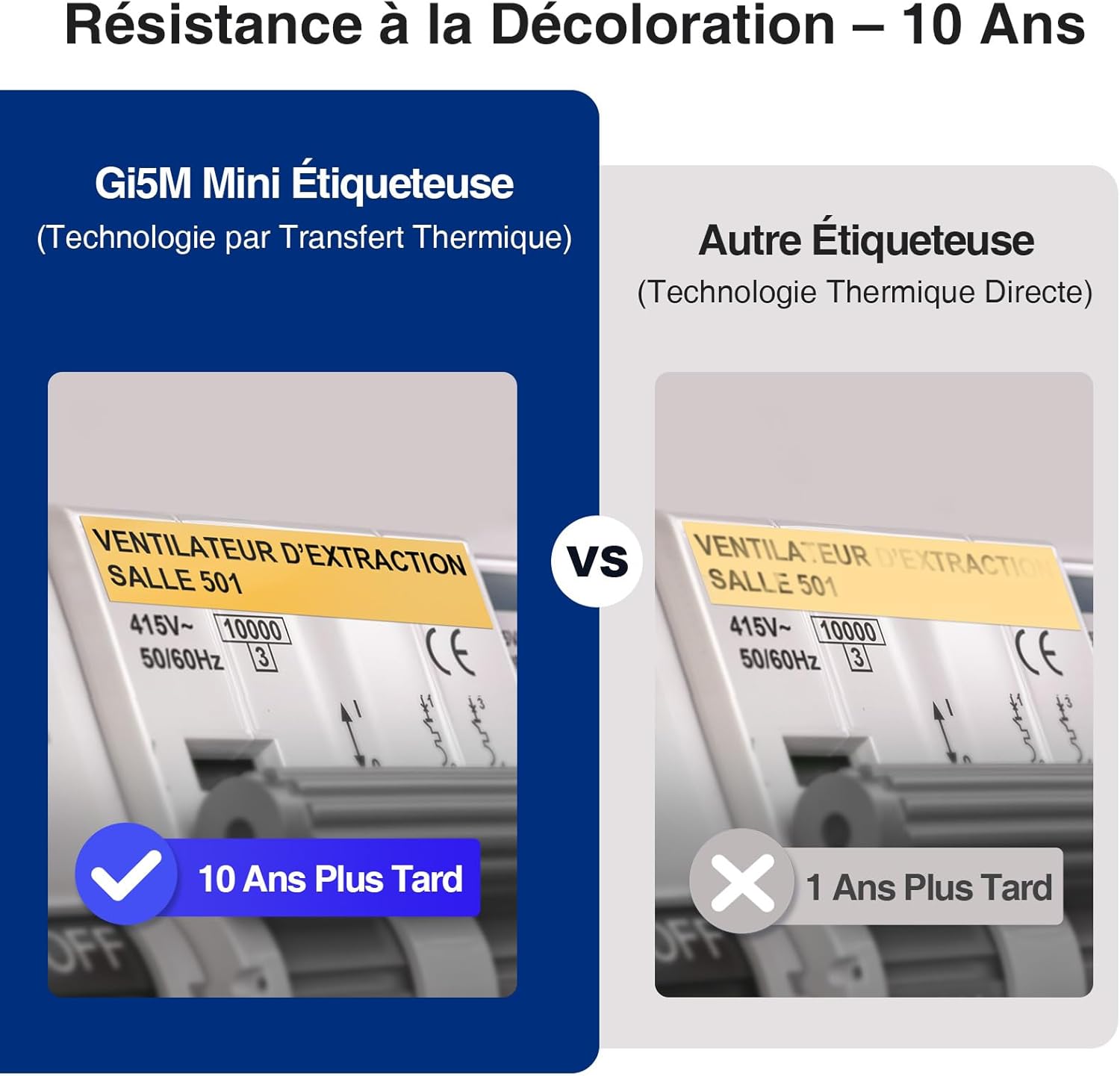
The SUPVAN G15M is a compact, industrial-grade thermal transfer label maker designed for reliable labeling in various environments, including outdoor, industrial, electrical, and office settings. It offers robust features and ease of use for a wide range of applications. Its thermal transfer printing technology ensures labels are resistant to UV, water, and wear, providing durability for up to 10 years.
What's in the Box
Verify that all components are present in the package:
- 1 x SUPVAN G15M Mini Label Printer
- 1 x USB Type-C Cable
- 1 x User Manual
- 4 x Continuous Label Rolls
Setup
Charging the Device
The G15M label maker is equipped with a built-in 1200mAh lithium battery. Before initial use, fully charge the device using the provided USB Type-C cable. A full charge provides approximately three months of standby autonomy.

Loading Label Rolls
The G15M supports various label tapes ranging from 6 mm to 15 mm in width, as well as heat-shrink tubes from 3.5 mm to 9 mm. To load a label roll:
- Open the label compartment cover.
- Insert the label roll with the label material facing upwards, ensuring it is properly seated.
- Feed the leading edge of the label material into the printer's feed slot until it is detected.
- Close the label compartment cover securely. The transparent rear window allows you to check the label material type and remaining level without opening the cover.
Operating Instructions
Power On/Off
Press and hold the power button to turn the device on or off.
Keyboard and Display
The integrated QWERTY keyboard facilitates quick and intuitive text input. The 300-nit backlit LCD screen ensures clear readability in diverse lighting conditions, from bright daylight to low-light environments.

Printing Features
The G15M offers a print speed of 20 mm/s. It features automatic label recognition and intelligent retraction for precise printing. The integrated full blade allows for one-touch cutting of labels without the need for additional tools.
The device supports printing up to 4 lines of text, 9 font sizes, 6 styles, 5 borders, and over 400 symbols. It also includes functionality for printing QR codes and various barcode formats.

Label Types and Efficiency
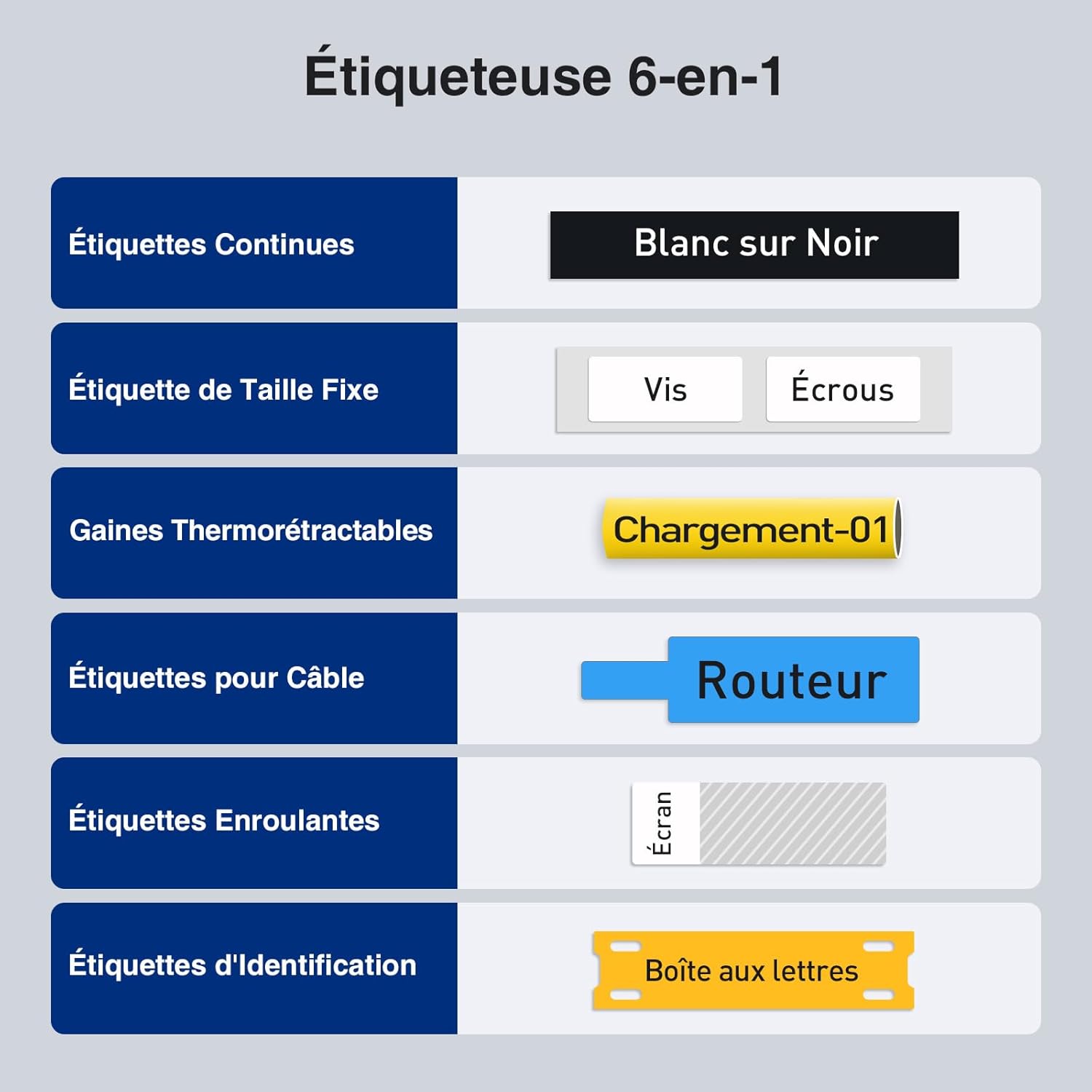
The G15M is compatible with a variety of label types, including continuous labels, fixed-size labels, heat-shrink tubes, cable labels, wrap-around labels, and identification labels. These labels are designed for durability, resisting heat, cold, and abrasion. They also feature a split-back design for easy peeling.
The printer is designed for minimal margin printing (5 mm), which helps to reduce label waste compared to other models that may have larger margins (e.g., 10 mm).

Applications
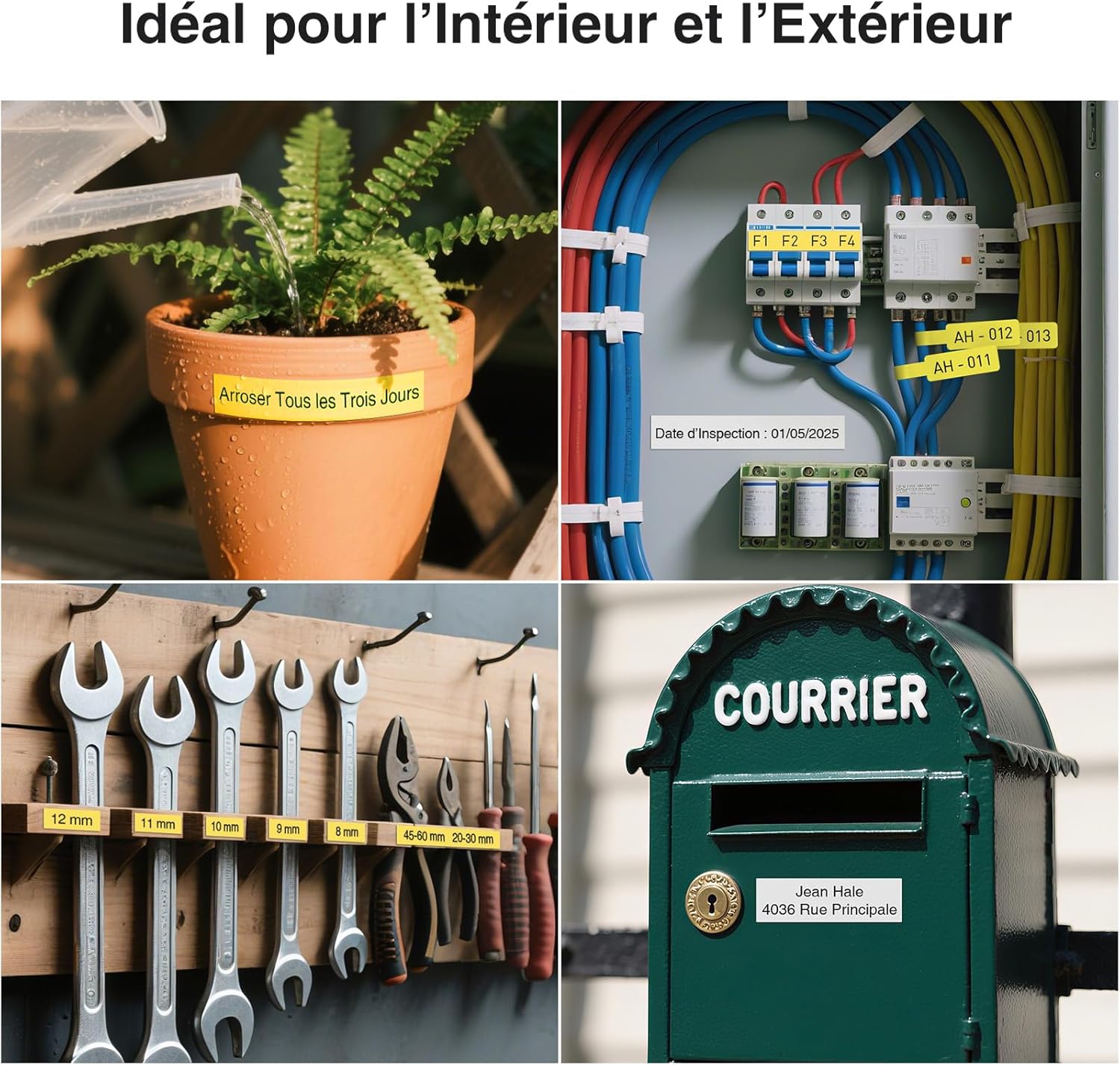
The SUPVAN G15M is suitable for a wide range of indoor and outdoor labeling tasks, including electrical cabling, industrial equipment identification, data communication, telecommunications, and general organization in homes and offices.
Maintenance
Cleaning the Print Head
To ensure optimal print quality, regularly clean the print head. Power off the device before cleaning. Use a soft, lint-free cloth lightly dampened with isopropyl alcohol to gently wipe the print head. Avoid using abrasive cleaners or solvents, as these can damage the print head.
Storage
Store the label maker and label rolls in a cool, dry place, away from direct sunlight and extreme temperatures. This helps to preserve the life of the device and the quality of the label materials.
Troubleshooting
- No Power: Ensure the device is fully charged. Connect the USB Type-C cable and check if the charging indicator light is active.
- Poor Print Quality: Verify that the label roll is correctly installed and the label material is suitable for thermal transfer printing. Clean the print head as described in the Maintenance section.
- Label Jam: Power off the device. Open the label compartment and carefully remove any jammed label material. Ensure the label roll is inserted correctly and is not creased or damaged.
- Difficulty Peeling Labels: Many SUPVAN labels feature a split-back design for easier peeling. Ensure the label is fully cut. If difficulty persists, try peeling from a corner or using a sharp, non-metallic tool to lift the edge.
Specifications
| Model Number | G15M Mini |
| Brand | SUPVAN |
| Printing Technology | Thermal Transfer |
| Connectivity Technology | USB Type C |
| Max Media Size | 12 mm x 7.5 m |
| Supported Label Widths | 6 mm to 15 mm |
| Supported Heat-Shrink Tube Widths | 3.5 mm to 9 mm |
| Max Print Resolution | 203 DPI |
| Print Speed | 20 mm/s |
| Battery | 1200mAh Lithium (Rechargeable) |
| Power Consumption | 10 Watts |
| Item Dimensions (L x W x H) | 17 cm x 8.5 cm x 4.3 cm |
| Special Features | For heat-shrink tubes, rechargeable, 5mm minimum edge spacing, QWERTY keyboard, backlit LCD |
Warranty and Support
Warranty Information
The SUPVAN G15M label maker is covered by a limited warranty. For specific details regarding the warranty period and terms, please refer to the warranty card included with your product or contact SUPVAN customer support directly.
Customer Support
For technical assistance, troubleshooting, or any other inquiries regarding your SUPVAN G15M, please visit the official SUPVAN website or contact their customer support team. You can find more information and products at the SUPVAN Brand Store.


