
Introduction
Thank you for choosing the Monster Persona 5th ANC Bluetooth Over-Ear Headphones. This manual provides detailed instructions for setting up, operating, and maintaining your headphones to ensure optimal performance and longevity. Please read this manual thoroughly before using the product.
Package Contents
Verify that all items are present in the package:
- Monster Persona 5th ANC Headphones x 1
- AUX Cable x 1
- USB-C Charging Cable x 1
- Quick Start Guide x 1
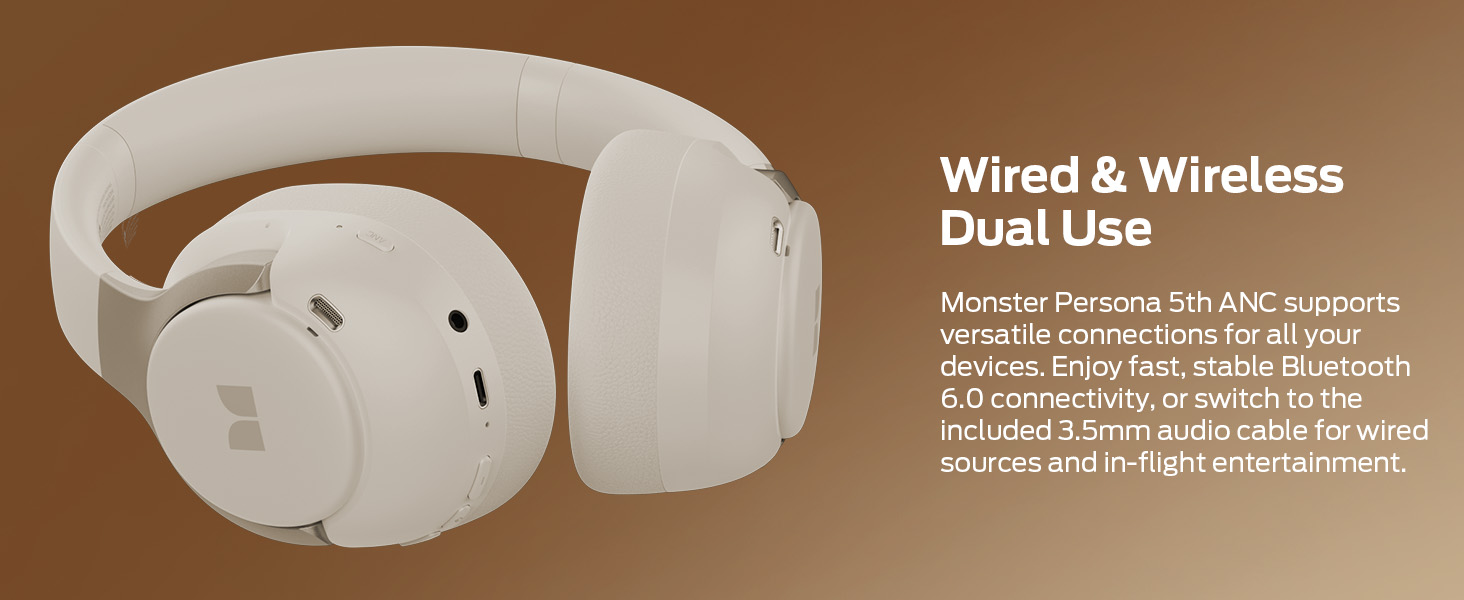
Figure 1: Package Contents. The image displays the Monster Persona 5th ANC headphones, an AUX cable, a USB-C charging cable, and a quick start guide, all neatly arranged next to the product box.
Product Overview
The Monster Persona 5th ANC headphones feature a comfortable over-ear design with Active Noise Cancellation (ANC) and Bluetooth 6.0 connectivity. Key features include:
- Active Noise Cancellation: Reduces ambient noise for an immersive listening experience.
- Transparency Mode: Allows you to hear your surroundings without removing the headphones.
- Bluetooth 6.0: Provides stable and efficient wireless connection.
- Long Playtime: Up to 70 hours of audio playback (ANC off).
- Multi-Point Connection: Connects to two Bluetooth devices simultaneously.
- Foldable Design: Enhances portability for travel and storage.
- Wired/Wireless Dual Use: Supports both Bluetooth and 3.5mm audio cable connections.

Figure 2: Monster Persona 5th ANC Headphones. A close-up view of the beige over-ear headphones, highlighting the earcups and headband.
Setup
1. Charging the Headphones
Before first use, fully charge the headphones. Connect the supplied USB-C charging cable to the charging port on the headphones and the other end to a USB power source (e.g., computer, wall adapter).
- A full charge provides up to 70 hours of playtime (ANC off) or 40 hours (ANC on).
- A 10-minute quick charge can provide up to 5 hours of playback.
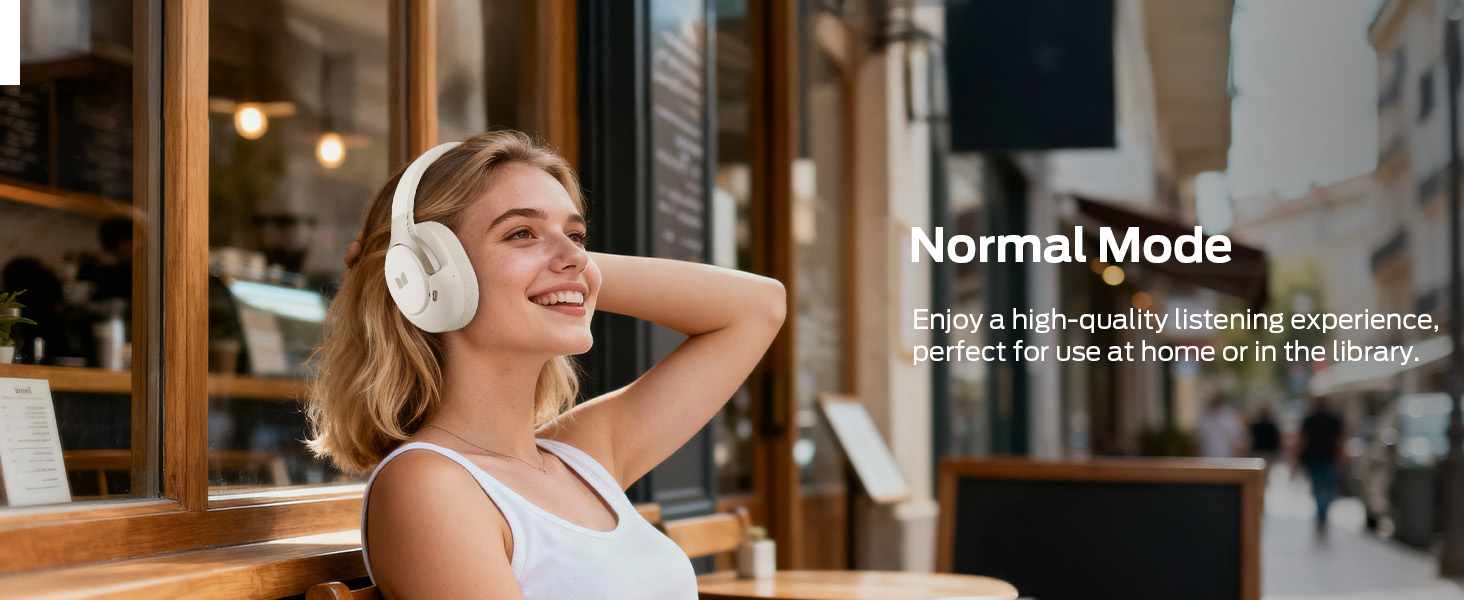
Figure 3: Battery Life. This image highlights the impressive battery life of the headphones, indicating 40 hours of playtime with ANC enabled and 70 hours with ANC disabled.
2. Powering On/Off
- Power On: Press and hold the Power button until the indicator light illuminates.
- Power Off: Press and hold the Power button until the indicator light turns off.
3. Bluetooth Pairing
- Ensure the headphones are powered off.
- Press and hold the Power button for approximately 5 seconds until the indicator light flashes blue and red, indicating pairing mode.
- On your device (smartphone, tablet, laptop), enable Bluetooth and search for available devices.
- Select "Monster Persona 5th ANC" from the list.
- Once connected, the indicator light will turn solid blue.
Figure 4: Bluetooth Connection. A visual representation of connecting the headphones to a smartphone via Bluetooth, showing the device listed as "Monster Persona 5th ANC" and "Connected".
4. Multi-Point Connection
The headphones can connect to two Bluetooth devices simultaneously. Follow these steps:
- Turn on Bluetooth on your first device (e.g., phone) and connect the headphones normally.
- Turn off Bluetooth on the first device.
- Connect your headphones to the second device (e.g., tablet) via Bluetooth normally.
- Turn on Bluetooth on your first device again. The headphones will now be connected to both devices.
Calls will be automatically prioritized from the connected phone.
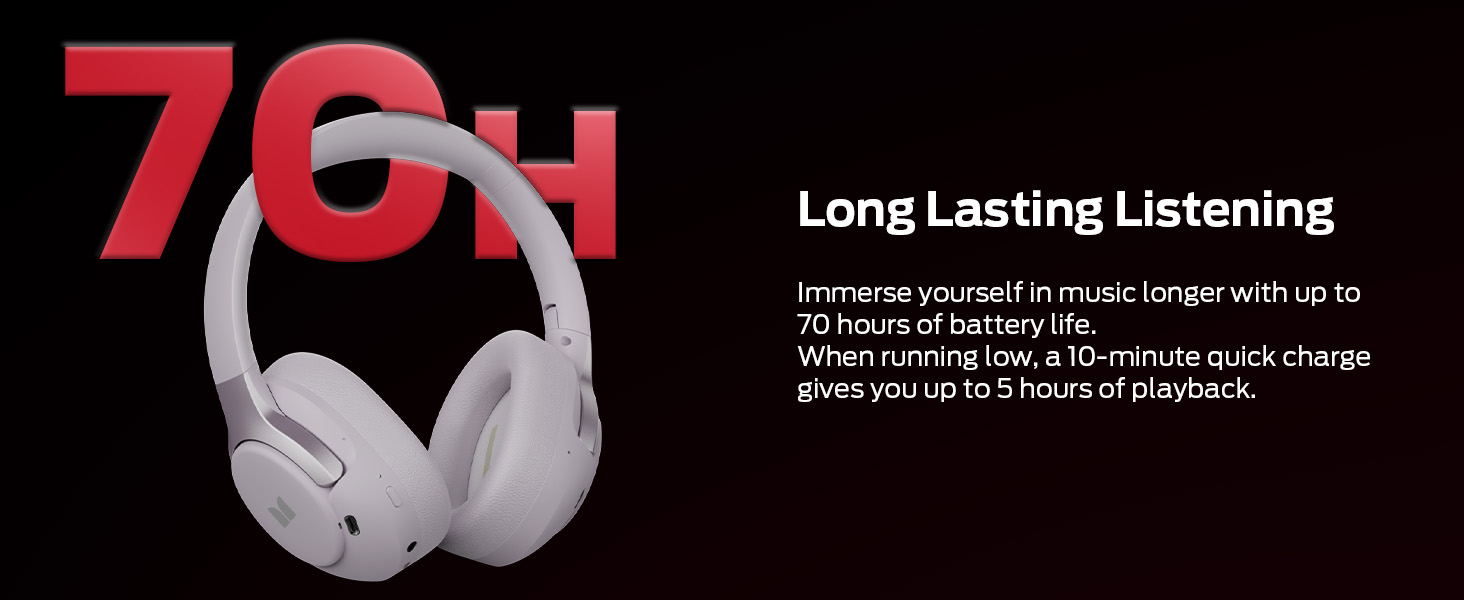
Figure 5: Multi-Point Connection. This image illustrates the headphones simultaneously connected to a smartphone and a tablet, enabling seamless switching between audio sources.
Operating Instructions
1. Button Controls
The headphones feature intuitive button controls for various functions:
- Power Button: Power on/off, play/pause music, answer/end calls.
- Volume Up (+): Increase volume, next track (long press).
- Volume Down (-): Decrease volume, previous track (long press).
- ANC Button: Cycle through Noise Cancelling, Transparency, and Normal modes.
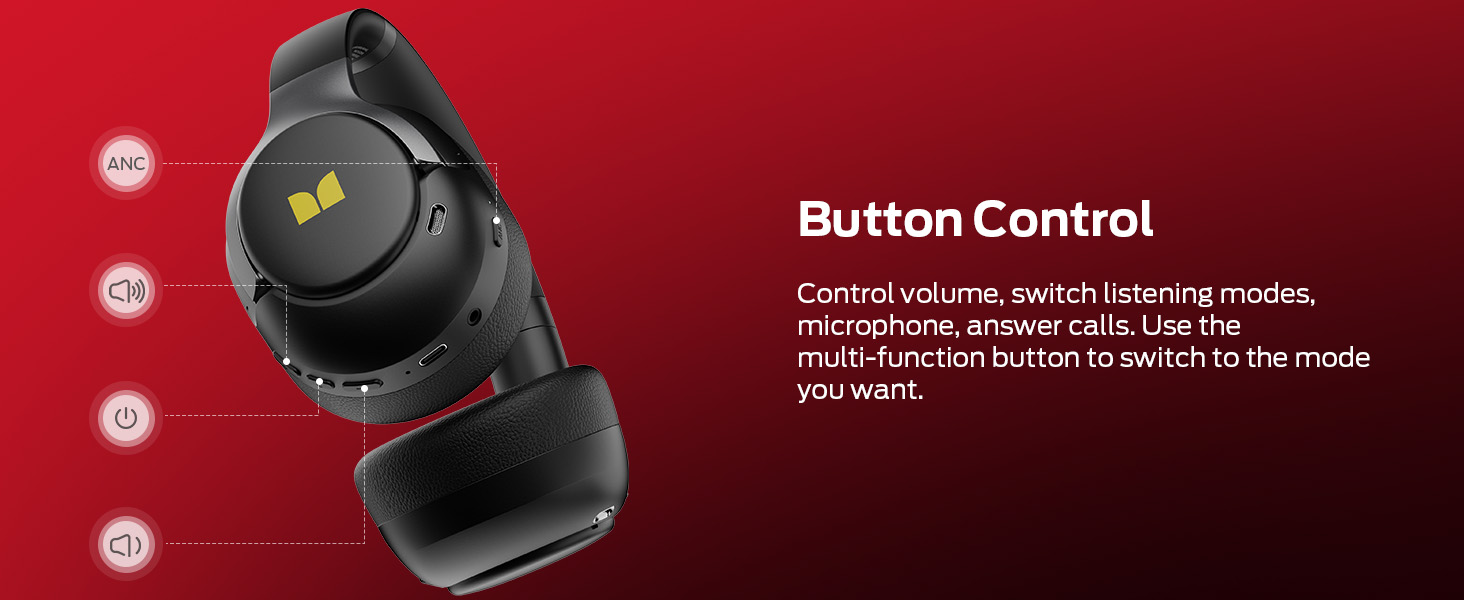
Figure 6: Button Controls. This diagram labels the various buttons on the headphones, indicating their functions for volume control, mode switching, and call management.
2. Active Noise Cancellation (ANC) Modes
Press the ANC button to switch between the following modes:
- Normal Mode: Standard audio playback without noise cancellation or transparency.
- ANC Mode: Reduces external ambient noise by up to 95% for focused listening.
- Transparency Mode: Allows ambient sounds to pass through, enabling awareness of your surroundings.
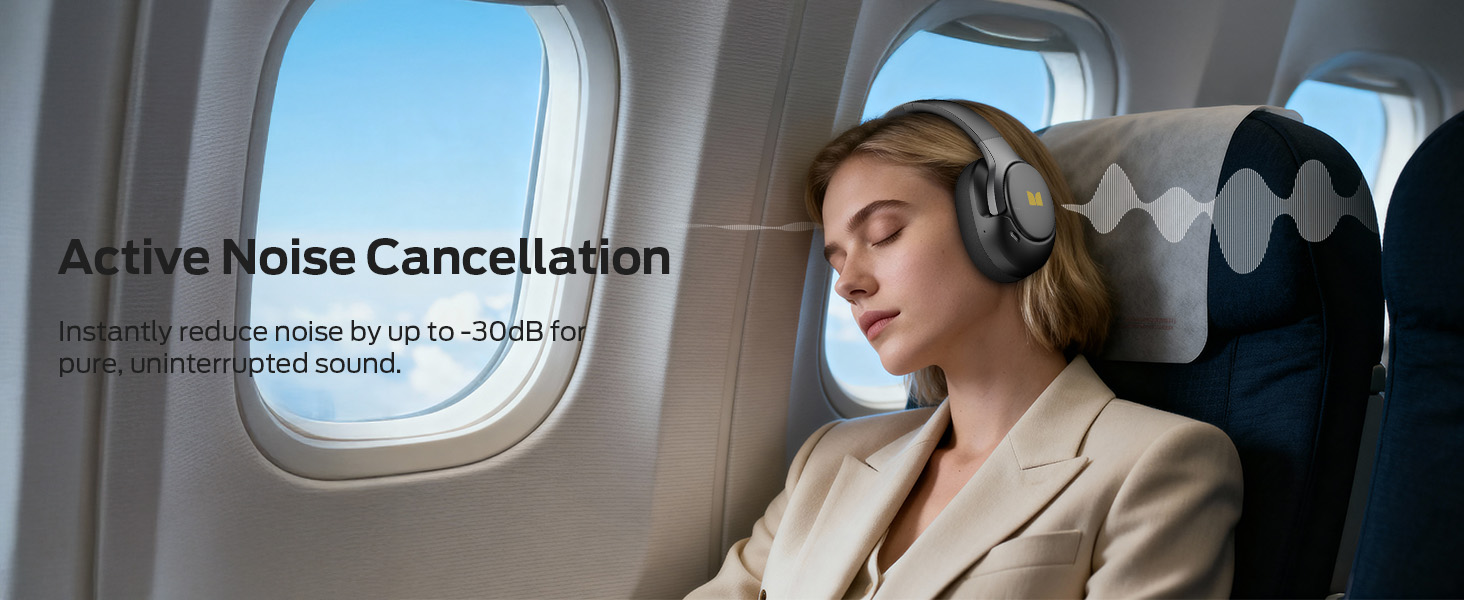
Figure 7: ANC Modes. This image visually explains the three available listening modes: Balanced, Active Noise Cancellation (ANC), and Transparency, with corresponding icons.
3. Wired Connection
To use the headphones with a wired connection, plug the included 3.5mm AUX cable into the audio jack on the headphones and the other end into your audio source. This mode does not require battery power for basic audio playback.
Figure 8: Wired and Wireless Dual Use. The image shows the headphones alongside the AUX cable and USB-C charging cable, illustrating their versatility for both wired and wireless connections.
Maintenance
- Cleaning: Wipe the headphones with a soft, dry cloth. Do not use abrasive cleaners or solvents.
- Storage: When not in use, store the headphones in a cool, dry place. The foldable design allows for compact storage.
- Battery Care: To preserve battery life, avoid fully discharging the headphones frequently. Charge them regularly, even if not used for extended periods.
- Water Exposure: These headphones are not waterproof. Avoid exposure to water or excessive moisture.
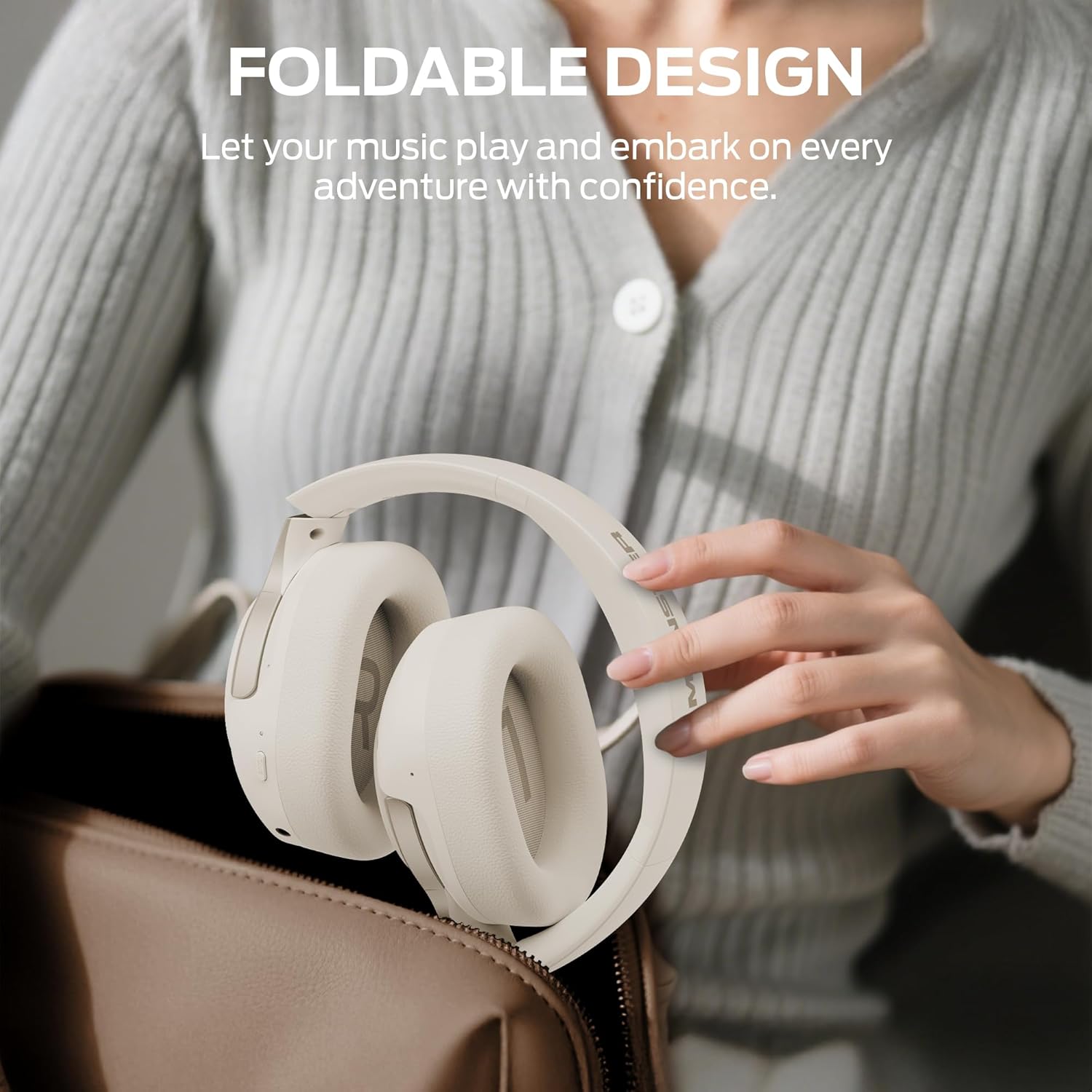
Figure 9: Foldable Design. The headphones are shown folded and being placed into a bag, illustrating their compact and portable nature for easy storage and transport.
Troubleshooting
| Problem | Possible Cause | Solution |
|---|---|---|
| Headphones do not power on. | Low battery. | Charge the headphones fully using the provided USB-C cable. |
| Cannot pair via Bluetooth. | Headphones not in pairing mode; device Bluetooth off; too far from device. | Ensure headphones are in pairing mode (flashing blue/red light). Turn on Bluetooth on your device. Move headphones closer to the device (within 10 meters). |
| No sound or poor sound quality. | Volume too low; incorrect audio source; loose wired connection; interference. | Increase volume on headphones and device. Check if the correct audio source is selected. Ensure 3.5mm cable is securely connected. Move away from sources of interference. |
| ANC not working effectively. | Incorrect mode selected; earcups not sealed properly. | Ensure ANC mode is activated. Adjust headphones for a snug fit to create a proper seal around your ears. |
| Multi-point connection issues. | Incorrect connection sequence. | Follow the multi-point connection steps precisely (connect first device, turn off Bluetooth, connect second device, turn on first device's Bluetooth). |
Specifications
| Feature | Detail |
|---|---|
| Model Name | H22 |
| Connectivity Technology | Wireless (Bluetooth), Wired (3.5mm Jack) |
| Bluetooth Version | 6.0 |
| Noise Control | Active Noise Cancellation |
| Battery Life | Up to 70 Hours (ANC Off), Up to 40 Hours (ANC On) |
| Audio Driver Type | Dynamic Driver (40mm) |
| Earpiece Shape | Over Ear |
| Control Method | Button |
| Weight | 14 ounces |
| Included Components | Headphones, AUX Cable, USB-C Charging Cable, Quick Start Guide |
Warranty and Support
Monster provides a worry-free shopping experience. For any questions or support needs regarding your Monster Persona 5th ANC headphones, please contact our customer service. We offer pre-sales and after-sales support.
Please refer to the official Monster website or the included Quick Start Guide for specific warranty terms and contact information.
Online Support: www.monsterproducts.com/support


