
Product Overview
The Krysenix Wireless Gaming Headset KGH2 is designed for an immersive audio experience across multiple platforms. It features 50mm titanium-coated drivers for clear sound, dual connectivity modes (2.4GHz wireless and Bluetooth 5.4), a noise-canceling microphone, and customizable RGB lighting. The headset is built for comfort during extended use with an adjustable headband and soft earmuffs, and offers a long battery life.
Key Features:
- 50mm Titanium-Coated Drivers: Delivers clear highs and deep lows for detailed audio.
- Dual Connectivity: 2.4GHz USB dongle for low-latency gaming and Bluetooth 5.4 for mobile devices.
- Noise-Canceling Microphone: Adjustable microphone with technology to reduce background noise for clear communication.
- Long Battery Life: Up to 40 hours of playtime (RGB off) from a 1200mAh battery.
- Comfortable Design: Adjustable headband and soft, breathable imitation protein earmuffs.
- RGB Lighting: Customizable LED lighting for aesthetic enhancement.
- Foldable Design: For portability and storage.
What's in the Box
- Wireless Gaming Headset (1 unit)
- User Manual (1 unit)
- USB Adapter (1 unit)
- Type-C Charging Cable (1 unit)
Setup Instructions
1. Charging the Headset
Before first use, fully charge the headset. Connect the provided Type-C charging cable to the headset's charging port and the other end to a USB power source. The headset takes approximately 2.5 to 3 hours to fully charge.

Image: The headset connected to a charging cable, illustrating the charging process.
2. Connecting to Devices
The Krysenix KGH2 headset supports two primary connection modes: 2.4GHz Wireless (via USB dongle) and Bluetooth 5.4.
2.1. 2.4GHz Wireless Mode (USB Dongle)
This mode provides ultra-low latency audio (≤20ms) for gaming.
- Insert the 2.4GHz USB dongle into an available USB port on your PC, PS4, or PS5 console.
- Power on the headset by long-pressing the Power button for 3 seconds. The headset will automatically attempt to connect to the dongle.
- Once connected, the indicator light on the headset will show a stable connection.
Note: Microphone functionality is not supported when connected to Nintendo Switch via 2.4GHz dongle. This mode is not compatible with Xbox consoles.

Image: The headset in use with a computer, illustrating the 2.4GHz dongle connection.
2.2. Bluetooth 5.4 Mode
This mode is suitable for mobile devices, tablets, and Nintendo Switch (audio only).
- Ensure the headset is powered on.
- On your mobile device or tablet, enable Bluetooth and search for available devices.
- Select "Krysenix KGH2" from the list of devices to pair.
- The headset's indicator light will confirm successful pairing.
Note: Microphone functionality is not supported when connected to Nintendo Switch via Bluetooth. Bluetooth mode is not compatible with PS4 or PS5 consoles.
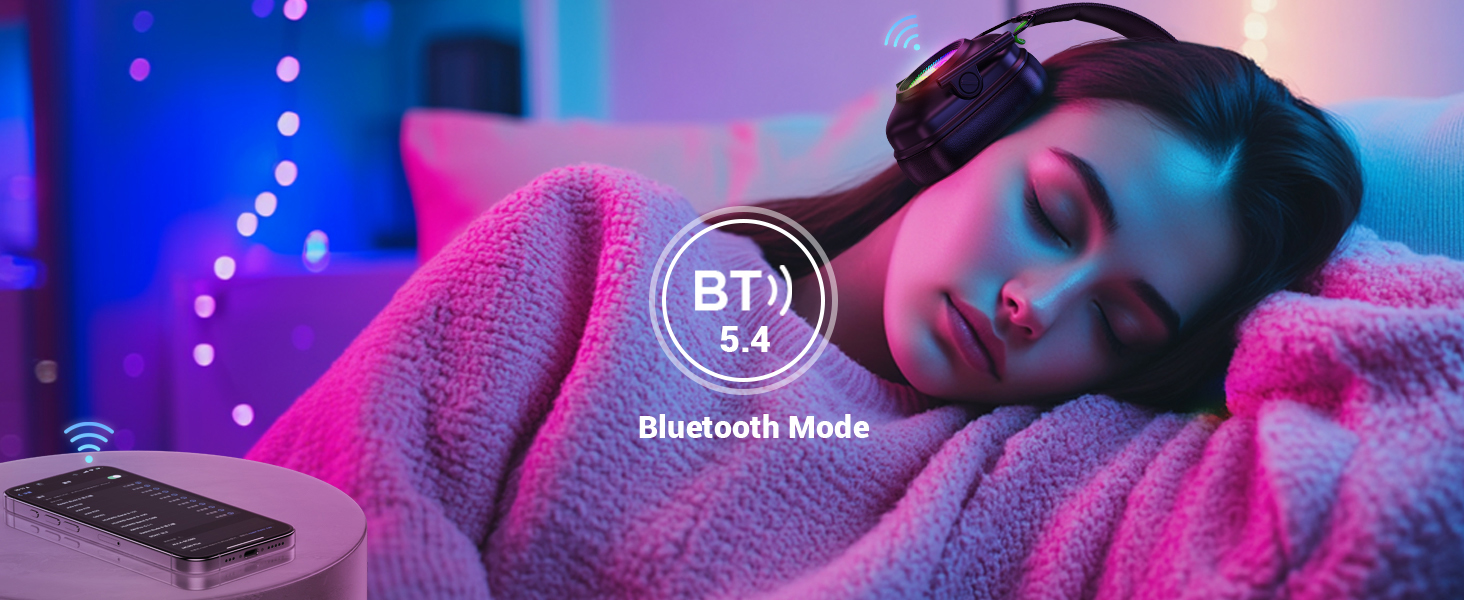
Image: The headset connected wirelessly to a smartphone, indicating Bluetooth mode.
Device Compatibility Summary:
| Device | 2.4GHz Dongle Mode | Bluetooth Mode |
|---|---|---|
| PC/Mac/Laptop | Supported | Supported |
| PS4/PS5 | Supported | Not Compatible |
| Nintendo Switch | Supported (Mic Invalid) | Supported (Mic Invalid) |
| Mobile/Tablet | Not Compatible | Supported |
| Xbox Series | Not Compatible with any mode | |
Table: Device compatibility for Krysenix KGH2 headset.
Operating Instructions
The headset features intuitive controls located on the earcup. Refer to the diagram below for button identification and functions.

Image: Detailed view of the headset's control buttons and their corresponding functions.
| Button/Action | Function |
|---|---|
| Power Button (1) |
|
| Volume Down (-) Button (2) |
|
| Volume Up (+) Button (3) |
|
| Mode (M) Button (4) |
|
| Microphone (Mic) Button (5) |
|
Table: Headset control functions.
Microphone Usage
The adjustable noise-canceling microphone can be rotated up to 120° for optimal positioning. Use the Mic button (5) to toggle the microphone on or off. Ensure the microphone is enabled for voice communication in your device's settings.

Image: A user wearing the headset with the microphone positioned for communication.
RGB Lighting
The headset features cool RGB lighting. A single click of the Mode (M) button (4) will turn the RGB lighting on or off.
Maintenance
- Cleaning: Use a soft, dry cloth to clean the headset. Avoid using abrasive cleaners or solvents.
- Storage: Store the headset in a cool, dry place away from direct sunlight and extreme temperatures. The foldable design allows for compact storage.
- Battery Care: To prolong battery life, avoid fully discharging the headset frequently. Charge it regularly, even if not in use for extended periods.
- Earmuffs: The imitation protein earmuffs are designed for durability. Avoid sharp objects that could puncture or tear the material.
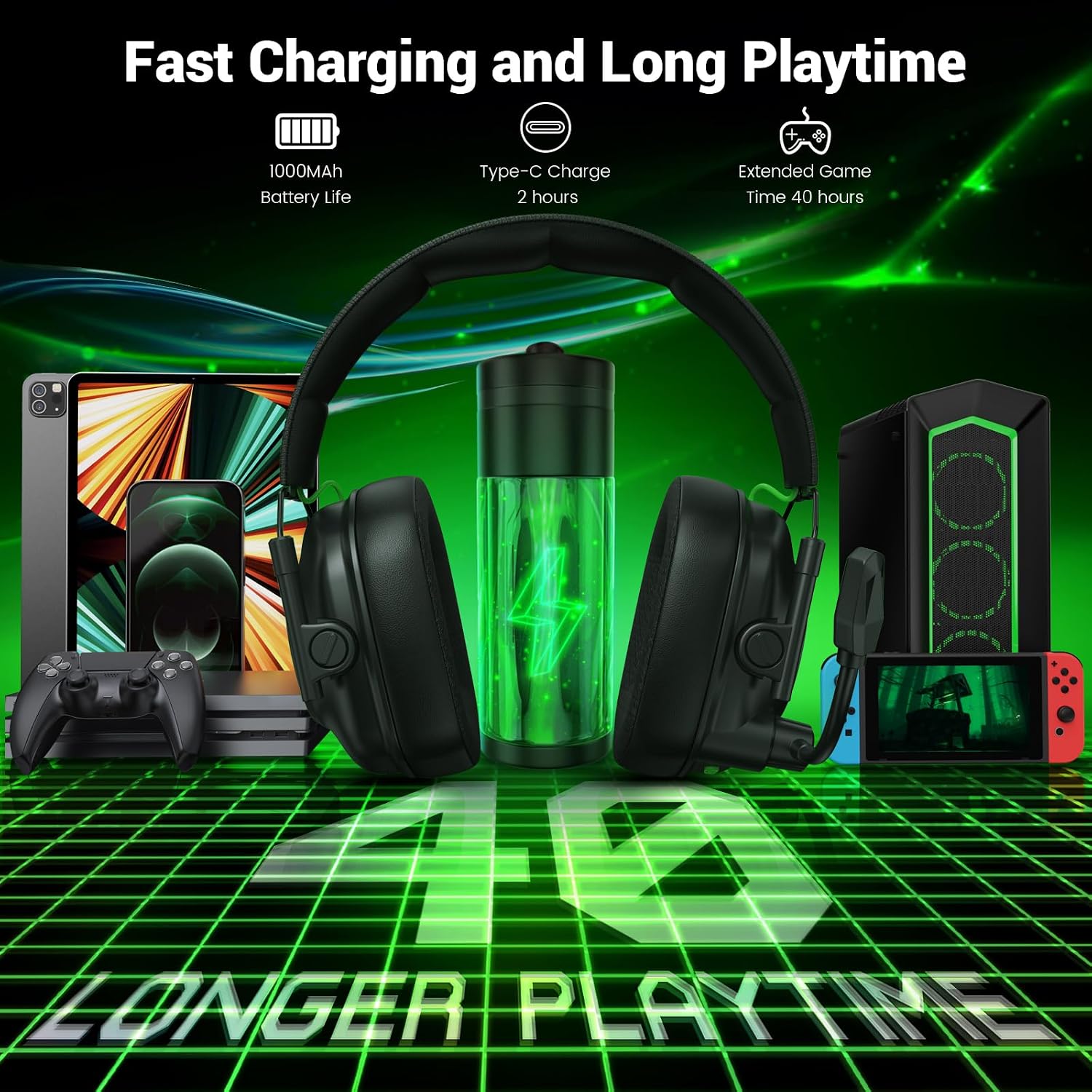
Image: The headset highlighting its ergonomic features like soft earcups and foldable design.
Troubleshooting
No Sound or Low Volume:
- Ensure the headset is powered on and properly connected (2.4GHz dongle or Bluetooth).
- Check the volume levels on both the headset (using + button) and your connected device.
- Verify that the correct audio output device is selected in your computer's or console's sound settings.
- Re-pair the headset if using Bluetooth, or re-insert the 2.4GHz dongle.
Microphone Not Working:
- Ensure the microphone is not muted (single click Mic button (5)).
- Check the microphone input settings on your connected device (PC, console).
- Remember that the microphone is not supported when connected to Nintendo Switch via either 2.4GHz or Bluetooth.
- Ensure the headset is not connected to a PS4/PS5 via Bluetooth, as microphone functionality is not available in this configuration.
Connection Issues:
- 2.4GHz Wireless: Ensure the USB dongle is securely inserted. Try a different USB port. Power cycle both the headset and the device.
- Bluetooth: Ensure Bluetooth is enabled on your device. Forget the headset from your device's Bluetooth list and re-pair. Keep the headset within the effective range of your device.
- Avoid interference from other wireless devices operating on similar frequencies.
RGB Lighting Not Working:
- Single click the Mode (M) button (4) to toggle RGB lighting on/off.
- Ensure the headset has sufficient battery charge.
Specifications
| Feature | Detail |
|---|---|
| Brand | Krysenix |
| Model Number | KGH2 |
| Color | Black |
| Ear Placement | Over Ear |
| Impedance | 32 ohm |
| Battery Capacity | 1200mAh |
| Battery Charge Time | 2.5 - 3 hours |
| Battery Average Life | Up to 40 hours (RGB off), 30-35 hours (RGB on) |
| Noise Control | Sound Isolation, Noise Cancellation (Microphone) |
| Audio Driver Type | Dynamic Driver (50mm Titanium-Coated) |
| Connectivity Technology | Wireless (2.4GHz, Bluetooth) |
| Bluetooth Version | 5.4 |
| Microphone | Adjustable, Noise-Canceling |
| Additional Features | Foldable, RGB Lighting, Volume Control |
| Compatible Devices | PC, Mac, Laptop, PS4, PS5, Mobile, Tablet, Nintendo Switch (Mic invalid) |
| Incompatible Devices | All Xbox series consoles |
Table: Technical specifications of the Krysenix KGH2 headset.
Warranty Information
The Krysenix KGH2 Wireless Gaming Headset comes with a 1-year warranty from the date of purchase. This warranty covers manufacturing defects and workmanship under normal use. It does not cover damage caused by misuse, accidents, unauthorized modifications, or normal wear and tear.
Please retain your proof of purchase for warranty claims.
Customer Support
For further assistance, technical support, or warranty inquiries, please refer to the contact information provided with your purchase documentation or visit the official Krysenix website. When contacting support, please have your product model number (KGH2) and proof of purchase readily available.
