
Ejoyous Ejoyousk6hdoyeg58
Ejoyous 4-Button Garage Door Remote Control User Manual
Model: Ejoyousk6hdoyeg58
1. Introduction
This user manual provides detailed instructions for the Ejoyous 4-Button Garage Door Remote Control. Please read this manual carefully before using the device to ensure proper operation and to maximize its lifespan. This remote control is designed for convenient and secure operation of garage doors, roller doors, alarm systems, and other compatible electronic devices.
2. Safety Information
- Keep the remote control out of reach of children to prevent accidental operation or ingestion of small parts.
- Do not expose the device to extreme temperatures, direct sunlight, or moisture.
- Avoid dropping the remote control or subjecting it to strong impacts.
- Do not attempt to disassemble or repair the device yourself. Refer to qualified personnel for service.
- Ensure the garage door or other controlled device is clear of obstructions before activation to prevent injury or damage.
- Dispose of used batteries responsibly according to local regulations.
3. Product Overview
The Ejoyous 4-Button Remote Control is a compact and lightweight device designed for wireless control. It features four distinct buttons for various functions, offering high sensitivity and anti-interference capabilities for reliable performance up to 100 meters.
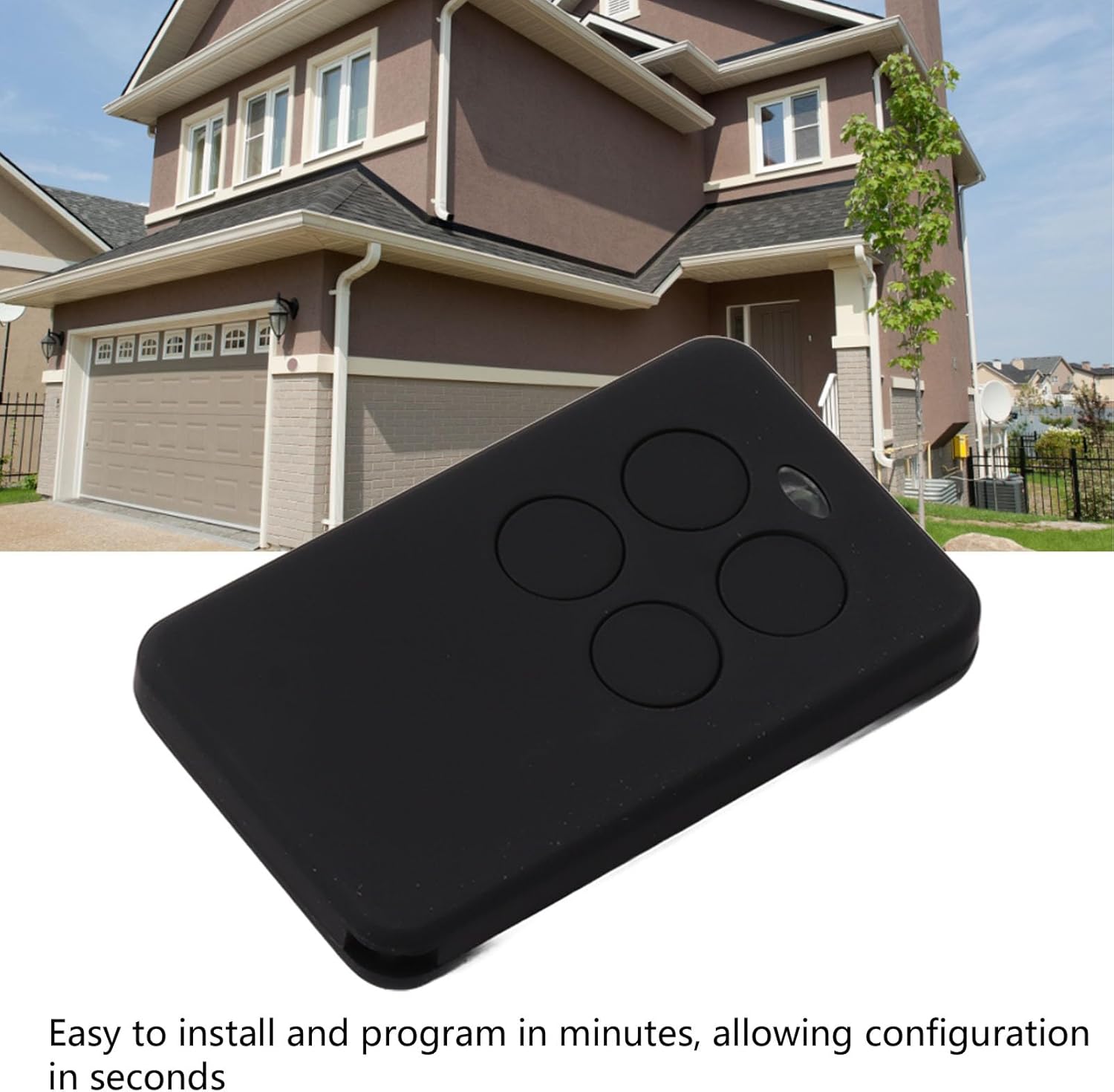
Image: The Ejoyous 4-Button Remote Control, shown in a typical residential setting, highlighting its application for garage doors.
Key Features:
- Secure Operation: Utilizes advanced encryption technology to prevent unauthorized access and ensure maximum security.
- Compact and Portable: Weighing only 27g, its small size allows for easy carrying in a pocket or bag.
- Extended Range: Offers a wireless transmission range of up to 100 meters, ensuring reliable control from a distance.
- Easy Installation & Programming: Designed for quick setup and programming, often within minutes, without complex wiring.
- Versatile Application: Compatible with various systems including garage doors, roller doors, alarm systems, and other home automation devices.

Image: The remote control with a convenient wrist strap, illustrating its compact design and ease of carrying.
4. Setup and Programming
The Ejoyous remote control is designed for straightforward setup. Specific programming steps may vary depending on the receiver unit (e.g., garage door opener). Always refer to the instructions provided with your garage door opener or the device you intend to control for detailed pairing procedures.
General Programming Steps (Consult your device's manual for specifics):
- Prepare the Receiver: Locate the "Learn" or "Program" button on your garage door opener or receiver unit. This button is usually on the motor unit itself.
- Activate Learning Mode: Press and release the "Learn" or "Program" button on your receiver. An indicator light (LED) will typically illuminate, signaling that the receiver is in learning mode. This mode usually lasts for a short period (e.g., 30 seconds).
- Program the Remote: Within the learning mode timeframe, press and hold the desired button on your Ejoyous remote control that you wish to assign to the function (e.g., opening/closing the garage door).
- Confirm Pairing: The indicator light on your receiver may flash or turn off to confirm successful pairing. Release the button on the remote control.
- Test Operation: Press the programmed button on your Ejoyous remote control to test if the device responds correctly.
- Repeat for Multiple Devices (Optional): If you are controlling multiple devices or wish to assign different functions to other buttons, repeat the process for each desired button and device.
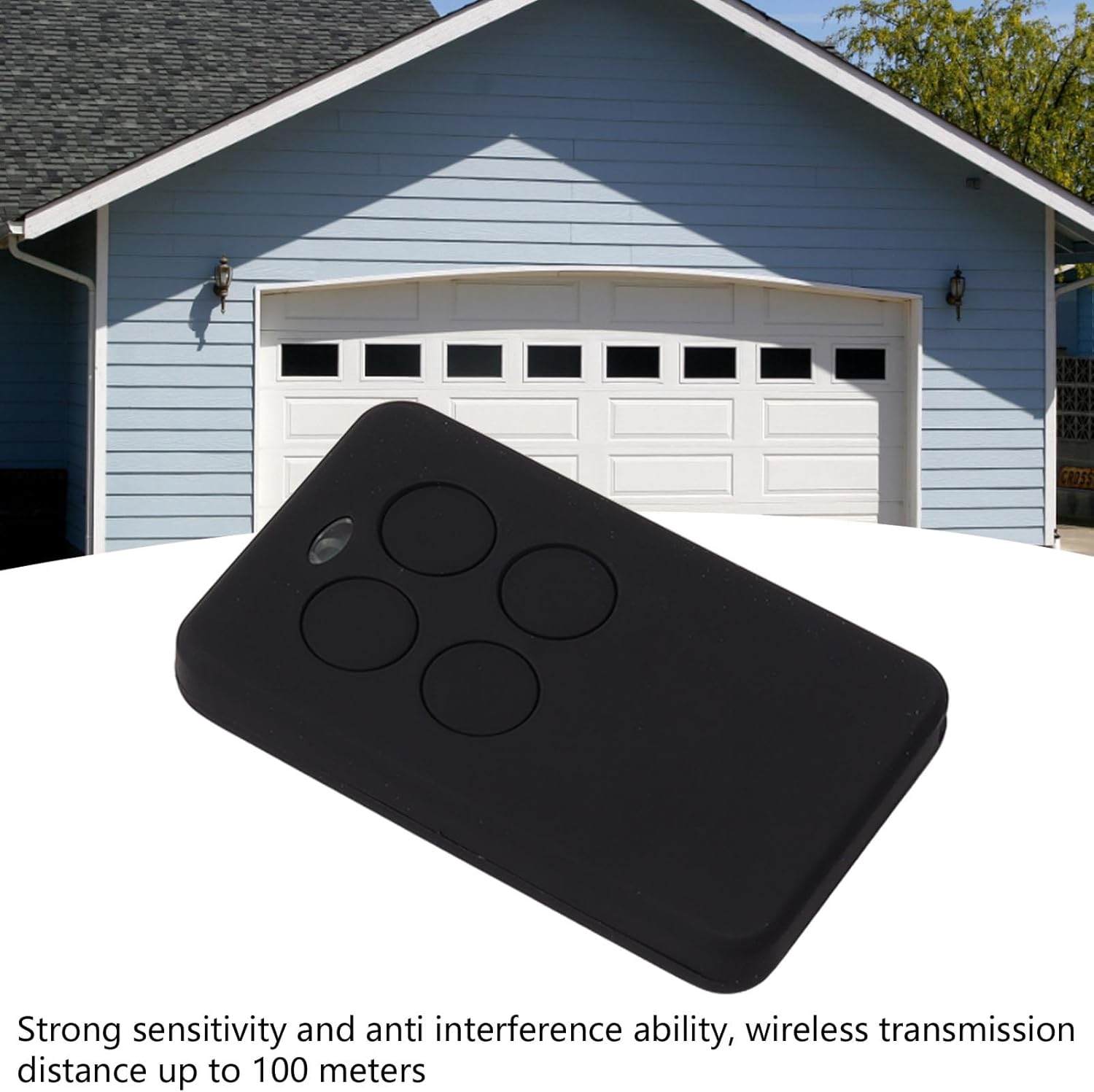
Image: The remote control with an overlay emphasizing its quick and easy installation and programming process.
5. Operating Instructions
Once programmed, operating the Ejoyous remote control is simple:
- Activate Function: Press the corresponding button on the remote control that you have programmed for a specific function (e.g., opening the garage door).
- Range: The remote operates effectively up to 100 meters. Ensure you are within this range for reliable operation. Environmental factors and obstacles may affect the actual range.
- Indicator Light: A small LED indicator on the remote control may light up when a button is pressed, confirming signal transmission.

Image: A user's hand holding the remote control, illustrating its comfortable grip and readiness for use.
6. Maintenance
Battery Replacement:
The remote control is powered by a CR2032 button cell battery. When the remote's range decreases significantly or the indicator light fails to illuminate, it's time to replace the battery.
- Locate the battery compartment on the back or side of the remote control.
- Carefully open the compartment using a small screwdriver or coin if necessary.
- Remove the old CR2032 battery.
- Insert a new CR2032 battery with the positive (+) side facing up (or as indicated in the compartment).
- Close the battery compartment securely.
- Test the remote control to ensure proper function.
Cleaning:
Wipe the remote control with a soft, dry cloth. Do not use abrasive cleaners or solvents, as these can damage the casing or internal components.

Image: A detailed view of the remote control's four buttons and the signal indicator light, useful for understanding its interface.
7. Troubleshooting
| Problem | Possible Cause | Solution |
|---|---|---|
| Remote not responding. | Dead or low battery. Remote not programmed correctly. Out of range. Interference. | Replace the CR2032 battery. Re-program the remote control following Section 4. Move closer to the receiver unit. Check for other electronic devices causing interference. |
| Reduced operating range. | Low battery. Obstructions between remote and receiver. Environmental factors. | Replace the CR2032 battery. Ensure a clear line of sight or reduce obstructions. Test in different conditions. |
| Indicator light not illuminating. | Dead battery. Internal fault. | Replace the CR2032 battery. If the issue persists after battery replacement, contact customer support. |
8. Specifications
| Brand | Ejoyous |
| Model Number | Ejoyousk6hdoyeg58 |
| Dimensions (L x W x H) | 6.99 x 4.98 x 1.98 cm |
| Weight | 27 grams |
| Battery Type | CR2032 (included) |
| Wireless Range | Up to 100 meters |
| Number of Buttons | 4 |
| Country of Origin | China |
9. Warranty and Support
For warranty information and technical support, please refer to the documentation included with your purchase or contact the seller/manufacturer directly. Keep your proof of purchase for any warranty claims.
Manufacturer: Ejoyous
Ask a question about this manual
Ask about setup, troubleshooting, compatibility, parts, safety, or missing instructions. Manuals+ will review the question and use this page’s manual context to help answer it.