
Introduction
This manual provides detailed instructions for the installation, operation, and maintenance of your SURFOU Wireless Doorbell System, Model N128. This system is designed for ease of use and reliable performance, featuring a waterproof transmitter, multiple chime options, and adjustable volume levels.
Setup and Installation
Follow these steps to set up your SURFOU Wireless Doorbell System.
Package Contents
Before installation, ensure all components are present:
- Wireless Doorbell Transmitter (Button)
- Wireless Doorbell Receiver(s)
- User Manual
- Mounting Hardware (screws, anchors, adhesive tape)
- Battery for Transmitter

Figure 1: Components of the SURFOU Wireless Doorbell System. This image displays the doorbell transmitter, receiver, user manual, battery, and various mounting accessories.
Transmitter Installation (Doorbell Button)
- Choose a Location: Select a flat, vertical surface near your door. Ensure the location is easily accessible for visitors.
- Prepare the Transmitter: Open the transmitter casing to insert the provided battery.
- Mounting Options:
- Adhesive Tape: For smooth surfaces, peel off the protective film from the double-sided adhesive tape and firmly press the transmitter onto the desired location for 30 seconds.
- Screws: For uneven or rough surfaces, mark the screw holes using the transmitter as a template. Drill pilot holes, insert wall anchors if necessary, and secure the transmitter with the provided screws.
- Weather Protection: The transmitter is designed to be waterproof and dustproof, suitable for outdoor use.
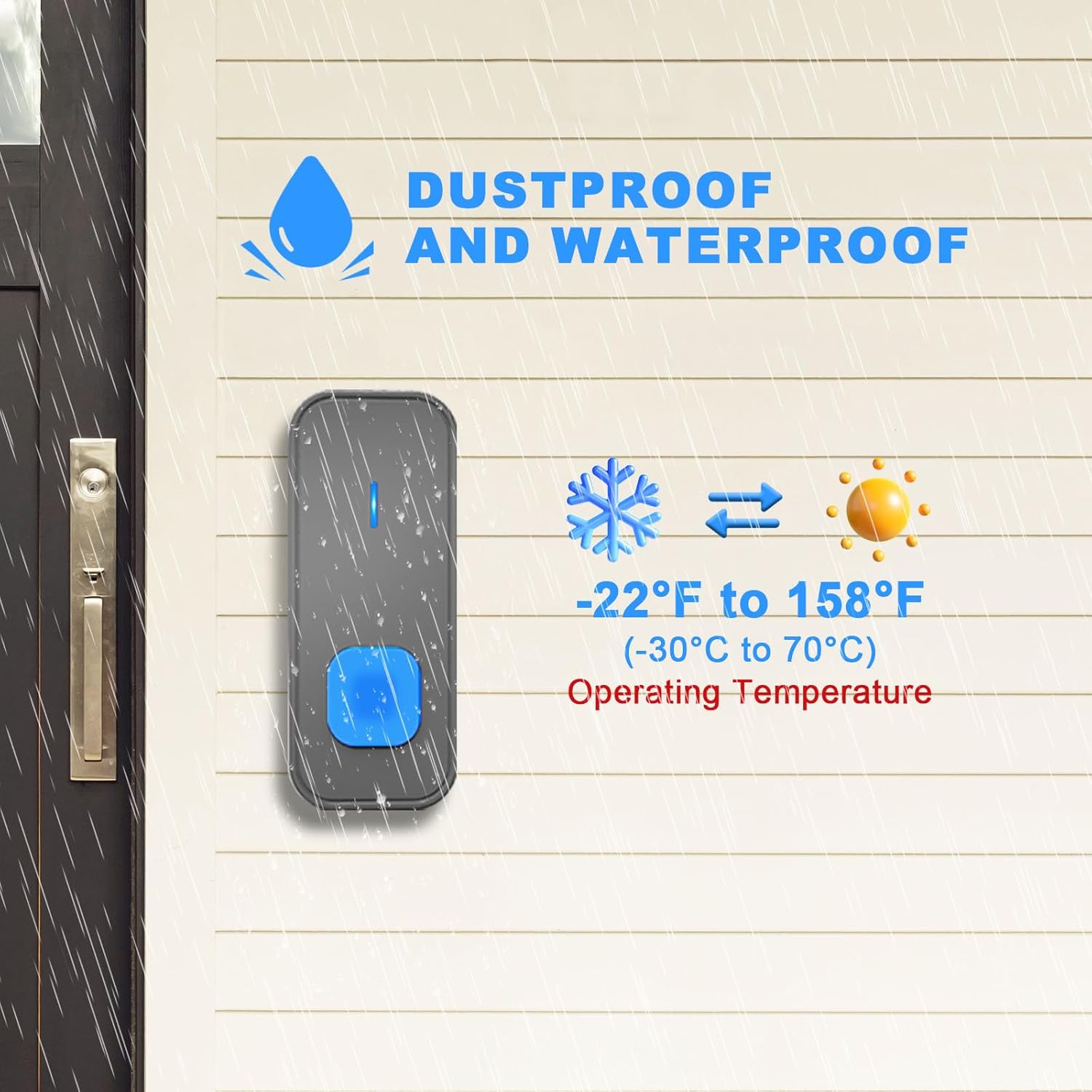
Figure 2: The doorbell transmitter is designed for outdoor use, featuring dustproof and waterproof capabilities, and operates effectively in temperatures ranging from -22°F to 158°F (-30°C to 70°C).
Receiver Installation (Chime Unit)
- Plug In: Simply plug the receiver into any standard electrical outlet within your home.
- Placement: Place receivers in locations where the chime can be easily heard throughout your desired area. The system offers a wireless range of up to 1300 feet in open environments.
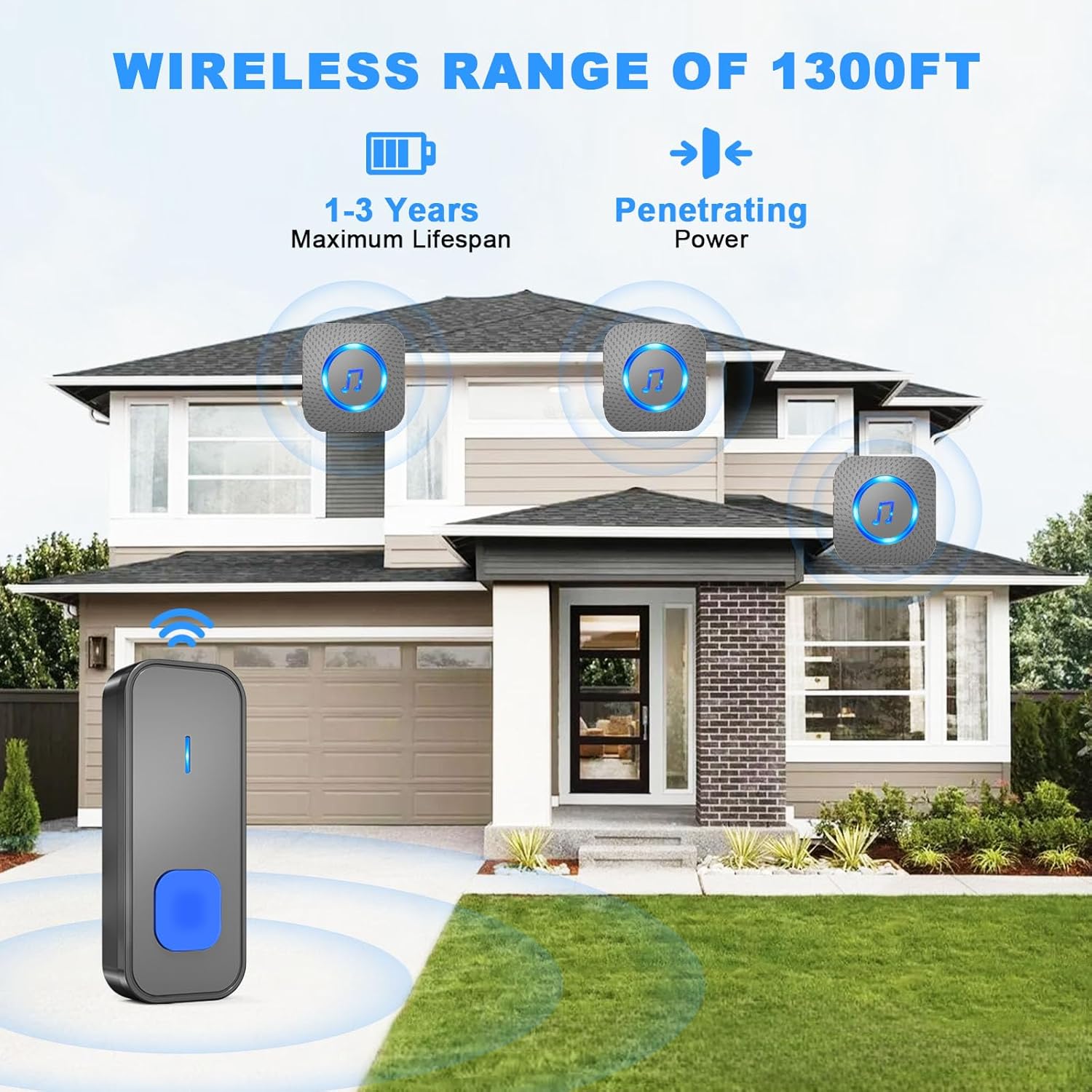
Figure 3: Illustration of the doorbell's wireless range, demonstrating its ability to transmit signals up to 1300 feet and penetrate walls for effective coverage throughout a home. The transmitter battery has a lifespan of 1-3 years.
Operating Instructions
Your SURFOU Wireless Doorbell System is designed for simple operation.
Changing Chimes
- Locate the "Melody Selection" button on the receiver.
- Press the button repeatedly to cycle through the 55 available melodies.
- Once you hear your desired melody, stop pressing. The receiver will automatically save your selection.
Adjusting Volume
- Locate the "Volume Control" button on the receiver.
- Press the button to cycle through the 5 adjustable volume levels, ranging from 0dB (silent mode) to 110dB.
- The receiver will retain your last set volume level even after a power failure.

Figure 4: The receiver offers 55 distinct melodies, 5 adjustable volume levels, including a silent mode (0-110dB), and two working modes.
LED Flash Indicator
In addition to the audible chime, the receiver features an LED light indicator that flashes when the doorbell is pressed. This visual alert is particularly helpful for individuals with hearing impairments or when the receiver is in silent mode.

Figure 5: The LED flash indicator provides a visual alert, and the mute mode allows for silent notification, ideal for quiet environments or for users who prefer visual cues.
Maintenance
Proper maintenance ensures the longevity and optimal performance of your doorbell system.
- Cleaning: Wipe the transmitter and receiver with a soft, dry cloth. Avoid using abrasive cleaners or solvents.
- Battery Replacement: The transmitter battery typically lasts 1-3 years. Replace the battery when the doorbell button's LED indicator no longer lights up or the signal becomes weak. Use an Alkaline battery of the specified type (e.g., 23A 12V).
- Environmental Conditions: While the transmitter is waterproof and dustproof, avoid submerging it in water or exposing it to extreme physical impact.
Troubleshooting
If you encounter issues with your SURFOU Wireless Doorbell, refer to the following common problems and solutions:
| Problem | Possible Cause | Solution |
|---|---|---|
| Receiver does not chime. |
|
|
| Chime sounds intermittently or weakly. |
|
|
| Transmitter LED does not light up when pressed. |
|
|
Product Specifications
| Model Number | N128 |
| Wireless Range | Up to 1300 feet (in open environment) |
| Chime Options | 55 melodies |
| Volume Levels | 5 levels (0dB to 110dB) |
| Transmitter Power Source | Alkaline Battery (e.g., 23A 12V) |
| Receiver Power Source | AC 110-240V (Plug-in) |
| Operating Temperature | -22°F to 158°F (-30°C to 70°C) |
| Waterproof Rating | IP44 (Transmitter) |
| Dimensions (Transmitter) | Approx. 7cm (height) x 3.5cm (width) |
| Dimensions (Receiver) | Approx. 7cm (width) x 8.6cm (height) |
| Item Weight | 9.9 ounces (total package) |
Warranty and Support
SURFOU products are designed for reliability and performance. For specific warranty details, please refer to the warranty card included with your product or visit the official SURFOU website.
If you require technical assistance or have questions regarding your doorbell system, please contact SURFOU customer support.
- Email: support-service@surfou.com
- Website: Refer to the official SURFOU brand store on Amazon or the product packaging for the most current support information.


